Pairing your iPhone with a Jeep Wrangler is one of the easiest ways to enjoy hands-free calls, play your favorite music, and use navigation safely while driving. Many drivers love the freedom and technology that Jeep’s Uconnect system provides, but the first pairing can sometimes feel confusing.
This guide gives you clear, step-by-step instructions, practical tips, and answers to common problems, so you can connect your iPhone with confidence.
Understanding Your Jeep Wrangler’s Uconnect System
Jeep Wranglers made after 2011 usually come with the Uconnect infotainment system. This system supports Bluetooth, Apple CarPlay, and sometimes Android Auto. The features you get depend on your Wrangler’s year and trim. For most 2015+ models, pairing with Bluetooth and using CarPlay is quick and smooth.
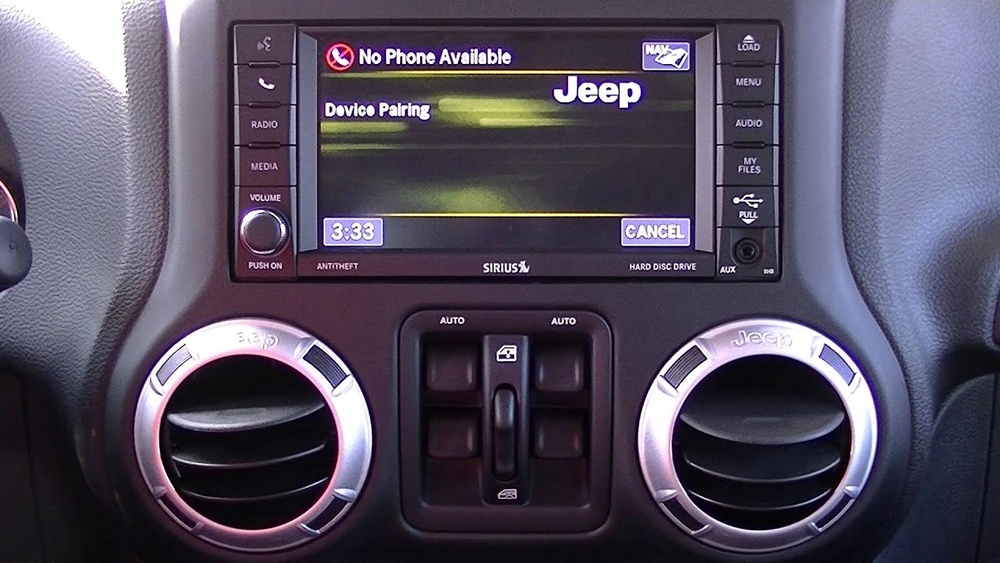
Here’s a simple comparison of Uconnect features by model year:
| Model Year | Bluetooth | Apple CarPlay | Touchscreen Size |
|---|---|---|---|
| 2011–2014 | Yes | No | 5–6.5 inch |
| 2015–2017 | Yes | Optional | 6.5–8.4 inch |
| 2018–2024 | Yes | Yes | 7–8.4 inch |
Older Wranglers may only support basic Bluetooth, while newer ones have full CarPlay for better integration with your iPhone.
How To Pair Iphone With Jeep Wrangler Via Bluetooth
Most drivers start with Bluetooth pairing to make calls and stream music. Follow these steps for a successful connection:
- Start your Jeep and keep it in Park. Safety first—the system blocks pairing while driving.
- Turn on your Wrangler’s Uconnect system.
- On your iPhone, open Settings > Bluetooth. Make sure Bluetooth is ON.
- On the Uconnect screen, tap Phone or Media, then select Add Device or Pair a Device.
- Your Jeep should show up as “Uconnect” or “Wrangler” on your iPhone’s Bluetooth list. Tap it.
- A PIN code will appear on both screens. Confirm the numbers match and tap Pair on your iPhone and Yes on Uconnect.
- Wait a few seconds. Your iPhone will show “Connected,” and the Jeep’s screen should show your device name.
If you want to connect multiple phones, repeat these steps for each one. Most Wranglers can remember up to 7 paired devices, but only one can be active at a time.
Here’s a quick look at what you can do with Bluetooth:
| Feature | Bluetooth | Apple CarPlay |
|---|---|---|
| Hands-free Calls | Yes | Yes |
| Music Streaming | Yes | Yes |
| Text Messaging | Limited | Yes |
| Navigation Apps | No | Yes |
| Voice Assistant | Limited (Siri only) | Full Siri integration |
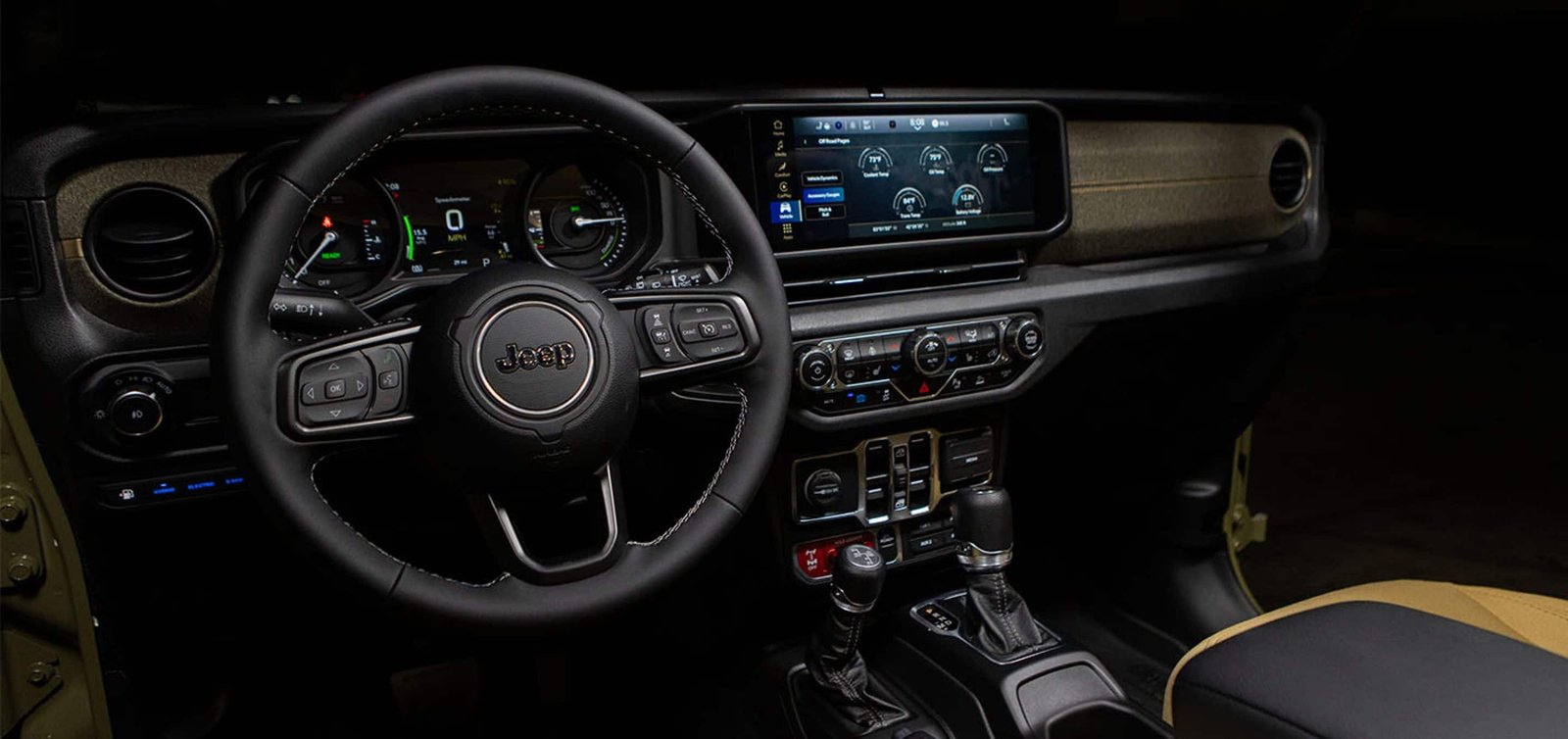
How To Use Apple Carplay In Your Jeep Wrangler
If your Wrangler supports Apple CarPlay, you’ll get even more features—like using Apple Maps, Siri, and favorite apps directly on your Jeep’s touchscreen. Here’s how to set it up:
- Use an Apple-certified Lightning cable (older models) or USB-C (latest models).
- Plug your iPhone into the Jeep’s USB port (usually under the dashboard or in the center console).
- The Uconnect screen will display a prompt: “Apple CarPlay Available.” Tap Yes or Enable.
- Your iPhone may ask, “Allow CarPlay with Uconnect?” Tap Allow.
- CarPlay will launch automatically. You’ll see your iPhone’s apps on the Jeep’s screen.
Pro tip: Some 2022+ Wranglers support wireless CarPlay. To use it, follow the Bluetooth steps above, then select CarPlay from the Uconnect menu.
Common Problems And Fixes
Pairing doesn’t always work smoothly the first time. Here are common issues and how to solve them:
- Uconnect won’t find your iPhone: Make sure your iPhone’s Bluetooth is visible, and delete old devices from Uconnect if the list is full.
- Music won’t play: Check if the correct audio source is selected (Bluetooth or CarPlay).
- CarPlay won’t connect: Use a high-quality cable—cheap ones often fail. Restart both your iPhone and Uconnect.
- Calls drop or audio is choppy: Move your iPhone closer to the Jeep’s system, and keep it updated with the latest iOS.
Many beginners forget that software updates matter. Always update both your iPhone and the Uconnect system.
This solves many glitches that can block pairing.
Tips For A Smoother Connection
- Delete old Bluetooth devices if the system is full. Uconnect sometimes won’t pair if there are too many saved phones.
- Turn off Wi-Fi on your iPhone during Bluetooth pairing. This can prevent interference.
- Use official Apple cables for CarPlay. Non-certified cables often cause connection drops.
- Keep your Jeep’s Uconnect software updated. Visit your dealer or check the Jeep website for updates.
- If you plan to sell or trade your Jeep, remove your iPhone from the Uconnect system to protect your privacy.
Safety And Legal Reminders
Using your phone through your Jeep’s system is much safer than holding it. However, always set up connections while the vehicle is parked.
In many states, distracted driving laws ban handling phones while driving.
Most new Wranglers let you use voice commands with Siri, so you can send messages, get directions, or change music without looking away from the road.
Frequently Asked Questions
Can I Pair More Than One Iphone With My Jeep Wrangler?
Yes, you can pair up to seven devices with Uconnect, but only one can be connected and active at a time. Switch between phones using the Uconnect device menu.
Why Is My Iphone Not Showing Up On The Uconnect Bluetooth List?
Make sure Bluetooth is enabled and your iPhone is “discoverable. ” Delete old or unused devices from Uconnect if the list is full, and restart both your phone and the Jeep’s system.
Does Every Jeep Wrangler Support Apple Carplay?
No, only Wranglers made after 2017 (with certain trims) offer Apple CarPlay. Check your owner’s manual or the official Jeep Uconnect site to confirm your model’s features.
How Do I Update My Jeep’s Uconnect System?
Visit your local Jeep dealer, or check the Jeep website for downloadable updates. Some updates require a USB drive and can be done at home, but dealer service is safest for beginners.
Is It Safe To Use Carplay While Driving?
Yes, as long as you use voice controls and keep your eyes on the road. CarPlay is designed to minimize distractions.
Never type or handle your iPhone while driving.
Connecting your iPhone to your Jeep Wrangler is a simple way to enjoy technology safely and legally. With Bluetooth and CarPlay, your favorite apps, music, and contacts are always close by without risking your focus on the road.
Take a few minutes to set up your system properly, and you’ll have a smarter, more enjoyable drive every time.