Locking your Jeep from your smartphone is more than just a cool feature it’s a practical way to boost security and convenience. Many Jeep owners are surprised at how easy this is, but also miss a few steps that can make things smoother.
In this article, you’ll learn how to lock your Jeep using the official app, get answers to common questions, and understand what’s really important for safe, reliable remote locking.
Whether you’re new to Jeep apps or just want to avoid mistakes, you’ll find clear guidance here.
What You Need To Lock Your Jeep Remotely
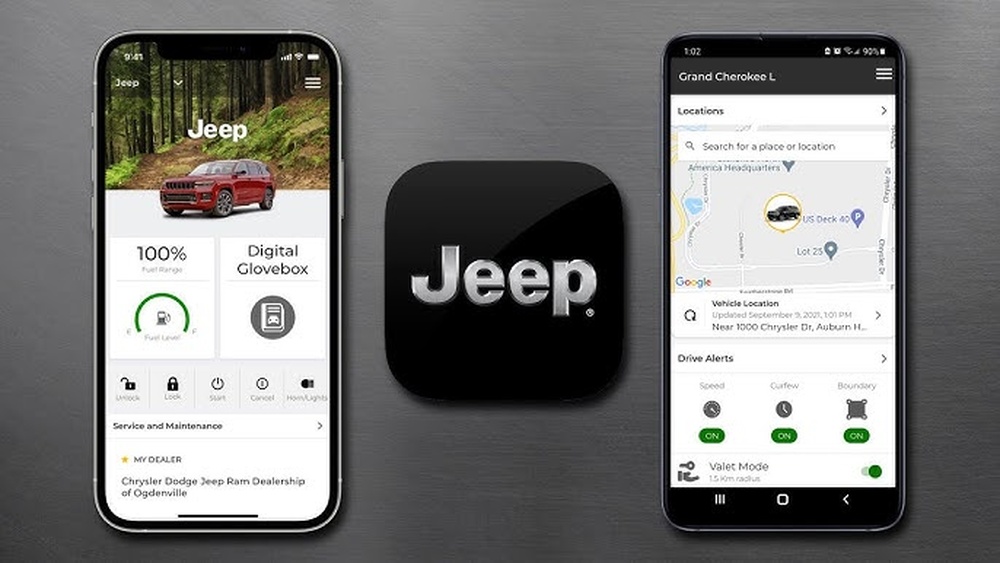
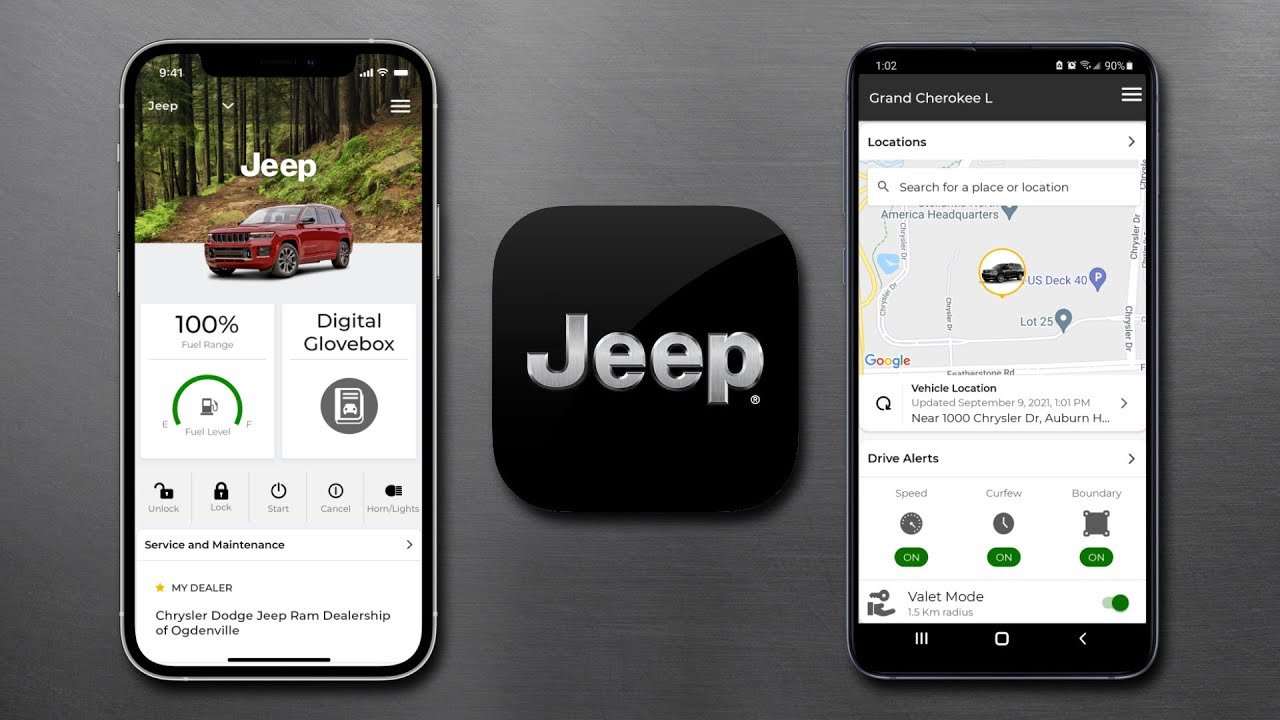
To lock your Jeep from your phone, you need the Uconnect app. This is Jeep’s official app for controlling your vehicle remotely. You also need:
- A Jeep model with Uconnect Access or Jeep Connect (usually 2018 or newer models)
- An active subscription (monthly or yearly)
- A reliable internet connection on both your phone and Jeep
Many people forget about the subscription. Without it, the app features won’t work, even if your Jeep supports remote locking.
Compatible Jeep Models
Not all Jeeps offer remote locking. Here’s a quick comparison of popular models:
| Jeep Model | Year | Remote Lock Support |
|---|---|---|
| Grand Cherokee | 2018–2024 | Yes |
| Wrangler | 2018–2024 | Yes |
| Compass | 2019–2024 | Yes |
| Renegade | 2020–2024 | Yes |
| Patriot | 2016–2017 | No |
Check your Jeep’s manual or ask your dealer if you’re unsure about compatibility.
Setting Up The Uconnect App
First, download the Uconnect app from the Apple App Store or Google Play Store. Creating an account is simple, but many users struggle with activation. Follow these steps:
- Open the app and select “Create Account.”
- Enter your Jeep’s VIN number (usually found on the driver’s dashboard).
- Choose a strong password.
- Confirm your email address.
- Select your Jeep model and year.
- Activate your subscription (you can use a trial if available).
Activation Tips
- Use the same email address you gave your dealer.
- If your Jeep is new, activation can take up to 24 hours.
- Make sure your phone’s Bluetooth and location are enabled.
Here’s a quick comparison of activation times:
| Activation Method | Estimated Time |
|---|---|
| Dealer Setup | 10–15 minutes |
| Manual App Setup | 20–30 minutes |
| New Vehicle (Initial) | 24 hours |
How To Lock Your Jeep Using The App
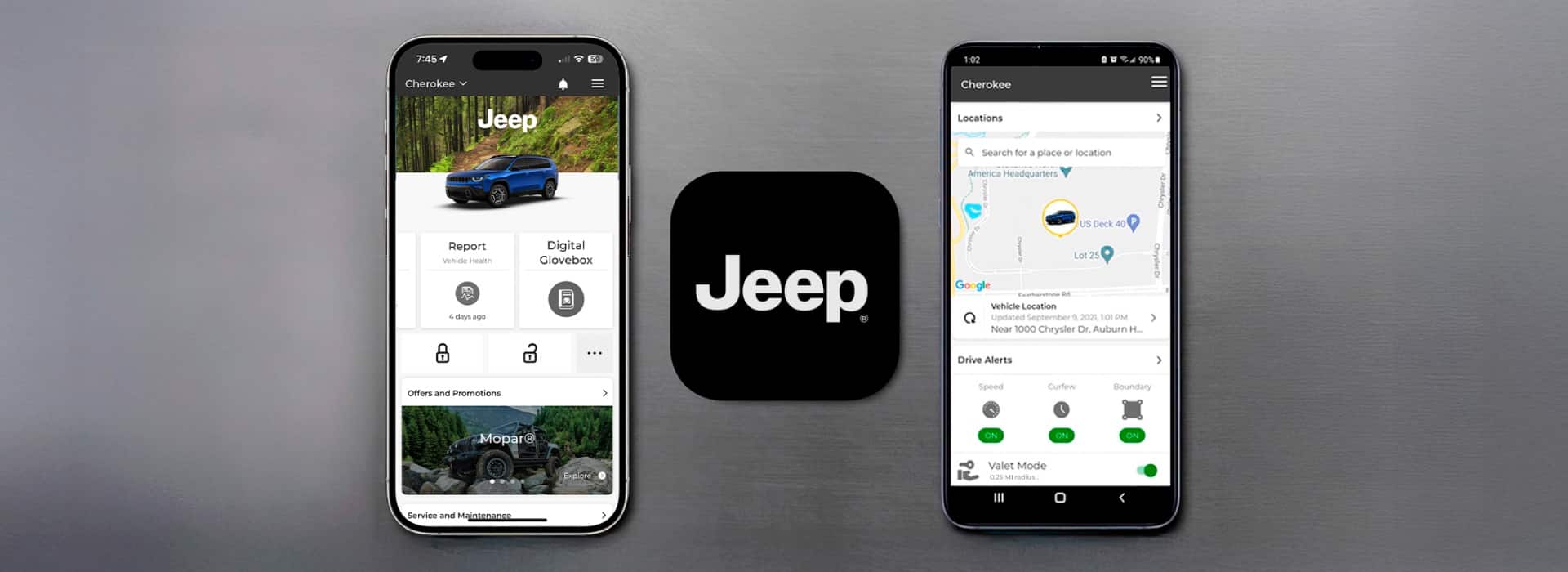
Locking your Jeep is easy after setup. Here’s how:
- Open the Uconnect app.
- Tap the “Remote” button on the main screen.
- Select “Lock.”
- Confirm your choice with your PIN or fingerprint.
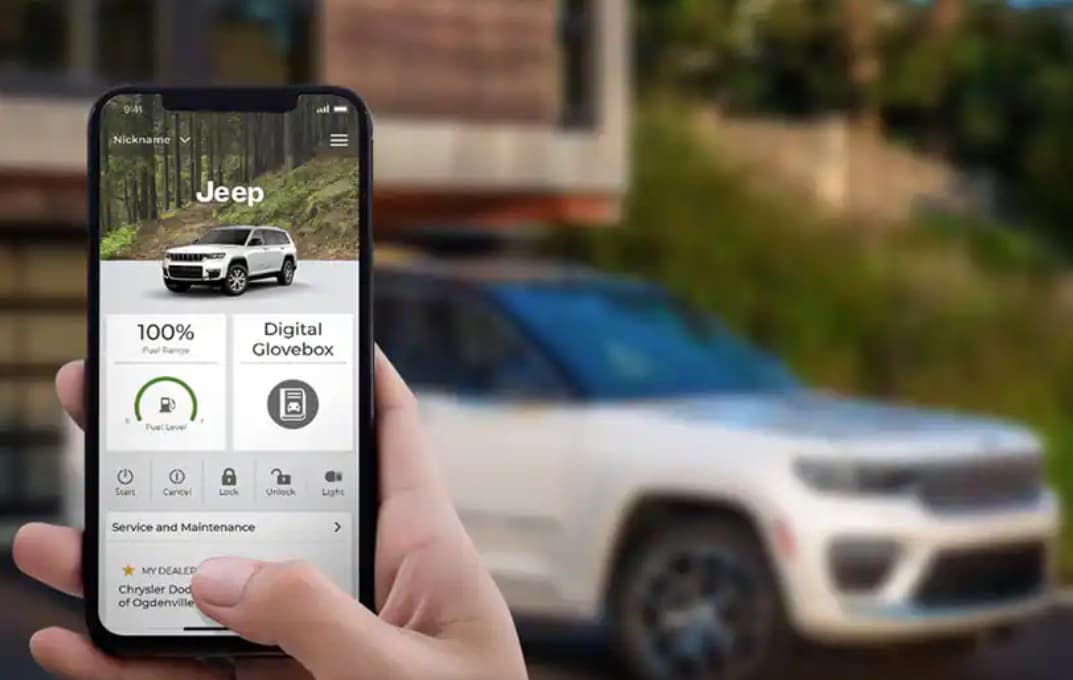
Your Jeep will lock within seconds. You’ll see a confirmation message in the app.
Common Mistakes To Avoid
- Trying to lock when your Jeep is out of cellular range (for example, underground parking).
- Forgetting your PIN or password.
- Not updating the app—older versions can fail to connect.
Most beginners miss that the app needs your Jeep’s engine to be off before you lock remotely. Also, if doors are open, the lock command may not work.
Real-world Example
Sarah owns a 2021 Jeep Wrangler. She often parks in busy city lots and locks her Jeep from the app while walking away.
She once forgot to close the driver’s door fully; the app showed “Lock failed. ” After closing the door and retrying, it worked.
Always check doors are closed before using remote lock.
Security And Privacy Concerns
Remote locking is safe, but you should protect your account. Choose a strong password and never share your login details. Jeep uses encryption for app commands, but your phone’s security matters too.
Data Usage
Locking your Jeep from the app uses very little data less than 1 MB per command. It’s faster than most messaging apps.
Here’s a comparison of data usage:
| Action | Data Used |
|---|---|
| Lock/Unlock Command | <1 MB |
| App Update | 20–50 MB |
| Streaming Music | 100–200 MB/hr |
Troubleshooting Remote Lock Issues
If you can’t lock your Jeep from the app, try these steps:
- Check if your phone has internet.
- Make sure your Jeep is in range (not in a remote area).
- Restart your app and phone.
- Update the app.
- If all else fails, contact Jeep support.
A common oversight is forgetting to update your app. New features and bug fixes are released often.
Also, some areas with weak cellular signals may block remote commands.
Practical Tips For Reliable Locking
- Set up app notifications for lock status.
- Keep your app updated monthly.
- Use fingerprint login if possible for speed and safety.
- If you change your phone, re-login and re-activate your Jeep.
Don’t rely only on the app carry your physical keys as backup.
Frequently Asked Questions
Can I Lock My Jeep From Anywhere In The World?
Yes, as long as your Jeep and phone have internet access. If your Jeep is parked in a location with no cellular signal, the command will not work.
Is Remote Locking Available For Older Jeep Models?
Most models from 2018 and newer support remote locking. Older Jeeps usually don’t have this feature unless retrofitted with special hardware.
What Happens If I Lose My Phone?
You should change your Uconnect password immediately and contact Jeep support. Your physical key will still work, and you can access your account from another device.
Is Locking From The App Safer Than Using The Key Fob?
Both methods use secure technology. The app adds convenience but depends on internet and your phone’s security.
Always use a strong password and keep your phone safe.
Where Can I Find Official Support Or More Information?
Visit the official Jeep Uconnect website for details: Jeep Uconnect.
Locking your Jeep from the app is quick, safe, and simple if you follow these steps. It’s a smart way to protect your vehicle, especially in busy areas or when you forget your keys.
With the right setup and habits, you can enjoy peace of mind every time you park your Jeep.