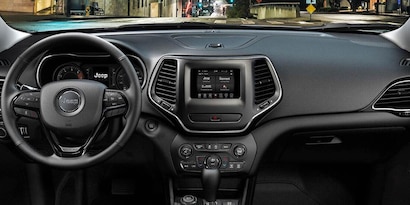
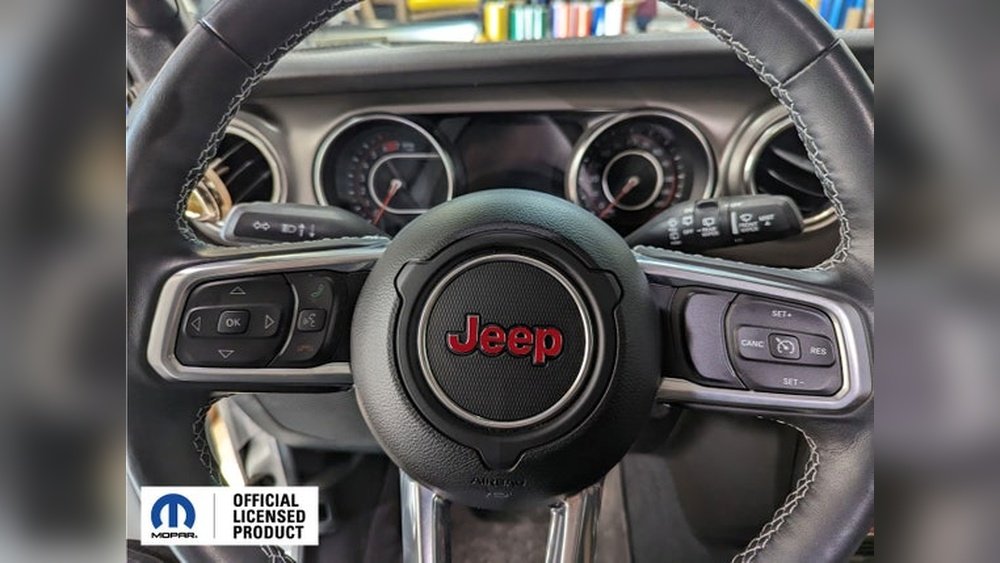
Connecting your smartphone or device to your Jeep Cherokee’s Bluetooth system can turn every drive into a more enjoyable and safer experience.
With hands-free calling, music streaming, and easy navigation, you can stay focused on the road while keeping your favorite features within reach.
Many Jeep Cherokee owners, especially those new to Bluetooth technology, find the setup process confusing or miss key steps. If you want to connect Bluetooth to your Jeep Cherokee quickly and avoid common problems, this guide will walk you through each step clearly.
Understanding Bluetooth In Your Jeep Cherokee
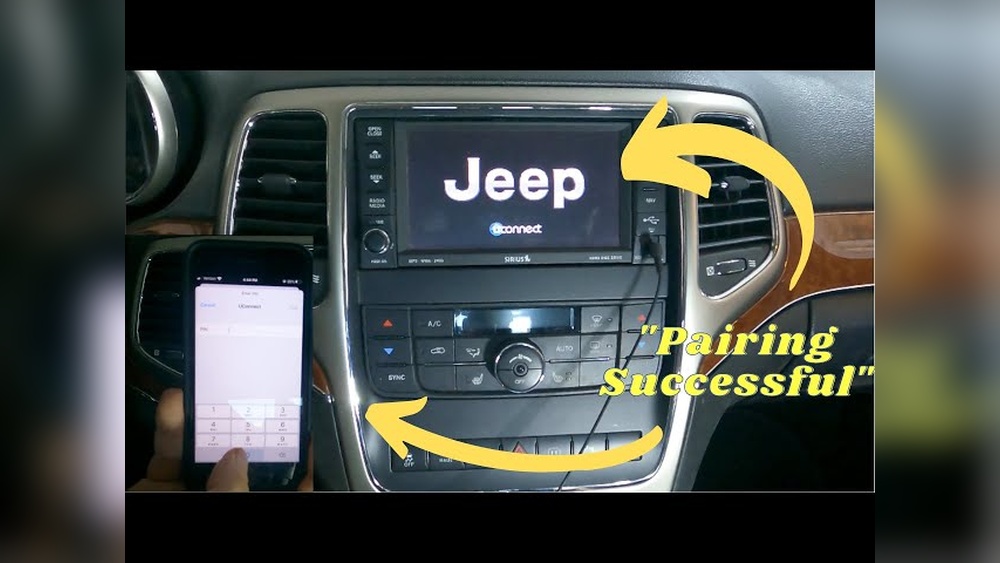
Modern Jeep Cherokees, especially models from 2014 onward, come with a built-in Uconnect system. This system manages Bluetooth connections, voice commands, navigation, and media. Some older models may offer Bluetooth but with fewer features. Understanding your Cherokee’s year and system version helps you follow the correct steps.
Here’s a quick overview of Bluetooth features in different model years:
| Model Year | Bluetooth Version | Main Features |
|---|---|---|
| 2011–2013 | Basic Bluetooth | Hands-free calling only |
| 2014–2018 | Uconnect 3/4 | Calling, music streaming, voice controls |
| 2019–present | Uconnect 4/5 | Advanced media, apps, improved pairing |
Check your vehicle manual or the Uconnect screen to see your version. Most steps are similar, but newer systems have extra features or updated menus.
Steps To Connect Bluetooth To Your Jeep Cherokee
Connecting Bluetooth is simple if you follow these steps. Before you start, make sure your Jeep is in Park and both your smartphone and the vehicle are turned on.
- Enable Bluetooth on your phone.
- Go to your phone’s settings.
- Turn on Bluetooth and make your device discoverable.
- Access the Uconnect system.
- Tap the Phone or Media button on the Uconnect touchscreen.
- If no phone is paired, the system will prompt you to add a device. If a phone is already paired, select “Add Device.”
- Start pairing.
- On the Uconnect screen, choose Pair a Device.
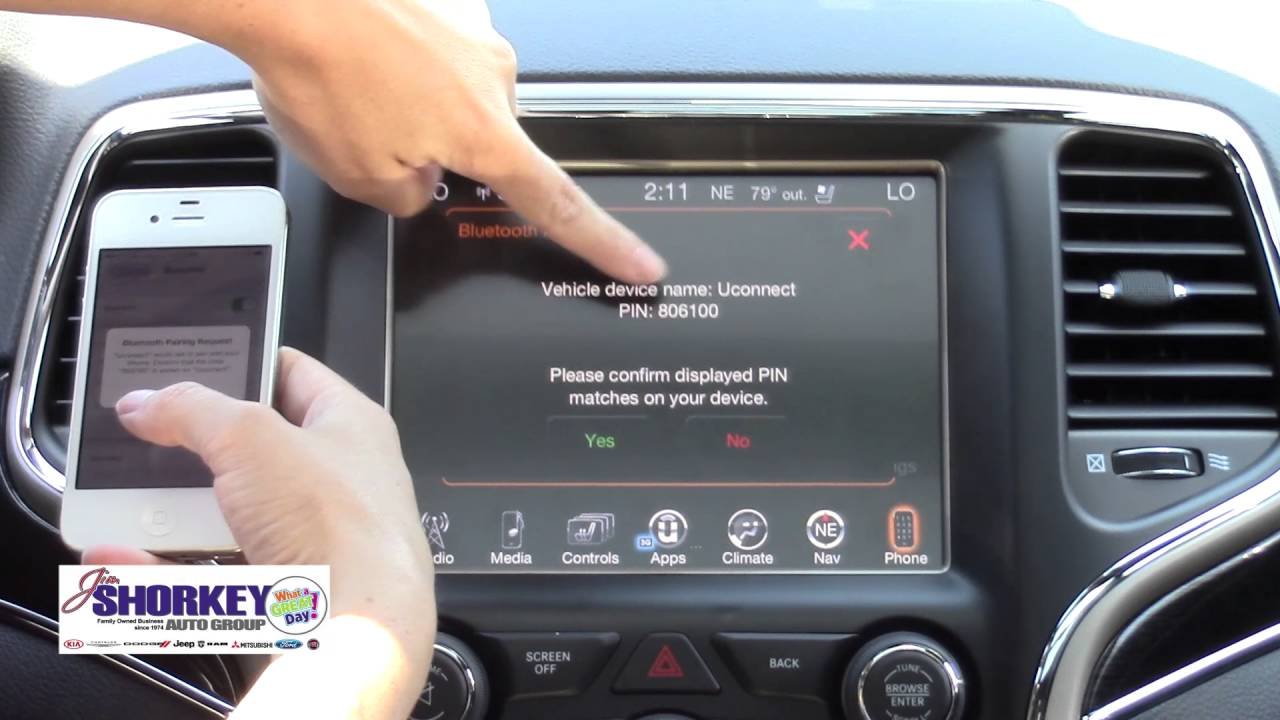
- The system will display a unique PIN or pairing code.
- Connect from your phone.
- On your phone, look for “Uconnect” (or “Jeep”) in the list of available Bluetooth devices.
- Select it, then enter the PIN shown on your Jeep’s screen, or confirm the code if it matches.
- Allow permissions.
- Your phone may ask if you want to allow contacts and messages access. Approve these to enable hands-free calling and text features.
- Confirmation.
- The Uconnect system will confirm when pairing is successful. Your phone will now be connected automatically each time you enter your Jeep.
If you encounter issues, restart both your phone and the Uconnect system, then try pairing again.
Example: Pairing An Iphone With A 2020 Jeep Cherokee
- IPhone: Go to Settings → Bluetooth → Turn On.
- Uconnect: Tap Phone → Add Device → Select “Uconnect” on iPhone.
- Pairing: Confirm the code matches on both screens.
- Permissions: Allow contacts and notifications.
This process is similar for Android devices. The interface and exact wording may differ, but the main steps remain the same.
Tips For A Smooth Bluetooth Connection
Many users run into small problems that slow down setup. Here are some tips to make the process easier and avoid common mistakes:
- Delete old pairings: If your phone or Uconnect has many saved devices, delete unused ones to avoid confusion.
- Update software: Make sure both your phone and Uconnect system have the latest updates. Outdated software can block pairing.
- Keep devices close: Stay inside your Jeep with your phone during pairing to ensure a strong signal.
- Restart devices: If problems continue, restart both your phone and the Uconnect system.
- Try a different cable: If Bluetooth pairing fails, sometimes connecting the phone via USB first helps the system recognize it.
One insight many beginners miss is that signal interference from other devices can interrupt the pairing process. Turn off other Bluetooth devices in your car or nearby to make connecting smoother.
Comparing Uconnect Features By Model Year
To help you understand what you can do with your Bluetooth connection, here’s a comparison of Uconnect features across recent Jeep Cherokee models.
| Uconnect Version | Hands-Free Calling | Music Streaming | App Integration | Voice Commands |
|---|---|---|---|---|
| Uconnect 3 | Yes | Yes | Limited | Basic |
| Uconnect 4 | Yes | Yes | Apple CarPlay, Android Auto | Advanced |
| Uconnect 5 | Yes | Yes | Expanded apps, OTA updates | Highly advanced |
If you want the latest features, update your system or check for over-the-air (OTA) upgrades, especially in newer models.

Troubleshooting Common Bluetooth Problems
Even when you follow the steps, issues can appear. Here are some common problems and solutions:
- Bluetooth not found: Make sure both your phone and Uconnect are in pairing mode. Restart both devices if needed.
- Calls or music not working: Check if you allowed contacts and media permissions on your phone during setup.
- Audio drops or disconnects: Stay close to the Uconnect system and avoid signal interference from other devices.
- Pairing fails repeatedly: Delete the pairing from both your phone and Uconnect, then start over.
- Phone not reconnecting automatically: Some phones need extra settings enabled, like “Auto-connect” in Bluetooth options.
For more advanced tips, the official Jeep Uconnect support page is a helpful resource: Jeep Uconnect.
Frequently Asked Questions
How Many Devices Can I Connect To My Jeep Cherokee Bluetooth?
Most Jeep Cherokee Uconnect systems allow up to 7 devices to be paired. However, only one device can be active at a time for calls and music.
Can I Stream Music From Any App Through My Jeep’s Bluetooth?
Yes, as long as your phone is paired and supports Bluetooth audio, you can stream music from any app, like Spotify or Apple Music, through your Jeep’s speakers.
Why Does My Bluetooth Connection Drop While Driving?
Common reasons include signal interference, low phone battery, or your phone moving out of range. Keeping your phone charged and close to the system helps avoid drops.
Is There A Way To Update My Uconnect System For Better Bluetooth Support?
Yes, newer Uconnect systems support over-the-air updates. Check your vehicle’s settings or contact a Jeep dealer for upgrade options.
Can I Use Voice Commands For Texting And Calls With Bluetooth?
If your Jeep Cherokee has Uconnect 4 or 5, you can use voice commands for calls, texts, and navigation. For best results, make sure you allow all permissions during setup.
Setting up Bluetooth in your Jeep Cherokee is usually quick, but paying attention to details like software updates, permissions, and device compatibility helps avoid frustration. Once connected, you’ll have a safer and more enjoyable driving experience every time you hit the road.