Owning a Jeep Grand Cherokee means enjoying a blend of comfort and rugged performance. But sometimes, dashboard messages or notifications can become distracting, especially if you’ve already solved the problem they refer to.
Whether it’s an oil change reminder, tire pressure alert, or system warning, knowing how to clear these messages quickly is essential for a stress-free drive.
In this guide, you’ll learn step-by-step methods to clear messages on your Jeep Grand Cherokee, understand why they appear, and handle common issues with confidence.
Why Dashboard Messages Appear
Your Jeep Grand Cherokee uses sensors and software to monitor its systems. Messages appear for several reasons:
- Maintenance reminders (oil change, service due)
- System warnings (low tire pressure, engine issues)
- Safety alerts (seatbelt reminders, brake problems)
These notifications help you keep your vehicle in good condition, but sometimes they linger even after you’ve fixed the problem.
Step-by-step: Clearing Messages On Jeep Grand Cherokee
The process to clear messages depends on your model year and the type of alert. Here’s how to clear the most common messages.
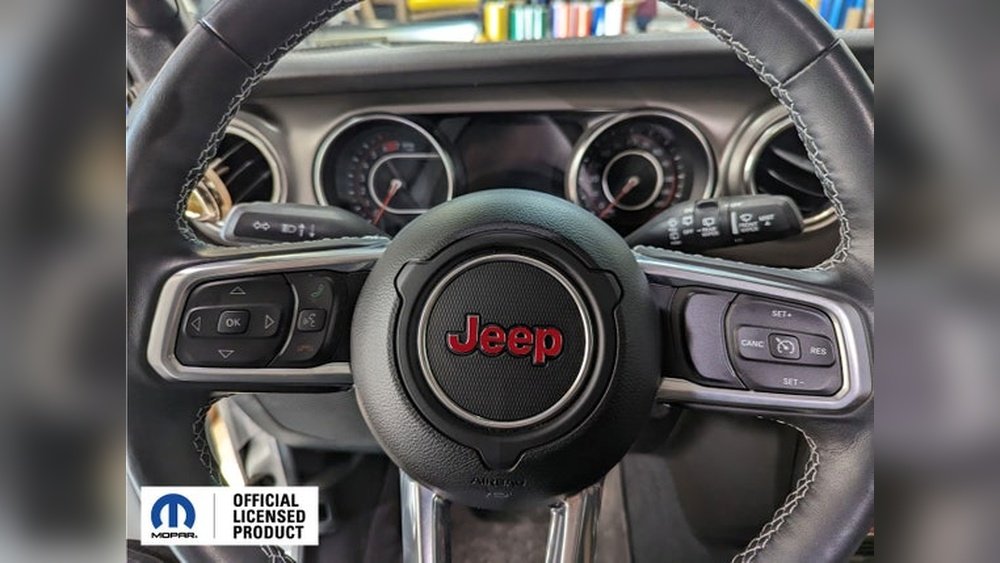
Most Grand Cherokees have steering wheel buttons that control the dashboard display.
- Turn on the ignition without starting the engine.
- Use the up/down arrows on the left side of the steering wheel to navigate the menu.
- Go to the Messages or Vehicle Info screen.
- When you see the message, press and hold the OK button until the message disappears.
Tip: Some messages only clear after the underlying problem is fixed. For example, you must refill the windshield washer fluid before the alert clears.
2. Resetting Maintenance Reminders
After completing required maintenance (like an oil change), you’ll need to reset the reminder.
- Turn the ignition to the ON/RUN position (do not start the engine).
- Press the gas pedal slowly three times within 10 seconds.
- Turn the ignition off. Wait a few seconds, then start the engine to check if the message is gone.
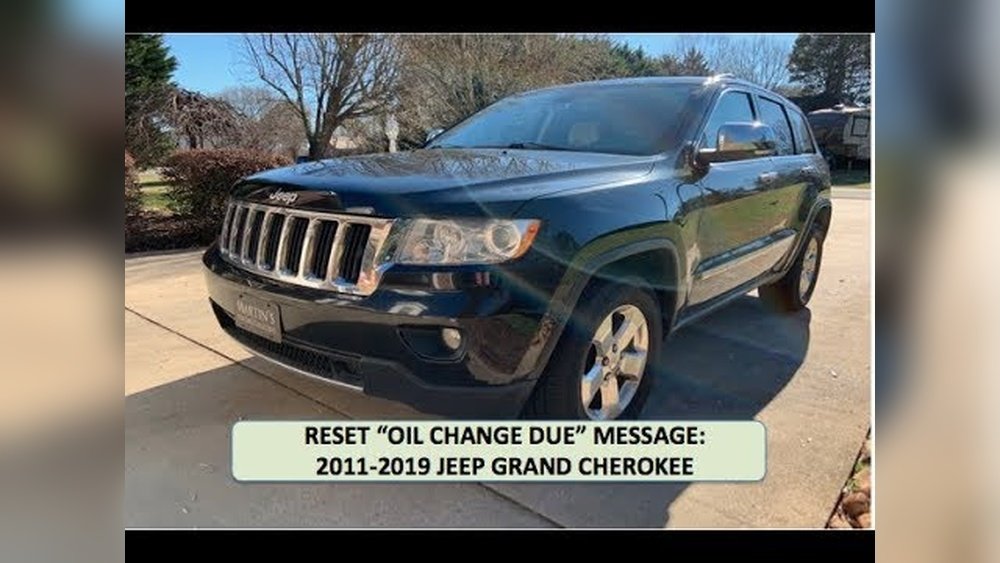
This method works for most Jeep Grand Cherokees from 2011 onwards, but always check your owner’s manual for model-specific instructions.
3. Clearing Tire Pressure Messages
Tire pressure warnings usually clear themselves after tires are inflated to the correct pressure. If the alert stays:
- Inflate all tires to the recommended pressure (check the sticker inside the driver’s door).
- Drive for a few miles at over 15 mph. The system should reset automatically.
If it doesn’t, there may be a sensor issue that requires professional help.
4. Handling Persistent Messages
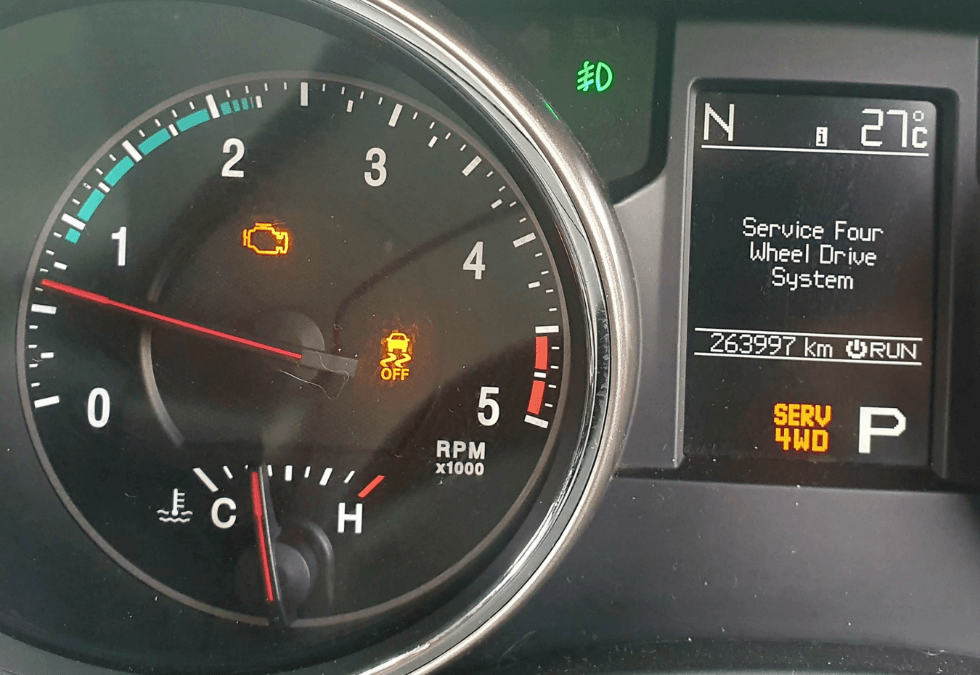
Some messages, like Check Engine or Service 4WD, won’t clear until the car’s computer detects the problem has been solved. In these cases:
- Fix the root cause (like tightening the gas cap or servicing the brakes).
- Disconnect the battery for 10–15 minutes to reset the system (note: This also resets radio presets and clock).
- Use a diagnostic scanner (OBD2 tool) to clear codes if you have one.
Warning: Always fix the real issue before clearing warnings. Ignoring serious messages can damage your vehicle.

Table: Common Jeep Grand Cherokee Messages And Solutions
| Message | Meaning | How to Clear |
|---|---|---|
| Oil Change Required | Time for an oil change | Reset using gas pedal or cluster menu |
| Low Tire Pressure | One or more tires underinflated | Inflate tires, drive a few miles |
| Service 4WD | 4WD system needs attention | Fix issue, clear with scanner or battery reset |
| Check Engine | Engine/Emissions issue | Repair issue, clear with scanner |
When To Seek Professional Help
Not all messages are simple reminders. If you see these alerts, it’s best to visit a certified mechanic:
- Check Engine light flashing
- Brake System Warning
- Transmission Over Temp
- Airbag System Fault
Attempting to clear these yourself can hide serious problems and void your warranty.
Table: Diy Reset Methods Vs. Professional Tools
| Method | Best For | Tools Needed |
|---|---|---|
| Dashboard Button Reset | Oil change, tire, basic alerts | None |
| Battery Disconnect | Stuck reminders, after repairs | Wrench |
| OBD2 Scanner | Engine, advanced codes | Scanner tool |
| Dealership Visit | Complex/faulty systems | Professional equipment |
Avoiding Common Mistakes
Many owners try to clear messages without solving the real problem. This can cause messages to return quickly or even make the issue worse.
Two non-obvious tips:
- Always wait a few minutes after resetting. Some alerts need a short drive before they disappear.
- Keep a record of when messages appear and what you did to fix them. This helps your mechanic if problems come back.
Another mistake is using the wrong reset method for your model year. Jeep updates their systems often, so always check your owner’s manual for the latest instructions.
Useful Tools And Resources
A basic OBD2 scanner is a smart investment for Jeep owners. It lets you read and clear most error codes yourself. You can find affordable models online or at auto parts stores.
For detailed explanations on Jeep warning lights and maintenance, the official Jeep Owner Site is a trustworthy resource.
Table: How Long Messages Stay After Fixing The Issue
| Message Type | Time Until Clear | Action Needed |
|---|---|---|
| Oil Change Reminder | Immediate after reset | Manual reset |
| Tire Pressure Warning | 5–10 minutes of driving | Inflate tires |
| Check Engine Light | After several drive cycles | Repair and code clear |
Keeping Your Jeep’s System Clean
Clearing messages is only one part of vehicle care. Regular maintenance prevents many alerts from appearing. Always:
- Change oil and fluids on time
- Rotate tires and check pressures monthly
- Inspect brakes, battery, and belts
A well-maintained Jeep means fewer dashboard surprises and longer vehicle life.
Frequently Asked Questions
How Do I Clear The Oil Change Message On My Jeep Grand Cherokee?
Turn the ignition to the ON/RUN position without starting the engine. Press the gas pedal slowly three times within 10 seconds.
Turn off the ignition, then start the car to check if the message is gone.
Why Does The Tire Pressure Light Stay On After I Inflate The Tires?
The system may need a few minutes of driving (usually over 15 mph) to recognize the new pressure. If the light stays on, a sensor may be faulty.
Can I Clear The Check Engine Light Myself?
You can clear it with an OBD2 scanner after fixing the root problem. If you just erase the code without solving the issue, the light will return.
Will Disconnecting The Battery Clear All Dashboard Messages?
Disconnecting the battery can reset some reminders, but serious alerts (like engine or transmission faults) may return if the cause isn’t fixed.
Where Can I Find More Help With My Jeep’s Warning Lights?
Check the official Jeep Owner Site for in-depth guides and explanations.
Solving dashboard messages keeps your Jeep Grand Cherokee safer and more enjoyable to drive. With these steps, you can clear most alerts and know when to seek expert help.