If you drive a Jeep Grand Cherokee, you might want to connect your phone and use apps safely while driving. That’s where Apple CarPlay comes in. CarPlay lets you control your iPhone apps on your Jeep’s dashboard screen. You can get directions, listen to music, make calls, and send messages — all without taking your eyes off the road. Here’s how to use Apple CarPlay in your Jeep Grand Cherokee, plus practical tips and answers to common questions.
Setting Up Apple Carplay In Your Jeep Grand Cherokee
Getting started with Apple CarPlay is simple, but you need to know the right steps. Most Grand Cherokees from 2018 and newer have CarPlay built in.
1. Check Your Iphone
Make sure your iPhone is running iOS 7. 1 or higher. CarPlay works best with the latest version.
2. Prepare Your Jeep
Turn on your Jeep and park safely. The infotainment system should be powered on.
- Connect Your iPhone
- Plug your iPhone into the USB port using a genuine Apple cable.
- Some Grand Cherokees support wireless CarPlay. To use wireless, turn on Bluetooth and Wi-Fi on your iPhone, then pair your phone with your Jeep.
- Allow CarPlay Access
When prompted, unlock your iPhone and allow CarPlay to run.
5. Carplay Appears
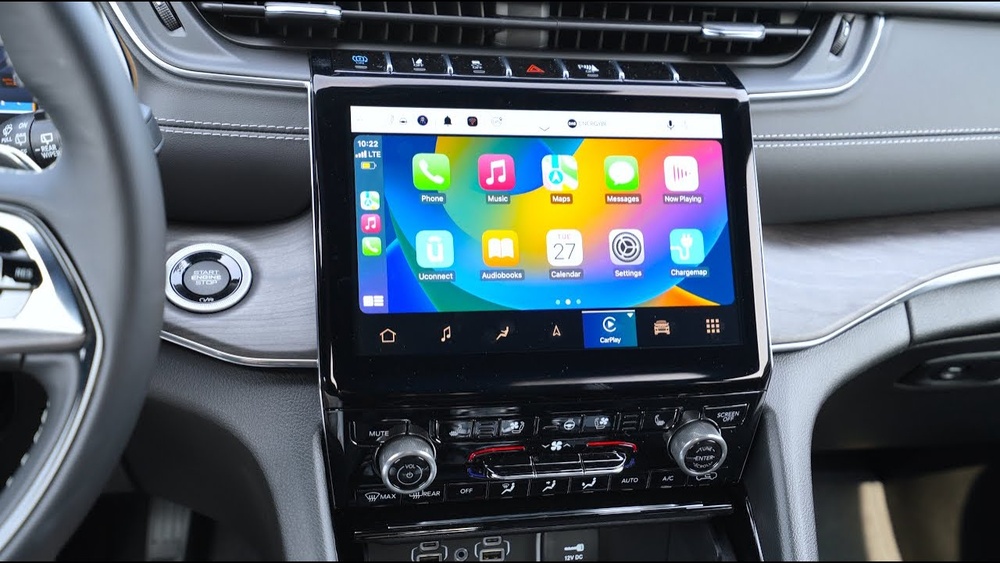
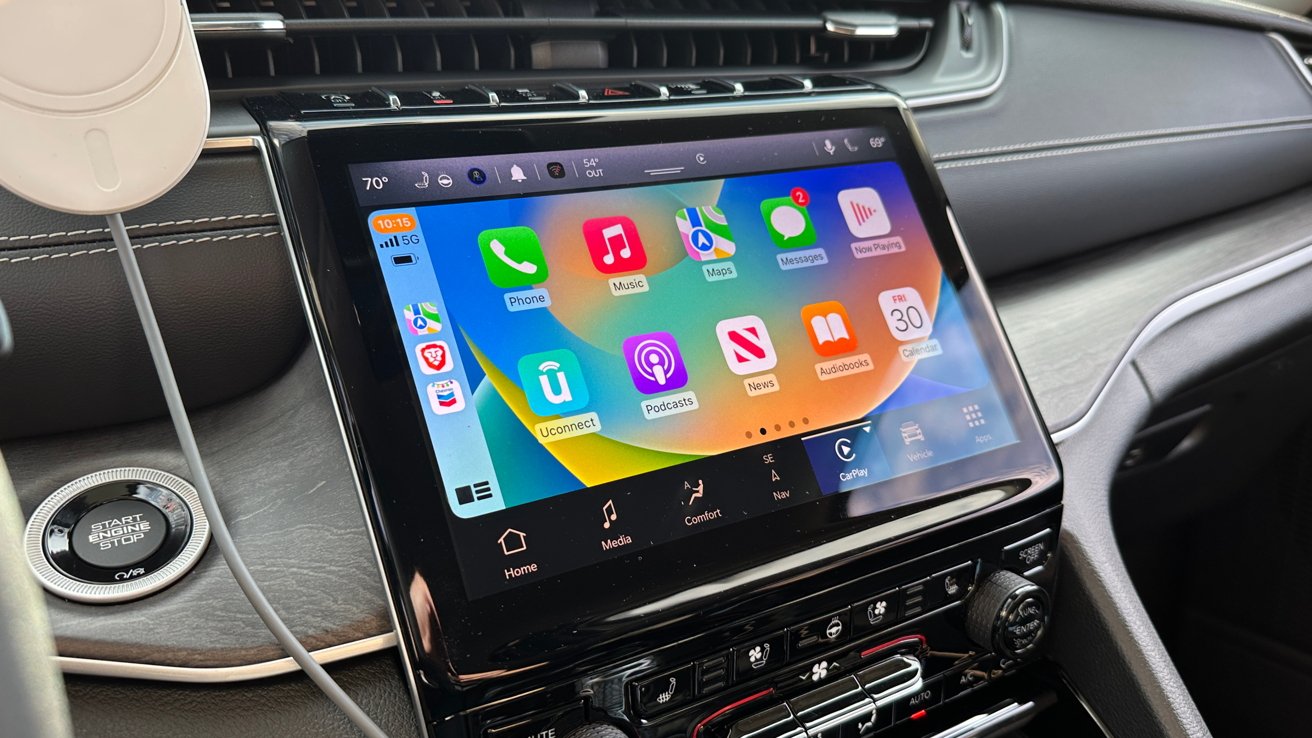
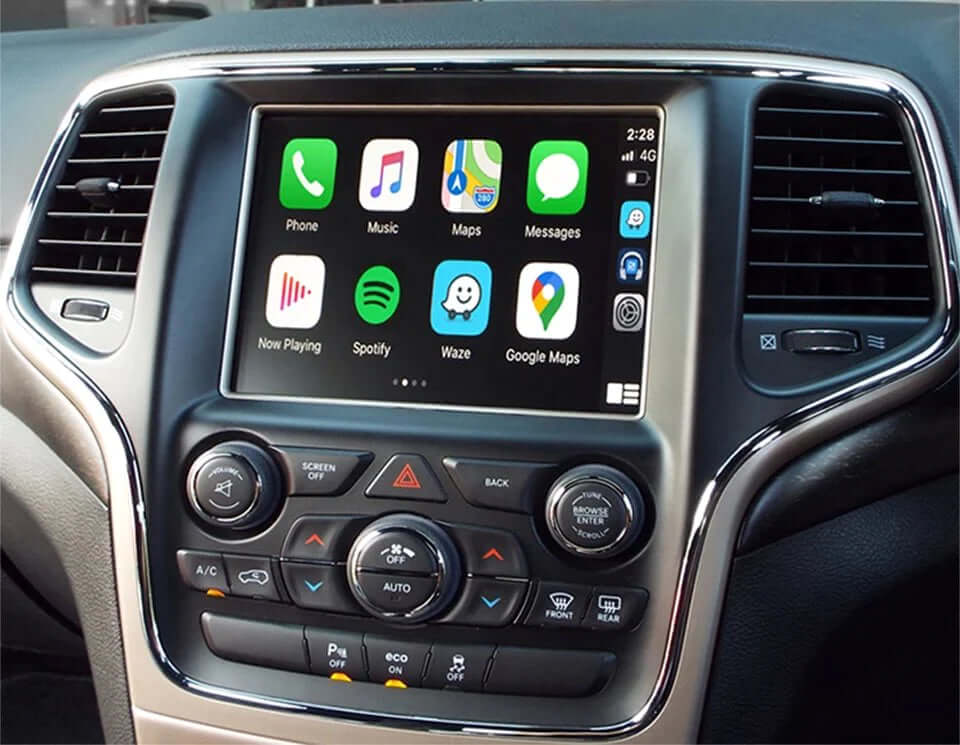
The CarPlay interface will show up on your Jeep’s touchscreen. You’ll see familiar icons for Maps, Phone, Music, and Messages.
Many owners miss that you need to use the USB port labeled with a smartphone icon. Using another port may not work.
Using Apple Carplay Features In Your Jeep
Once CarPlay is set up, you can use many iPhone functions from your Jeep’s screen. Here’s a breakdown of what you can do:
- Navigation: Use Apple Maps, Google Maps, or Waze for real-time directions.
- Music & Audio: Listen to Apple Music, Spotify, Audible, or podcasts.
- Calls & Messages: Make hands-free calls or send texts with Siri.
- Apps: Access compatible apps like WhatsApp, Pandora, and more.
Say you want to drive to the nearest gas station:
- Tap the Maps icon.
- Use voice command: “Hey Siri, find the nearest gas station.”
- Follow directions on the dashboard screen.
Example: Playing Music
- Tap the Music icon.
- Browse playlists or ask Siri, “Play some jazz music.”
Common Mistakes
- Using the wrong USB port is a frequent issue.
- Forgetting to unlock your iPhone can block CarPlay.
- Some users don’t realize you can customize CarPlay apps in your iPhone’s settings.
Comparing Carplay To Jeep’s Native Uconnect
Your Jeep Grand Cherokee has its own Uconnect system. Let’s see how CarPlay stacks up.
| Feature | Apple CarPlay | Uconnect |
|---|---|---|
| Maps | Apple/Google/Waze | Built-in navigation |
| Music Apps | Spotify, Apple Music | Radio, SiriusXM |
| Voice Control | Siri | Uconnect Voice |
| App Customization | Yes (via iPhone) | No |
CarPlay gives you more app choices and the familiar iPhone experience. Uconnect works offline and is always ready, even if your phone is not connected.
Wireless Vs Wired Carplay In Grand Cherokee
Some newer Grand Cherokees offer wireless CarPlay. Here’s how they compare:
| Type | Pros | Cons |
|---|---|---|
| Wired CarPlay | Stable connection, charges phone | Cable clutter, limited movement |
| Wireless CarPlay | No cables, easy setup | May drain battery, can disconnect |
Wireless CarPlay is great for short trips. For long drives, wired CarPlay keeps your phone charged.
Customizing Apple Carplay For Your Needs
You can change which apps appear on CarPlay. Here’s how:
- Open your iPhone’s Settings.
- Tap “General” and then “CarPlay.”
- Select your Jeep.
- Drag and drop app icons to arrange them.
Some drivers miss this feature. Customizing lets you put your most-used apps front and center.
Data And Usage Statistics
Apple CarPlay is popular among Jeep owners. According to a 2022 survey, over 78% of Jeep Grand Cherokee drivers use CarPlay weekly. Most say it improves safety and comfort. The most-used CarPlay features are navigation (62%), music (54%), and messaging (38%).
Troubleshooting Common Carplay Issues
If CarPlay doesn’t work, try these steps:
- Unplug and reconnect your iPhone.
- Restart your Jeep and iPhone.
- Check the USB port — use the right one.
- Update your iPhone’s iOS and your Jeep’s Uconnect system.
- If you use wireless CarPlay, make sure Wi-Fi and Bluetooth are on.
Some users forget to check software updates. Keeping both your Jeep and iPhone updated is key for smooth CarPlay operation.
Safety Tips For Using Carplay In Your Jeep
- Use voice commands as much as possible.
- Don’t type or tap while driving.
- Set up your route and playlist before you drive.
- Keep your eyes on the road and hands on the wheel.

Frequently Asked Questions
Can I Use Apple Carplay In All Jeep Grand Cherokee Models?
Most Grand Cherokees from 2018 and newer support CarPlay. Check your owner’s manual or the Jeep website to confirm.
Is Apple Carplay Free To Use?
Yes, CarPlay is included at no extra cost. You may need a compatible USB cable or wireless setup.
What Apps Can I Use With Apple Carplay?
You can use navigation, music, messaging, and many third-party apps like Spotify, WhatsApp, and Audible. Only apps approved by Apple appear on CarPlay.
How Do I Update Carplay Or The Jeep’s System?
Update your iPhone’s iOS for CarPlay improvements. For Jeep system updates, visit the dealer or use the Uconnect website.
Always keep both systems current for best results.
Can I Use Android Auto Instead Of Apple Carplay?
Yes, if you have an Android phone, your Grand Cherokee supports Android Auto. It works similarly to CarPlay but with Google apps.
Apple CarPlay makes driving your Jeep Grand Cherokee safer and more enjoyable. With easy setup, voice controls, and access to your favorite apps, you can focus on the road and enjoy your drive. For more details, see the official Jeep Uconnect site: Jeep Uconnect. Try CarPlay today and see how much easier your daily commute or road trip can be.


















