If you own a Jeep Wrangler with a Uconnect system, keeping your software up to date is more important than you might think. Updates help your navigation, Bluetooth, and security features work better. Sometimes, they even add new features or fix annoying bugs. But many Jeep owners are unsure how to update Uconnect, or worry they might do something wrong. The good news? Updating Uconnect is not as hard as it sounds, and you can usually do it yourself in under an hour.
Why Update Your Uconnect Jeep Wrangler?
The Uconnect system is the heart of your Jeep’s infotainment—everything from music streaming to phone calls runs through it. Updates do several things:
- Improve system speed and fix freezing problems
- Boost Bluetooth compatibility with new smartphones
- Add or update navigation maps
- Patch security risks to keep your Jeep safer
- Sometimes introduce new apps or features
It’s worth noting that skipping updates can sometimes cause problems. For example, older Uconnect versions may not work well with the latest iPhones or Android devices.
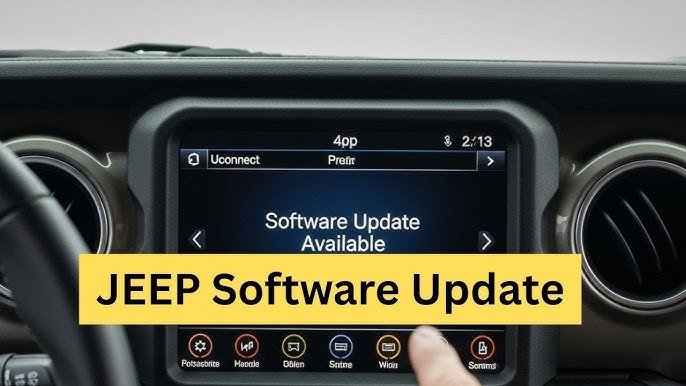
You might even see errors when connecting your phone, or experience sudden restarts.
Checking Your Uconnect Version
Before you start, you need to know your current Uconnect software version. Here’s how:
- Turn on your Jeep and keep it in Park.
- Tap “Apps” on the Uconnect screen.
- Choose “Settings” and scroll to “System Information.”
- Look for the software version number.
Write this number down. You’ll need it to see if a newer version is available.
Ways To Update Uconnect
There are three main ways to update Uconnect in your Jeep Wrangler. The right method depends on your Wrangler’s model year and the type of Uconnect system you have.
Over-the-air (ota) Updates
Newer Jeep Wranglers (2018 and later, especially with Uconnect 4 or 5) support OTA updates. This means your system can download and install updates automatically when connected to Wi-Fi.
How OTA Updates Work:
- Connect your Jeep to a trusted Wi-Fi network (such as your home).
- Go to “Settings” > “Wi-Fi” on your Uconnect screen.
- Select your network and enter the password.
- If an update is available, you’ll see a prompt to download and install.
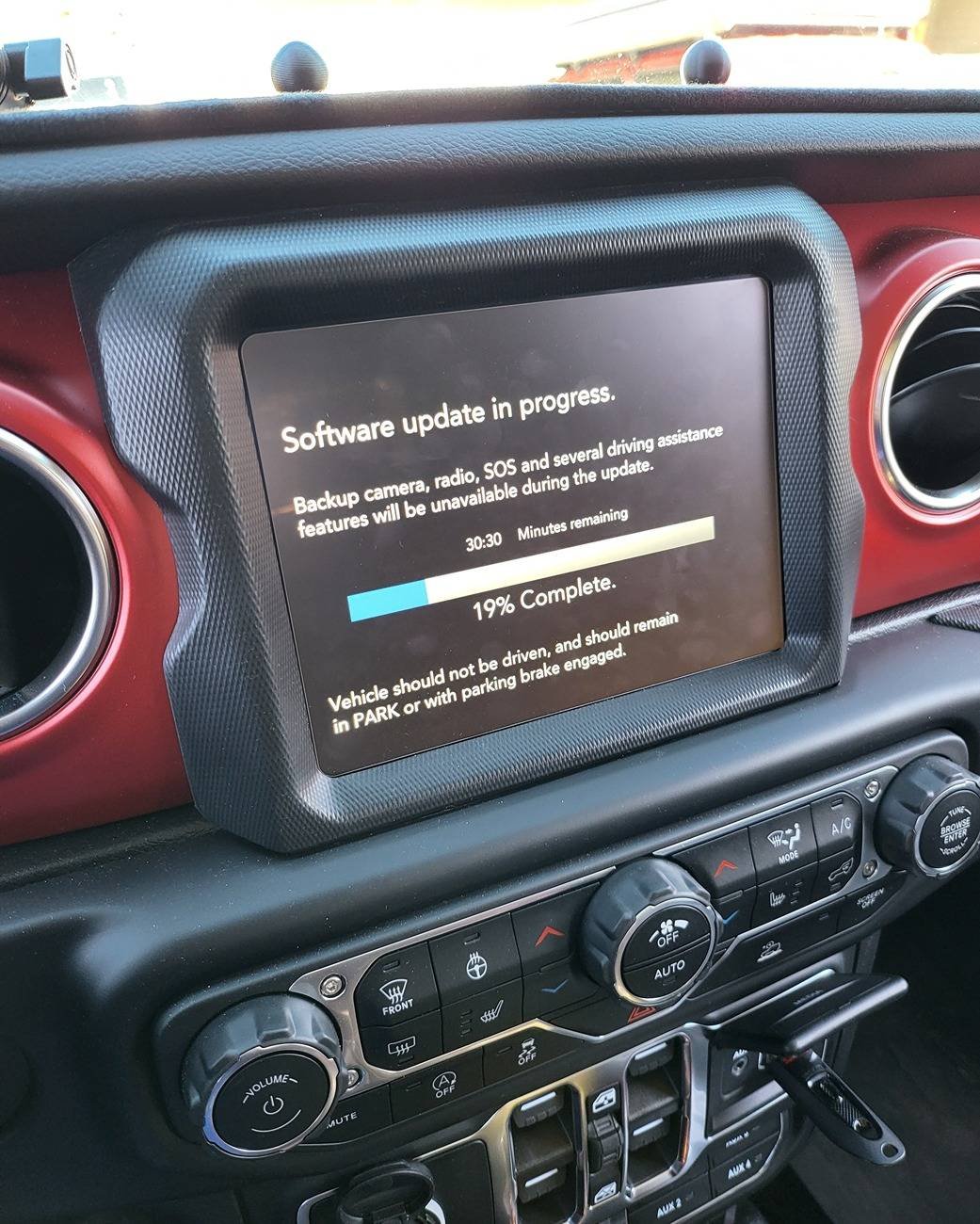
OTA updates usually take 15 30 minutes. Your Jeep must stay in Park with the engine running, or in accessory mode.
Avoid turning off the car or disconnecting the battery during the process.
Usb Drive Update
If your Wrangler does not support OTA updates, you can update using a USB flash drive. This method works for most Uconnect systems from 2011–2020.
Steps For Usb Update:
- Visit the official Uconnect Software Update page online. You’ll need your VIN (Vehicle Identification Number).
- Enter your VIN to check if an update is available.
- Download the update file to your computer.
- Format a USB drive (FAT32, at least 4GB).
- Copy the update files to the USB (do not put them in a folder).
- Start your Jeep and insert the USB into the Uconnect USB port.
- Follow the on-screen prompts to begin the update.
Updates usually take 30 45 minutes. Do not remove the USB until the process finishes. The system may reboot several times.
Dealer Update
If you don’t feel comfortable updating on your own, or if you encounter errors, your local Jeep dealer can do the update for you. This method is often the best choice for older Uconnect versions or if your system is acting strangely.
Most dealers charge a fee for this service, unless your vehicle is still under warranty.
Common Problems And Solutions
Updating Uconnect is usually smooth, but sometimes issues pop up. Here are some solutions to common problems:
- Update won’t start: Make sure your USB is formatted correctly (FAT32) and has only the update files.
- Stuck on loading screen: Wait at least 10 minutes. If it doesn’t move, restart your Jeep and try again.
- No update available: Your system may already be up to date, or your VIN may not be entered correctly.
- Error messages: Double-check that you downloaded the correct file for your Jeep’s model and year.
If you keep having trouble, visiting your Jeep dealer is the safest solution.
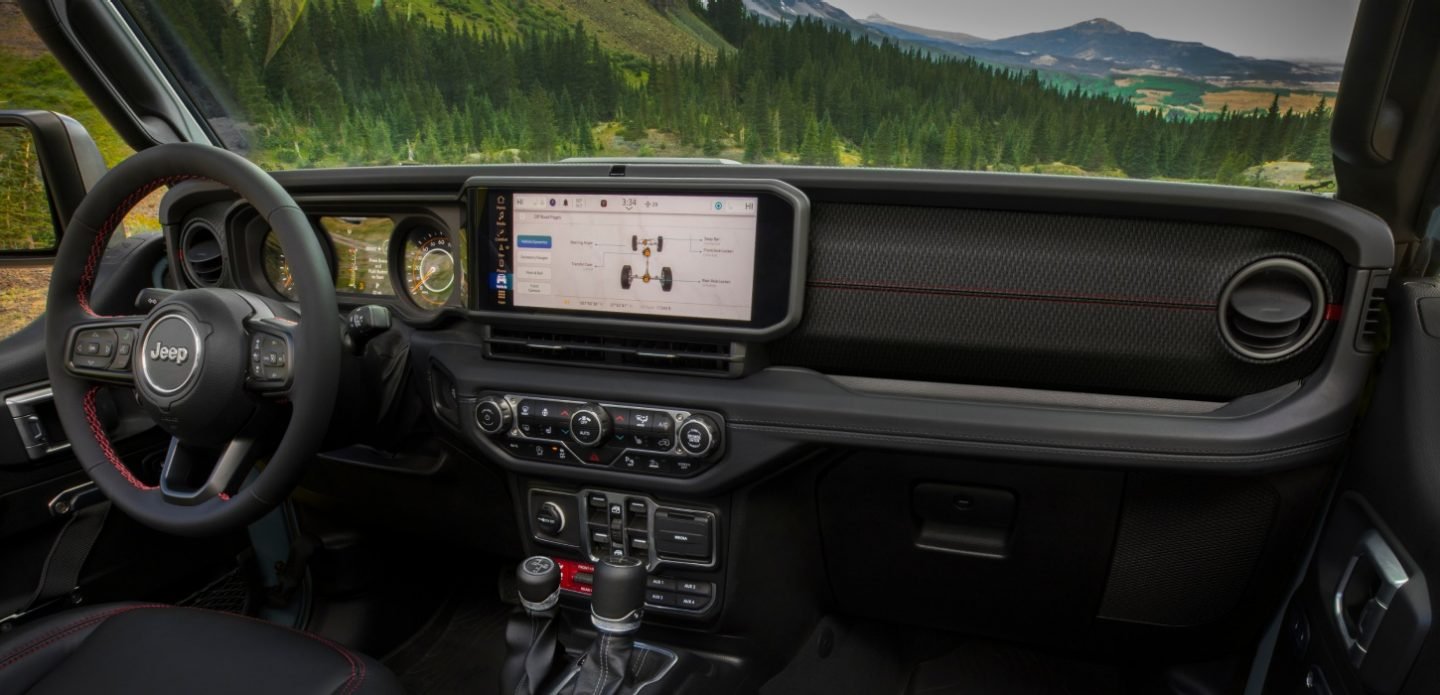
Comparing Uconnect Update Methods
To help you decide which method fits your Jeep, here’s a quick comparison:
| Update Method | Time Needed | Tools Needed | Best For |
|---|---|---|---|
| Over-the-Air (OTA) | 15–30 minutes | Wi-Fi connection | 2018+ Wranglers |
| USB Drive | 30–45 minutes | USB drive, computer | 2011–2020 models |
| Dealer Visit | 1–2 hours | None (dealer handles it) | Older Wranglers, tricky cases |
What You Need Before Updating
Make sure you have:
- Your VIN (found on the driver’s dashboard or registration)
- A reliable Wi-Fi network (for OTA) or a USB flash drive (for manual updates)
- About 1 hour of free time
- Your Jeep in a safe, ventilated area (engine may need to run during update)
It’s also a good idea to back up your contacts and navigation favorites, just in case.
Real-world Example
In 2023, Jeep released a Uconnect update that fixed Bluetooth issues with some Android phones. After the update, users reported faster phone pairing and fewer dropped calls. This shows how updates can solve problems you may not even realize are software-related.
Cost Comparison
Not all updates are free. Here’s a typical cost breakdown:
| Update Type | Average Cost | Notes |
|---|---|---|
| OTA | $0 (free) | Requires Wi-Fi |
| USB (self-service) | $0 (free) | Some map updates may cost extra |
| Dealer | $60–$120 | May be free under warranty |
Two Insights Most Owners Miss
- Map updates are often separate from system updates. You may need to pay for the latest maps, even if the software update is free.
- Battery health matters—if your Jeep’s battery is weak, updates can fail or cause system errors. Always check your battery before starting.
Frequently Asked Questions
How Often Should I Update My Uconnect System?
It’s best to check for updates every 6 12 months. New updates don’t come out every month, but staying current helps avoid problems.
Will Updating Uconnect Erase My Data?
No, your contacts and settings usually stay the same. But it’s wise to back up important info, just in case.
Can I Update Uconnect If My Jeep Is Not Under Warranty?
Yes, you can update Uconnect even if your warranty has expired. Dealer updates may cost more without a warranty.
What Should I Do If My Update Fails?
Restart your Jeep and try the update again. If it keeps failing, visit your dealer for help.
Where Can I Find Official Update Files?
Always use the official Uconnect Software Update page to download update files for your Wrangler.
Updating your Uconnect Jeep Wrangler is a smart way to keep your infotainment system working well and your driving experience enjoyable. With the right steps and a little patience, you can do it yourself and enjoy the latest features Jeep has to offer.


















