Updating the Uconnect system in your Jeep Grand Cherokee is important for safety, convenience, and entertainment. With every update, you can get better navigation, faster response, and access to new features. Many drivers ignore system updates, but staying current helps fix bugs and keeps your infotainment system running smoothly. If you have never updated Uconnect before, this guide will make the process simple and stress-free.
Why Update Your Uconnect System?
Modern vehicles are more than engines and wheels. The Uconnect system controls navigation, music, Bluetooth, climate, and sometimes even vehicle diagnostics. An outdated system can cause lag, dropped connections, or missing apps. Recent updates may also include security patches, which help protect your car’s data.
Some benefits of keeping Uconnect updated:
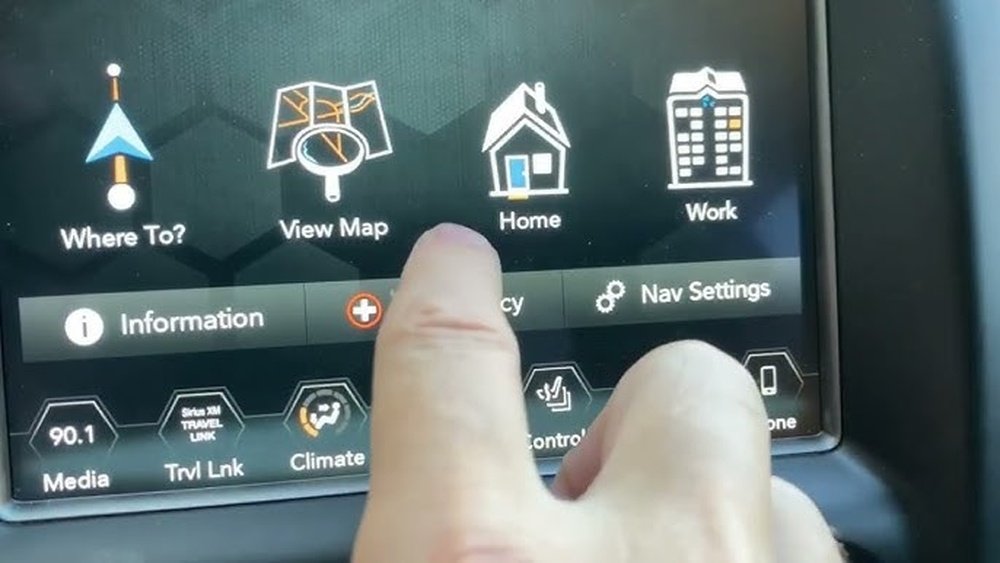
- Better smartphone integration (Apple CarPlay, Android Auto)
- Improved voice recognition
- Enhanced navigation maps and traffic info
- New apps and services
Not all updates change the look of your screen, but they often boost performance behind the scenes.
How To Check Your Current Uconnect Version
Before updating, you need to know your Uconnect version. This step helps you avoid unnecessary downloads if your system is already up to date.
- Start your Jeep Grand Cherokee and let the Uconnect system boot up.
- Tap the Settings or Apps button on the Uconnect touchscreen.
- Select System Information or About.
- Write down the software version and build number.
Compare your version with the latest available on the official Uconnect update page. If your version is current, you don’t need to update.
Preparing For The Update
Updating Uconnect is safe, but you must be prepared. Interrupting the process can cause problems.
- Use a high-quality, empty USB drive (at least 8GB)
- Make sure your Jeep is parked and in Run mode
- Do not turn off the ignition or remove the USB drive during the update
- Back up any important contacts or info, just in case
Some updates can take up to 45 minutes, so plan ahead.
Step-by-step: Updating Uconnect With Usb
Most Jeep Grand Cherokee models use a USB update process. Here’s how to do it:
- Visit the official Uconnect website: DriveUconnect.
- Enter your Vehicle Identification Number (VIN) to check for updates.
- If an update is available, download the update file to your computer.
- Plug in your USB drive and format it to FAT32 (this step is crucial).
- Copy the update file to the root directory (not inside any folder).
- Safely eject the USB drive.
At your vehicle:
- Start your Jeep Grand Cherokee and keep it in park.
- Plug the USB drive into the Uconnect USB port.
- A message should appear: “A software update is available. Do you want to update?”
- Follow the on-screen instructions.
- The system will reboot once or twice. Wait until you see the “Update Successful” message.
- Remove the USB drive only after the update is complete.
If you do not see a prompt, double-check the file format and try again.
Over-the-air (ota) Updates
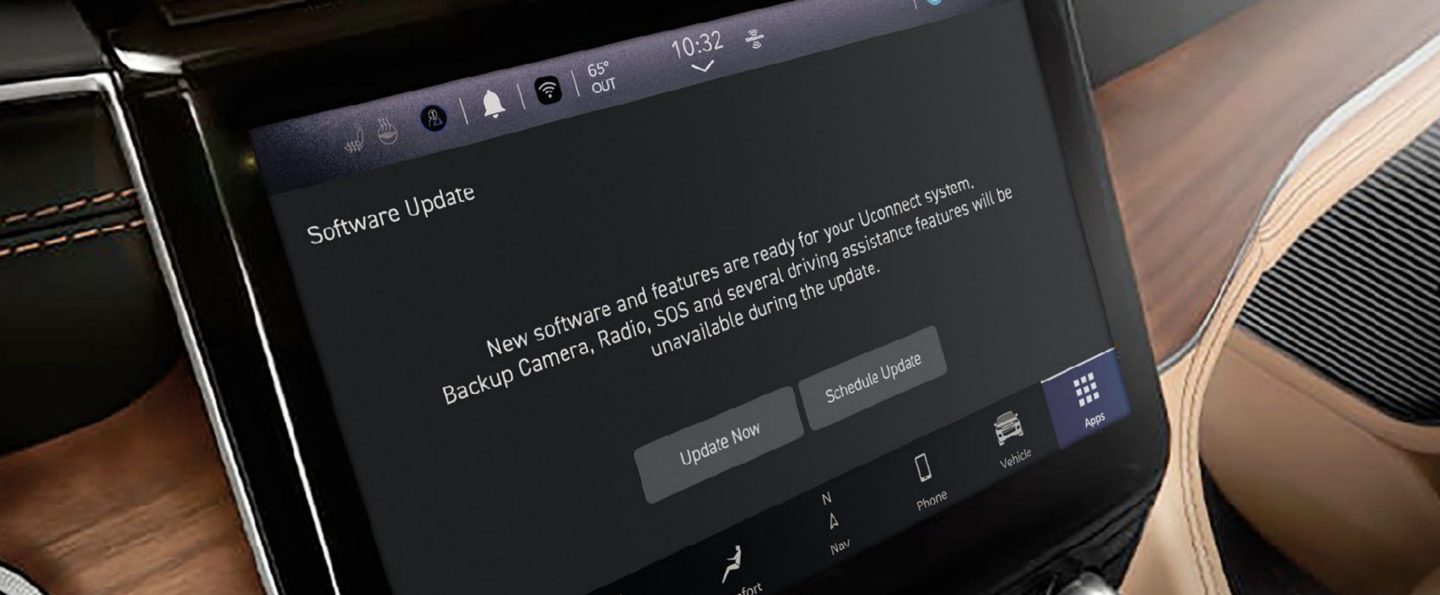
Some newer Jeep Grand Cherokees (mainly 2019 and later) support over-the-air updates. These updates use Wi-Fi or cellular data, so you don’t need a USB drive.
How OTA updates work:
- You may get a notification on your Uconnect screen.
- Follow prompts to connect to a Wi-Fi network if needed.
- Download and install the update directly from the car’s screen.
OTA is easier, but it’s not available on all models. Always check your owner’s manual for details.
What To Do If The Update Fails
Sometimes, updates don’t go as planned. Here’s what you can do if you face problems:
- Restart your Jeep and try the process again.
- Make sure your USB drive is properly formatted.
- Confirm the update file matches your Uconnect version/model.
- If the system is stuck or unresponsive, contact your Jeep dealer for help.
Most failed updates are caused by a wrong file, poor USB drive, or loss of power during the update.
Key Differences: Usb Vs. Ota Updates
Here’s a quick comparison to help you understand both update methods:
| USB Update | OTA Update |
|---|---|
| Works on most older models | Only on select newer models |
| Requires computer and USB drive | Needs Wi-Fi or cellular connection |
| Manual process | Automatic, often simpler |
| Slower, but very reliable | Faster, but not always available |
Common Problems After Updating
Most updates are smooth, but sometimes you might notice issues:
- Bluetooth connection problems
- Navigation errors or missing apps
- Slower system performance
In these cases, try a soft reset (hold the volume and tuner knobs for 10 seconds) or disconnect and reconnect your phone. If problems persist, visit your dealership.
Dealer Update Vs. Diy Update
You can always ask your dealer to update Uconnect for you. Here’s how dealer and DIY updates compare:
| DIY Update | Dealer Update |
|---|---|
| Free (except USB cost) | May charge for labor |
| Can do anytime | Need appointment |
| Good for tech-savvy owners | Best for complex issues |
Most updates are simple enough to do yourself, but if you feel unsure, the dealer is a safe choice.
Extra Tips For A Smooth Update
- Always use a high-quality USB drive. Cheap drives cause most failures.
- Ensure your car battery is healthy. Avoid starting the update if your battery is weak.
- Write down your current radio presets and phone pairings, just in case they reset.
- If your Jeep is under warranty, dealer updates may be free.
Frequently Asked Questions
How Often Should I Update My Uconnect System?
Most drivers check for updates every 6 12 months. You don’t need to update unless new features or fixes are released.
Will Updating Uconnect Erase My Settings?
Usually, your settings and contacts remain. However, some updates may reset radio presets or Bluetooth pairings.
Can I Roll Back To An Old Uconnect Version?
No, Uconnect does not support downgrading. Always check update notes before installing.
Do I Need Internet To Update Uconnect?
For USB updates, you need internet only to download the file. For OTA updates, your Jeep needs Wi-Fi or cellular data.
Where Can I Find Official Uconnect Updates?
Always use the official site: DriveUconnect.
Keeping your Uconnect system up to date is a smart step for better driving and safety. Whether you update by USB or over the air, following these steps will help you get the best from your Jeep Grand Cherokee’s technology. If you ever feel unsure, your local dealer can always help.


















