Updating your Jeep’s navigation system can make every drive smoother and less stressful. Roads change every year—new highways open, businesses move, and speed limits get updated. If you use your Jeep’s built-in navigation, keeping it current is more than a convenience; it’s essential for accurate directions, faster routes, and even safety. Yet, many Jeep owners aren’t sure when or how to update their maps, or if it’s even necessary. Some worry it’s too technical or expensive. The good news: the process is easier than you might think, and staying up to date can save you time and fuel.
This guide will walk you through everything you need to know about updating your Jeep navigation system. Whether you drive a newer model with the Uconnect system or an older Jeep with a classic navigation interface, you’ll find practical steps, common pitfalls, and smart tips. Let’s make sure your Jeep always knows the best way home.
A navigation system is only as good as its data. If you’re using maps that are two or three years old, you might be missing out on faster routes, accurate arrival times, or even new points of interest. Here are some reasons why updating is important:
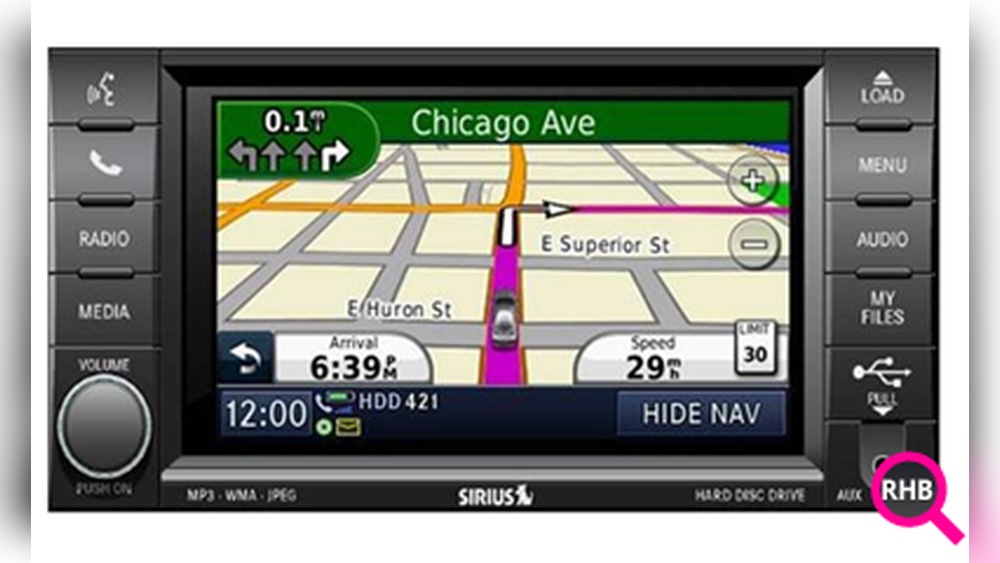
- Accuracy: Updated maps include new roads, traffic changes, and altered intersections.
- Safety: Navigation updates often include safety camera alerts and updated speed limits.
- Time Savings: Outdated routes may not reflect the fastest way, especially in growing cities.
- Convenience: Find new gas stations, restaurants, or charging stations more easily.
Many Jeep owners don’t realize how often roads are updated. According to the U.S. Department of Transportation, thousands of miles of roads are altered or added every year. Even one missed update could mean your GPS guides you to a dead end or through a closed road.
Before you start, it’s important to know which navigation system your Jeep uses. Most modern Jeeps (2011 and newer) come with the Uconnect system, but some older models use other systems or even SD card-based navigation. Here’s how to figure out what you have:
| Model Year | Navigation System | Update Method |
|---|---|---|
| 2011-2023 | Uconnect (5.0, 8.4, 4C NAV, 5 NAV) | USB or Wi-Fi |
| 2007-2010 | MyGIG/REC/REN/REZ | CD/DVD or SD card |
| Pre-2007 | Navigation Disc | CD/DVD |
Your Jeep’s owner’s manual can confirm the system type if you’re unsure. Most drivers can also check by turning on the navigation and looking for the system name on the display or in the “Settings” menu.
The Uconnect system is the most common in Jeeps today. Updates for Uconnect involve downloading new map data and installing it via USB or, in newer models, directly over Wi-Fi. Here’s how you can do it:
1. Check For Available Updates
Start by visiting the official Jeep Uconnect website or your dealer’s site. You’ll need your Vehicle Identification Number (VIN), which you can find on your dashboard (driver’s side) or inside your driver’s door.
- Go to the Jeep Uconnect update page.
- Enter your VIN and select your vehicle model.
- The site will show if your system has the latest maps or if an update is available.
*Non-obvious insight*: Updates aren’t released every month. Usually, Jeep releases major updates once or twice a year. If you drive often in newly developed areas, check for updates at least once per year.
2. Download The Update
If an update is available, you’ll be guided to download it to your computer. Most updates are several gigabytes in size, so a fast and stable internet connection is helpful.
- Use a blank USB flash drive (at least 16GB, formatted to FAT32 or exFAT).
- Download the map update file from the site.
- Follow the instructions to copy the files onto your USB drive. Do not change file names or folders.
3. Install The Update In Your Jeep
- Start your Jeep and keep it running during the entire update.
- Insert the USB drive into the Uconnect USB port (often located near the center console).
- On the touchscreen, a prompt will appear: “Map Update Available.” Select “Yes” to begin.
The update can take 30 to 90 minutes. The system may restart several times this is normal.
Avoid turning off the vehicle or removing the USB drive until the process is finished.
*Practical tip*: If your Jeep supports it, park in a well-ventilated area and keep an eye on the battery. For longer updates, some owners use a battery maintainer.
4. Confirm The Update
After the process, the system will show a completion message. Check your map version in the settings (“Navigation” > “Settings” > “About” or “Map Info”).
Compare the version with the update file you downloaded.
If you have a Jeep from before 2011, the update process is different. These systems often rely on navigation DVDs or SD cards.
- Purchase the latest map disc from a trusted source (official Jeep dealer or certified navigation provider).
- Start your Jeep and insert the new disc into the navigation slot.
- The system will prompt you to begin the update. Follow the on-screen instructions.
Older systems may not have annual updates. Sometimes, the last available update was released several years ago.
Updating With Sd Cards
Some models use an SD card for navigation data.
- Remove the existing SD card (check your owner’s manual for location).
- Purchase an updated card (official sources only).
- Insert the new card; the system will read the new data automatically.
*Non-obvious insight*: Be careful with third-party map discs or SD cards sold online. Many are not official and can cause errors or system lockout.
Over-the-air (ota) Updates For Newer Jeeps
Some 2021 and newer Jeep models support over-the-air (OTA) updates for navigation and other systems. This means your Jeep can download updates via its built-in Wi-Fi connection, similar to how smartphones update.
- Make sure your Jeep is connected to a reliable Wi-Fi network (e.g., home Wi-Fi).
- Go to “Settings” > “System Updates” on your Uconnect screen.
- If a navigation update is available, you’ll see an option to download and install.
OTA updates are automatic for some models, but you may need to accept or schedule the update. These are usually smaller “incremental” updates, so a full map refresh may still require a USB update.
Common Problems And How To Fix Them
Updating your Jeep’s navigation is usually smooth, but sometimes problems happen. Here’s how to handle common issues:
| Problem | Possible Cause | Solution |
|---|---|---|
| Update fails to start | Wrong file format or bad USB drive | Reformat USB drive, re-download update, try again |
| System freezes or restarts | Corrupt download or power loss | Keep engine running, repeat process with new download |
| No update prompt appears | Incorrect update file or incompatible system | Check system version and match correct update |
*Practical tip*: Always use a high-quality, name-brand USB drive. Cheap drives can fail during large file transfers.
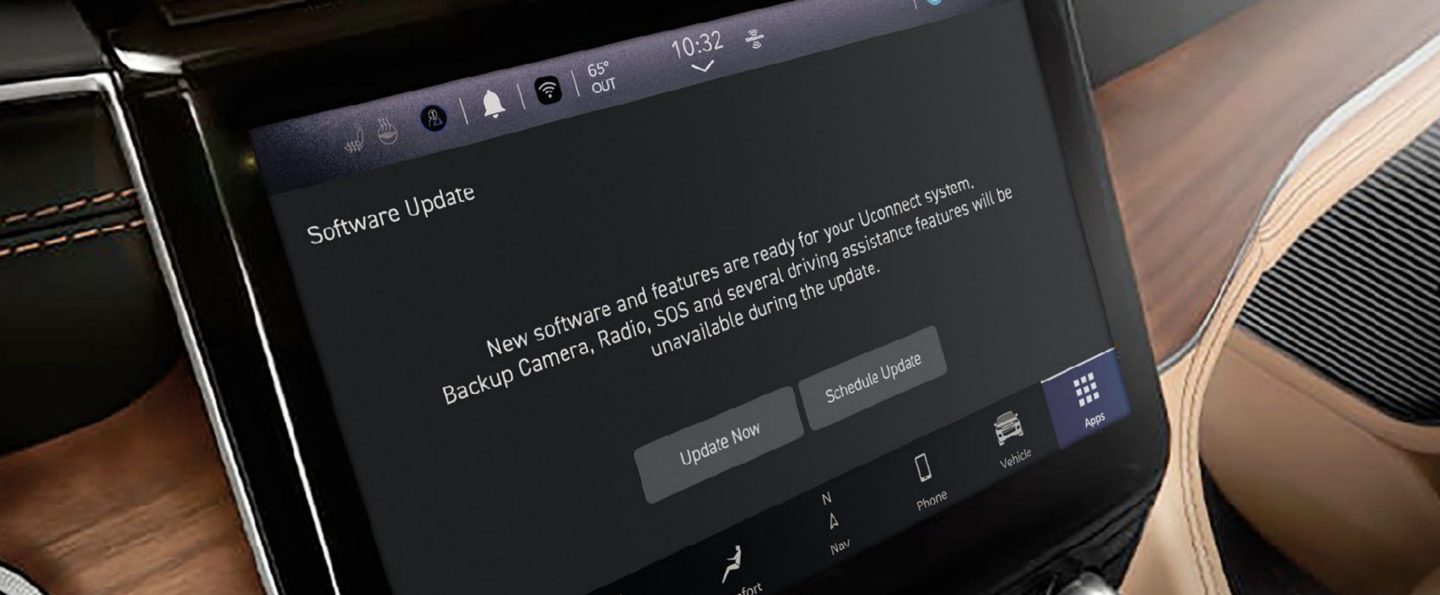
Updating your maps is not always free. Most official updates for the Uconnect system cost between $99 and $149. Older navigation DVDs or SD cards can cost more, especially for rare or discontinued models.
- Uconnect Map Update: $99–$149 (includes latest maps, points of interest, and software fixes)
- Navigation DVD: $120–$180 (for models before Uconnect)
- SD Card Update: $80–$150
Some dealerships may offer a discount if you update maps along with regular maintenance or warranty service. It’s a good idea to compare prices between the official Jeep site and your local dealer.
*Common mistake*: Trying to use free or pirated update files. These often don’t work and can damage your navigation system.
Many drivers now use smartphone navigation apps as an alternative to built-in systems. Apps like Google Maps, Waze, or Apple Maps are always current, thanks to automatic updates and real-time traffic data.
Advantages of smartphone navigation:
- Free updates
- Real-time traffic, weather, and road hazard alerts
- Simple address entry with voice commands
Disadvantages:
- Requires a data plan
- May lose connection in remote areas
- Needs a phone mount for safe use
Many newer Jeeps support Apple CarPlay and Android Auto, allowing you to display your phone’s maps on the Jeep’s screen. This is a great backup if your built-in navigation is out of date.
*Non-obvious insight*: Even if you use your phone for navigation, updating the built-in system is smart for off-road or rural driving where cell signals may be weak.
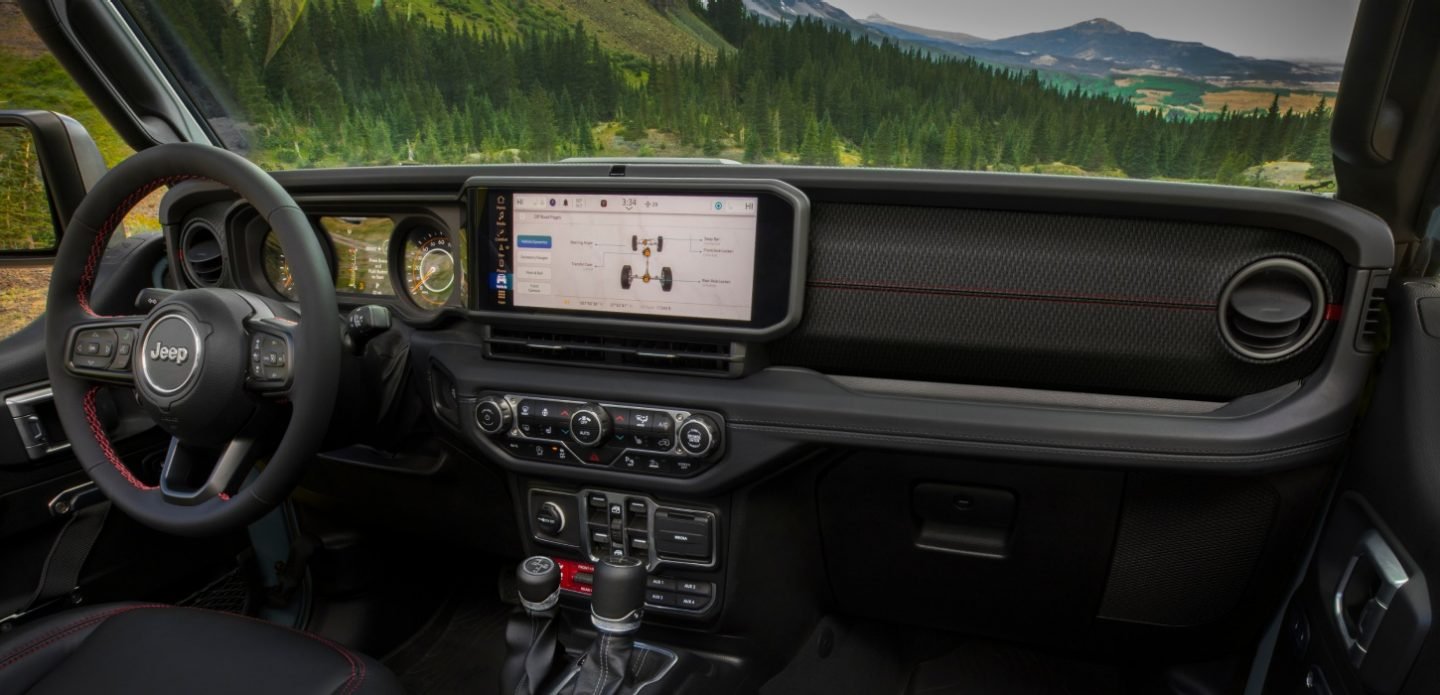
To avoid falling behind, create a simple routine:
- Check for map updates every 6–12 months.
- Update your system before long road trips.
- Register your Jeep on the official Jeep owner portal. This way, you’ll receive update notifications by email.
- Ask your dealer about map update schedules during regular maintenance.
*Practical tip*: Set a calendar reminder to check for updates each spring or fall.
Data Security And Privacy
Updating your navigation system is safe if you follow official sources. Never download updates from untrusted websites.
Some fake update files carry malware that can damage your Jeep’s computer systems.
Your Jeep does not send personal data during map updates, but always remove any USB drive after use and do not leave it in the vehicle.
For more on data safety and official update practices, you can visit the Jeep Uconnect official site.
Frequently Asked Questions
It’s best to update your maps every 12 months, or more often if you drive in areas with rapid development. If you notice out-of-date routes or missing locations, it’s time for an update.
Most official updates are not free. Some newer Jeep models may receive free OTA updates for a limited time, especially if your vehicle is under warranty.
Otherwise, expect to pay for major map upgrades.
Without updates, your navigation may miss new roads, have incorrect directions, and not show new places. This can lead to longer travel times and frustration, especially in fast-changing cities.
No, updating the maps does not erase your saved destinations or preferences. However, it’s a good idea to back up important addresses before major software updates, just in case.
My Update Failed—what Should I Do?
First, check your USB drive or SD card for errors and make sure the download was complete. Try the process again, following each step carefully.
If you still have trouble, contact your Jeep dealer or Uconnect support for assistance.
Keeping your Jeep navigation system updated is a smart move for accuracy, safety, and convenience. With the right steps, you can enjoy worry-free travel and always know the best way to your destination.


















