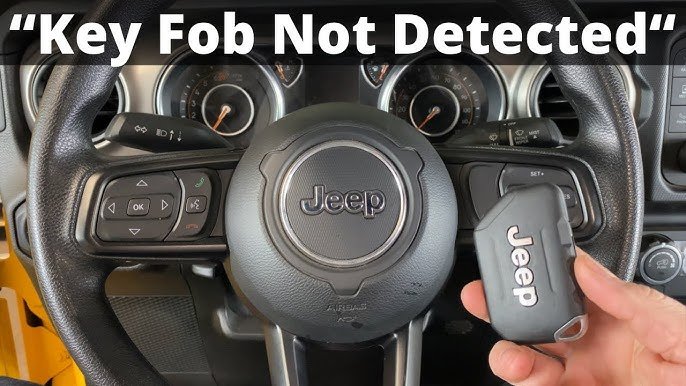
Turning on your Jeep with a key sounds simple, but there are several steps and details to consider. Whether you drive a classic Wrangler or a newer Grand Cherokee, knowing the correct process keeps your vehicle safe and helps avoid mistakes.
Many drivers, especially first-timers, miss some basics or struggle with newer key types. In this guide, you’ll learn how to start your Jeep with a key, see the differences between models, and get practical tips for smooth operation.
Understanding Jeep Keys
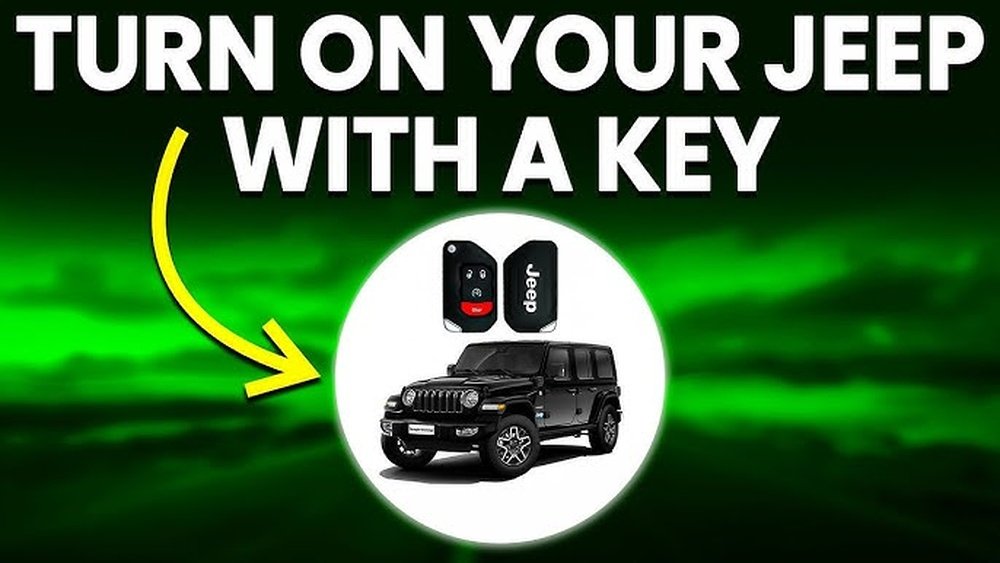
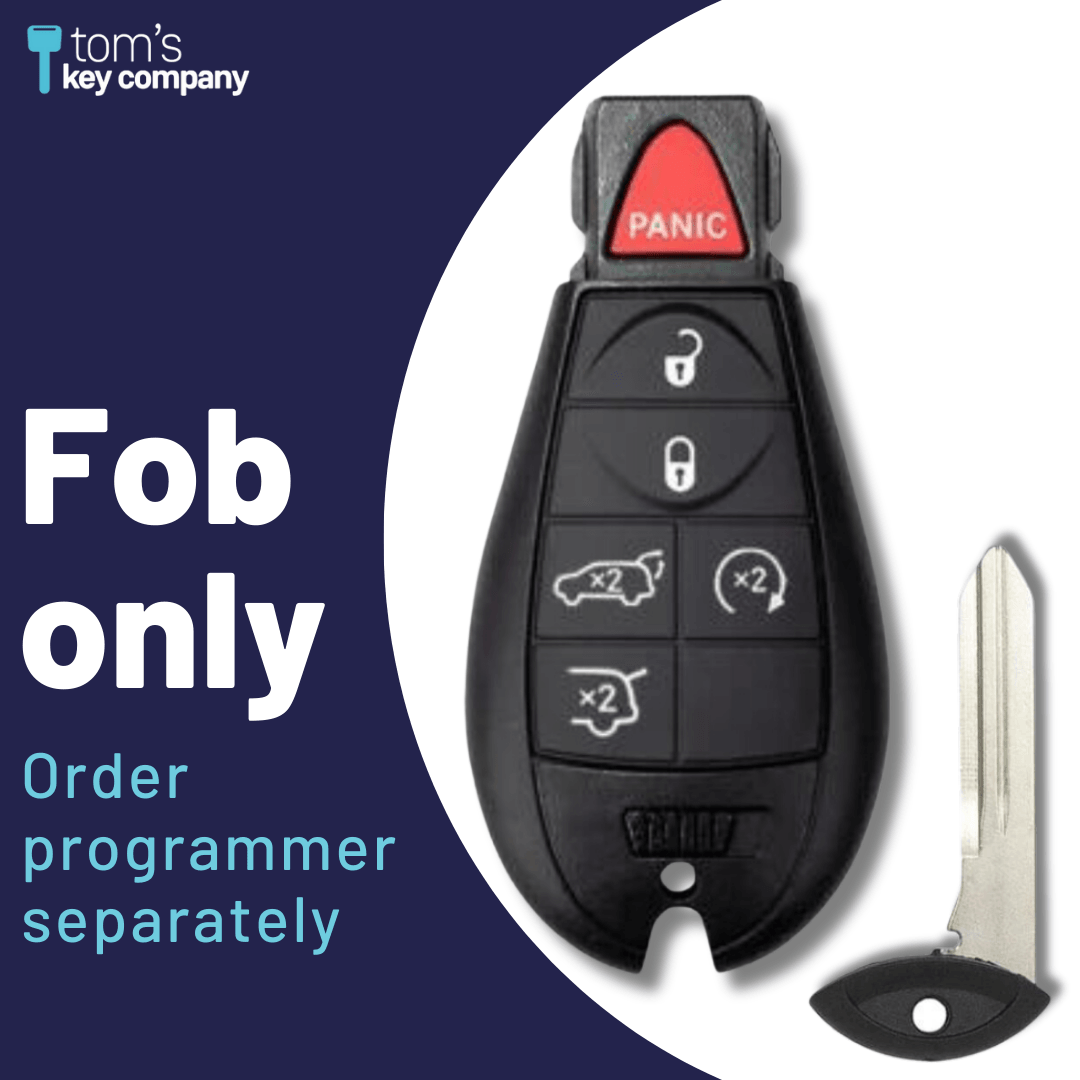
Jeep vehicles use different key types, depending on the year and model. Older Jeeps often have traditional metal keys, while newer models use key fobs with electronic chips. It’s important to know which key you have, as the starting steps can vary.
| Key Type | Common Jeep Models | Features |
|---|---|---|
| Traditional Key | Cherokee (pre-2010), Wrangler (pre-2015) | Metal blade, no electronics |
| Key Fob with Chip | Grand Cherokee (2010+), Compass (2017+) | Electronic chip, remote lock/unlock |
| Push Start Fob | Renegade (2015+), Gladiator (2020+) | No physical ignition; fob only |
If your Jeep uses a push-button start, this guide will not apply. For traditional keys and fob-keys with a physical blade, follow the steps below.
Step-by-step: How To Turn On Your Jeep With A Key
Starting your Jeep is not just about turning the key. There are safety checks and small actions that make a big difference.
1. Check The Gear Position
Always make sure your Jeep’s gear shift is in Park (P) or Neutral (N). Automatic transmission vehicles will not start if the gear is in drive or reverse.
2. Insert The Key
Place the key into the ignition slot. For key fobs with a blade, flip out the blade and use it as you would a traditional key.
3. Turn The Key To ‘on’
Rotate the key to the ‘ON’ position. This activates your Jeep’s electrical systems. The dashboard lights should illuminate, and you may hear the fuel pump prime.
4. Check For Warning Lights
Look for any warning lights. If you see the security indicator or a blinking key symbol, your Jeep may not recognize the key. Try removing and reinserting the key. If the problem continues, your key may need reprogramming.
5. Turn The Key To ‘start’
Continue turning the key clockwise to the ‘START’ position. Hold it until the engine cranks and starts. Release the key immediately once the engine is running—the key will return to the ‘ON’ position automatically.
6. Listen For Engine Sound
The engine should start smoothly. If you hear clicking or grinding, stop and check your battery or starter.
7. Let The Engine Idle
Allow the engine to idle for 30 60 seconds, especially in cold weather. This helps oil circulate and keeps your Jeep healthy.
Here’s a simple comparison of steps for two common Jeep models:
| Step | Wrangler (2010) | Grand Cherokee (2018) |
|---|---|---|
| Gear Check | Park/Neutral | Park/Neutral |
| Key Insert | Metal key | Key fob blade |
| Turn to ON | Yes | Yes |
| Start Engine | Turn key | Turn blade |
| Idle | 30-60 sec | 30-60 sec |
Common Mistakes And Troubleshooting
Even experienced drivers can make simple mistakes. Here are a few common problems and how to fix them:
- Key won’t turn: The steering wheel may be locked. Wiggle the wheel gently while turning the key.
- Engine won’t start: Check battery connections. A weak battery is the most common reason for failure.
- Security light stays on: Your key may not be recognized. Try a spare key or contact a dealer for reprogramming.
- Grinding noise: Don’t force the key. This can damage the starter. If you hear grinding, stop and call a mechanic.
Sometimes, new Jeep owners are surprised by a battery drain after repeated starting attempts. If your Jeep won’t start, avoid continuous cranking—this can quickly drain the battery and damage the starter motor.
Tips For Smooth Starting
A few extra tips can keep your Jeep reliable:
- Keep your keys clean: Dirt or moisture can cause electronic keys to malfunction.
- Avoid heavy keychains: Too many items hanging from your key can wear out the ignition.
- Use the correct key: Some Jeeps have keys that look similar but are programmed differently. Always use the key assigned to your vehicle.
- Warm up in winter: Cold temperatures can make engines sluggish. Let your Jeep idle for a minute before driving.
Many Jeep drivers forget that remote start features don’t always work if the key battery is low. Replace the battery every 1–2 years for best performance.
When To Seek Help
If your Jeep refuses to start with the key after several tries, don’t ignore the issue. Signs you should contact a professional:
- Repeated security errors
- No engine crank at all
- Unusual dashboard messages
- Lost or broken key
For more technical details about Jeep ignition systems, you can check the official Jeep Owners Site.
Frequently Asked Questions
Why Won’t My Jeep Start Even When I Turn The Key?
If your Jeep doesn’t start, the most common reasons are a dead battery, security key issue, or faulty starter. Make sure the gear is in Park and check for dashboard warning lights.
Can I Use Any Jeep Key To Turn On My Vehicle?
No. Each key is programmed to a specific Jeep. Using another key may trigger the security system and prevent starting.
What Should I Do If My Key Gets Stuck In The Ignition?
Turn the steering wheel slightly while trying to remove the key. If it’s still stuck, check if the gear is fully in Park. Forcing the key can damage the ignition.
How Often Should I Replace My Jeep Key Fob Battery?
Change the battery every 1 2 years, or when you notice weak remote functions. Some Jeep models will display a warning when the battery is low.
Is It Safe To Let My Jeep Idle After Starting?
Yes, especially in cold weather. Letting your Jeep idle for 30 60 seconds helps oil circulate and protects the engine.
Turning on your Jeep with a key is simple when you know the steps. By following these guidelines, you’ll avoid mistakes and keep your vehicle running smoothly.
Whether you drive an older model or a newer one, a good starting routine helps your Jeep last longer and keeps you safe on the road.