Taking the T-tops off your Jeep Wrangler can change your whole driving experience. Sunlight, fresh air, and a sense of freedom make every trip special.
But if you’ve never removed the T-tops before, it can feel a bit confusing. This guide will help you do it safely and easily, giving you the confidence to enjoy your open-air ride.
Understanding T-tops On Jeep Wrangler
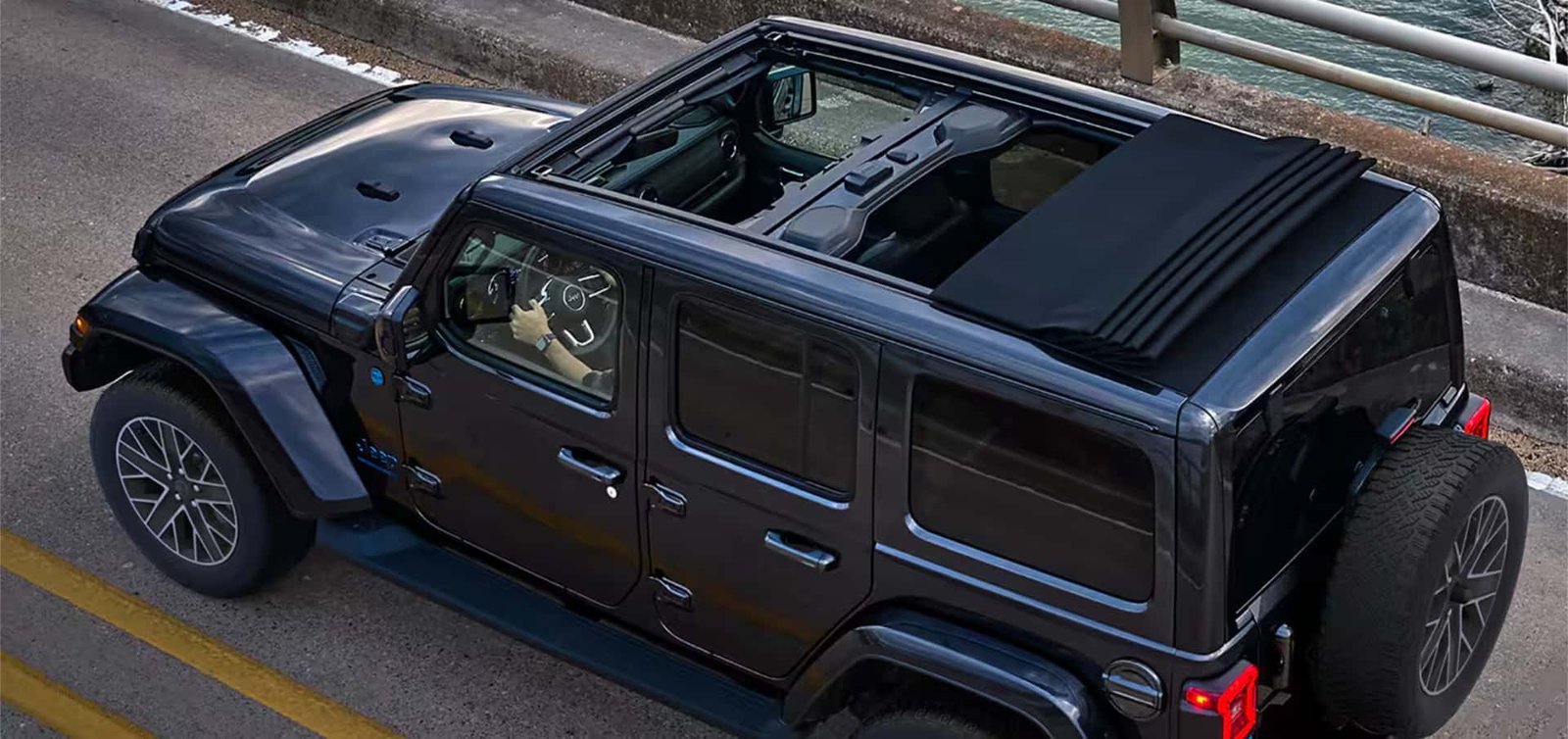
T-tops are removable roof panels above the driver and passenger seats. On Jeep Wranglers, these are often called Freedom Panels. They are a big reason why Jeep owners love their vehicles—they let you switch from a closed roof to open sky in minutes.
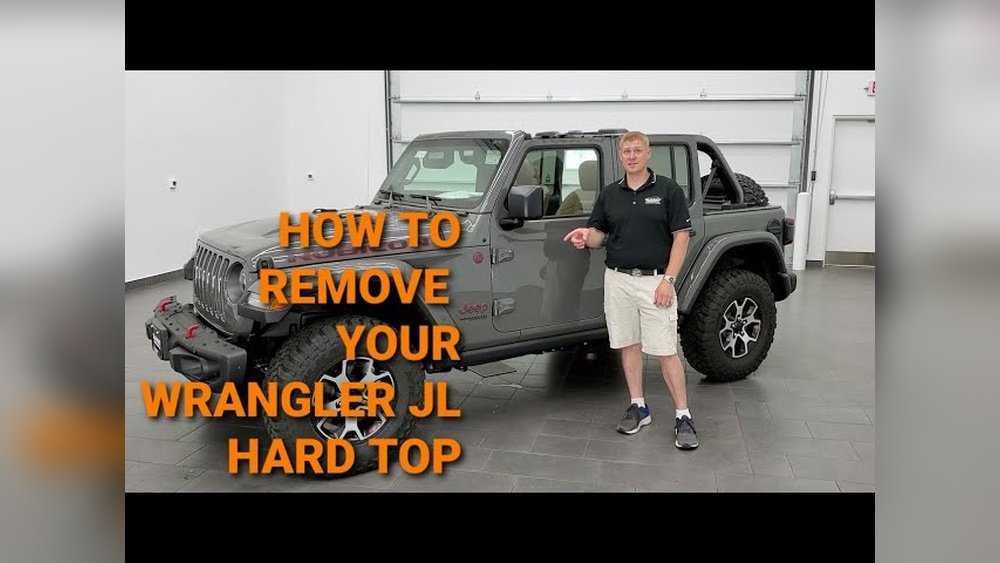
The most common Jeep models with T-tops are the Wrangler JK (2007–2018) and Wrangler JL (2018–present). Although the removal process is similar for both, always check your owner’s manual for details.
| Model | T-Top Type | Years |
|---|---|---|
| Wrangler JK | Freedom Panels | 2007–2018 |
| Wrangler JL | Freedom Panels | 2018–present |
Tools And Preparation
You don’t need special tools to remove T-tops. But you should have these items ready:
- Microfiber cloth (to protect your panels)
- Storage bag (most Wranglers include one)
- A friend’s help (recommended, especially for first-time removal)
Before starting, park your Jeep on a flat surface. Make sure the vehicle is in park and the engine is off. This prevents any movement during removal.
Step-by-step: How To Take T Tops Off Jeep Wrangler
Follow these steps for a smooth and safe T-top removal:
1. Release The Sun Visors.
Flip both sun visors down and away from the roof latches.
2. Unlock The Front Latches.
There are two latches above the windshield one for the driver and one for the passenger. Pull them down to unlock.
3. Undo The Rear Center Latch.
In the middle, just behind the front latches, you’ll find another latch. Turn it to release the panel’s rear edge.
4. Remove The Driver’s Side Panel.
Carefully lift the driver’s panel up and off. Hold both sides and move it straight back, then out.
5. Remove The Passenger’s Side Panel.
Repeat the process for the passenger side. The panels are not very heavy, but hold firmly to avoid dropping.
6. Store The Panels Safely.
Place the panels in the storage bag, with the painted sides facing each other. Secure them in your trunk or garage.
7. Check For Proper Fit When Reinstalling.
When putting the panels back, align the pins in the front and press down gently. Lock all latches and check for any gaps.
Quick Reference: T-top Removal Checklist
| Step | Action |
|---|---|
| 1 | Flip sun visors down |
| 2 | Unlock front latches |
| 3 | Release rear latch |
| 4 | Lift and remove panels |
| 5 | Store panels safely |
Tips For A Trouble-free Experience
Removing T-tops seems simple, but a few details can make things much easier:
- Clean the panels before removal. Dust or dirt can scratch the paint.
- Don’t force the latches. If a latch is stuck, double-check if it’s fully unlocked.
- Avoid removing in strong wind. Panels can catch the wind, making them harder to handle.
- Store panels in the bag. Don’t leave them loose, as they can get damaged.
- Check the weather. Sudden rain can be a problem if you’re far from home.
Many first-time users forget to lock all latches when reinstalling. This can lead to water leaks and extra wind noise. Always double-check every latch.
Common Mistakes To Avoid
Even experienced owners make errors. Here are a few to watch for:
- Mixing up the panels. Each panel is designed for a specific side. Look for “L” (left) and “R” (right) marks.
- Ignoring rubber seals. Dirt on the seals can cause leaks. Wipe them with a clean cloth before reinstalling.
- Forgetting about overhead racks. Remove any cargo from roof racks before taking off the T-tops.
A key insight: If your panels are difficult to remove, it may be due to temperature changes. Plastic contracts in cold weather, making panels tighter. If possible, park your Jeep in the sun for a few minutes to warm the roof.
Reinstalling T-tops: What Matters Most
When it’s time to put the panels back, alignment is everything. Insert the front pins first, then lower the rear. Press down on the edges to ensure a snug fit. Lock each latch and tug gently to confirm everything is secure.
If you notice wind noise or water leaks after reinstalling, inspect the rubber seals. Even a small piece of dirt can stop the panel from sealing tight.
Quick Comparison: Soft Top Vs. T-top Removal
| Feature | T-Tops (Freedom Panels) | Soft Top |
|---|---|---|
| Removal Time | 2–5 minutes | 10–20 minutes |
| Tools Needed | None | Sometimes |
| Storage | Small panels | Bulky fabric |
| Weather Protection | Excellent when closed | Good, but less secure |
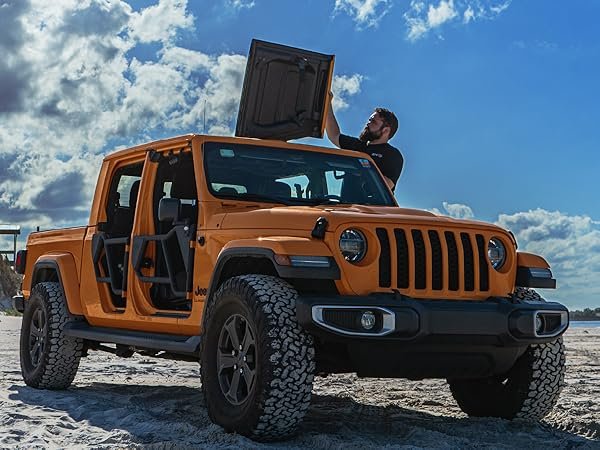
Maintenance: Keeping Your T-tops In Great Shape
To keep your T-tops looking and working like new:
- Inspect latches every few months for signs of wear.
- Lubricate rubber seals with silicone spray to prevent drying and cracking.
- Clean panels with mild soap and water. Avoid strong chemicals.
- Check for rattles after every reinstallation.
If you ever notice a broken latch or a damaged seal, fix it quickly. Small issues can lead to larger problems, especially with leaks.
For more Jeep Wrangler care tips, visit the official Jeep website.
Frequently Asked Questions
How Heavy Are Jeep Wrangler T-tops?
Each panel weighs about 10–12 pounds. Most people can remove them alone, but help is useful.
Can I Drive With Only The T-tops Off And The Rest Of The Hardtop On?
Yes, you can drive with just the Freedom Panels removed. The rest of the hardtop stays in place and keeps your belongings safe.
Are T-tops Waterproof?
When properly installed, T-tops are waterproof. Always check for dirt or damage on seals to prevent leaks.
How Do I Clean The Rubber Seals?
Use a damp cloth and, if needed, a little silicone spray. Avoid oil-based products, as they can damage the seals.
Do All Jeep Wranglers Have T-tops?
No. Only Wranglers with the Freedom Top hardtop option have T-tops. Soft top models do not.
Removing the T-tops from your Jeep Wrangler isn’t just about enjoying the weather it’s about connecting with your vehicle and the road. With these steps, tips, and insights, you’re ready to make the most of every drive.