Setting up the Jeep app can change the way you connect with your vehicle. With this app, you can lock or unlock doors, check your car’s health, find your Jeep in a busy parking lot, and even start your engine remotely. Many owners don’t realize how simple it is to set up, but small mistakes can cause frustration. This guide will walk you through the process, highlight common issues, and offer tips that most beginners miss.
What You Need Before You Start
Before setting up the Jeep app, make sure you have these essentials:
- A compatible Jeep vehicle (usually 2018 models or newer)
- A smartphone (iOS or Android)
- An active Jeep owner account
- Vehicle Identification Number (VIN)
- Reliable internet connection
Some features, like remote start, may require a subscription to Jeep’s connected services. Always check if your vehicle supports the features you want.

Step-by-step Setup Guide
1. Download And Install The App
Go to the Apple App Store or Google Play Store and search for “Jeep app” or “Jeep Connect.” Download and install the official app by Jeep. Be careful—third-party apps may not be safe.
2. Create Or Log In To Your Jeep Account
Open the app and choose Sign Up if you don’t have an account. Enter your email, create a password, and add your personal details. If you already have an account, use your login info.
3. Add Your Jeep Vehicle
- Tap Add Vehicle
- Enter your VIN (found on your dashboard or registration papers)
- Confirm your vehicle details match your Jeep
Some users skip this step, but it’s vital. Without linking your vehicle, the app won’t show real-time data.
4. Verify Ownership
Jeep may send a verification code to your email or phone. In some cases, you’ll need to enter a code shown on your vehicle’s touchscreen. Follow the instructions in the app.
5. Activate Jeep Connected Services
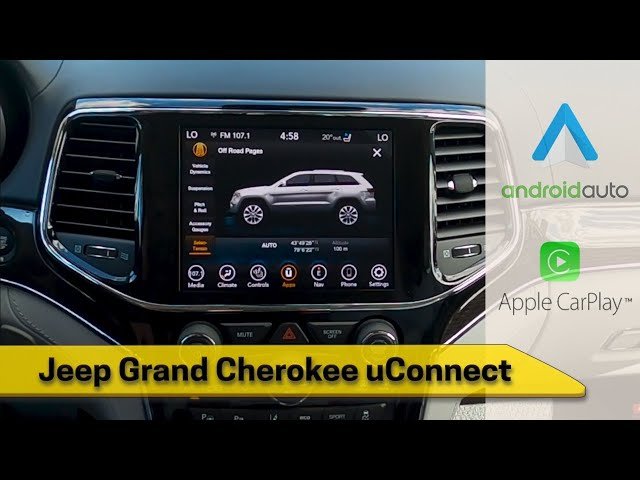
Many features depend on activating Uconnect® or Jeep Connected Services. If you haven’t done this before, the app will guide you. You might need to:
- Visit your dealership for activation (if required)
- Enter payment details for paid features
- Accept terms and privacy policy
6. Explore Key Features
Once your Jeep is linked, test the main features:
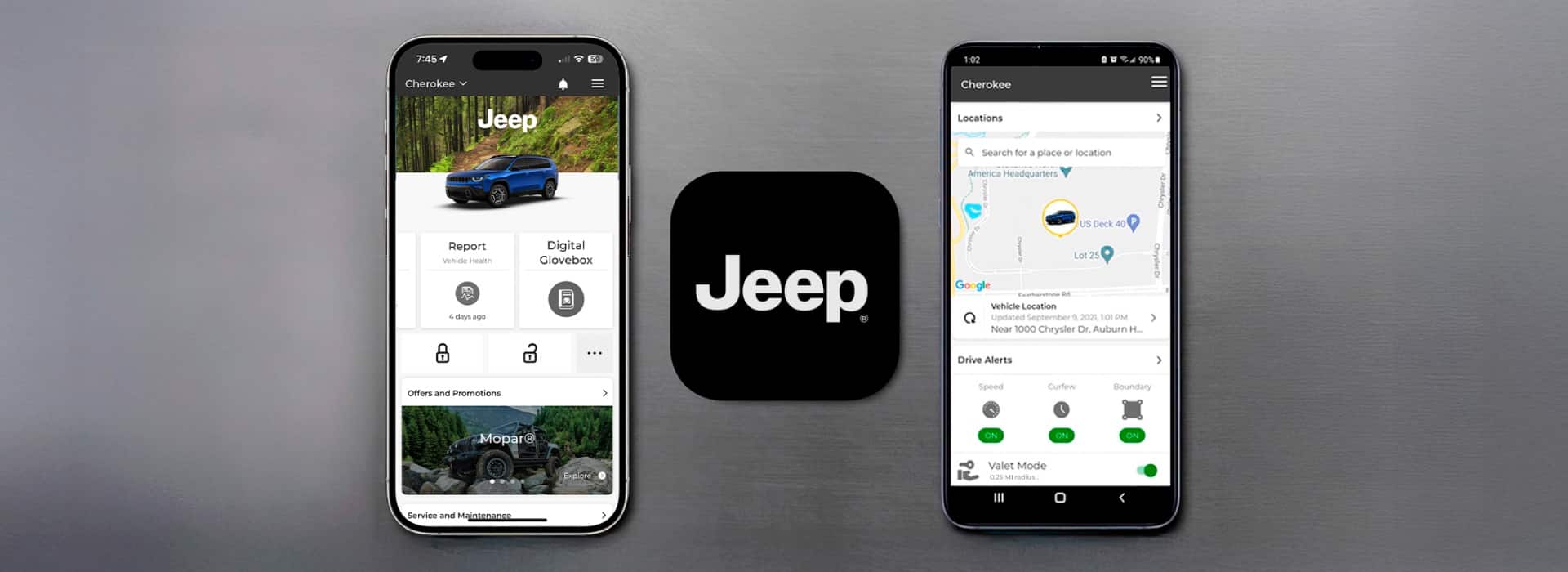
- Remote start/stop the engine
- Lock/unlock doors
- Locate your vehicle on the map
- Check fuel level, tire pressure, and maintenance alerts
Some features may take a few minutes to activate after setup.
Common Setup Problems And Solutions
Many users run into similar issues during setup. Here’s how to solve them:
- App not recognizing VIN: Double-check the VIN for typos. Only use the official app.
- No confirmation email: Check your spam folder or try resending the code.
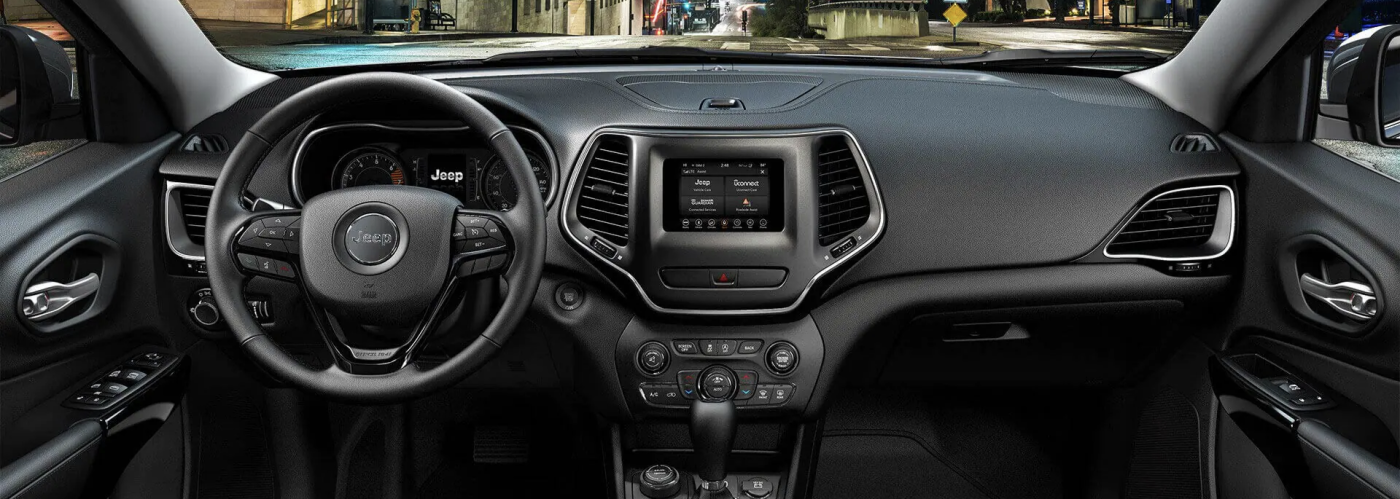
- Can’t find activation code in vehicle: Go to the Apps menu on your Jeep’s touchscreen, look for “Uconnect” or “Activate Services.”
- Features not working: Your subscription may have expired, or services are not yet activated. Contact your dealer if needed.
- Bluetooth or internet issues: Make sure your phone has a strong signal and Bluetooth is on.
Jeep App Features: What’s Included?
Here’s a quick comparison of popular features by vehicle model year.
| Feature | 2018-2020 Jeeps | 2021+ Jeeps |
|---|---|---|
| Remote Start | Some models | Most models |
| Vehicle Locator | Yes | Yes |
| Vehicle Health Report | Limited | Full |
| Send & Go Navigation | No | Yes |
Not all features are free. Some require a paid subscription after a trial period.
Comparing Jeep App With Other Car Apps
Wondering how the Jeep app stacks up against competitors? Here’s a brief overview.
| App | Remote Start | Vehicle Locator | Service Reminders |
|---|---|---|---|
| Jeep App | Yes* | Yes | Yes |
| FordPass | Yes | Yes | Yes |
| myChevrolet | Yes | Yes | Yes |
*Requires compatible vehicle and active subscription.
Two Tips Most People Miss
- Set up app notifications: Many skip notification settings, but alerts for service, recalls, or low tire pressure can prevent bigger problems later.
- Add a second driver: If you share your Jeep, invite a co-driver in the app. This gives them access to lock, unlock, and locate the vehicle—no more lost keys or calls.
Privacy And Security
The Jeep app uses end-to-end encryption to protect your data. Always use a strong password, and avoid using public Wi-Fi during setup. You can control what data is shared in the app’s privacy settings.
What To Do After Setup
After you finish, test every feature. Start your Jeep remotely, check your maintenance schedule, and try the vehicle locator.
If a feature doesn’t work, revisit the setup steps or contact your dealer. Regular app updates add new features and fix bugs, so keep your app up to date.
When To Contact Support
Contact Jeep support if you:
- Can’t activate key features after 24 hours
- See error messages about your subscription
- Lose access after changing phones
Jeep’s customer service is available by phone, email, or chat in the app. For more details, visit the official Jeep Connectivity page.
Frequently Asked Questions
How Do I Find My Jeep’s Vin?
Your VIN is a 17-digit number found on your dashboard (near the windshield), inside the driver’s door, or on your vehicle registration papers.
Is The Jeep App Free To Use?
The app is free to download and set up, but some features need a paid subscription after a trial period.
Can I Use The Jeep App On More Than One Phone?
Yes, but each phone must log in with the same Jeep account. You can also invite another driver to access certain features.
What If My App Doesn’t Connect To My Jeep?
Check your internet connection and make sure your Jeep’s connected services are active. Restart your phone and try again. If problems continue, contact support.
Does The Jeep App Work Outside The Us?
The app works in most countries, but some features like remote start may be limited by local laws or network coverage.
Setting up the Jeep app can seem complicated, but with careful steps and attention to detail, you’ll unlock a new level of control over your vehicle. Remember to review your app’s notifications, update regularly, and contact support if you run into trouble.
With these tips, you’ll get the most from your Jeep’s connected features every day.



















