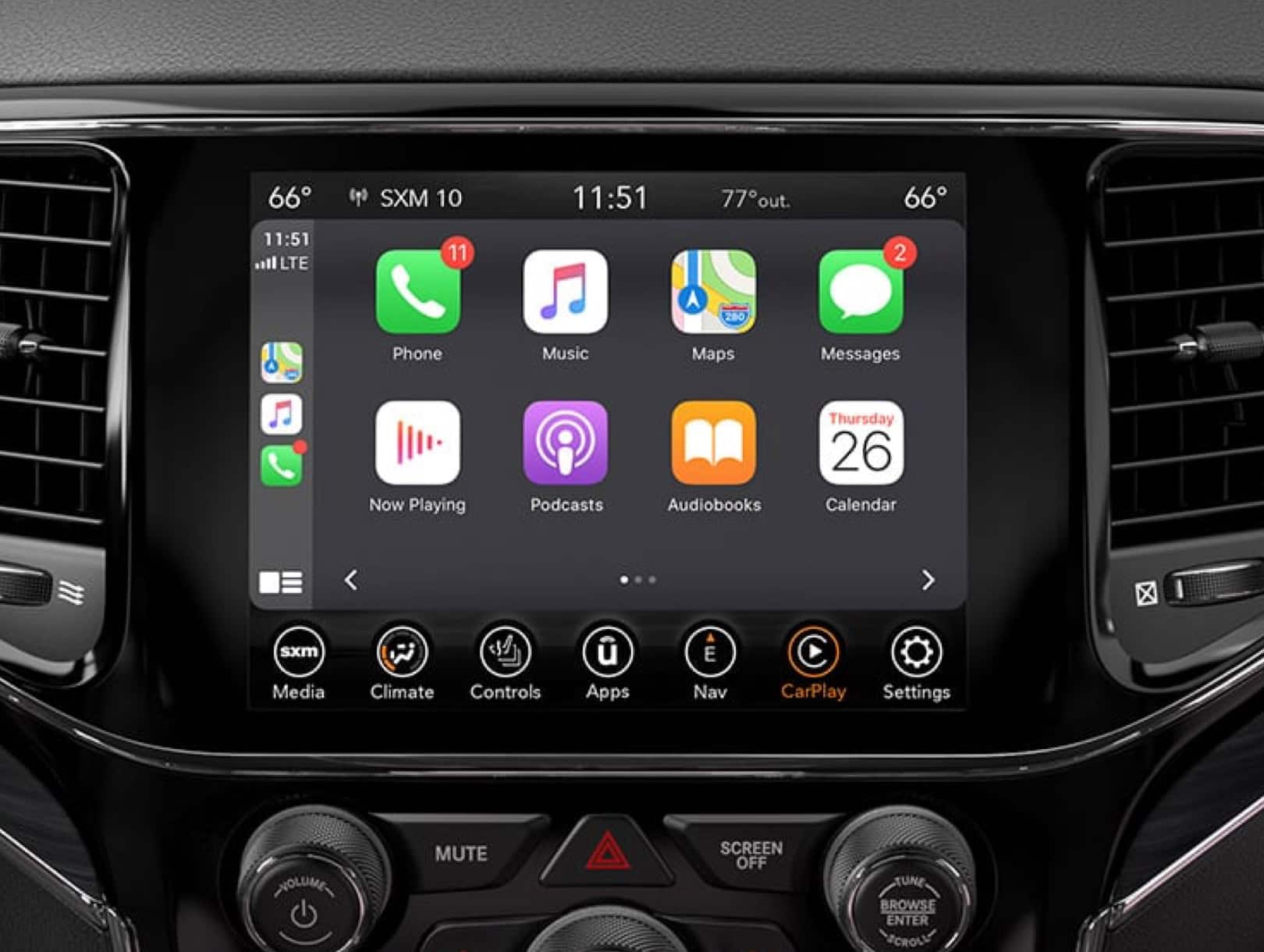
Setting up CarPlay in your Jeep Cherokee can make driving easier and safer. You can control your iPhone apps through your car’s touch screen, steering wheel, or voice commands. Many drivers don’t realize how simple the process is, or how much CarPlay can improve their daily commute. Let’s walk through each step, and clear up a few common mistakes along the way.
Check Compatibility And Requirements
First, you need to make sure your Jeep Cherokee supports Apple CarPlay. Most models from 2019 and newer come with CarPlay built-in. Older models may require a software update or aftermarket kit. Your iPhone must be running iOS 7.1 or later, but newer iOS versions work better.
Here’s a quick comparison of CarPlay compatibility:
| Jeep Cherokee Model Year | CarPlay Availability | Connection Type |
|---|---|---|
| 2014-2018 | Optional/Aftermarket | Wired |
| 2019-2022 | Standard | Wired/Wireless |
| 2023+ | Standard | Wireless |
Check your owner’s manual or Jeep’s official site if you’re not sure about your model.
Gather Needed Items
Before you start, make sure you have:
- An iPhone with the latest iOS version
- A genuine USB cable (for wired connection)
- The Jeep’s Uconnect system (factory or updated)
- Bluetooth enabled (for wireless CarPlay)
Many users skip updating their phone or Uconnect software, which can cause problems. Updating both gives you the smoothest experience.
Connect Your Iphone To Carplay
You can connect using either a wired or wireless method, depending on your model.
Wired Connection
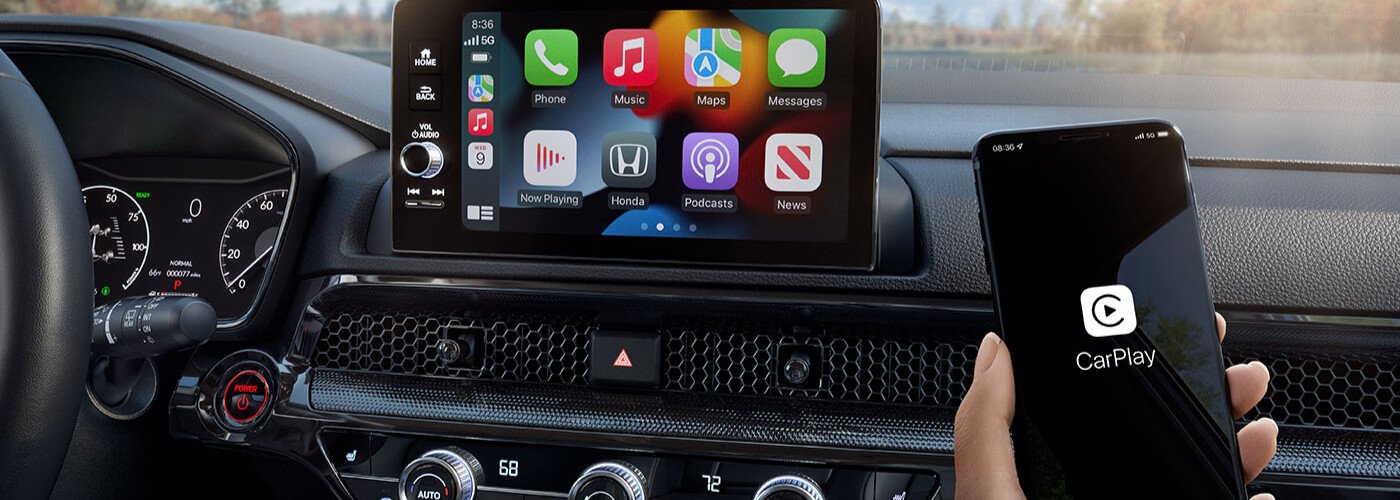
- Plug your iPhone into the USB port (usually marked with a smartphone icon).
- The Uconnect screen will show a prompt: “Enable CarPlay?” Select Yes.
- Your iPhone may ask for permission. Tap Allow.
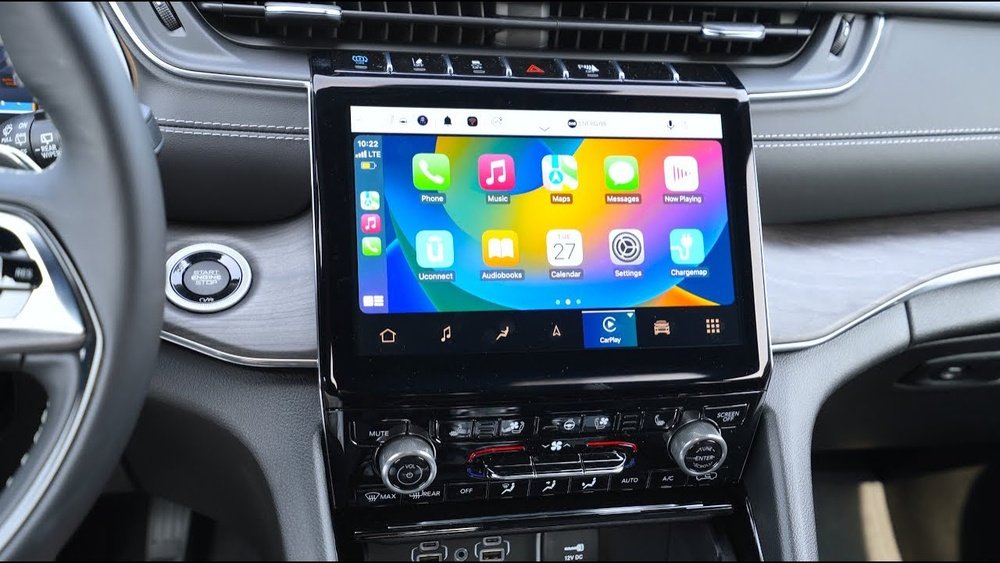
- CarPlay launches automatically, showing app icons on your display.
Wireless Connection
- Turn on Bluetooth and Wi-Fi on your iPhone.
- On the Uconnect screen, go to Settings > Phone/Bluetooth > Add Device.
- Select your Jeep from the list on your phone.
- Confirm pairing on both devices.
- After pairing, CarPlay should launch wirelessly.
If you don’t see CarPlay, restart your phone and try again. Always use a quality USB cable cheap cables can cause connection issues.
Customize Carplay Settings
Personalizing CarPlay makes it easier to use. On your iPhone, go to Settings > General > CarPlay. Choose your Jeep, then:
- Rearrange app icons
- Remove apps you don’t use
- Set up Do Not Disturb While Driving
- Enable Siri for hands-free use
Here’s a quick look at CarPlay settings and their benefits:
| Setting | Benefit |
|---|---|
| App Layout | Faster access to favorites |
| Do Not Disturb | Minimizes distractions |
| Siri Voice Control | Safer, hands-free operation |
A common mistake is leaving unused apps on the CarPlay screen, making it cluttered. Remove apps you don’t use for a cleaner look.
Practical Tips For Smooth Setup
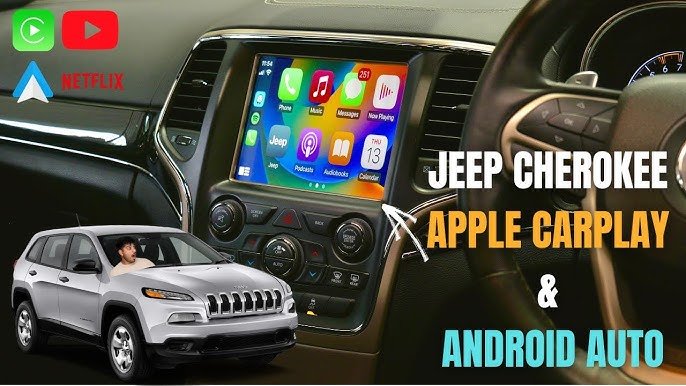
Many drivers struggle with setup due to simple errors. Here are tips that help:
- Update your Uconnect system: Newer software fixes bugs and adds features.
- Restart your phone and car: If CarPlay doesn’t appear, a restart often solves it.
- Check USB ports: Only specific ports support CarPlay—look for the smartphone icon.
- Avoid aftermarket cables: Use Apple-certified cables for best reliability.
Did you know that wireless CarPlay drains your phone battery faster? Keep a charger handy for longer trips.
Troubleshooting Common Problems
Sometimes CarPlay doesn’t connect or freezes. Here’s how to fix the most common issues:
| Problem | Solution |
|---|---|
| No connection | Check cable, update software, restart devices |
| App icons missing | Customize layout in iPhone settings |
| Audio not working | Check Bluetooth, volume, and audio source |
| CarPlay disconnects | Use original cable, avoid low battery |
If problems persist, check Jeep’s support page or visit a dealership.
Maximizing Carplay Features
CarPlay offers more than just navigation. You can use Apple Maps, Spotify, WhatsApp, and other apps safely. Siri lets you make calls, send texts, and change music without touching your phone.
For example, say “Hey Siri, play my driving playlist” or “Navigate to work. ” Voice commands minimize distractions and keep your hands on the wheel.
Some drivers don’t realize you can use third-party navigation apps, like Google Maps or Waze, in CarPlay. To enable them, update the app on your phone and add it to your CarPlay screen.
If you’re interested in more detailed instructions, visit the Jeep Uconnect official site.
Frequently Asked Questions
Does My Jeep Cherokee Support Carplay?
Most Jeep Cherokees from 2019 onward support CarPlay. For older models, you may need a software update or aftermarket kit.
Can I Use Carplay Wirelessly In My Jeep?
Yes, but only on newer models (usually 2021 and later) with wireless CarPlay support. Otherwise, you need to connect your iPhone with a USB cable.
Why Isn’t Carplay Showing Up On My Uconnect Screen?
Check your USB cable, update your phone and Uconnect software, and make sure you’re using the right USB port. Restarting both devices often helps.
Can I Rearrange Carplay Apps On My Jeep’s Screen?
Absolutely. On your iPhone, go to Settings > General > CarPlay and customize the app layout for your Jeep.
How Do I Fix Audio Problems With Carplay?
Check your car’s audio source, Bluetooth settings, and phone volume. If the issue remains, restart your phone and try a different cable.
Setting up CarPlay on your Jeep Cherokee isn’t difficult, but a few careful steps make the process smoother. Once connected, you’ll enjoy safer driving, easy access to your favorite apps, and less distraction.
With these tips, even beginners can get CarPlay running in minutes and make the most of its features.