If your Uconnect system in a 2014 Jeep is acting up, you’re not alone. Many drivers experience issues like a frozen screen, Bluetooth problems, or unresponsive navigation.
Resetting Uconnect can solve most of these glitches without a trip to the dealership. In this guide, you’ll learn the right way to reset Uconnect in a 2014 Jeep, what to expect, and how to avoid common mistakes.
Even if you’re not a tech expert, you’ll find the steps simple and clear.
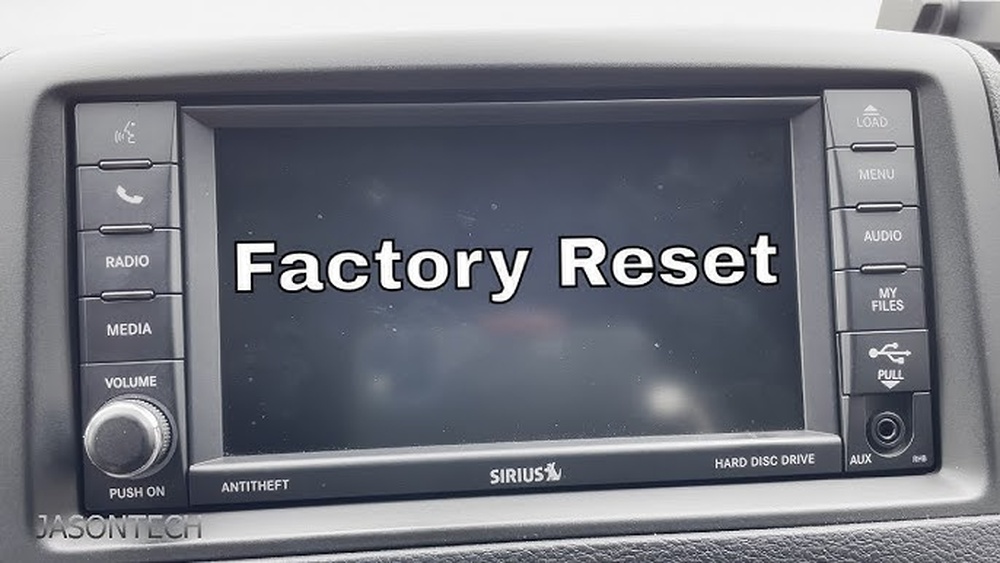
Understanding Uconnect In Jeep 2014
The 2014 Jeep Uconnect system is the heart of your vehicle’s infotainment. It connects your phone, controls music, navigation, and even climate settings.
Over time, it can become slow or buggy just like a smartphone. A reset often brings it back to normal.
Main Features Of Uconnect 2014
- Touchscreen interface for audio, calls, and navigation
- Bluetooth connectivity for hands-free use
- Voice command options
- Navigation (in some models)
- Climate control (in some trims)
Knowing these features helps you spot when something’s wrong, like lag or freezing.
Reasons You Might Need To Reset Uconnect
Resetting Uconnect is not just for obvious breakdowns. Here are some common signs:
- Unresponsive touchscreen—the screen doesn’t react to touch.
- Bluetooth pairing issues—your phone won’t connect or drops connection.
- GPS/navigation problems—maps won’t load or keep crashing.
- Audio glitches—sound cuts in and out, or apps won’t load.
- Random reboots—the system restarts on its own.
Sometimes, a software glitch is to blame. Other times, issues start after a phone update or battery replacement.
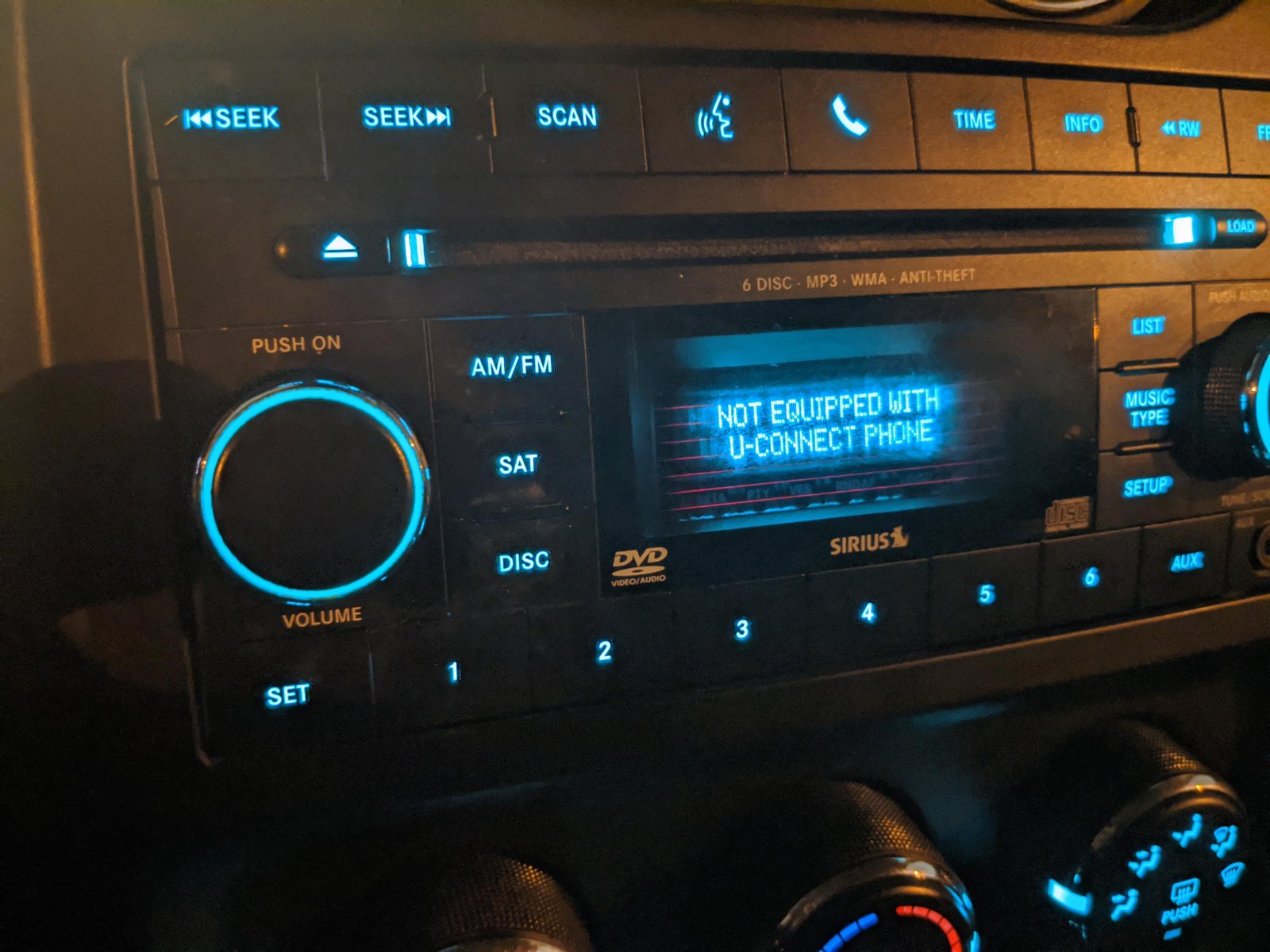
Ways To Reset Uconnect In A 2014 Jeep
There’s no single “reset” button on the Jeep 2014 Uconnect. However, you can try different types of resets based on the problem. Let’s look at the most effective ones.
1. Soft Reset (most Common)
This reset is like restarting your phone. It fixes most problems without deleting your saved settings.
Steps for a Soft Reset:
- Put your Jeep in Park and turn the engine on.
- Hold down the volume and tune knobs at the same time.
- Keep holding both knobs for about 10–20 seconds.
- The Uconnect screen will go black, then show the Jeep logo as it restarts.
- Release the knobs. Wait for the system to fully reboot.
This process doesn’t erase your personal data, radio presets, or paired devices.
2. Factory Reset (master Reset)
If the soft reset doesn’t help, try a factory reset. This will erase all personal data, settings, and paired devices, returning the system to its original state.
Steps for a Factory Reset:
- Go to the Uconnect touchscreen and tap the “Settings” icon.
- Scroll to “System Information” or “Restore Settings” (names may vary).
- Choose “Restore Factory Defaults” or “Reset to Factory Settings.”
- Confirm your choice. The system will reboot and clear all data.
Warning: Make sure to back up important info before doing this. You’ll need to pair your phone and set your preferences again.
3. Power Cycle (disconnecting Battery)
If the system is totally frozen and the screen won’t respond, you can disconnect the car battery. This is a last resort.
How to Power Cycle:
- Turn off your Jeep completely.
- Open the hood and locate the negative battery terminal (black).
- Use a wrench to loosen and remove the negative cable.
- Wait about 10–15 minutes.
- Reconnect the cable, tighten, and start your Jeep.
This forces a full reset. Be careful disconnecting the battery can also reset other electronics in your vehicle.
Side-by-side Comparison: Reset Methods
Here’s a quick look at each reset method and what they affect.
| Reset Type | Data Erased? | Difficulty | When to Use |
|---|---|---|---|
| Soft Reset | No | Easy | Minor glitches, slow system |
| Factory Reset | Yes | Medium | Major bugs, after updates |
| Power Cycle | No (mostly) | Hard | Frozen screen, unresponsive system |
Common Mistakes To Avoid
Resetting Uconnect is simple, but mistakes can make things worse.
- Don’t rush: If the screen stays black for a minute, let it finish rebooting.
- Check your VIN: Uconnect software can differ by Jeep model and trim. Always follow the right steps for your exact car.
- Don’t disconnect the battery if unsure: If you’re not comfortable with car batteries, ask for help.
- Avoid unnecessary resets: Too many resets can stress the system. Only reset when needed.
What To Do After Resetting
After a reset, you may need to:
- Pair your phone again.
- Set radio presets.
- Update system software if prompted.
- Check for map updates if you use navigation.
Not all features return to default, but it’s smart to review your settings.
When To See A Dealer
If your Uconnect system still fails after all reset methods, it may be a hardware issue. For example, a faulty screen or internal module can’t be fixed with a reset. In such cases, visit a certified Jeep dealer for diagnosis.
Estimated Costs For Dealer Service
Here’s a quick idea of what you might pay for professional help:
| Service | Average Cost | What’s Included |
|---|---|---|
| Basic Diagnostic | $50–$100 | Check system, reset attempts |
| Software Update | $75–$150 | Install latest Uconnect version |
| Hardware Repair | $300–$800+ | Replace screen or module |
Extra Tips For A Healthy Uconnect System
- Update regularly: Install new software when available.
- Avoid extreme temperatures: Heat and cold can cause the screen to glitch.
- Clean the screen gently: Use a soft, dry cloth to avoid scratches or sensor damage.
One less-known tip: Sometimes, pairing too many Bluetooth devices can slow the system. Delete old devices if you notice lag.
Frequently Asked Questions
Why Does My Uconnect Keep Freezing?
A frozen Uconnect often happens because of software bugs, corrupted data, or too many connected devices. A soft reset usually fixes this.
Will Resetting Uconnect Delete My Saved Addresses And Contacts?
A factory reset will erase saved addresses, contacts, and phone pairings. A soft reset keeps your data safe.
How Often Should I Reset My Uconnect System?
Only reset your Uconnect when you notice problems. Regular resets are not necessary and may cause more harm than good.
Can I Update Uconnect Software Myself?
Some updates can be downloaded from the official Uconnect website and installed with a USB drive. Others require a dealer visit. For more details, see the official Uconnect support page.
Is It Safe To Disconnect The Battery To Reset Uconnect?
Disconnecting the battery is safe if you follow the correct steps. However, it can reset other systems, such as the clock or radio presets.
A working Uconnect makes every drive better. With these steps, you can handle most issues yourself and enjoy your 2014 Jeep with fewer tech worries.



















