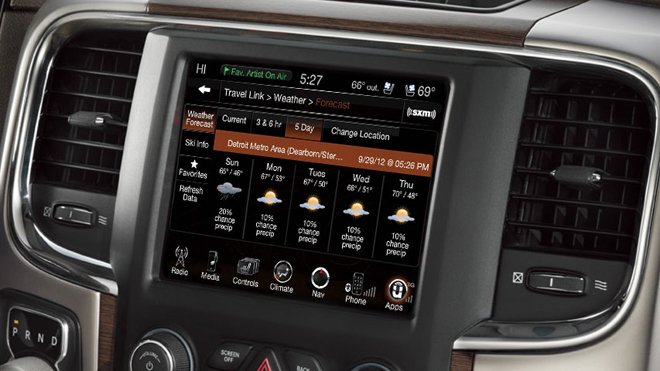
If your Jeep’s dashboard lights are acting strangely or your vehicle isn’t performing as expected, you might need a reset. This can solve issues after battery changes, clear error codes, or restore system functions. Many Jeep owners are surprised how simple resets can fix problems without a trip to the mechanic. This article explains how to reset a Jeep, including step-by-step instructions, tips for different models, and answers to common questions.
When Should You Reset Your Jeep?
A reset isn’t something you do every day. Most Jeep drivers consider it when:
- The check engine light stays on after repairs.
- Electronic systems (like radio or Uconnect) freeze or glitch.
- You’ve changed the battery or key fob.
- The car struggles to start or idle correctly.
A reset can help the vehicle’s computer “forget” old error data and relearn correct settings. But remember, a reset is not a fix for mechanical problems.
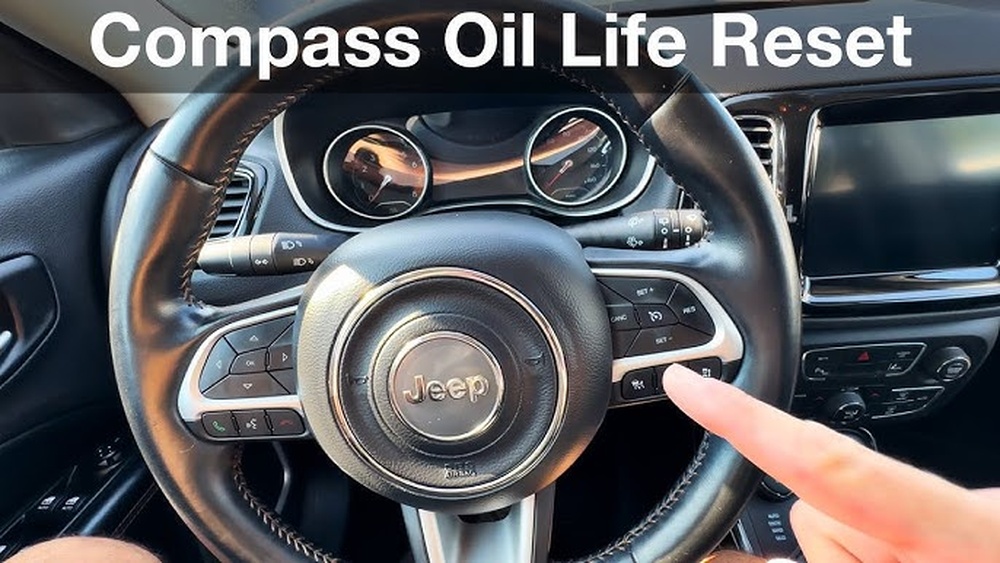
Basic Jeep Reset Methods
Jeep vehicles have different reset procedures, depending on the year and model. Here are the most common methods:
1. Battery Disconnect Reset
This is the simplest way to reset most Jeeps.
- Turn off the ignition and remove the key.
- Open the hood and locate the negative battery terminal (usually marked with a minus sign).
- Use a wrench to loosen the negative cable.
- Disconnect the cable and wait 15–30 minutes. This drains residual power.
- Reconnect the cable tightly and close the hood.
- Start your Jeep and check if the issue is gone.
Tip: Always remove the negative cable first to avoid electrical shocks.
2. Soft Reset Via Dashboard
Some newer Jeeps allow a quick system reset using dashboard buttons:
- Put the key in the “On” position without starting the engine.
- Press the gas pedal to the floor three times within 10 seconds.
- Turn off the ignition.
- Wait 1–2 minutes, then restart.
This can clear minor electronic glitches.
3. Obd-ii Scanner Reset
For more stubborn issues, an OBD-II scanner (available at auto stores) can help:
- Plug the scanner into the port under the dashboard.
- Turn the ignition to “On.”
- Follow the scanner instructions to read and clear codes.
- Turn off the ignition, unplug the device, and restart.
Pro tip: Clearing codes won’t fix the underlying problem, but it can reset warning lights after repairs.
Resetting Specific Jeep Systems
Depending on your Jeep, you might want to reset a particular feature. Here’s how:
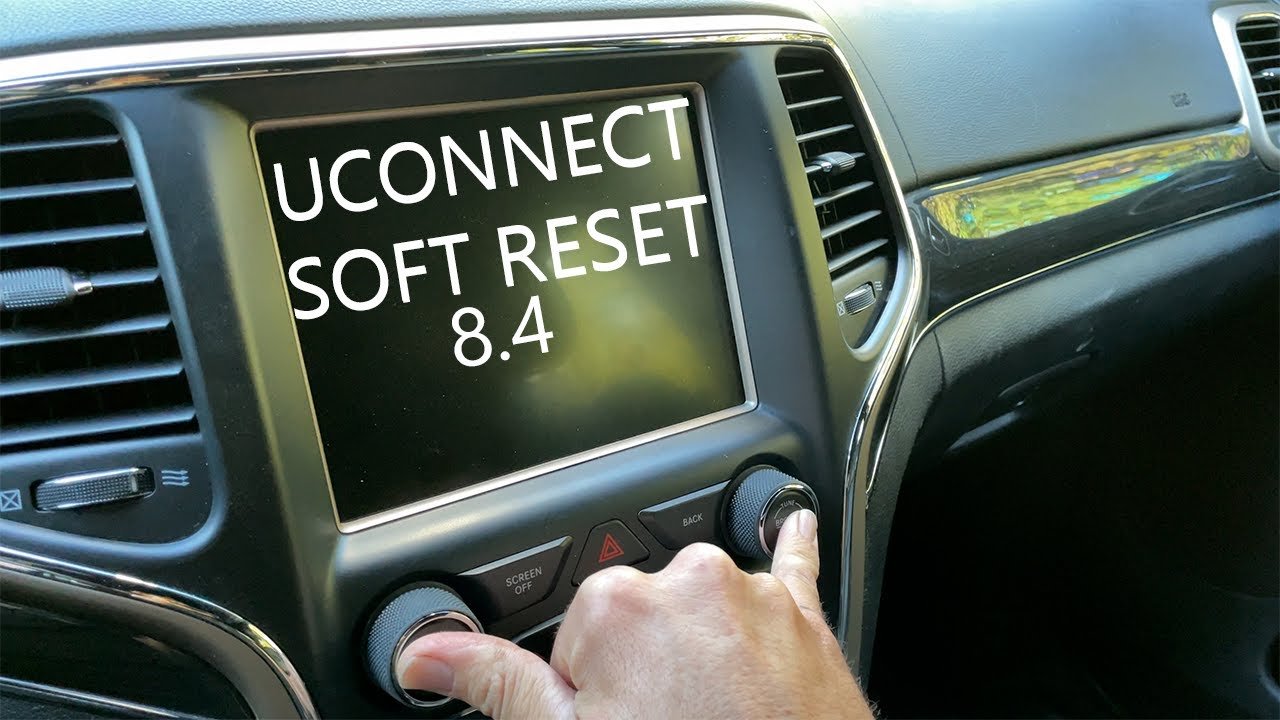
Uconnect System Reset
If your touchscreen freezes or won’t respond:
- Press and hold the volume and tuner knobs together for about 10 seconds.
- The screen will go black, then reboot.
Most Uconnect issues resolve after this soft reset.
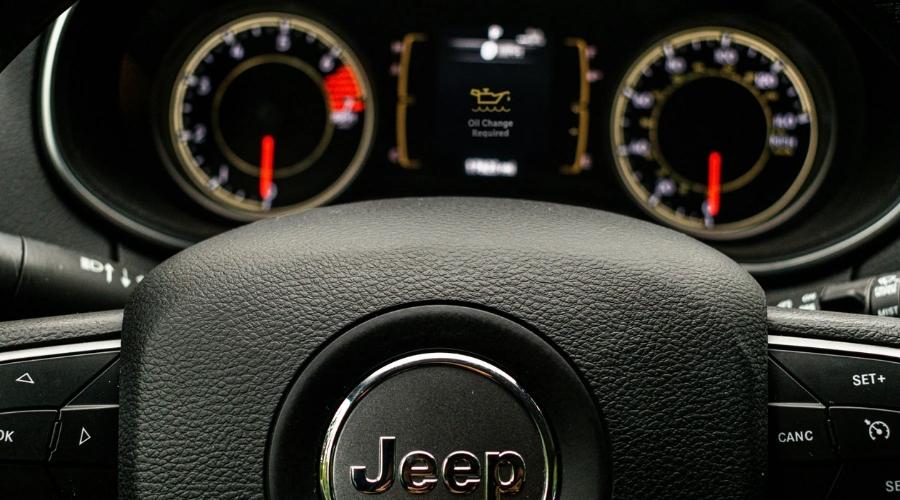
Oil Change Light Reset
After an oil change, the reminder light can stay on. Reset it like this:
- Turn the ignition to “On” (do not start the engine).
- Push the gas pedal to the floor three times within 10 seconds.
- Turn off the ignition and restart.
The oil light should be off.
Model-specific Reset Differences
Jeep models and years may require different steps. Here’s a comparison of reset methods for popular models:
| Model | Battery Reset | Dashboard Reset | OBD-II Reset |
|---|---|---|---|
| Wrangler (2010-2018) | Yes | Yes | Yes |
| Grand Cherokee (2014+) | Yes | Partial | Yes |
| Compass (2017+) | Yes | Yes | Yes |
Insight: Some 2020+ models use advanced electronics. For these, disconnecting the battery may not reset all systems. Use the built-in menus or visit a dealer for help.
Common Mistakes To Avoid
Many Jeep owners make errors when trying to reset their vehicle. Watch out for these:
- Skipping the wait time after disconnecting the battery. Not waiting long enough means the system might not clear.
- Resetting repeatedly without checking for mechanical faults. If the light comes back, there’s probably a real issue.
- Resetting with the wrong tools. Some advanced systems need special devices, not just a battery pull.
When A Reset Won’t Fix The Problem
A reset is powerful, but not magical. If lights return or the Jeep keeps acting up, there may be a deeper issue:
- Sensors (like oxygen or crankshaft) could be faulty.
- Wiring problems might interfere with resets.
- Software updates may be needed for Uconnect or ECUs.
If simple resets don’t solve the issue, consult your manual or a certified Jeep technician.
Quick Reference: Jeep Reset Methods
Use this overview to pick the best reset for your Jeep.
| Reset Type | Difficulty | Tools Needed | Best For |
|---|---|---|---|
| Battery Disconnect | Easy | Wrench | All Jeeps, general resets |
| Dashboard Buttons | Very Easy | None | 2010+ models, lights, Uconnect |
| OBD-II Scanner | Medium | Scanner | Check engine, error codes |
Two Insights Most Owners Miss
- Resetting does not erase all history. The Jeep’s computer keeps a “shadow” record of some errors, even after resets. Dealers can access this with professional tools.
- Jeep electronics are sensitive to battery changes. Always use the right battery type and connect terminals tightly. Loose or weak batteries can trigger false error lights.
Reliable Sources And Further Reading
For detailed information on Jeep resets and troubleshooting, check the official Jeep Owners Site.
Frequently Asked Questions
How Often Should I Reset My Jeep?
You should only reset your Jeep when fixing electronic glitches, after repairs, or to clear warning lights. Regular resets are not needed and won’t improve performance.
Will Resetting My Jeep Erase Radio Presets Or Settings?
A full battery disconnect may erase radio presets, clock settings, and trip data. However, most modern Jeeps keep important settings even after a reset.
Can I Reset My Jeep Using My Phone?
Most Jeep models do not support full resets by phone. However, the Uconnect app can reboot the infotainment system and remote-start your vehicle in some cases.
Is It Safe To Drive After A Reset?
If the warning light stays off and the car runs smoothly, it’s usually safe. If lights return or the Jeep drives poorly, have it checked by a mechanic.
What If My Check Engine Light Comes Back After A Reset?
A returning check engine light means the underlying problem wasn’t fixed. Run a diagnostic scan or visit a dealer to address the root cause.
Resetting your Jeep can quickly solve many minor problems. Still, always listen to your vehicle if a warning keeps coming back, trust a professional to help.
With the right steps, you’ll keep your Jeep safe and running well for years.