If your Jeep Compass radio stops working, freezes, or has odd glitches, you’re not alone. Many drivers face these problems, especially after battery changes or software updates.
A radio reset is often the quickest fix. You don’t need advanced tools or deep technical skills—just a bit of patience and the right steps.
This guide will show you exactly how to reset your Jeep Compass radio, explain common causes, and share tips for avoiding future trouble.
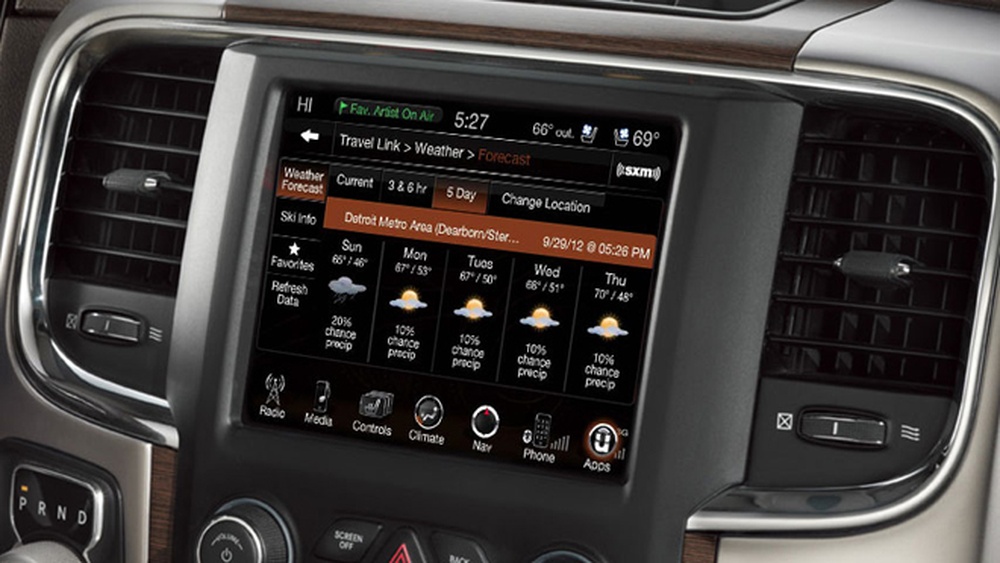
Why Resetting Your Jeep Compass Radio Matters
The radio is more than music. It controls Bluetooth, navigation, and sometimes climate settings. When it malfunctions, you lose access to important features. Problems include:
- Frozen screens
- No sound
- Bluetooth not connecting
- Touchscreen lag
- Random shutdowns
Most issues come from software bugs, power surges, or faulty updates. Resetting can clear these errors and restore normal function.
Types Of Jeep Compass Radio Systems
Jeep Compass models use several radio types. Understanding your system helps you follow the right reset steps.
| Year | Radio System | Main Features |
|---|---|---|
| 2017-2018 | Uconnect 4 | 7″ touchscreen, Bluetooth, Apple CarPlay |
| 2019-2021 | Uconnect 4C | 8.4″ touchscreen, navigation, SiriusXM |
| 2022+ | Uconnect 5 | Wireless CarPlay, improved interface |
Most reset steps work for all versions, but screen menus may look slightly different.
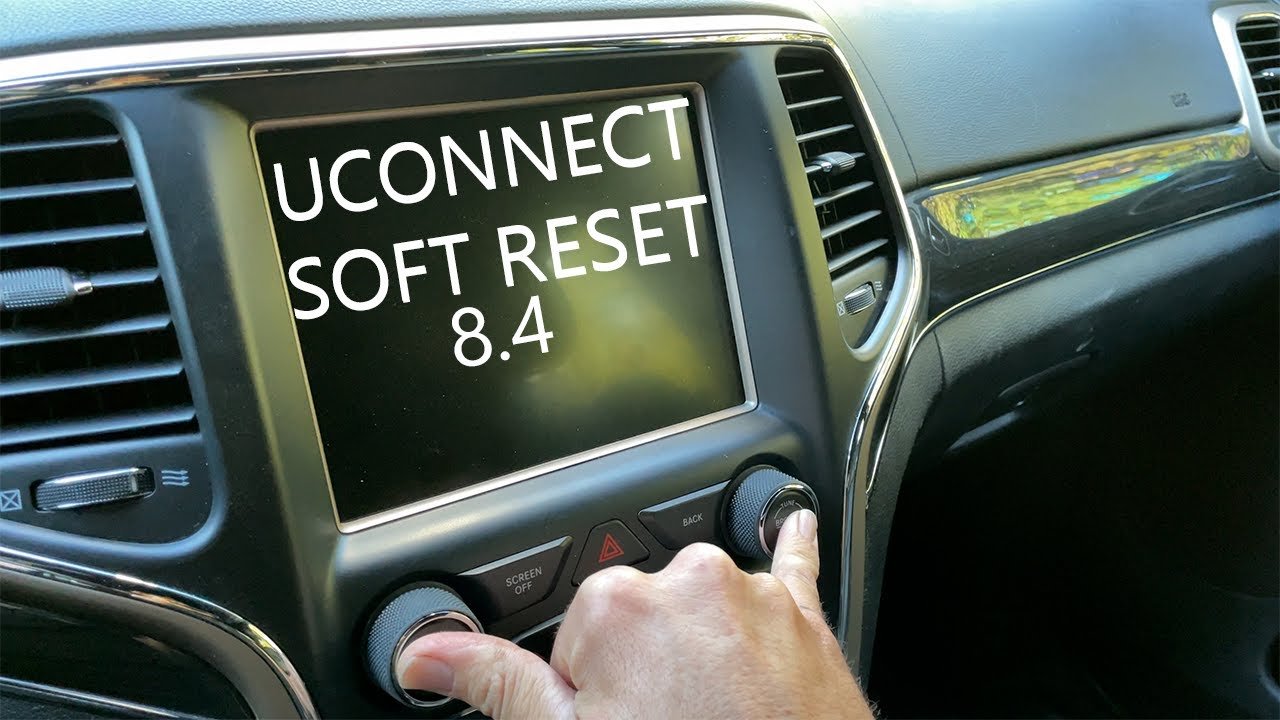
Step-by-step: How To Reset Your Jeep Compass Radio
Follow these steps to perform a soft reset and a hard reset. Always start with the soft reset—it’s safer and preserves your settings.
Soft Reset (no Data Loss)
- Turn your vehicle ON (do not start the engine if you prefer).
- Locate the power button and volume knob on your radio.
- Press and hold both buttons together for about 10 seconds.
- The screen will go dark, then restart.
- Wait for the Jeep logo to appear. Your radio will reboot.
This method fixes most minor issues. Your presets and paired devices stay saved.
Hard Reset (factory Settings)
If the soft reset fails, try the hard reset. Warning: This erases all custom settings.
- With the vehicle ON, tap the Settings icon on the radio touchscreen.
- Scroll to System Information or Factory Reset (names may vary).
- Select Reset or Restore Factory Settings.
- Confirm your choice. The radio will reboot and return to default settings.
You’ll need to re-pair Bluetooth devices, re-enter radio presets, and adjust preferences.
Physical Battery Disconnect (advanced)
For stubborn glitches, a battery disconnect can help:
- Turn off your Jeep and remove the key.
- Open the hood, locate the battery.
- Use a wrench to disconnect the negative terminal.
- Wait 10–15 minutes.
- Reconnect the terminal, close the hood, and restart the vehicle.
This method resets all electronics, not just the radio. Use only if other steps fail.
Common Reset Problems And Solutions
Resetting doesn’t always go smoothly. Here’s how to handle common hiccups:
| Problem | Possible Solution |
|---|---|
| Radio stays off after reset | Check battery charge, fuse, or wiring. |
| Bluetooth won’t reconnect | Delete paired devices and re-pair. |
| Touchscreen lag | Update Uconnect software via dealer. |
| Error messages | Perform hard reset or battery disconnect. |
Tip: Many owners miss the importance of software updates. Outdated systems cause more bugs. Check your Uconnect version regularly.
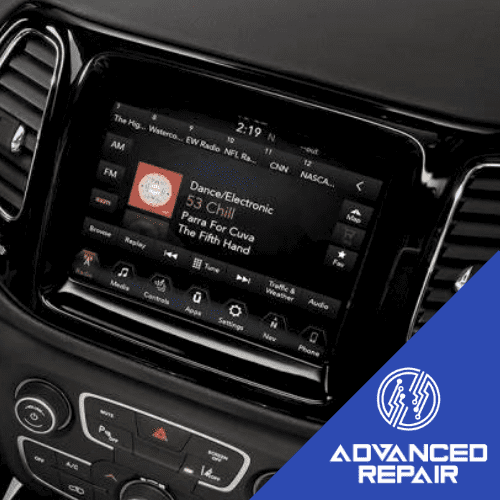
Tips To Prevent Future Radio Problems
Most resets happen because of preventable issues. Protect your radio by:
- Avoiding battery drain (don’t leave electronics on when parked)
- Updating Uconnect software when notified
- Using only official USB drives for updates
- Not forcing the touchscreen if it’s slow
- Keeping Bluetooth devices updated
A small but overlooked tip: electrical spikes during jump-starts often cause radio glitches. If you need a jump, disconnect electronics first.
When To Seek Professional Help
If your radio fails to reset, shows repeated errors, or loses all sound, visit a dealer. Signs of deeper issues include:
- No display after battery disconnect
- Radio resets itself frequently
- Navigation maps disappear
- Unresponsive buttons
Dealers have tools for advanced diagnostics and can re-flash software. Repairs may cost $100 $300 depending on parts and labor.
Frequently Asked Questions
How Often Should I Reset My Jeep Compass Radio?
You should only reset your radio when it shows problems. Doing it too often can erase settings and cause confusion.
Regular resets are not necessary unless you notice glitches.
Will A Reset Erase My Radio Presets?
A soft reset will not erase radio presets or paired devices. A hard (factory) reset will remove all custom settings, including Bluetooth connections and radio stations.
What If My Radio Won’t Turn On After A Reset?
Check your vehicle’s battery, fuses, and wiring. Sometimes a blown fuse or low battery prevents the radio from restarting.
If those are fine, a software update or dealer visit may be needed.
Can I Update My Jeep Compass Radio Software Myself?
Yes, you can update Uconnect software if Jeep releases an update. Download it from the official Jeep website, follow instructions, and use a USB drive. For detailed steps, visit Jeep Connectivity.
Is It Safe To Disconnect The Battery To Reset The Radio?
Disconnecting the battery is generally safe if done carefully. Always remove the negative terminal first, wait at least 10 minutes, and reconnect securely.
This method can reset many electronics, but may also clear other vehicle settings.
Resetting your Jeep Compass radio is straightforward and usually solves common issues. With these steps, you can get back to your favorite music and features quickly. If problems persist, don’t hesitate to ask a professional. Keeping your radio updated and protected will save you time and money in the long run.



















