If your Jeep Compass is giving you strange warning lights, trouble codes, or just acting odd, you might be thinking about how to reset the computer. The vehicle’s computer, also known as the ECU (Engine Control Unit), controls many functions — from engine performance to warning systems.
Resetting it can sometimes clear minor glitches or help after repairs. But the process is not always obvious, and there are a few things you should know before you start.
Why Reset The Computer On A Jeep Compass?
The computer system in your Jeep Compass monitors and manages many systems. Over time, small errors can build up, sensors may send wrong signals, or a check engine light might stay on after a problem has been fixed. Resetting the computer can:
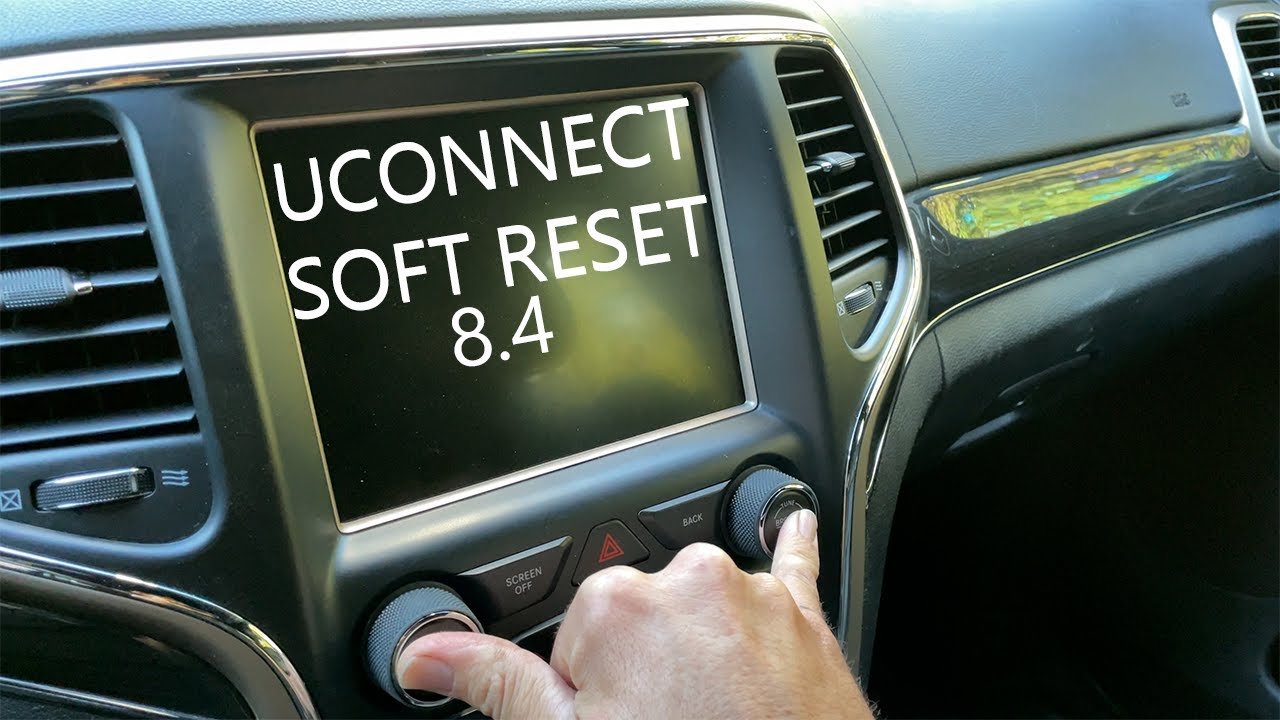
- Clear error codes and warning lights
- Help after replacing sensors or parts
- Restore normal operation after a power glitch
However, remember that resetting the computer does not fix the root cause if something is truly broken. Always check for real issues before you just try to erase the error.
Methods To Reset The Jeep Compass Computer
There are a few ways to reset the computer on a Jeep Compass. The best method depends on what you want to achieve and your model year.
1. Battery Disconnect Method
This is the most common and simple way for most people.
Steps:
- Turn off the ignition and remove the key.
- Open the hood and locate the battery.
- Use a wrench to loosen the negative (-) terminal and remove it.
- Wait at least 15-20 minutes. Some people recommend up to 30 minutes for a full reset.
- Reconnect the negative terminal tightly.
- Start your Jeep and check if warning lights are gone.
Tip: Some radios or settings may reset. Make sure you know your radio code if needed.
2. Using An Obd2 Scanner
Many Jeep Compass owners have an OBD2 scanner. This device reads and clears error codes.
Steps:
- Plug the scanner into the OBD2 port (usually under the dash).
- Turn the ignition to ON (do not start the engine).
- Follow the scanner’s menu to erase codes or reset the ECU.
- Turn off the ignition, unplug the scanner, and start your Jeep.
Benefit: This method only clears codes, not all learned settings.
3. Ecu Fuse Removal
For some Compass models, you can remove the ECU fuse to reset the computer without disconnecting the whole battery.
Steps:
- Find the fuse box (check your owner’s manual).
- Locate the fuse labeled for ECU/PCM.
- Remove the fuse for about 15 minutes.
- Re-insert the fuse and start the vehicle.
Warning: Removing the wrong fuse can cause other systems to reset.
4. Software Reset (dealer Or Advanced Tools)
Some newer Jeep Compass models require a software reset. This is done at a dealership or with advanced tools.
It can reprogram or update the computer, which is not the same as a simple reset.
Example: After replacing a throttle body, a dealer reset may be needed to relearn idle.
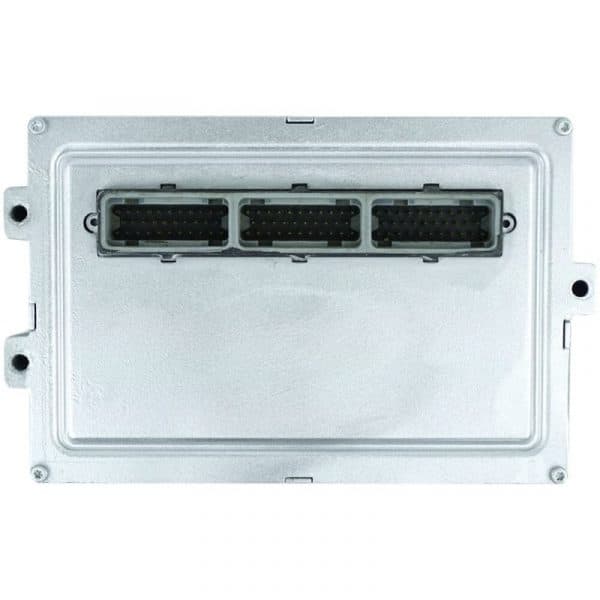
What Really Happens When You Reset The Computer?
When you reset the computer, you clear temporary memory. This includes:
- Error codes
- Adaptive shift points (transmission)
- Idle settings
But you do not erase the main program or fix hardware issues. The car may run rough for a few miles as it re-learns driving habits.
Here’s a table showing what is cleared by each method:
| Reset Method | Error Codes | Learned Data | Radio/Clock Settings |
|---|---|---|---|
| Battery Disconnect | Yes | Yes | Usually Yes |
| OBD2 Scanner | Yes | No | No |
| ECU Fuse Removal | Yes | Partial | No |
| Software Reset | Yes | Yes | No |
When Should You Not Reset The Computer?
Resetting the computer is not always the right move. Here’s when you should be careful:
- If the check engine light is on due to a real fault (like a bad sensor), resetting will not fix it.
- If you are in the middle of a diagnostic process, clearing codes can make it harder to find the problem.
- If your Jeep is still under warranty, always check with your dealer before resetting.

Common Mistakes To Avoid
Beginners often make these mistakes:
- Not waiting long enough after disconnecting the battery. If you reconnect too soon, the reset might not work.
- Losing radio or clock settings. Always check if you need a code to reactivate your radio.
- Ignoring the cause of a warning light. Resetting might make the problem go away for now, but it could return — or get worse.
- Disconnecting the wrong battery terminal. Always remove the negative (-) cable, not the positive.
- Forgetting to use gloves. Car batteries can be dangerous if handled carelessly.
Jeep Compass Computer Reset: Quick Reference
For a fast comparison, see this overview:
| Model Year | Best Reset Method | Reset Time | Special Tools Needed? |
|---|---|---|---|
| 2011-2016 | Battery Disconnect | 20-30 min | No |
| 2017-2021 | OBD2 Scanner | 5 min | Yes |
| 2022+ | Dealer/Software | 30 min | Yes |
Non-obvious insight: After a reset, your Jeep may shift gears differently or idle in a new way for the first 50-100 miles. This is normal as the ECU “re-learns” your driving style and engine conditions.
Another tip: If you live in a cold region, resetting the computer in winter may cause the car to re-learn settings more slowly due to the temperature.

Safety Reminders
- Always wear gloves and safety glasses when working with the battery.
- Do not touch both battery terminals with your tools at the same time.
- Keep keys away from the ignition when disconnecting the battery.
When To See A Professional
If the check engine light comes back after a reset, or if your Jeep runs worse, do not keep resetting. Visit a trusted mechanic or a Jeep dealer.
Persistent warning lights can mean a real problem that needs fixing, not just clearing codes.
For more detailed information, you can check the official Jeep Compass owner’s manual or visit NHTSA for recalls and service bulletins.
Frequently Asked Questions
How Often Should I Reset My Jeep Compass Computer?
You should only reset the computer when you have a specific reason, such as after repairs or when troubleshooting a warning light. Routine resets are not necessary.
Will Resetting The Computer Erase My Service History?
No, your service history remains stored in the dealership or service records. Only temporary codes and learned data inside your Jeep will be cleared.
Can I Drive Immediately After Resetting The Computer?
Yes, but your Jeep may run rough for the first few miles as it re-learns your driving style. This should improve after a short drive.
Do I Need Special Tools To Reset The Computer?
For most Jeep Compass models, you only need basic hand tools or an OBD2 scanner. Newer models may require dealer software for a full reset.
Why Did My Warning Light Come Back After A Reset?
If a warning light returns, the underlying problem was not fixed. The computer is telling you there is still a fault. Have a mechanic diagnose the real issue.
Resetting the computer on your Jeep Compass can solve many small problems, but always treat it as a tool, not a cure. If in doubt, seek professional help to keep your Jeep running smoothly and safely.



















