Is your Jeep JK’s check engine light glowing and causing you worry? You’re not alone, and the good news is that you don’t always need a mechanic to reset it.
Whether the light popped on after a minor fix or you just want to clear it to see if the issue returns, knowing how to reset the check engine light on your Jeep JK can save you time and hassle.
You’ll discover simple, step-by-step methods to turn off that stubborn light safely and effectively. Keep reading, because by the end, you’ll have the confidence to handle this common Jeep issue yourself and get back on the road with peace of mind.

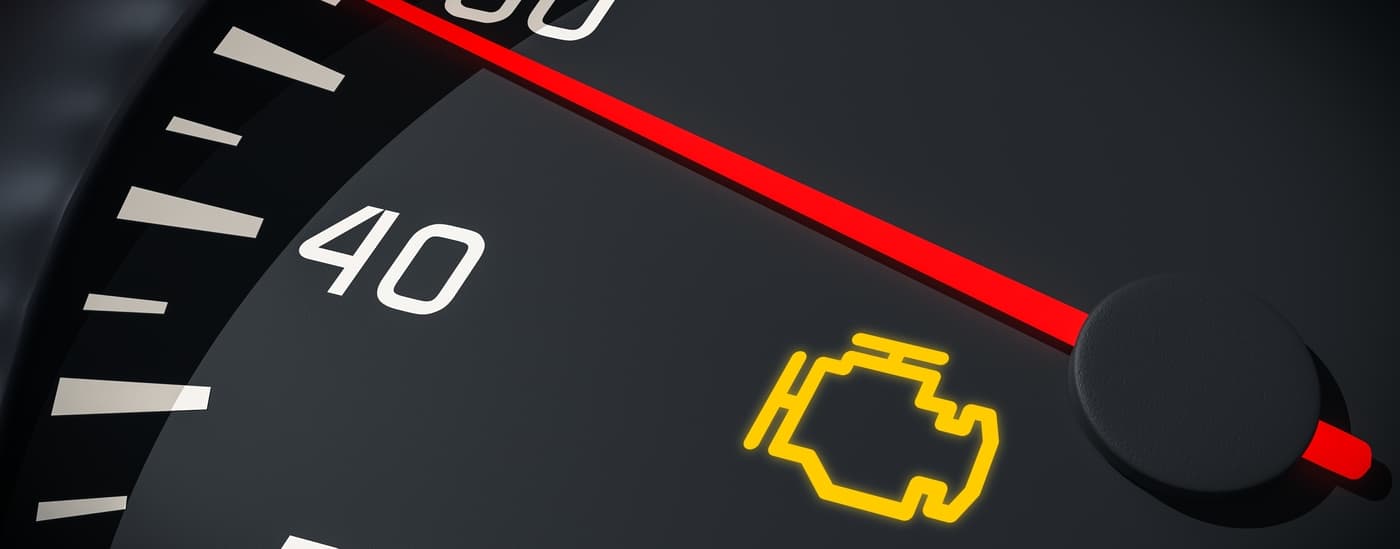
Check Engine Light Basics
The Check Engine Light (CEL) on your Jeep JK signals a problem in the engine or emissions system. Understanding its basics helps you act quickly and avoid costly repairs.
The light can come on for many reasons, not all of them serious. Still, it always means your Jeep needs attention.
Recognizing what triggers the light and why it matters keeps your vehicle running well. It also helps you know when to reset the light safely after fixing the issue.
What Triggers The Light
The Check Engine Light turns on when the Jeep’s computer finds a problem. Sensors monitor engine parts and emissions systems constantly.
If a sensor detects something wrong, it sends a code to the computer. This code triggers the CEL to alert you.
Common causes include a loose gas cap, faulty oxygen sensor, or bad spark plugs. Sometimes the problem is minor.
Other times it points to engine trouble or emission failures. The light stays on until the issue is fixed or the code is cleared.
Why It Matters
The CEL warns you to prevent bigger problems. Ignoring it can lead to poor fuel economy or engine damage.
Emission-related issues may also cause your Jeep to fail inspection tests.
Resetting the light without fixing the cause can hide real issues. This can make your Jeep unsafe or cause costly repairs later.
Always diagnose and repair the problem before clearing the light.
Using An Obd-ii Scanner
Using an OBD-II scanner is a reliable method to reset the check engine light on your Jeep JK. This tool reads and clears trouble codes stored in your vehicle’s computer. It saves time and helps you understand the cause of the warning light. Learning how to use the scanner properly ensures you reset the light safely and correctly.
Locating The Diagnostic Port
The diagnostic port is usually under the dashboard, near the steering wheel. Look below the driver’s side for a small, trapezoidal connector.
It may be covered by a cap or flap. This port connects the OBD-II scanner to your Jeep’s computer system.
Reading Trouble Codes
Plug the OBD-II scanner into the diagnostic port. Turn the ignition to the “on” position without starting the engine.
Follow the scanner’s instructions to read the stored trouble codes. These codes help identify the exact issue causing the check engine light.
Clearing Codes With The Scanner
After noting the trouble codes, choose the option to clear or erase codes on the scanner. This action resets the check engine light.
Turn off the ignition and unplug the scanner. The light should turn off if the issue is fixed or no longer detected.
Battery Disconnect Method
The Battery Disconnect Method is a simple way to reset the check engine light on your Jeep JK. This method clears the engine’s computer memory by cutting off the power supply briefly.
It forces the system to reset and can turn off the check engine light if the issue is fixed. Follow these clear steps to do it safely and correctly.
Safety Precautions
Always wear safety glasses and gloves to protect yourself. Make sure the Jeep is parked on a flat surface.
Turn off the ignition and remove the keys. Avoid touching metal parts that can cause sparks.
Keep tools away from the battery terminals to prevent short circuits. Work in a well-ventilated area to avoid breathing harmful fumes.
Finding The Negative Terminal
Open the hood of your Jeep JK and locate the battery. The negative terminal usually has a black cover or a minus (−) sign.
It is important to identify the correct terminal to avoid damaging your vehicle’s electrical system. The positive terminal has a red cover or a plus (+) sign.
Never disconnect the positive terminal when resetting the check engine light.
Disconnecting And Reconnecting The Battery
Use a wrench to loosen the nut on the negative terminal. Carefully remove the cable from the battery post.
Leave it disconnected for about 15 minutes to allow the computer to reset. After waiting, reconnect the negative cable and tighten the nut securely.
Close the hood, start your Jeep, and check if the check engine light is off.
Ignition Cycling Technique
The Ignition Cycling Technique offers a simple way to reset the check engine light on your Jeep JK. This method involves turning the ignition key on and off several times without starting the engine.
It helps the vehicle’s computer system refresh and may clear minor error codes that triggered the light.
This technique does not require any tools or special equipment. It is quick and can be done anywhere.
However, it only works under certain conditions and for specific types of faults. Understanding how to properly cycle the ignition is key to using this method effectively.
How To Cycle The Ignition
Start by inserting the key into the ignition switch. Turn the key to the “ON” position without starting the engine.
You will see the dashboard lights come on.
Keep the key in the “ON” position for about 5 seconds. Then turn the key back to the “OFF” position.
Repeat this on-off cycle three to five times in a row.
After the last cycle, leave the key in the “ON” position and check if the check engine light has turned off. If it stays off, start the engine and verify that the light remains off while running.
When This Method Works
This method works best for minor issues that do not affect engine performance. Examples include small sensor glitches or temporary errors.
If the problem is serious or the engine light flashes continuously, this technique will not clear the code. The light will come back on after cycling the ignition.
Use this method only after fixing the underlying issue causing the light. It is a quick way to reset the system without disconnecting the battery or using a scanner.
After Reset Driving Tips
After resetting the check engine light on your Jeep JK, your driving habits play a key role. The vehicle’s computer needs time to relearn and check all systems.
Proper driving helps the engine control module (ECM) rebuild its data. This ensures the light stays off and the Jeep runs smoothly.
Rebuilding Readiness Monitors
Readiness monitors are tests the car’s computer runs on various systems. After a reset, these monitors show as incomplete.
Drive your Jeep normally to allow these tests to finish. Mix city driving with highway speeds for best results.
Avoid turning off the engine too soon after driving. This lets the monitors complete their checks correctly.
Preparing For Emissions Testing
Emissions tests require all readiness monitors to be complete. Driving your Jeep after a reset helps meet this requirement.
Plan for at least one full driving cycle before the test. A driving cycle includes a cold start, normal driving, and idling.
This process ensures your Jeep passes emissions and stays environmentally friendly.
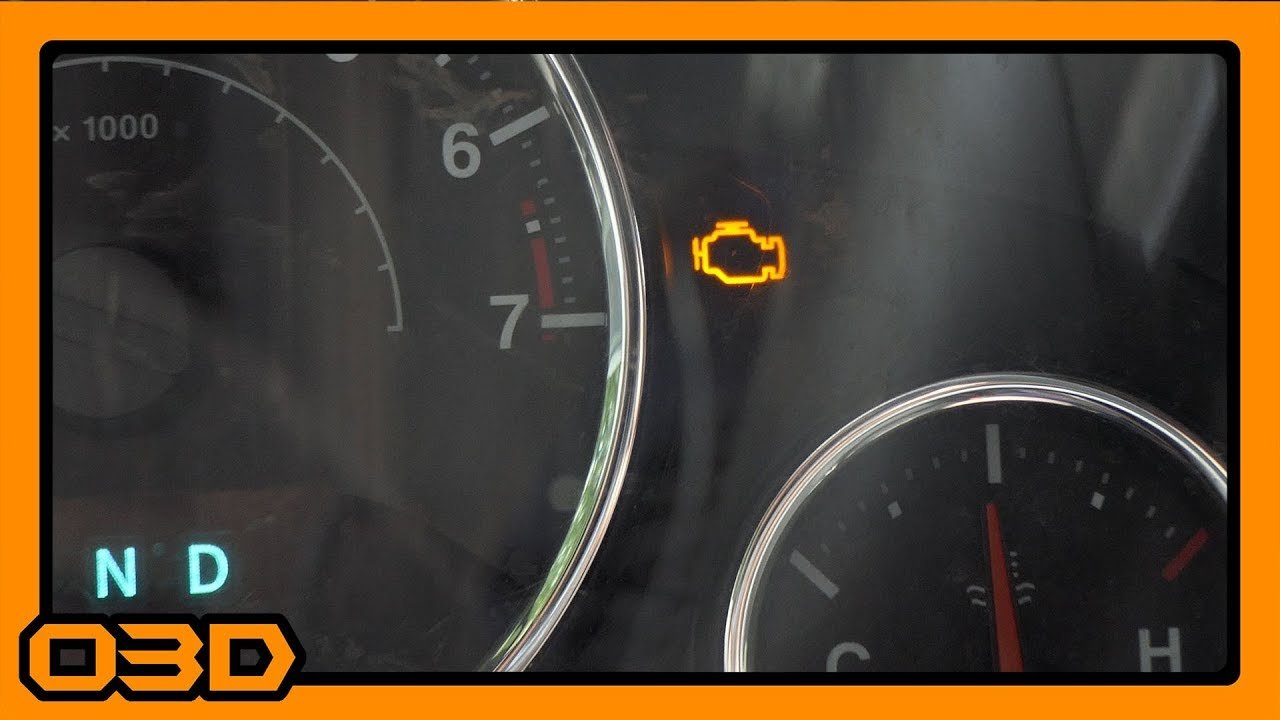
Warnings And Considerations
Resetting the check engine light on your Jeep JK requires caution. The light signals when the engine or emissions system has issues.
Ignoring warnings may cause severe damage to your vehicle. Understanding the risks helps protect your Jeep and your safety.
Always consider the best approach before resetting the light.
Potential Risks Of Resetting
Resetting the check engine light without fixing the problem can hide serious issues. The engine may run poorly or cause more damage.
Emission problems can increase pollution and make your vehicle fail inspections. Some resets erase important data needed for diagnosis.
This can delay proper repairs and increase costs.
Disconnecting the battery may reset the light but also resets other settings. Radio presets, clock, and other electronics may lose their configurations.
Repeated resets without repairs might cause your Jeep’s computer system to malfunction. Always address the root cause before clearing the code.
When To Seek Professional Help
Seek a mechanic’s help if the check engine light stays on after a reset. Persistent warnings often mean complex problems that need expert tools.
Professionals can read detailed codes and perform accurate diagnostics. They ensure the repair is safe and effective for your Jeep JK.
Some problems affect vehicle safety and emissions, requiring certified technicians. If you notice strange noises, smells, or performance changes, do not delay.
Getting professional advice prevents costly repairs and keeps your Jeep reliable. Trust experts to protect your vehicle and driving experience.
Frequently Asked Questions
How To Clear A Jeep Wrangler Check Engine Light?
Use an OBD-II scanner to read and clear codes via the diagnostic port under the dashboard. Alternatively, disconnect the negative battery terminal for 15 minutes.
After fixing issues, drive the Jeep to reset the system fully and turn off the check engine light.
How To Reset Check Engine Light Without Disconnecting Battery Jeep?
Use an OBD-II scanner to clear codes via the diagnostic port. Alternatively, cycle the ignition ON and OFF rapidly to reset minor codes without disconnecting the battery.
Can I Clear My Check Engine Light Myself?
Yes, you can clear your check engine light yourself using an OBD-II scanner or by disconnecting the battery. Make sure to fix the issue first.
After clearing, drive your car to reset system readiness for accurate diagnostics.
How To Reset Check Engine Light On 2018 Jeep Wrangler Jk?
Use an OBD-II scanner to read and clear codes via the diagnostic port under the dashboard. Alternatively, disconnect the negative battery terminal for 15 minutes to reset the system.
The light may also turn off after several drive cycles if the issue is fixed.
Conclusion
Resetting the check engine light on your Jeep JK helps you track vehicle health. Use an OBD-II scanner for a quick and easy reset.
Disconnecting the battery also clears codes but may reset important systems. Let the computer cycle if you fixed the issue to turn off the light naturally.
Always check and fix the problem before resetting the light. This keeps your Jeep running smoothly and avoids repeated warnings.
Regular checks save time and money on repairs later. Stay safe and keep your Jeep in top condition.


















