Owning a Jeep Compass brings adventure and confidence on all types of roads. But switching your Compass into 4WD (four-wheel drive) is a process that many new owners find confusing.
Understanding how to activate 4WD correctly can save you trouble, protect your car, and help you drive safely on snow, mud, or rough terrain. This guide explains each step in clear, simple English, and shares practical tips many beginners miss.
Understanding 4wd In Jeep Compass
The Jeep Compass uses a system called Jeep Active Drive. It is not the same as traditional 4WD systems found in older Jeeps. Instead, the Compass uses automatic 4WD for most situations, and you can manually select 4WD Lock for tougher conditions.
Unlike classic 4WD, the Compass’s Jeep Active Drive automatically sends power to all four wheels when needed. You do not need to shift gears or turn levers. However, you can activate 4WD Lock to keep all wheels engaged.
Here is a comparison between the Compass’s system and traditional 4WD:
| Feature | Jeep Compass (Active Drive) | Traditional 4WD |
|---|---|---|
| Automatic Engagement | Yes | No |
| Manual 4WD Lock | Yes | Yes |
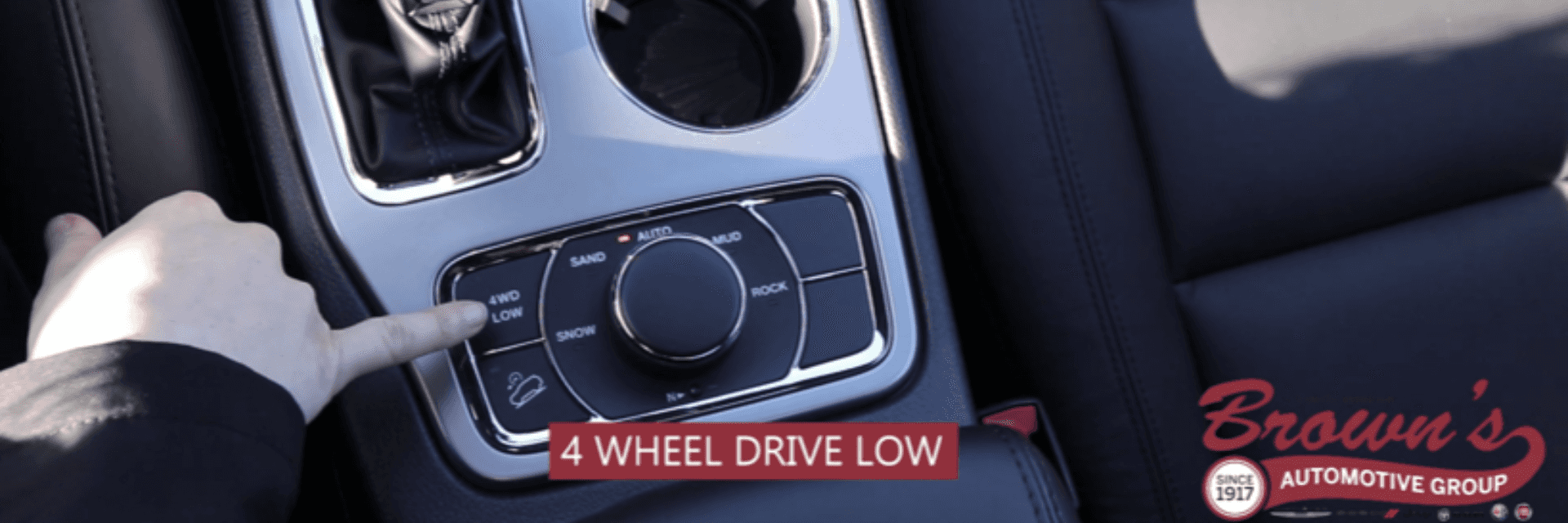
| Low Range | No | Yes |
| Terrain Modes | Yes | No |
Steps To Put A Jeep Compass In 4wd
Switching your Compass into 4WD is simple but must be done correctly. Follow these steps:
- Turn on the vehicle: Start your Jeep Compass and make sure it is in park or neutral.
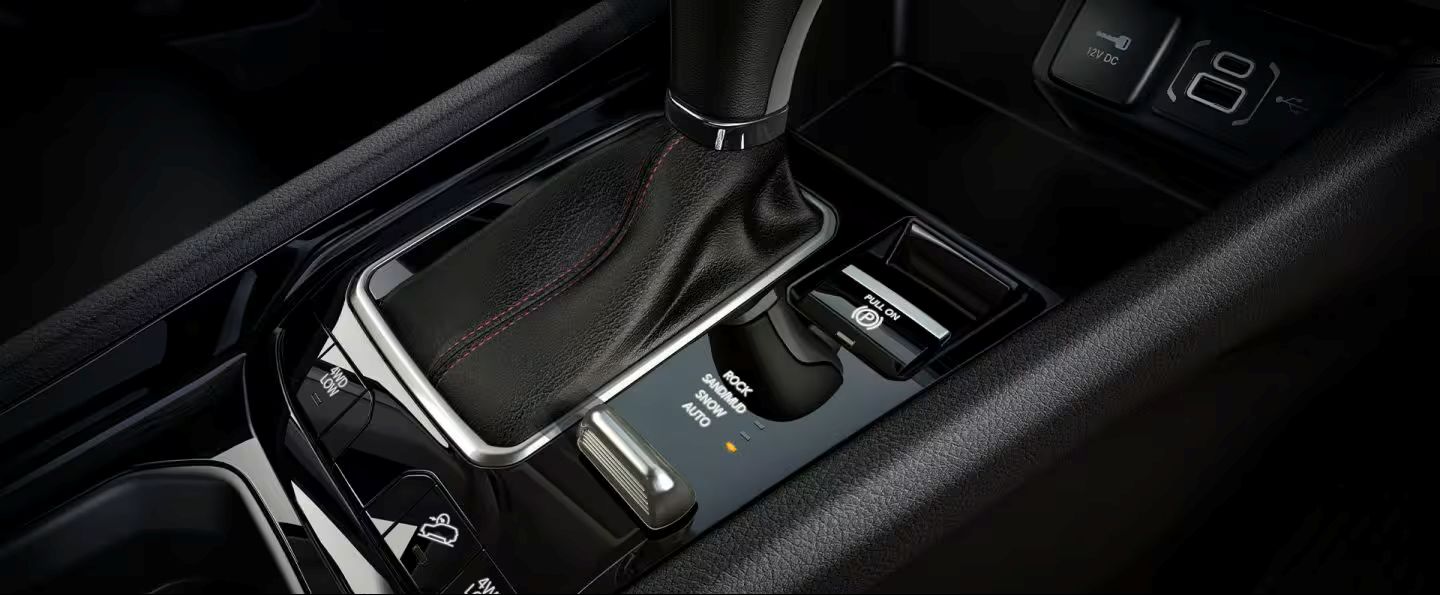
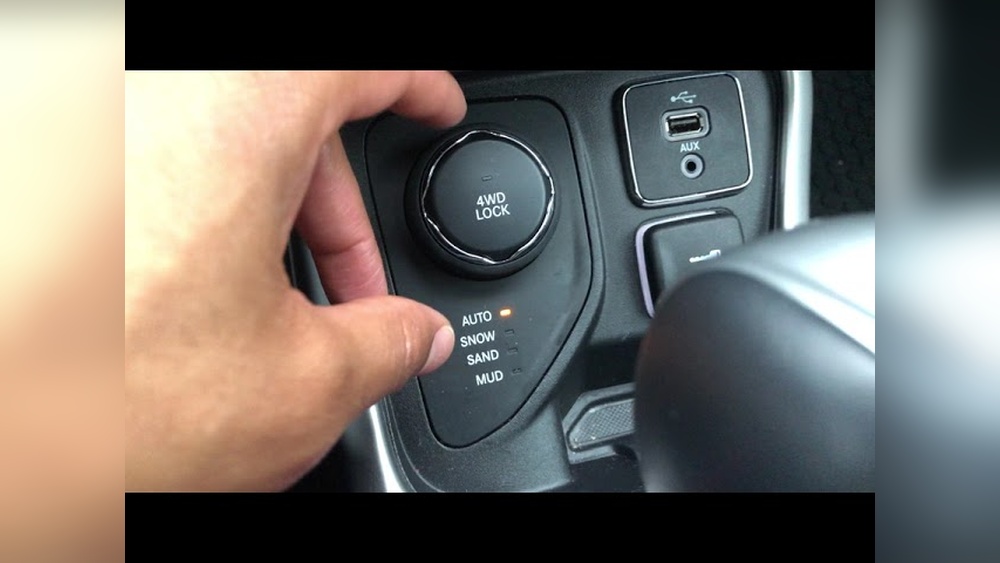
- Locate the 4WD controls: On most models, the 4WD Lock button and terrain selector are near the gear shift.
- Choose your terrain mode: Use the dial to select from Auto, Snow, Sand, or Mud. These modes adjust how power is sent to the wheels.
- Press the 4WD Lock button: This forces the system to keep all four wheels engaged. A light will appear on your dashboard.
- Drive slowly: For tough conditions, drive under 25 mph. This helps the system work best and avoids damage.
Here is a quick overview of the terrain modes:
| Mode | Best For | Special Features |
|---|---|---|
| Auto | Normal driving | Automatic 4WD as needed |
| Snow | Ice, snow | Reduces wheel slip |
| Sand | Loose sand | Improves traction |
| Mud | Muddy terrain | Maximizes wheel spin |
Important Tips For Using 4wd
Activating 4WD is just the beginning. Here are tips that will help you use it safely and effectively:
- Do not use 4WD Lock on dry pavement: This can damage the system and tires.
- Switch modes before entering rough terrain: Stopping to change modes can be safer and avoids sudden loss of traction.
- Watch dashboard lights: If a warning light stays on after pressing 4WD Lock, there may be a system problem.
- Practice in safe areas: Try using 4WD on mild off-road paths before tackling difficult trails.
Many new owners miss two things: First, the system is mostly automatic, so you may already be in 4WD without realizing it. Second, Jeep Compass does not have a low-range gear. This means it is not built for extreme off-roading like some other Jeeps.
Common Mistakes When Using 4wd
Drivers often make errors that can lead to problems. Here are mistakes to avoid:
- Using 4WD Lock on dry roads: This adds stress to the drivetrain and can cause expensive repairs.
- Ignoring terrain modes: Picking the wrong mode can make driving harder, not easier.
- Switching modes while moving fast: Always slow down or stop before changing terrain settings.
- Assuming 4WD makes you invincible: 4WD improves traction, but it cannot prevent sliding on ice or deep mud.
Maintenance And System Checks
Proper care of your 4WD system keeps your Compass running well. Check these items regularly:
- Fluid levels: Differential and transfer case fluid should be checked during oil changes.
- Tire pressure: Uneven tires can cause the 4WD system to malfunction.
- Listen for strange noises: Clicking or grinding when using 4WD Lock means you should visit a mechanic.
- Test 4WD every season: Before winter or rainy season, check the system to make sure it works.
Here is a quick comparison of maintenance needs:
| Item | 4WD System | Standard 2WD |
|---|---|---|
| Fluid checks | Every 10,000 miles | Every 15,000 miles |
| Tire rotation | Every 5,000 miles | Every 7,500 miles |
| System test | Twice a year | Once a year |
Frequently Asked Questions
How Do I Know If My Jeep Compass Is In 4wd?
Look for the 4WD Lock light on your dashboard. If it is on, your car is in 4WD Lock mode. In Auto mode, the system engages 4WD automatically, so you may not see a light.
Can I Switch To 4wd While Driving?
Yes, you can select terrain modes at low speeds. For 4WD Lock, it is best to switch when stopped or moving slowly (under 25 mph).
Does The Jeep Compass Have A Low-range Gear?
No, the Compass does not have a low-range gear. It uses electronic controls to manage traction, but it is not designed for extreme off-road conditions.
Is It Safe To Use 4wd Lock All The Time?
No, you should only use 4WD Lock when needed, such as on snow, mud, or sand. Using it on dry roads can cause damage.
What Should I Do If The 4wd System Stops Working?
If your 4WD system does not engage or you see warning lights, check your fluid levels and tires. If problems continue, visit a mechanic or see the official Jeep guide at Jeep.com.
Driving a Jeep Compass with 4WD is simple once you know the steps. With careful use and regular maintenance, your Compass can handle rough roads and weather with ease. Remember, the system is designed to help, not replace safe driving habits. Practice using 4WD in safe conditions, follow the tips above, and your adventures will be smoother and safer.