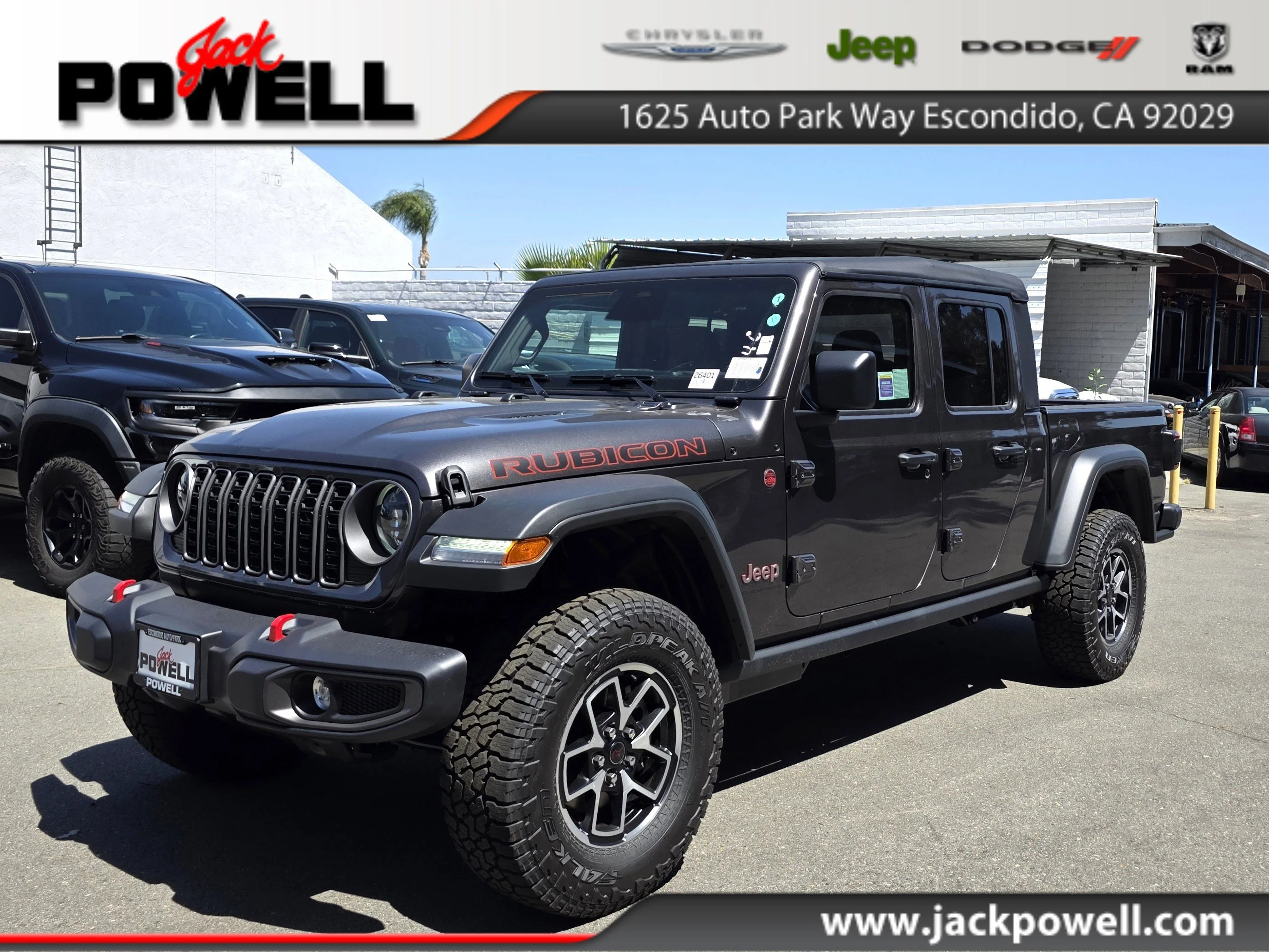
Programming your garage door opener in a Jeep Gladiator can make your daily routine much easier. No more fumbling with remote controls or worrying about dead batteries. With the built-in HomeLink system, you can open and close your garage door right from your vehicle. This guide will walk you through each step, highlight important tips, and help avoid common mistakes. If you’re new to this process, don’t worry—most people get it done in just a few minutes.
Understanding The Jeep Gladiator Homelink System
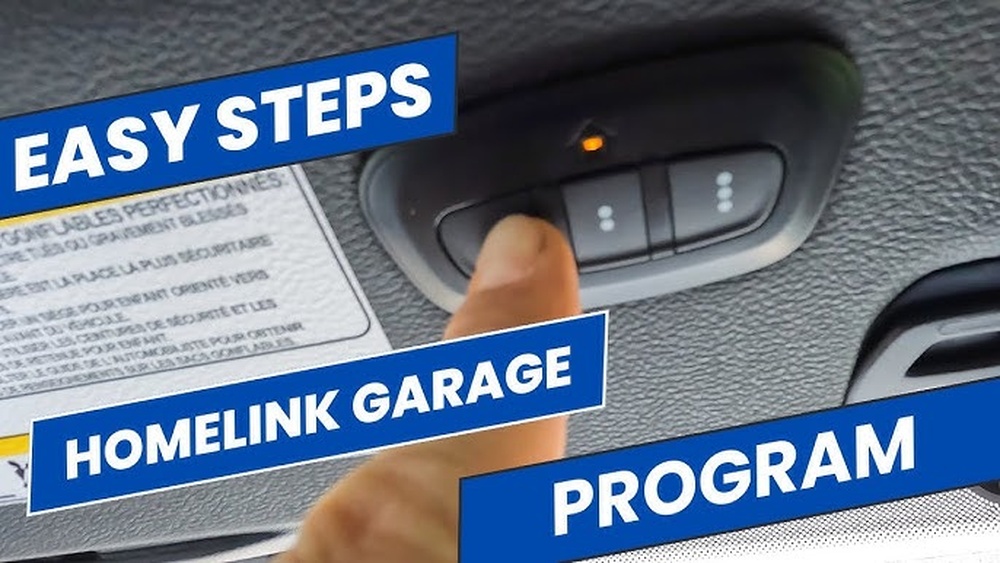
The Jeep Gladiator uses a HomeLink system that is built into the overhead console. HomeLink can connect to most garage door openers, gates, and even home lighting systems. It’s important to know that HomeLink works with both older and newer garage door technologies, including rolling code and fixed code systems.
Here’s a quick comparison of rolling code versus fixed code openers:
| Opener Type | Security Level | Programming Steps | Compatibility |
|---|---|---|---|
| Rolling Code | High | Extra step (learn button) | Most modern openers |
| Fixed Code | Medium | Standard | Older openers |
Most garage openers made after 1996 use rolling code for better security. If you’re unsure which you have, check your opener’s manual or look for a “learn” button.
Steps To Program Your Garage Door Opener
Programming the system is simple if you follow these steps closely. You’ll need your garage remote and access to the opener’s control panel.
1. Prepare Your Jeep Gladiator
Park your vehicle outside the garage. Turn the ignition on but do not start the engine.
Make sure the HomeLink buttons are clear; if they’ve been programmed before, reset them by holding the first and third buttons until the indicator light flashes.
There are three HomeLink buttons. Pick one you want to use for your garage door.
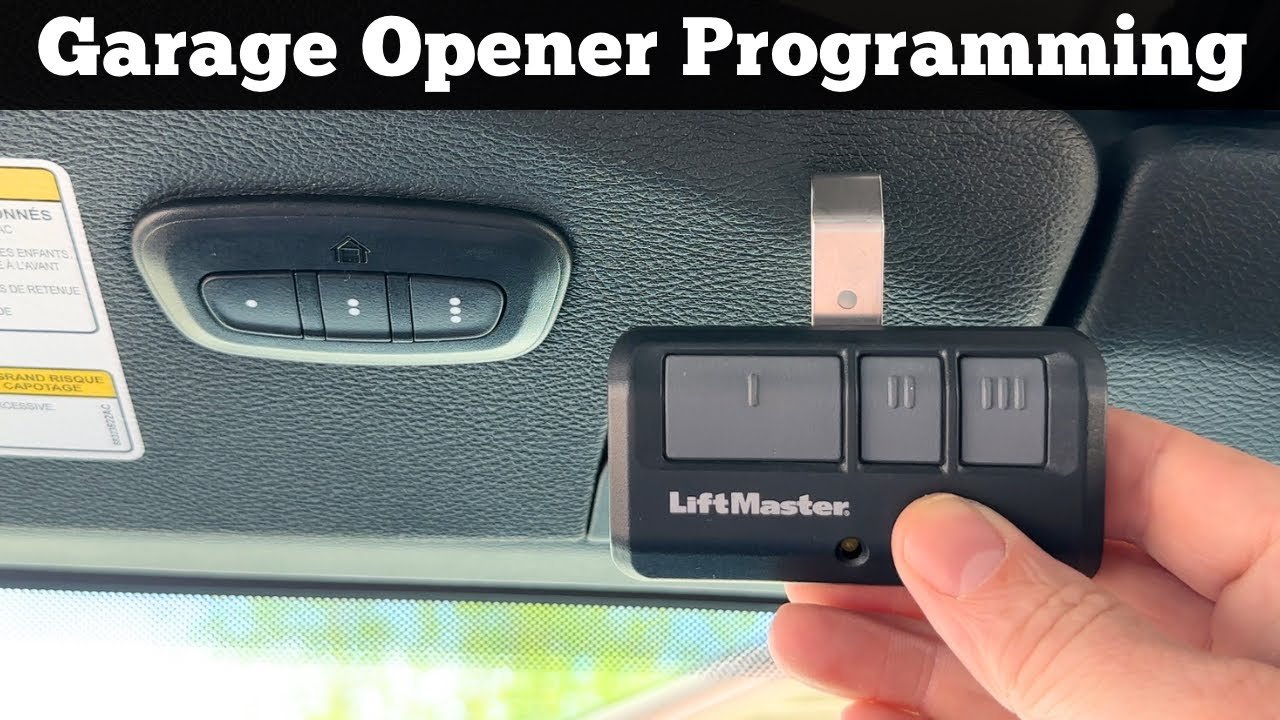
Press and hold your garage remote’s button about 1-2 inches from the HomeLink panel. At the same time, press and hold the chosen HomeLink button.
Keep holding until the indicator light changes from a slow to a rapid blink (usually takes about 20 seconds).
4. Check The Indicator Light
A rapid blinking light means the Jeep Gladiator has learned the signal. For fixed code openers, you’re almost done.
For rolling code openers, there’s one more step.
5. Rolling Code Additional Step
Go to your garage opener motor unit. Find and press the learn button (usually located under the light cover or near the antenna). After pressing it, return to your Jeep and press the HomeLink button for two seconds, repeating this step up to three times.
6. Test The System
Press the HomeLink button. If your garage door moves, the programming is complete.
If not, repeat the steps or consult your opener’s manual.
Here’s a side-by-side comparison of the process for both opener types:
| Step | Fixed Code | Rolling Code |
|---|---|---|
| HomeLink Button Programming | Required | Required |
| Remote Button Hold | Required | Required |
| Learn Button on Opener | Not Needed | Needed |
| Repeat HomeLink Press | Not Needed | Up to 3 Times |

Common Mistakes And How To Avoid Them
Many people face issues because of simple oversights. Here are mistakes to watch for:
- Not resetting old codes: If your Gladiator’s HomeLink was used before, always reset it first.
- Wrong distance: Keep the remote close but not touching the HomeLink panel.
- Skipping learn button: For rolling code, this step is essential.
- Weak battery: If your garage remote has a weak battery, the signal may not program correctly.
- Programming in the garage: Sometimes, signals work better outside due to interference.
A non-obvious tip: If the HomeLink indicator doesn’t blink, try replacing your remote’s battery even if it seems to work for the garage. Weak batteries may not send a strong enough signal for programming.
Practical Tips For Reliable Programming
- Check compatibility: Some newer garage openers may need an adapter for HomeLink. Check your opener brand online.
- Use fresh batteries: Even new remotes may have weak batteries from storage.
- Clear all codes if unsure: If you bought your Gladiator used, clear all HomeLink codes before starting.
- Programming multiple doors: You can program up to three doors or devices, one per HomeLink button.
- Avoid nearby electronics: Programming near WiFi routers or other electronics can cause interference.
It’s also helpful to know that HomeLink can control other devices, like gates or lighting. Programming follows a similar process.
Troubleshooting: What To Do If It Doesn’t Work
If your Jeep Gladiator’s HomeLink isn’t working after these steps, try these:
- Repeat the process: Sometimes the signal takes a few tries.
- Check opener compatibility: Not all openers are supported. Visit the official HomeLink website for a compatibility check.
- Consult your manual: Both your Jeep and garage opener manuals have model-specific tips.
- Contact support: If everything fails, reach out to your Jeep dealer or garage opener manufacturer.
For more detailed troubleshooting and compatibility information, you can visit HomeLink Official Site.
Frequently Asked Questions
How Many Devices Can I Program With Jeep Gladiator Homelink?
You can program up to three devices. Each HomeLink button can be set for a garage door, gate, or other compatible system.
What If My Garage Door Opener Uses A Rolling Code?
You must use the learn button on your opener’s motor unit. After programming the HomeLink button with your remote, press the learn button, then press the HomeLink button multiple times.
Do I Need To Reset Homelink If I Buy A Used Jeep Gladiator?
Yes. Hold the first and third HomeLink buttons until the light flashes.
This will clear all previous codes, making it safe to program new devices.
Can Homelink Control Other Devices Besides Garage Doors?
Yes. HomeLink can connect to gates, home lighting, and security systems if they are compatible. Check your device’s manual for details.
Most likely, the signal was not received properly. Check your remote’s battery, repeat the process, and make sure you use the learn button if your opener requires it.
Programming your garage door opener in your Jeep Gladiator is a quick and useful upgrade. With the right steps and a few practical tips, you’ll enjoy easy access to your garage every day.
If you hit any snags, don’t hesitate to revisit the process or use the resources above.
The HomeLink system is powerful and flexible once set up, you’ll wonder how you lived without it.