Pairing your phone to a 2017 Jeep Wrangler is a smart way to enjoy hands-free calls, stream music, and access navigation apps safely while driving. Many drivers think the process is complicated, but it’s actually simple if you follow the right steps.
Doing this not only boosts convenience but also supports safer driving by reducing distractions. In this guide, you’ll learn each step, see useful comparisons, and get practical tips that many beginners overlook.
Preparing Your Jeep And Phone
Before pairing, check a few basics. Make sure your Jeep’s ignition is ON or set to ACC. Your phone’s Bluetooth should be enabled and set to visible. Most modern smartphones automatically enable visibility when Bluetooth is turned on, but double-check in your settings.
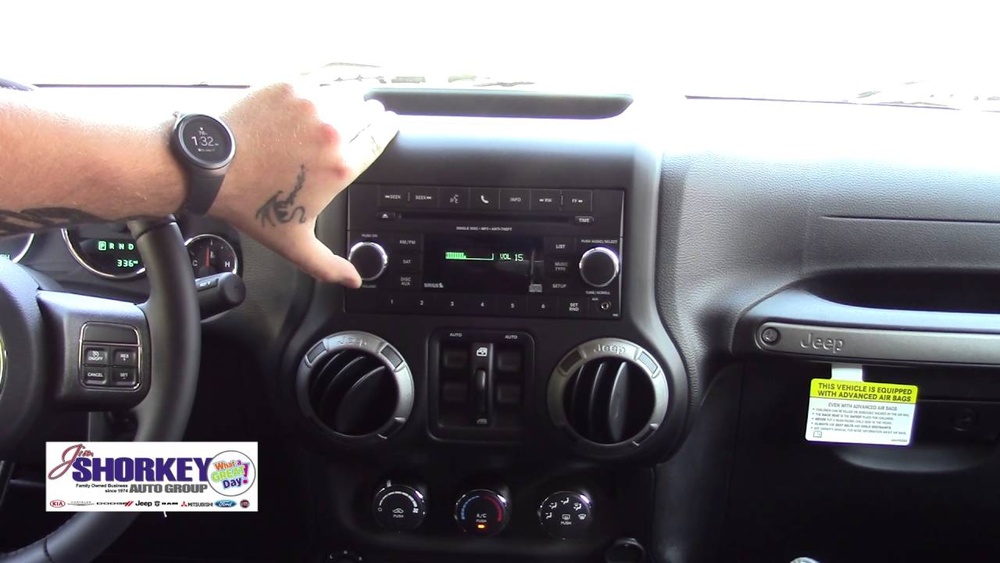
It’s important to clear any old pairings from your Jeep’s Uconnect system and phone. Too many saved devices can cause connection errors. If you’ve previously paired your phone or other devices, remove them for a fresh start.
Step-by-step Pairing Process
Follow these steps to connect your phone to your 2017 Jeep Wrangler Uconnect system:
- Press the Phone button on your Jeep’s dashboard or touchscreen.
- Select Pair a Device or Add Device on the Uconnect screen.
- Activate Bluetooth on your phone and search for available devices.
- Select Uconnect from your phone’s device list.
- Confirm the pairing code matches on both your phone and Jeep screen.
- Accept pairing on both devices. Allow access to contacts and messages for full functionality.
- Wait for confirmation that the pairing is complete.
If your phone does not connect immediately, restart both devices and repeat the steps. Sometimes, interference from other Bluetooth devices can cause delays.
Try turning off nearby Bluetooth gadgets if you face problems.
Common Problems And Solutions
Many users experience issues during pairing. Here are some frequent problems and their solutions:
- Connection fails: Clear old devices from Uconnect and phone memory.
- Audio not streaming: Confirm media audio permission is enabled on your phone.
- Contacts not syncing: Allow access to contacts when pairing.
- Bluetooth drops: Move away from other strong wireless signals.
Beginner drivers often forget to grant permissions for contacts and messages. Without these, features like hands-free calling or text notifications won’t work.
Data Comparison: Uconnect Compatibility
The Uconnect system in the 2017 Jeep Wrangler works with most modern smartphones, but some older phones might have trouble. Here’s a quick comparison:
| Smartphone Brand | Compatibility | Notes |
|---|---|---|
| Apple (iOS) | High | Supports Siri voice commands |
| Samsung (Android) | High | Works with most Android versions |
| LG, HTC | Medium | Check Android version for best results |
| Older feature phones | Low | May only support basic calls |
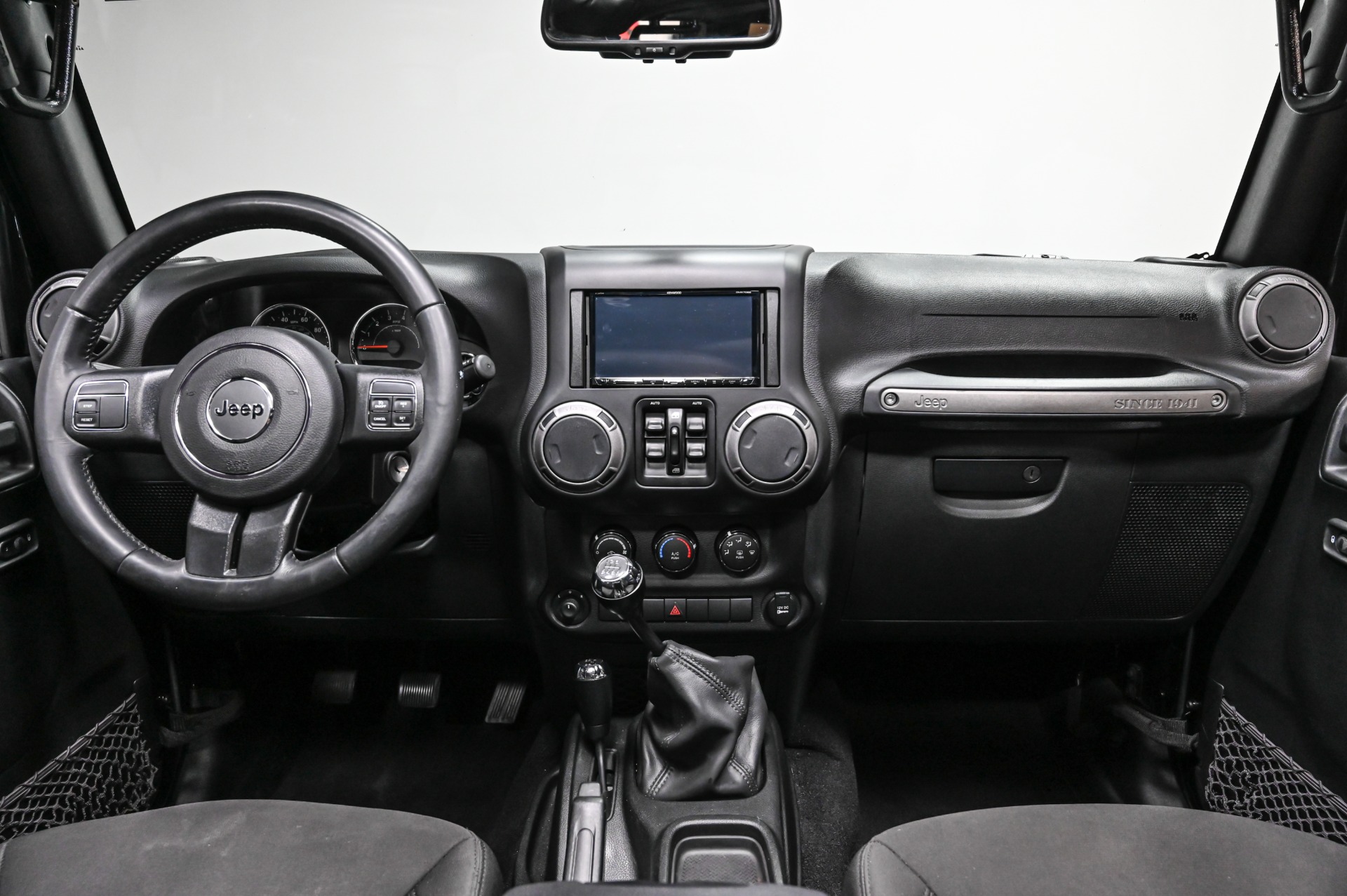
Advanced Tips For Better Experience
Many drivers only use basic calling after pairing, but you can do more. Here are non-obvious ways to improve your Uconnect experience:
- Set your phone to auto-connect for faster pairing each time you enter your Jeep.
- Use voice commands to access navigation, music, or messages hands-free.
- Update your phone’s software and the Uconnect system for fewer bugs.
- Keep your phone charged; weak battery can cause Bluetooth to disconnect.
Data Table: Key Features After Pairing
After you pair, here’s what you can do inside your Jeep:
| Feature | Available? | How to Access |
|---|---|---|
| Hands-free calling | Yes | Phone button or voice command |
| Music streaming | Yes | Media/Audio menu |
| Text notifications | Yes | Uconnect screen |
| Navigation access | Limited | Via phone app, audio through speakers |
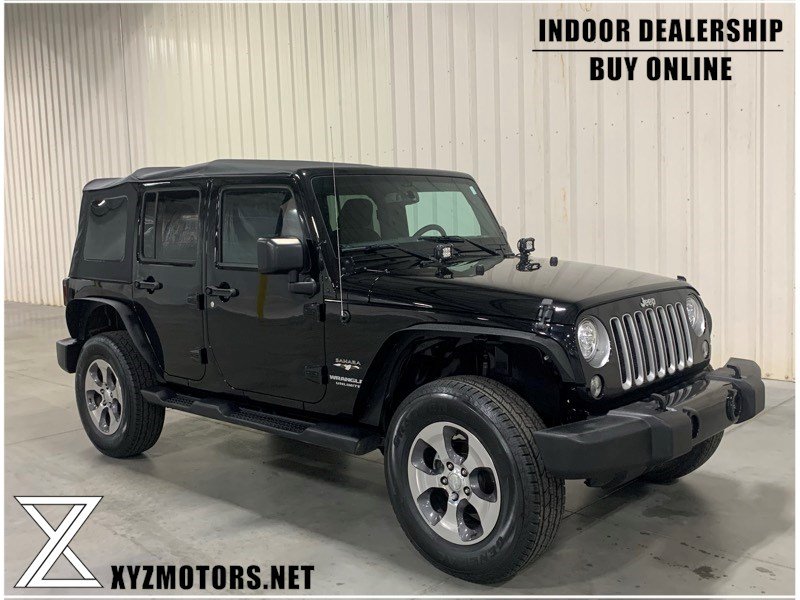
Example: Pairing A Samsung Galaxy
Here’s a practical example using a Samsung Galaxy S8:
- Open Settings > Connections > Bluetooth.
- Turn Bluetooth ON.
- Start pairing on your Jeep’s Uconnect.
- Find Uconnect in the device list and tap to connect.
- Confirm the code and allow permissions.
Most Samsung devices auto-connect after the first pairing. If you use a passcode, enter it when prompted.
Comparison: Jeep Vs. Other Brands
The 2017 Jeep Wrangler’s Uconnect system is similar to other brands but often easier to use. Here’s a quick comparison:
| Car Brand | Bluetooth Setup Steps | Voice Control Integration |
|---|---|---|
| Jeep Wrangler | 6 | Strong (Siri, Google) |
| Toyota Tacoma | 7 | Moderate |
| Ford F-150 | 8 | Strong |
| Honda CR-V | 7 | Moderate |
Notice that Jeep’s process is shorter and gives full voice integration, which is helpful for busy drivers.
Safety And Privacy Considerations
When pairing your phone, always check privacy settings. If you use shared vehicles, disable contact sharing or remove your device after use.
Avoid pairing in public places to prevent unknown devices from connecting. Always update your phone and Uconnect software for better security.
Frequently Asked Questions
How Many Phones Can I Pair With My 2017 Jeep Wrangler?
You can pair up to eight devices with the Uconnect system, but only one phone can be connected actively for calls and media at a time.
What Should I Do If My Phone Won’t Connect?
First, restart your phone and Uconnect system. Remove old pairings from both devices and retry.
If problems continue, check for software updates or visit your Jeep dealer.
Can I Stream Music From Any App?
Yes, you can stream audio from any app such as Spotify, Apple Music, or Pandora. Just make sure media audio is enabled in Bluetooth settings.
Does Uconnect Support Apple Carplay Or Android Auto?
The 2017 Jeep Wrangler’s Uconnect system does not support Apple CarPlay or Android Auto natively, but you can use Bluetooth for calls and music. For more advanced integration, consider aftermarket upgrades.
Is There A Risk To My Privacy When Pairing?
Your contacts and messages may sync to Uconnect. Always check permissions, especially in shared vehicles.
Remove your phone from the system after use if you’re concerned about privacy.
Pairing your phone with your 2017 Jeep Wrangler makes driving safer and more enjoyable. With these steps, examples, and tips, you can connect quickly and use all features with confidence. For deeper details on Uconnect, visit the official Jeep site: Jeep Uconnect.



















