Pairing your smartphone with the Bluetooth system in a 2017 Jeep Wrangler can make your driving experience safer and more enjoyable. With Bluetooth, you can make hands-free calls, stream music, and use voice commands without taking your eyes off the road.
Many Jeep owners, especially those new to car technology, often find pairing confusing. But with a few simple steps and the right tips, you can connect your device in minutes.
This guide explains every step clearly and shares insights that even many experienced drivers miss.
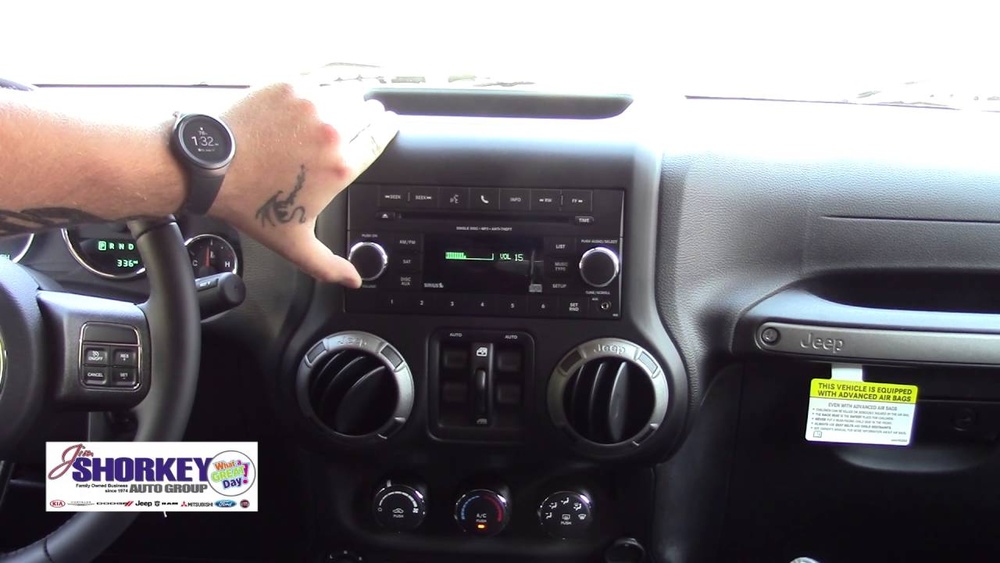
Preparation: What You Need Before Pairing
Before you start, make sure you have everything ready:
- Your 2017 Jeep Wrangler with the ignition set to “Run” or “Accessory.
- Your smartphone (iPhone or Android) with Bluetooth turned on.
- The Uconnect system (the Wrangler’s built-in touch screen).
- The vehicle parked in a safe place.
Some phones require the latest software updates for best compatibility. Also, delete any old or failed connections from previous cars to avoid confusion.
Step-by-step: How To Pair Bluetooth In Jeep Wrangler 2017
The pairing process is straightforward but can be tricky if you miss a step. Here’s how to do it:
1. Start Your Jeep
Turn the ignition key to “Run” or press the start button without starting the engine.
2. Activate Bluetooth On Your Phone
Go to your phone’s settings and switch Bluetooth to “On. ” Keep this screen open.
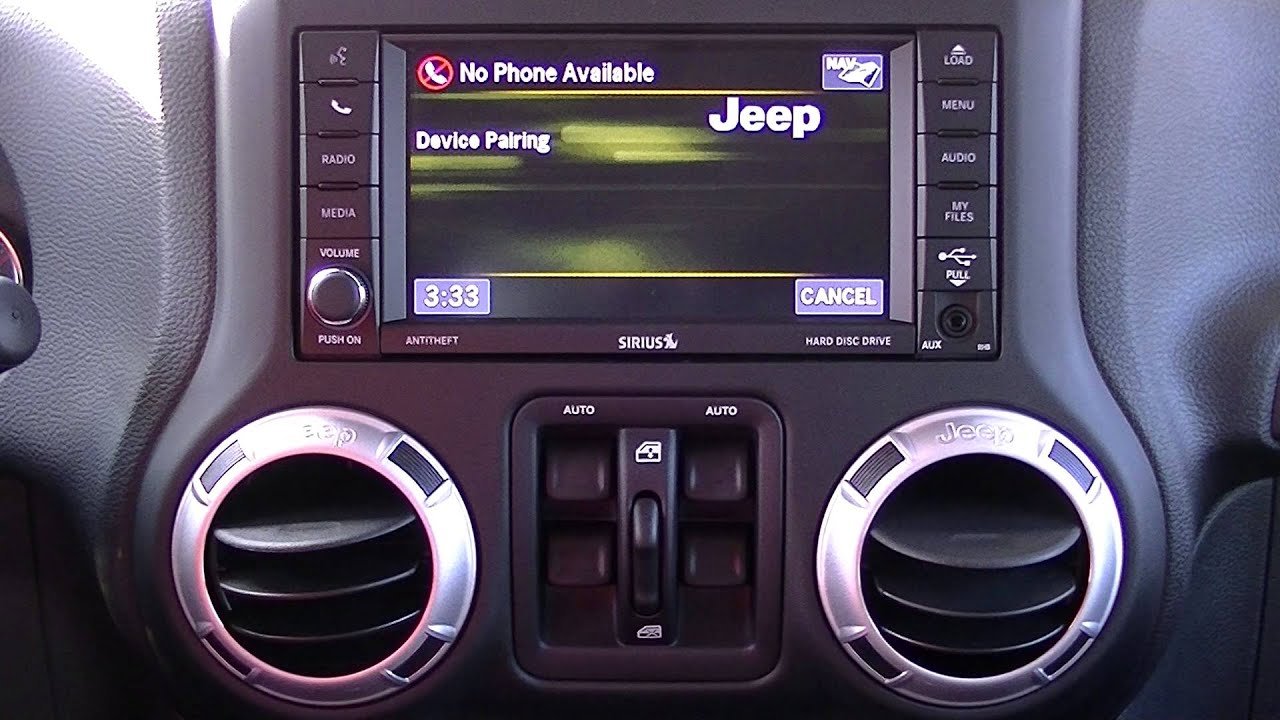
3. Access Uconnect On The Jeep’s Touch Screen
Press the “Phone” button on the Uconnect system display.
4. Select ‘pair A Device’
On the screen, tap “Add Device” or “Pair New Device. ” The system will begin searching for nearby phones.
5. Find Your Jeep On Your Phone
Your phone will show a list of available devices. Select “Uconnect” or “Jeep Wrangler. “
6. Confirm The Pairing Code
A code will appear on both the Uconnect screen and your phone. Make sure the numbers match. Tap “Pair” or “Yes” on both.
7. Grant Permissions
Your phone may ask for permission to access contacts and messages. Allow access for full functionality.
8. Wait For Confirmation
The Uconnect system will confirm when pairing is successful. Your phone is now connected.
9. Test The Connection
Make a test call or play music to check that everything works.
Troubleshooting Common Issues
If pairing fails:
- Make sure your phone is discoverable.
- Restart your phone and the Uconnect system.
- Remove old devices from the Jeep’s paired list (up to 10 devices can be stored, but too many can cause issues).
- Double-check that your phone is compatible. Some older models may not support all features.
Comparison: Uconnect Bluetooth Features Vs. Wired Connections
To help you decide whether to use Bluetooth or a wired connection, here’s a quick look at the differences:
| Feature | Bluetooth | USB/Aux Cable |
|---|---|---|
| Hands-Free Calling | Yes | No |
| Audio Streaming | Yes | Yes |
| Phone Charging | No | Yes |
| Voice Commands | Yes | No |
| Sound Quality | Good | Best |
Bluetooth is best for convenience, but a wired connection offers better sound quality and charges your phone at the same time.
Many Jeep owners don’t know that the Uconnect system can remember up to 10 paired devices, but only one device can be active at a time. If you want to switch phones, you need to disconnect the current one and select the new device from the list.
Another tip: If your phone supports voice assistants like Siri or Google Assistant, you can activate them through the steering wheel’s voice button after pairing. This allows you to send texts or get directions without using your phone.
Safety And Security Concerns
Pairing is not just about convenience it’s about safety. Using Bluetooth to make calls keeps your hands on the wheel and your attention on the road.
However, remember to delete your phone from the Jeep’s memory if you sell your vehicle.
This keeps your contacts and messages private.
Also, some drivers forget that Bluetooth drains phone batteries faster than wired connections. Keep a charger handy for longer trips.
Data Table: Common Compatibility Issues By Phone Brand
Jeep’s Uconnect system works with most modern smartphones, but not all features are supported on every brand. Here’s a summary of what to expect:
| Brand | Pairing Success Rate | Full Function Support |
|---|---|---|
| iPhone (iOS 10+) | 98% | Yes |
| Samsung (Android 7+) | 95% | Yes |
| Huawei | 90% | Limited |
| LG/Other Android | 92% | Yes |
If you own a less common phone brand, check the Jeep or Uconnect compatibility list online for details.
Frequently Asked Questions
How Many Devices Can I Pair With My 2017 Jeep Wrangler?
You can pair up to 10 devices with the Uconnect system, but only one device can be active at a time. If you want to connect a new phone, you must select it from the list and make it active.
My Phone Won’t Pair. What Should I Do?
First, make sure Bluetooth is turned on for both your phone and Jeep. Restart both devices, delete any unused devices from the Uconnect memory, and try again. If the problem continues, check if your phone needs a software update.
Can I Stream Music From My Phone Using Bluetooth?
Yes, once your phone is paired, you can stream music through your Jeep’s speakers. Use your phone’s music app, and control playback from the Uconnect screen or steering wheel buttons.
Is Bluetooth Pairing Safe While Driving?
It is safer to pair your phone when parked. Pairing while driving is distracting and may be illegal in some states. Always set up connections before you start moving.
Where Can I Find More Information About Jeep Uconnect Bluetooth?
You can visit the official Jeep Uconnect website for detailed guides, troubleshooting tips, and the latest compatibility updates.
Pairing Bluetooth in a 2017 Jeep Wrangler is a simple process that adds modern convenience and safety to your driving. With careful setup and these expert tips, you’ll enjoy hands-free calling and music on every journey.
Remember to stay updated, keep your system clean of unused devices, and always prioritize safety on the road.


















