If your Jeep Grand Cherokee screen stops working, it can feel frustrating. The touchscreen controls important functions—navigation, music, climate, and more. Many drivers face this issue, but you don’t need special technical skills to fix common screen problems. This guide shows practical steps to repair your Jeep Grand Cherokee screen, explains why issues happen, and helps you avoid mistakes that can cost time and money.
Common Jeep Grand Cherokee Screen Problems
The screen in your Jeep Grand Cherokee can fail for different reasons. Here are the most frequent issues:
- Frozen screen: The display doesn’t respond to touch.
- Black or blank screen: Nothing shows, even after starting the car.
- Flickering or distorted screen: Graphics look strange or move unexpectedly.
- Slow response: Touch commands are delayed.
- Bluetooth or audio issues: The screen works, but connections fail.
These problems can happen in models from 2014 to 2022, especially with the Uconnect system. Screens are sensitive to electrical faults and software bugs.
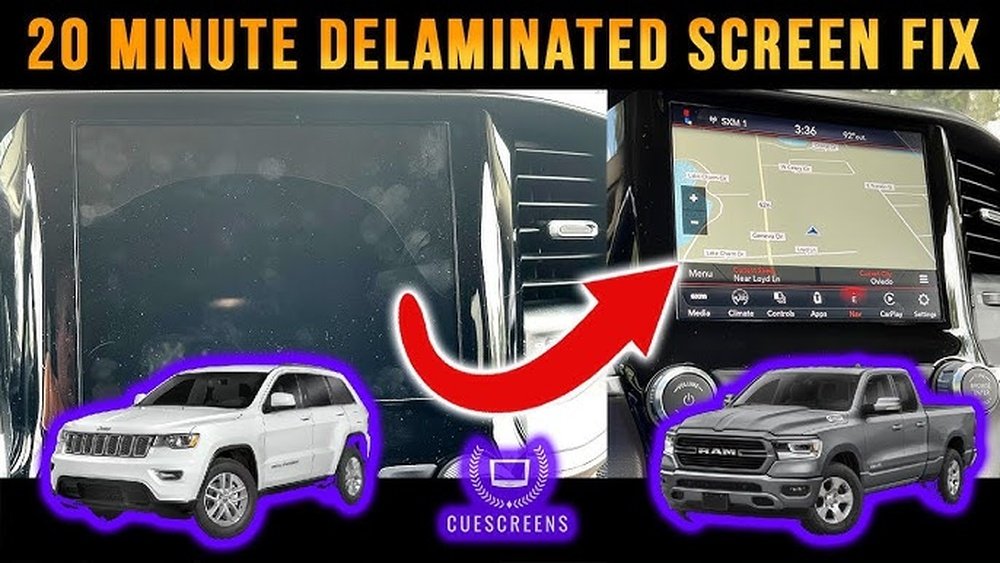
Quick Fixes Before You Visit A Mechanic
Most screen issues can be solved with simple steps. Try these before spending money on repairs.
Soft Reset
A soft reset often solves freezing or blank screens.
- Turn off your Jeep and open the driver’s door.
- Wait for at least 60 seconds.
- Close the door and restart the vehicle.
This process resets the Uconnect system without removing power.
Hard Reset
If the soft reset fails, use a hard reset.
- Turn off the car and remove the key.
- Disconnect the negative battery terminal using a wrench.
- Wait 10 minutes.
- Reconnect the battery and start the vehicle.
This clears minor electrical glitches. Always wear gloves and take care around the battery.
Uconnect System Reboot
Some newer Grand Cherokees have a reboot option:
- Press and hold the volume and tune buttons on the screen at the same time.
- Hold for about 10 seconds until the screen turns off.
- Wait for the logo to appear.
This method is safe and doesn’t erase settings.
Check Fuse Box
A blown fuse can cause the screen to fail. Locate the fuse box under the hood or below the dashboard.
| Fuse Name | Location | Function |
|---|---|---|
| F37 | Underhood | Infotainment system |
| F19 | Cabin | Touchscreen display |
Replace any blown fuses with the same amperage. Do not use higher-rated fuses.
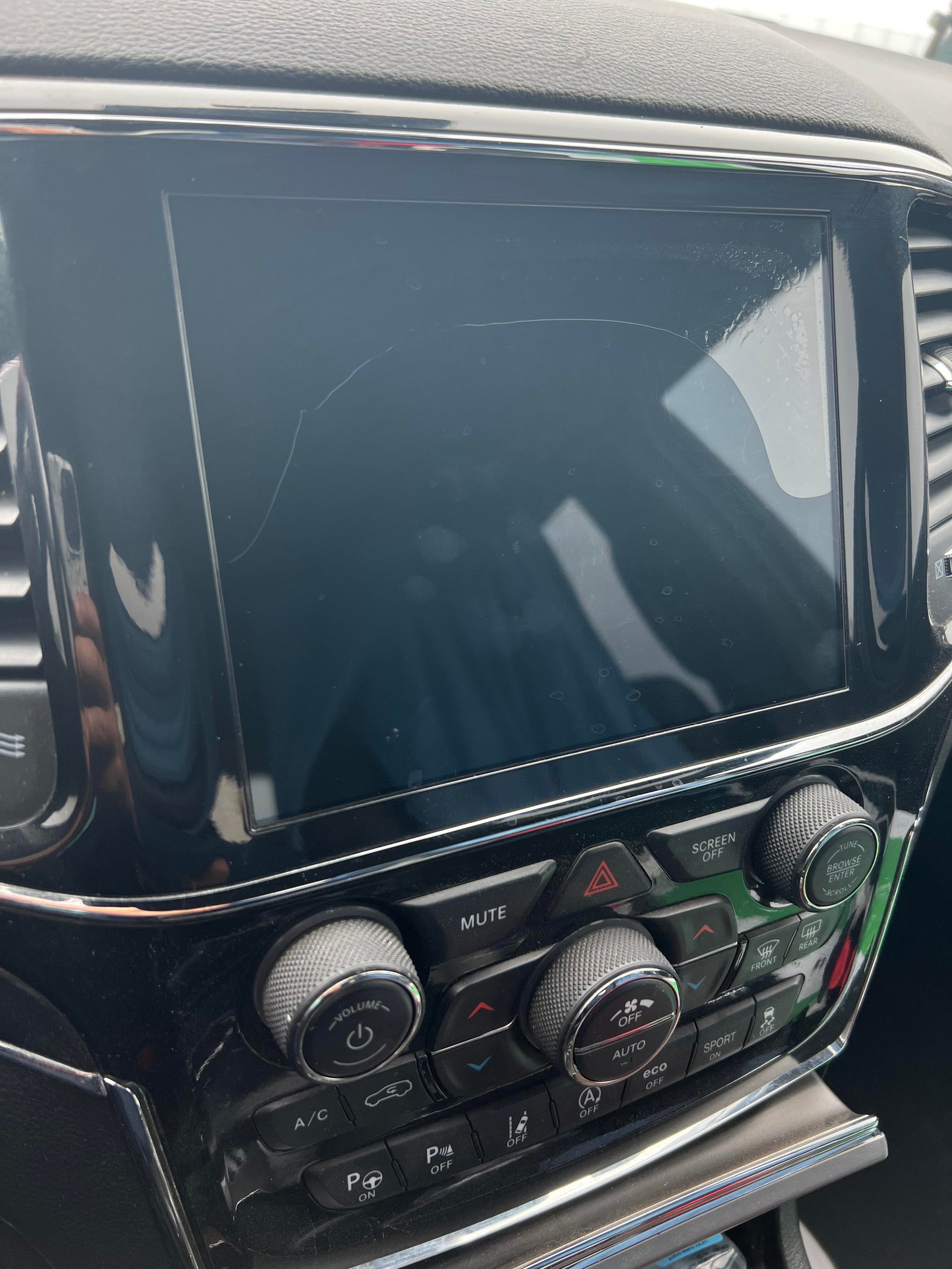
Updating Or Repairing Jeep Grand Cherokee Screen
Sometimes, fixing the screen needs more than a reset. Outdated software or internal damage can cause serious problems.
Update Uconnect Software
Outdated software can lead to bugs. Check your Jeep’s system version:
- Go to Settings on the screen.
- Tap System Information.
- Find the software version.
Visit the official Jeep Uconnect website for updates. Download the latest version to a USB drive, plug it into your car, and follow the instructions.
| Model Year | Uconnect Version | Update Needed? |
|---|---|---|
| 2014-2016 | Uconnect 8.4 | Yes, frequent bugs |
| 2017-2022 | Uconnect 5 | Less common, but check annually |
Replace Damaged Screen
If your screen is cracked or still fails after resets and updates, it may need replacement. The cost depends on the model:
| Repair Type | Estimated Cost | Time Required |
|---|---|---|
| Screen replacement | $500–$1200 | 2–4 hours |
| Module repair | $250–$600 | 1–2 hours |
Always use original parts. Aftermarket screens may look similar but can cause compatibility issues.
Mistakes To Avoid When Fixing The Screen
Many Jeep owners make errors that delay repairs or cause further problems. Avoid these common mistakes:
- Ignoring software updates: Software bugs are often fixed by updates.
- Using the wrong fuse: This can damage your electrical system.
- Disconnecting the battery incorrectly: Always remove the negative terminal first.
- Applying too much force: Touchscreens are delicate; pressing hard can break them.
- Skipping professional help: If the screen is still dead after resets, call a certified technician.
A non-obvious insight: Some screen issues are caused by weak battery voltage. If your Jeep’s battery is old, the screen may randomly shut off. Check battery health before replacing parts.
Another tip: Extreme temperatures can affect the screen. If it’s very cold or hot, wait until the car warms up before testing the screen.

When To Seek Professional Help
If you’ve tried all the steps above and your screen remains broken, it’s time to call a professional. Signs you need expert help:
- Screen does not turn on after resets and fuse checks.
- Display shows lines or strange colors.
- System restarts randomly during driving.
Certified Jeep mechanics have diagnostic tools and can check for hidden issues. Repairs may be covered by warranty if your Jeep is less than 3 years old. For more technical details, visit the official Jeep Uconnect page.
Frequently Asked Questions
Why Does My Jeep Grand Cherokee Screen Go Black Suddenly?
A black screen usually means a software crash or electrical issue. Try a soft reset or check the fuse.
If it keeps happening, update the Uconnect software.
How Do I Fix A Frozen Touchscreen?
Hold the volume and tune buttons together for 10 seconds. This forces a reboot. If that doesn’t work, disconnect the battery for 10 minutes.
Can I Replace The Screen Myself?
If you have basic tools and follow safety steps, you can replace the screen. However, it’s easy to damage wiring or other parts. If unsure, use a professional.
Is A Screen Repair Covered By Warranty?
If your Jeep is under the original warranty and the screen stopped working due to no fault of your own, repairs are usually covered. Always check with your dealer first.
How Often Should I Update Uconnect Software?
Check for updates every 6 12 months. Updates fix bugs and improve performance.
Newer models may update automatically when connected to Wi-Fi.
Fixing your Jeep Grand Cherokee screen doesn’t have to be stressful. Most issues can be solved with simple resets, updates, or fuse replacements. Remember, don’t rush to replace parts before trying these steps. If you’re unsure or the problem is serious, a certified technician can help. With the right approach, you’ll get your screen working again and enjoy your Jeep without distraction.