If you’re a Jeep owner, you probably enjoy using Apple CarPlay to connect your iPhone and access music, navigation, and calls hands-free. But CarPlay doesn’t always work perfectly.
Many Jeep drivers have faced problems like CarPlay not starting, freezing, or disconnecting. Fixing these issues can feel confusing, especially if you’re new to the system.
This guide explains practical steps to fix CarPlay in Jeep, so you can get back on the road with your favorite features.
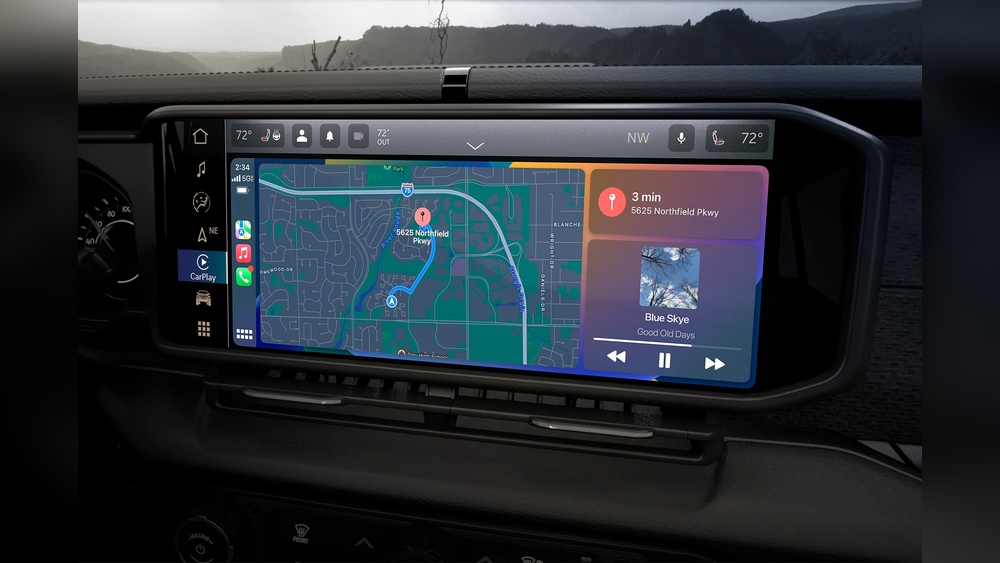
Understanding Carplay Issues In Jeep
Before you start fixing, it helps to know what causes CarPlay to fail in Jeep vehicles. The most common reasons include:
- Faulty USB cables or ports
- Outdated iOS or Uconnect software
- Incorrect phone settings
- Bluetooth or Wi-Fi interference
- App or system glitches
Not all problems require a trip to the dealer. With the right steps, you can solve most at home.
Basic Troubleshooting Steps
Start with the simplest solutions, as they fix many CarPlay problems.
- Check the USB Connection: Use the original Apple cable or a certified replacement. Avoid cheap cables; they often cause connection drops.
- Try a Different USB Port: Some Jeep models have multiple ports, but only one supports CarPlay. Look for a port labeled with a phone or CarPlay icon.
- Restart Your iPhone and Jeep’s Uconnect System: Power off both devices completely, wait 30 seconds, and restart.
- Update Your iPhone and Uconnect: Go to Settings > General > Software Update on your iPhone. For Uconnect, check your Jeep’s settings or visit the official Jeep update page.
- Enable CarPlay on Your iPhone: Go to Settings > General > CarPlay. Make sure your Jeep is listed and allowed.

Common Carplay Problems And Solutions
Some issues need more targeted fixes. Here’s how to solve the most frequent ones.
Carplay Not Detected
If your Jeep’s screen doesn’t show CarPlay, try these steps:
- Make sure your iPhone is unlocked when you connect.
- On your iPhone, go to Settings > Face ID & Passcode and enable USB Accessories.
- Clean the USB port with compressed air—dirt can block the connection.
Carplay Keeps Disconnecting
Frequent disconnects are usually cable or port related. Switch to a new certified cable.
If the problem remains, test the cable on another car or device.
Carplay Freezes Or Apps Don’t Work
If CarPlay apps don’t respond:
- Close all apps on your iPhone.
- Go to Settings > CarPlay, tap your Jeep, and select “Forget This Car.” Reconnect to set up again.
- Disable Bluetooth on your iPhone while using wired CarPlay.
Wireless Carplay In Jeep
Some newer Jeep models support wireless CarPlay. This adds convenience but can introduce new problems.
Wireless Carplay Not Connecting
- Make sure both Bluetooth and Wi-Fi are turned on for your iPhone.
- Remove old Bluetooth pairings from your Jeep’s Uconnect system.
- On your iPhone, go to Settings > Wi-Fi and forget Jeep’s network if it appears, then reconnect.
- Keep your phone close to the infotainment system during setup.
Wireless Carplay Lag Or Audio Issues
Wireless connections may cause audio lag or stutter. Try disabling other paired devices’ Bluetooth, close background apps on your iPhone, and keep your phone charged.
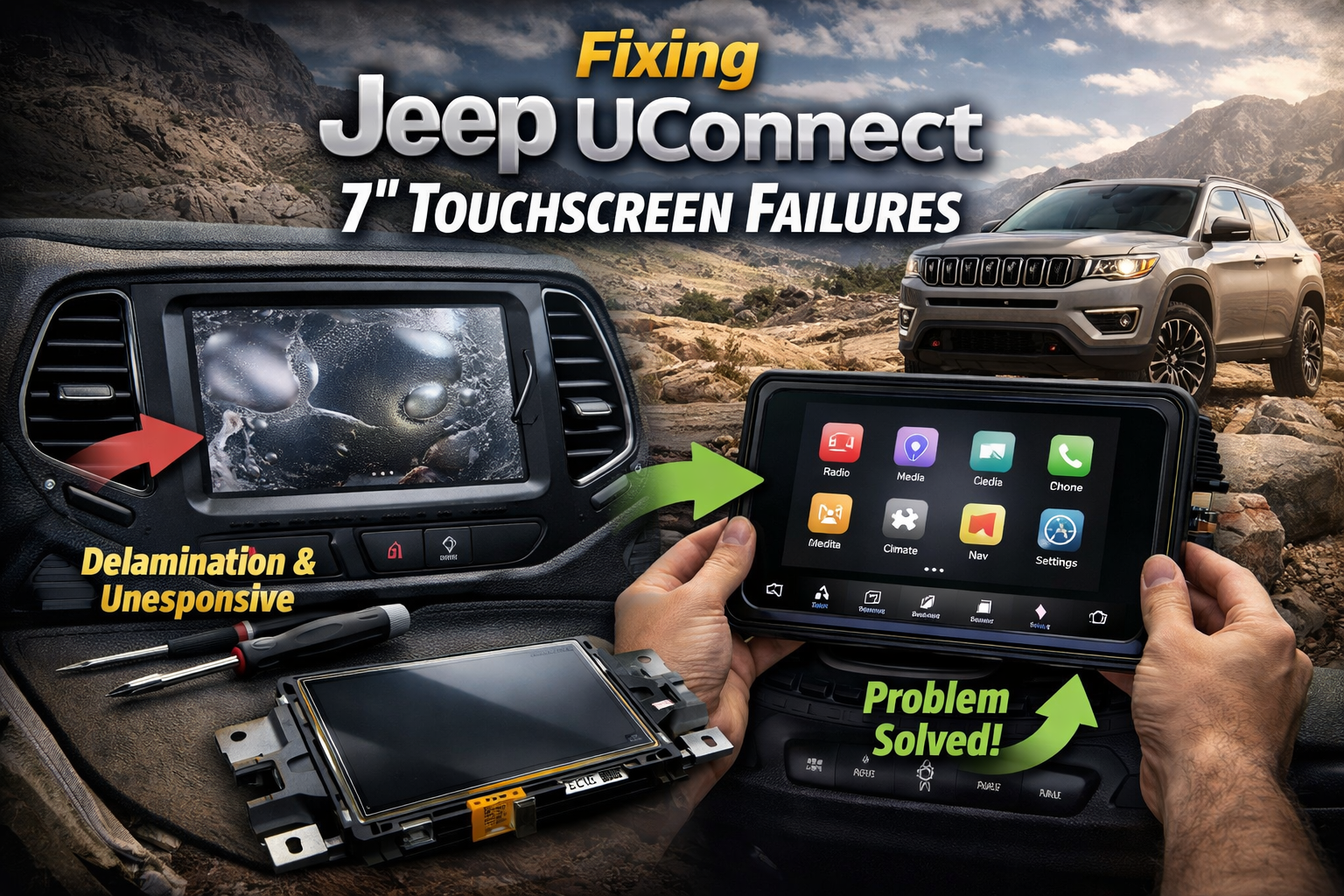
When To Update Software
Both your iPhone and Jeep’s Uconnect system need regular updates for best performance. Outdated software causes most compatibility issues.
Here’s a comparison of update methods:
| Device | Update Method | Frequency |
|---|---|---|
| iPhone | Settings > General > Software Update | Monthly or as notified |
| Uconnect (Jeep) | Dealer or Jeep website USB download | Every 6-12 months |
Some Jeep owners miss Uconnect updates because they aren’t automatic. Check your owner’s manual or visit the official Jeep Uconnect page for instructions.
Choosing The Right Usb Cable
A poor-quality cable is a top cause of CarPlay trouble. Here’s how common cables compare:
| Cable Type | CarPlay Reliability | Price Range |
|---|---|---|
| Apple Original | Very High | $19–$29 |
| Apple MFi Certified | High | $10–$25 |
| Generic/Uncertified | Low | $2–$10 |
Tip: Even expensive cables wear out. Replace if you notice fraying or loose connections.
Advanced Solutions
If basic steps fail, try these advanced options:
- Reset Network Settings: On your iPhone, go to Settings > General > Reset > Reset Network Settings. This clears Wi-Fi and Bluetooth settings, which may fix hidden conflicts.
- Factory Reset Uconnect: In your Jeep’s system settings, perform a factory reset. This erases all custom data, so back up your preferences first.
- Try Another iPhone: Test CarPlay with a friend’s iPhone. If their phone works, your device may have a deeper issue.
When To See A Jeep Dealer
If CarPlay still fails after all these steps, the issue may be with your Jeep’s hardware. Signs you need dealer support:
- No USB power or data connection in any port
- Uconnect crashes or won’t start
- CarPlay works in other cars but never in your Jeep
Dealers can run diagnostics, update firmware, or replace faulty parts.
Preventing Future Carplay Issues
Once you fix CarPlay, a few habits can keep it running smoothly:
- Keep your iPhone and Uconnect updated.
- Use only quality, certified cables.
- Avoid connecting multiple phones at once.
- Clean your phone’s and Jeep’s USB ports regularly.
Frequently Asked Questions
Why Does Carplay Only Work With Some Usb Ports In My Jeep?
Most Jeep models have specific USB ports enabled for CarPlay. Usually, the port near the main infotainment screen supports it. Other ports might only charge your device.
Can I Use Wireless Carplay In Older Jeep Models?
Wireless CarPlay is available only in newer Jeep models (2020+). Older models require a wired connection.
Some aftermarket kits add wireless support, but installation may be complex.
Why Is My Carplay Audio Delayed Or Choppy?
Audio problems are often due to wireless interference, low-quality cables, or outdated software. Try using a wired connection, updating your devices, and removing extra Bluetooth pairings.
How Do I Update Uconnect In My Jeep?
You can update Uconnect by downloading the latest version from the Jeep website to a USB drive, then plugging it into your vehicle. Some updates require dealer assistance, especially for older systems.
What Apps Can I Use With Carplay In Jeep?
CarPlay supports many apps, including Apple Maps, Google Maps, Spotify, WhatsApp, and Audible. Only apps approved by Apple will appear on the CarPlay screen for safety reasons.
Getting CarPlay to work smoothly in your Jeep can take patience, but most issues are easy to fix once you know the right steps. Take your time, follow these solutions, and you’ll enjoy a safer, more connected driving experience.



















