Disconnecting the battery in your Jeep might sound simple, but doing it the wrong way can lead to electrical issues, lost settings, or even minor injuries.
Whether you want to replace the battery, perform maintenance, or reset your vehicle’s electronics, knowing the correct steps is important.
This guide explains everything in clear, easy language so you can safely disconnect your Jeep’s battery no guesswork.
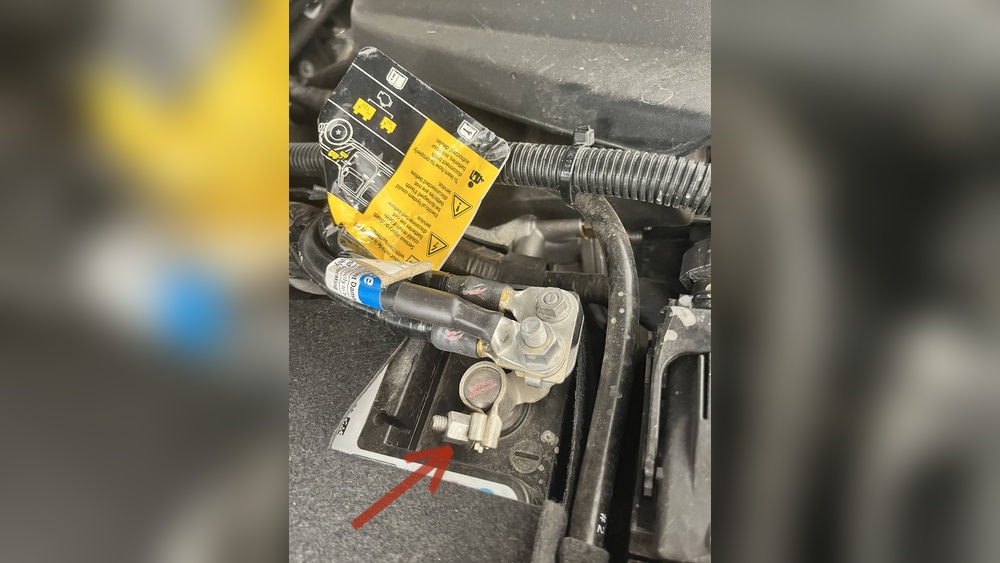
Why Disconnect Your Jeep Battery?
Many Jeep owners disconnect their battery for different reasons. The most common include:
- Replacing a dead battery
- Installing aftermarket accessories
- Performing electrical repairs
- Resetting electronic modules
Disconnecting your battery cuts power to all electrical systems. It’s a simple, effective way to prevent short circuits or accidental shocks during repairs.
Tools And Preparation
Before you start, gather these items:
- Wrench or socket set (usually 10mm for Jeeps)
- Safety gloves and glasses
- Memory saver (optional, to keep radio and clock settings)
- Clean rag
Always park your Jeep on a flat surface and turn off the ignition. Wait at least 5 minutes for all systems to power down.
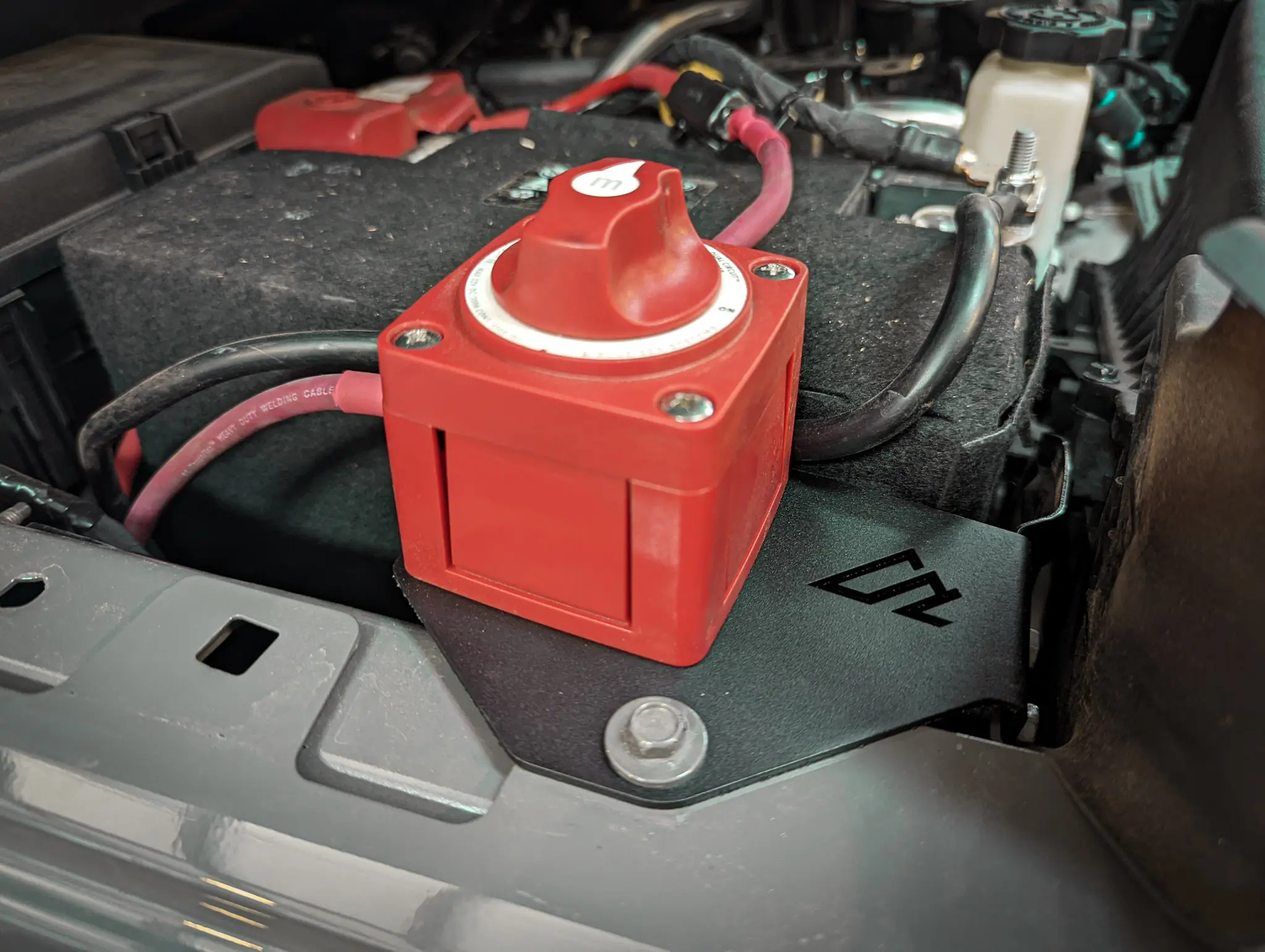
Step-by-step: How To Disconnect Your Jeep Battery
Follow these steps for a safe, smooth process:
1. Locate The Battery:
Most Jeep models, like the Wrangler and Grand Cherokee, have the battery under the hood. Some, like the Jeep Compass, may hide it under a cover.
2. Identify The Terminals:
The battery has two terminals: positive (+), usually covered in red, and negative (–), often black. Always start with the negative.
3. Disconnect The Negative Terminal:
Use a wrench to loosen the nut on the negative terminal. Carefully lift the cable away and tuck it aside, making sure it doesn’t touch metal parts.
4. Disconnect The Positive Terminal:
Repeat the process for the positive side. Avoid letting your tool touch both terminals at once.
5. Remove The Battery (if Needed):
Some tasks require taking the battery out. Remove any holding bracket and lift the battery with both hands it can weigh 30 50 pounds.
Here’s a comparison of battery locations in popular Jeep models:
| Jeep Model | Battery Location | Access Difficulty |
|---|---|---|
| Wrangler JL | Engine Bay (front right) | Easy |
| Grand Cherokee | Engine Bay | Easy |
| Compass | Under hood cover | Moderate |
Safety Tips And Common Mistakes
Disconnecting a car battery seems easy, but mistakes can cost you time or money.
- Never disconnect the positive first. This can cause sparks and short circuits.
- Avoid touching both terminals with a tool to prevent shocks.
- Wear gloves to protect your hands from acid or corrosion.
- Use a memory saver if you don’t want to lose radio presets or window settings.
Many beginners forget to secure the loose cables. If a cable accidentally touches metal, it could close the circuit and cause damage.
Always move cables away from the battery and metal parts.
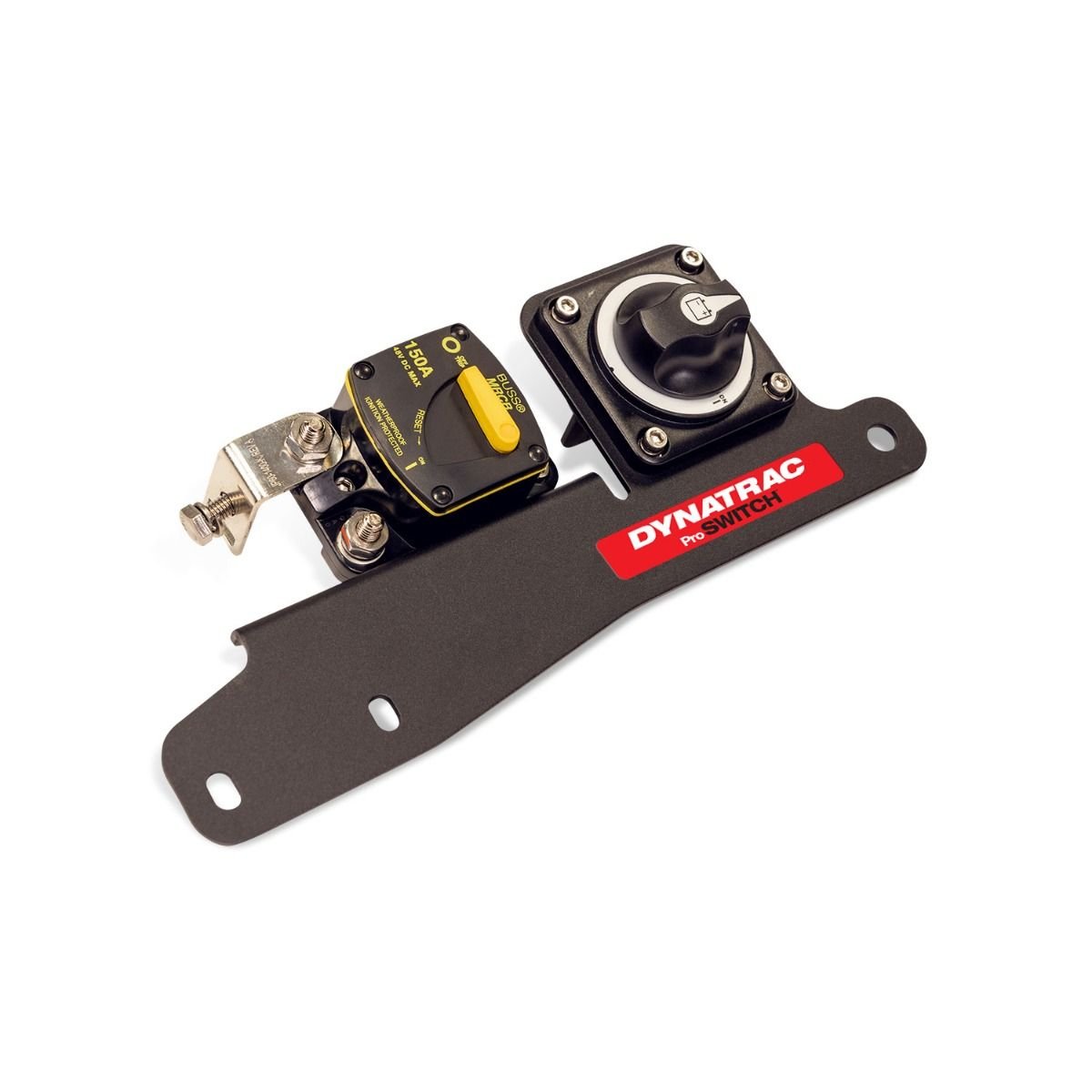
What To Expect After Disconnecting
When you reconnect your battery, you may notice:
- Reset clocks and radio presets
- Possible “check engine” light until the system recalibrates
- Power window or sunroof may need reset
On modern Jeeps, electronics reset themselves, but some features may need manual reprogramming.
Here’s what typically happens after reconnecting the battery:
| Feature | What Happens | Fix Needed? |
|---|---|---|
| Radio Presets | Cleared | Yes, reprogram |
| Clock | Resets to default | Yes, reset time |
| Power Windows | May not auto-up/down | Reset by holding button |
Reconnecting The Battery
To reconnect, reverse the steps:
- Attach the positive terminal first and tighten securely.
- Connect the negative terminal.
- Start your Jeep and check for warning lights. Reset radio and clocks as needed.
Some Jeeps require a few minutes of idle time for systems to relearn settings. Avoid driving immediately if warning lights stay on.
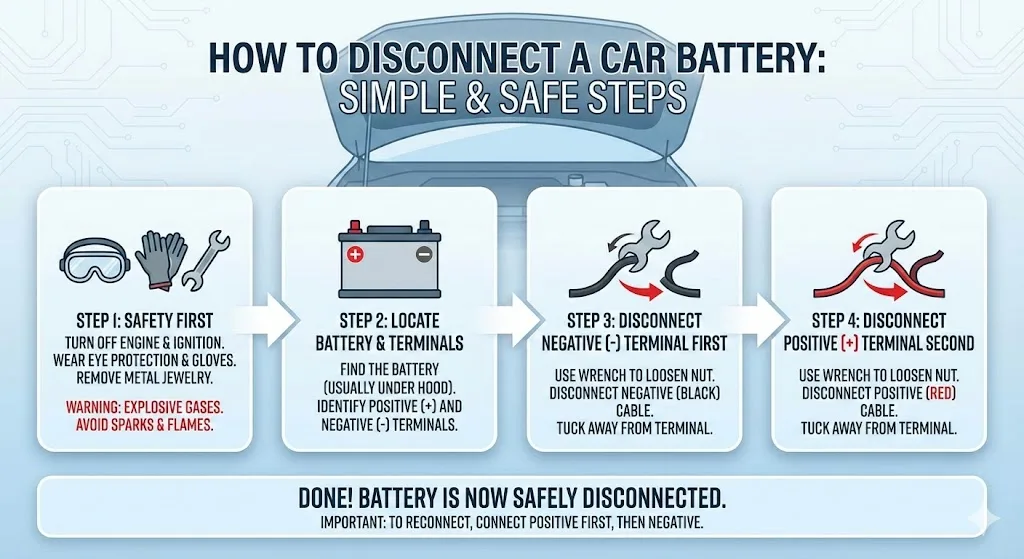
Special Tips For Jeep Owners
- If your Jeep has a dual battery system (like some Wranglers), disconnect both negatives first.
- For newer models with start-stop technology, batteries may have sensors. Handle these carefully and avoid pulling on wires.
- If you see lots of corrosion on the terminals, clean them with a baking soda and water mix before reconnecting.
A common overlooked detail: If your Jeep has a security system or aftermarket alarm, disconnecting the battery may trigger it. Keep your remote or code handy.
For more on vehicle battery safety, check the National Highway Traffic Safety Administration.
When To Call A Professional
If you notice:
- Heavy corrosion or damaged cables
- Unusual smells (like rotten eggs) from the battery
- You’re unsure about the process
It’s safer to get help from a mechanic. Batteries contain acid and can be dangerous if mishandled.
Here’s a quick look at when to DIY and when to call for help:
| Situation | DIY? | Call a Pro? |
|---|---|---|
| Standard battery swap | Yes | No |
| Battery leaking fluid | No | Yes |
| Complex electronics (hybrid/stop-start) | No | Yes |
Frequently Asked Questions
How Long Should I Wait After Turning Off The Jeep Before Disconnecting The Battery?
Wait at least 5 minutes after turning off the engine. This allows all electrical systems to power down safely.
Which Terminal Should I Disconnect First?
Always disconnect the negative terminal first to prevent short circuits or sparks.
Do I Need To Reset Anything After Reconnecting The Battery?
Yes, you’ll likely need to reset your clock, radio presets, and sometimes power windows.
Can Disconnecting The Battery Fix Warning Lights?
It might reset some warning lights, but if they return, there could be a real problem. Don’t ignore persistent warnings.
Is It Safe To Disconnect The Battery Myself?
If you follow the right steps and safety tips, it’s safe for most Jeep owners. If you see leaks, heavy corrosion, or feel unsure, call a professional.
Disconnecting your Jeep battery is straightforward with the right tools and a careful approach. Take your time, follow each step, and you’ll protect both yourself and your vehicle’s electronics.
Safe maintenance means fewer surprises and more confidence the next time you work on your Jeep.


















