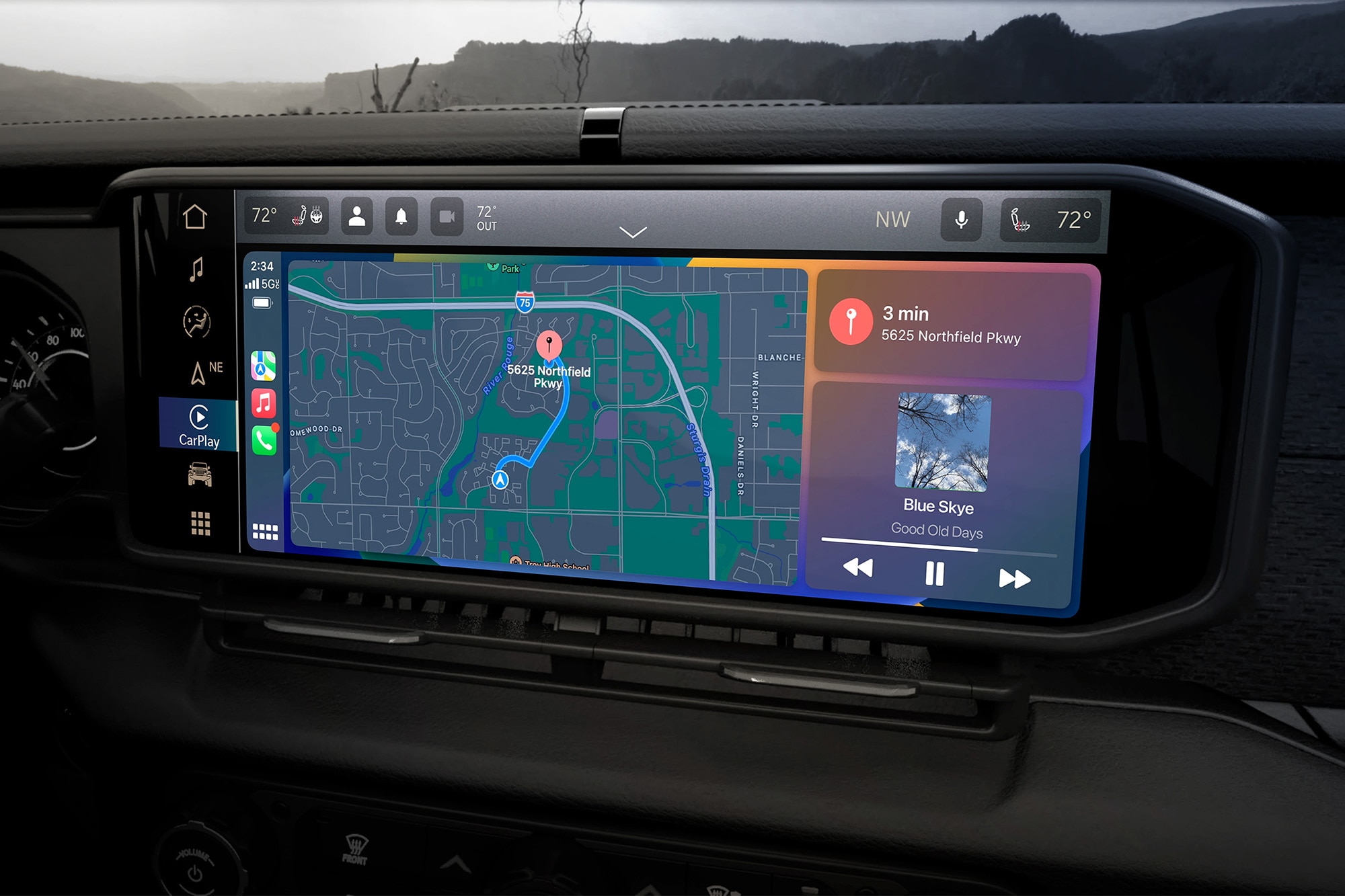
Connecting your phone to the Uconnect system in a Jeep Wrangler can transform your driving experience. With features like hands-free calling, music streaming, and navigation, Uconnect keeps you connected while you focus on the road. Many drivers, especially first-time Jeep owners, are unsure about the setup process. This guide walks you through each step, explains common mistakes, and shares tips for a smooth connection.
Understanding Uconnect In Jeep Wrangler
Uconnect is the infotainment system available in most Jeep Wranglers. It integrates your phone with the vehicle’s touchscreen, audio, and controls. Features can vary by model year and trim. Most recent Wranglers use Uconnect 4 or Uconnect 5.
Here’s a quick comparison of Uconnect versions found in Jeep Wranglers:
| Uconnect Version | Screen Size | Key Features | Wireless Apple CarPlay/Android Auto |
|---|---|---|---|
| Uconnect 3 | 5-inch | Bluetooth, Voice Command | No |
| Uconnect 4 | 7 or 8.4-inch | Apple CarPlay, Android Auto | No |
| Uconnect 5 | 8.4-inch | Wireless CarPlay/Android Auto, Faster Processor | Yes |
Knowing your Uconnect version helps you pick the right connection method.
What You Need Before Starting
To connect your phone, make sure you have:
- A compatible smartphone (iOS or Android)
- Bluetooth enabled on your phone
- The car parked and in “Park” mode for safety
- Uconnect system turned on
For wired connections (Apple CarPlay/Android Auto), you’ll also need a USB cable. Wireless features depend on your Uconnect version and phone.

Step-by-step Guide: Pairing Your Phone With Uconnect
Connecting your phone for the first time only takes a few minutes. Follow these steps:
- Turn on your Jeep Wrangler and the Uconnect system.
- On your phone, turn on Bluetooth (usually found in Settings > Bluetooth).
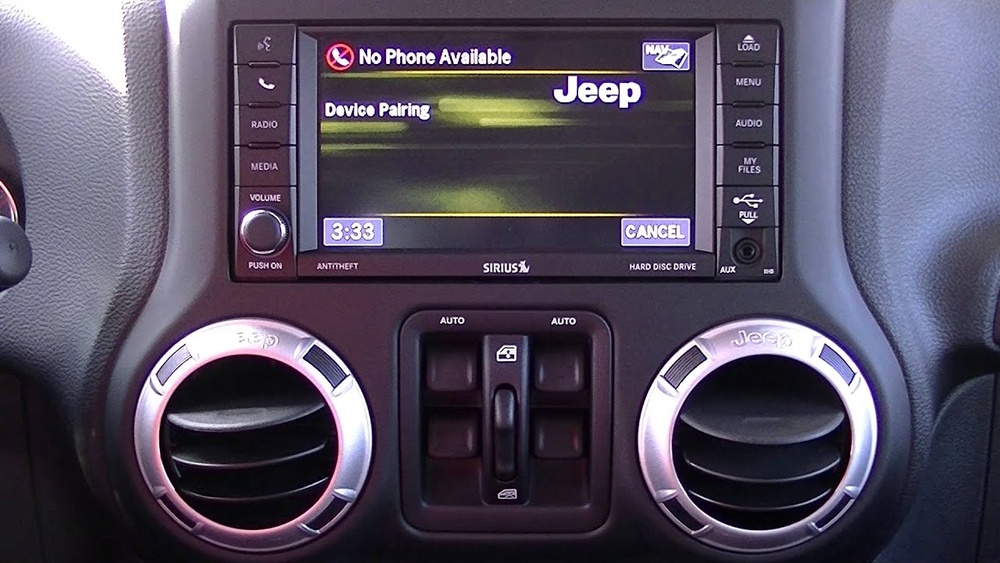
- On the Uconnect touchscreen, press the ‘Phone’ or ‘Phone Pairing’ button.
- Select ‘Add Device’ or ‘Pair a New Device’.
- Your Jeep’s Uconnect will now appear on your phone’s Bluetooth list (look for “Uconnect” or “Jeep”).
- Tap on the Uconnect option on your phone.
- A confirmation code will show on both screens. Make sure they match, then accept or confirm.
- Approve any requests for contacts, messages, or media access if you want hands-free and music features.
- Wait for the systems to finish pairing. Your phone should now be connected.
If you want to use Apple CarPlay or Android Auto, connect your phone with a USB cable (unless your system supports wireless connections). Uconnect will prompt you to launch CarPlay or Android Auto.
Troubleshooting Common Connection Issues
Sometimes, things don’t work on the first try. Here’s a table showing common problems and solutions:
| Problem | Possible Cause | Solution |
|---|---|---|
| Uconnect not showing on phone | Bluetooth off, out of range | Check Bluetooth, move closer to car |
| Paired but no audio | Audio not enabled for device | Allow media/audio in Bluetooth settings |
| CarPlay/Android Auto not working | Wrong cable, unsupported phone | Use original cable, check phone compatibility |
| System freezes or lags | Software glitch | Restart Uconnect and phone |
If problems continue, try deleting the device from Uconnect and your phone, then repeat the pairing process.
Tips For A Better Uconnect Experience
- Update your phone’s software before pairing. Uconnect works best with the latest updates.
- Avoid pairing while driving. Always set up connections while parked for safety.
- Limit paired devices. Uconnect supports multiple phones, but more than two can cause confusion.
- Use the original USB cable for wired connections. Some third-party cables only charge and won’t transmit data.
- If you upgrade your phone, remove the old device from Uconnect to avoid conflicts.
Many Jeep owners overlook that the first pairing may take a little longer, especially on older Uconnect versions. Also, not all Wranglers support wireless CarPlay or Android Auto; check your manual if unsure.
How Uconnect Enhances Jeep Wrangler Driving
Connecting your phone unlocks several features:
- Hands-free calls and texts using voice commands.
- Music streaming from apps like Spotify, Apple Music, or your phone’s library.
- Navigation integration with Google Maps or Apple Maps, displayed on the vehicle’s screen.
- Access to contacts and call history directly from the touchscreen.
For example, you can say, “Call Sarah,” and Uconnect will dial without you needing to touch your phone. This keeps your eyes on the road.
Practical Example: Connecting An Iphone To Uconnect 4
Let’s look at a common real-world case:
- Make sure your iPhone has iOS 14 or later.
- Enable Bluetooth on your iPhone.
- On the Jeep’s Uconnect 4 (8.4-inch screen), press ‘Phone’ then ‘Add Device.’
- Select “Uconnect” from the iPhone’s Bluetooth list.
- Enter the PIN if prompted.
- Approve contacts and favorite syncing on your iPhone.
- To use Apple CarPlay, plug your iPhone into the USB port. The Uconnect screen will display Apple CarPlay options.
If you see a message saying CarPlay is not available, check that you’re using a certified Apple cable and your Wrangler supports CarPlay.
Frequently Asked Questions
How Many Phones Can Uconnect Pair With A Jeep Wrangler?
Uconnect can pair with up to seven devices, but only one phone can be active for calls at a time. This is useful if you share your Jeep with family or friends.
Does Uconnect Work With All Smartphones?
Uconnect is compatible with most modern Android and iOS phones. Older phones or those without Bluetooth may not work. Always check your Wrangler’s manual for details.
Can I Connect My Phone Wirelessly For Apple Carplay Or Android Auto?
Wireless CarPlay and Android Auto are available on Uconnect 5 systems. Uconnect 4 and earlier require a USB cable for these features.
Why Can’t I See My Contacts Or Messages On Uconnect?
Make sure you allowed contacts and message access when pairing. On your phone, check Bluetooth settings for Uconnect and enable sharing.
How Do I Disconnect Or Remove A Phone From Uconnect?
On the Uconnect touchscreen, go to Phone > Settings > Paired Devices. Select the phone you want to remove and choose “Delete” or “Disconnect.” You can also remove Uconnect from your phone’s Bluetooth settings.
Connecting your phone to your Jeep Wrangler’s Uconnect system is simple once you know the steps. With the right setup, you’ll enjoy safer driving and easy access to your phone’s best features. For more information on Uconnect systems, visit the official Jeep Uconnect page.