Pairing your phone with your Jeep Patriot’s Bluetooth opens up a world of convenience. You can make hands-free calls, play music wirelessly, and even use voice commands all while keeping your focus on the road.
Many Jeep Patriot owners, however, find the process confusing or run into snags with older infotainment systems.
This guide will walk you through each step, offer troubleshooting tips, and highlight important details beginners often miss. By the end, you’ll be able to connect your device quickly and understand what makes your Jeep’s Bluetooth system unique.
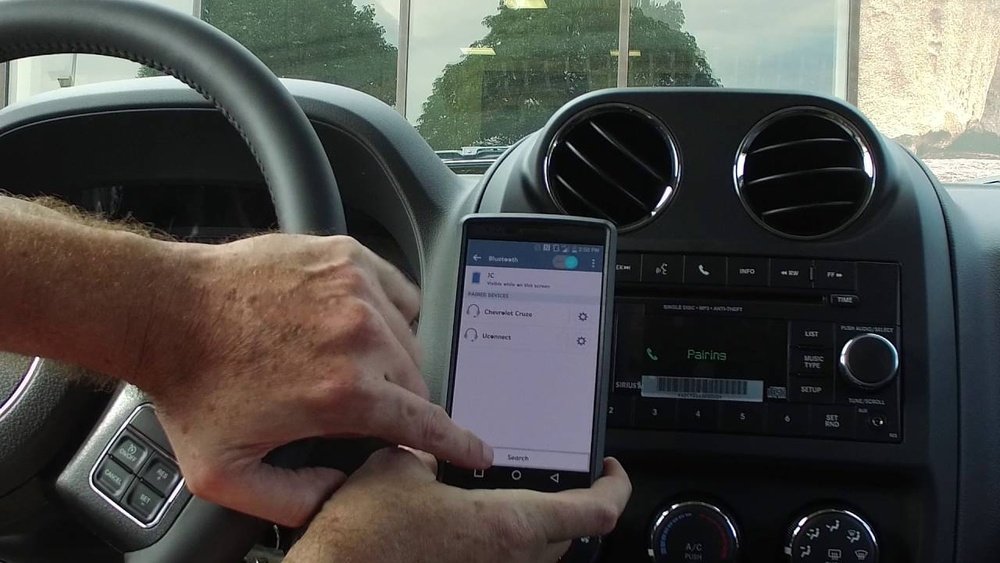
Checking Your Jeep Patriot’s Bluetooth Compatibility
Not all Jeep Patriots have Bluetooth. Most 2011 and later models come with Uconnect, Jeep’s infotainment system that supports Bluetooth. If your Patriot is older, Bluetooth might only be available as an option.
Look for these signs to confirm Bluetooth is available:
- A Uconnect button on the dashboard or steering wheel.
- “Phone” or “Media” options on your radio display.
- Bluetooth symbol visible on your stereo screen.
If you’re unsure, check your owner’s manual or visit the official Jeep website for your model’s specifications.
Preparing Your Device And Vehicle
Before pairing, take a minute to get both your phone and Jeep ready. Skipping these basics is a common mistake.
- Turn on your Jeep. The engine doesn’t have to be running, but the electronics need to be on.
- Enable Bluetooth on your phone. Go to your phone’s settings and switch Bluetooth to “on.”
- Remove old pairings. If your Jeep or phone was paired with another device, delete those connections. Too many stored devices can cause errors.
Remember, some older Uconnect systems can only store a limited number of devices (often 5 7). If you hit the limit, new pairings may fail until you delete older ones.
Pairing Your Phone With Jeep Patriot Bluetooth
Follow these steps for a smooth connection:
- Press the Uconnect or Phone button on your dash or steering wheel.
- Wait for the system prompt. You’ll hear “Ready” or see a pairing menu on your screen.
- Say “Pair a device” if prompted by voice, or select “Add Device” on the display.
- On your phone, open Bluetooth settings. Search for devices.
- Select “Uconnect” (or similar) from the list on your phone.
- Enter the PIN if asked (usually “0000” or “1234”). The Jeep display may also show a code—confirm it matches on your phone.
- Wait for the system to confirm pairing. You’ll hear a tone or see a message.
Common Pairing Issues And Solutions
- Can’t find Uconnect on phone: Restart both the radio and your phone’s Bluetooth. Try again.
- PIN not working: Use “0000” or “1234.” If still stuck, check your manual—some systems use unique PINs.
- No sound after pairing: Make sure your phone’s audio output is set to Bluetooth. Adjust volume on both phone and Jeep.
Using Bluetooth Features
Once connected, you can do much more than just take calls.
Hands-free Calling
- Dial using your phone, or press the voice button and say “Call [Name/Number]”.
- The system pulls contacts from your phone if you allow access.
Music Streaming
- Open your favorite music app.
- Select your Jeep audio system as the playback device.
- Use dash or steering controls to pause, skip, or adjust volume.
Voice Commands
- Press the voice button and say commands like “Play,” “Next track,” or “Redial.”
- Speak clearly and wait for the beep before talking.
Pro tip: If your Jeep Patriot has an older Uconnect version, you may only get basic phone features. Music streaming through Bluetooth wasn’t standard until later models.
Data Table: Jeep Patriot Bluetooth Compatibility By Year
Below you’ll find a quick reference for Bluetooth support in the Jeep Patriot:
| Model Year | Bluetooth Standard | Music Streaming | Hands-Free Calling |
|---|---|---|---|
| 2007-2010 | Not Standard | No | No |
| 2011-2013 | Uconnect (optional) | Limited | Yes |
| 2014-2017 | Uconnect (standard/optional) | Yes | Yes |
Troubleshooting Bluetooth Problems
Bluetooth can be unreliable, especially with older vehicles. Here’s how to fix the most common problems:
- Connection drops: Delete the device from both your phone and Jeep, restart both, and pair again.
- Audio lag: Disable battery optimization for Bluetooth on your phone. Keep software updated.
- Contacts not syncing: Allow Uconnect access when prompted on your phone. Some phones ask for permission separately.
If you still can’t connect, try pairing another phone. If that works, the problem is probably with your original device.
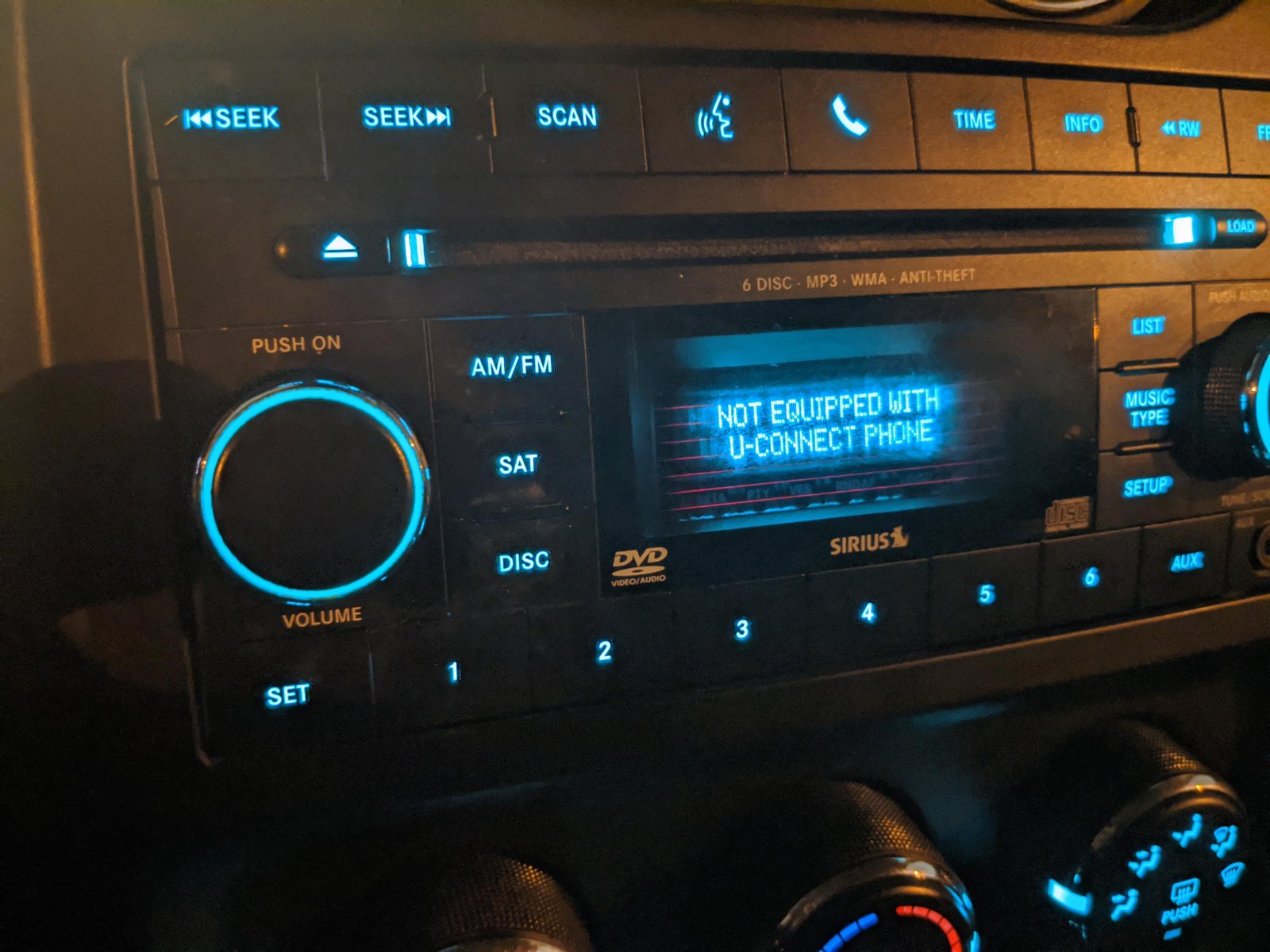
Comparison Table: Bluetooth Vs. Auxiliary Connection
For those considering using an auxiliary cable instead, here’s a quick comparison:
| Feature | Bluetooth | Auxiliary Cable |
|---|---|---|
| Hands-Free Calls | Yes | No |
| Music Streaming | Yes | Yes |
| Voice Commands | Yes | No |
| Wires Needed | No | Yes |
| Sound Quality | Good | Very Good |
Tips For A Reliable Bluetooth Experience
- Keep your phone’s software updated. Outdated operating systems can cause connection failures.
- Clear old devices from Uconnect if you change phones often.
- Stay within range. Bluetooth works best within 30 feet and without obstacles.
- Reduce interference. Turn off Wi-Fi or other Bluetooth devices nearby if you experience skips.
Many Jeep Patriot owners don’t realize that some phones handle Bluetooth differently. If you use an Android device, disable battery saver during long drives for stable connectivity.
Security And Privacy Considerations
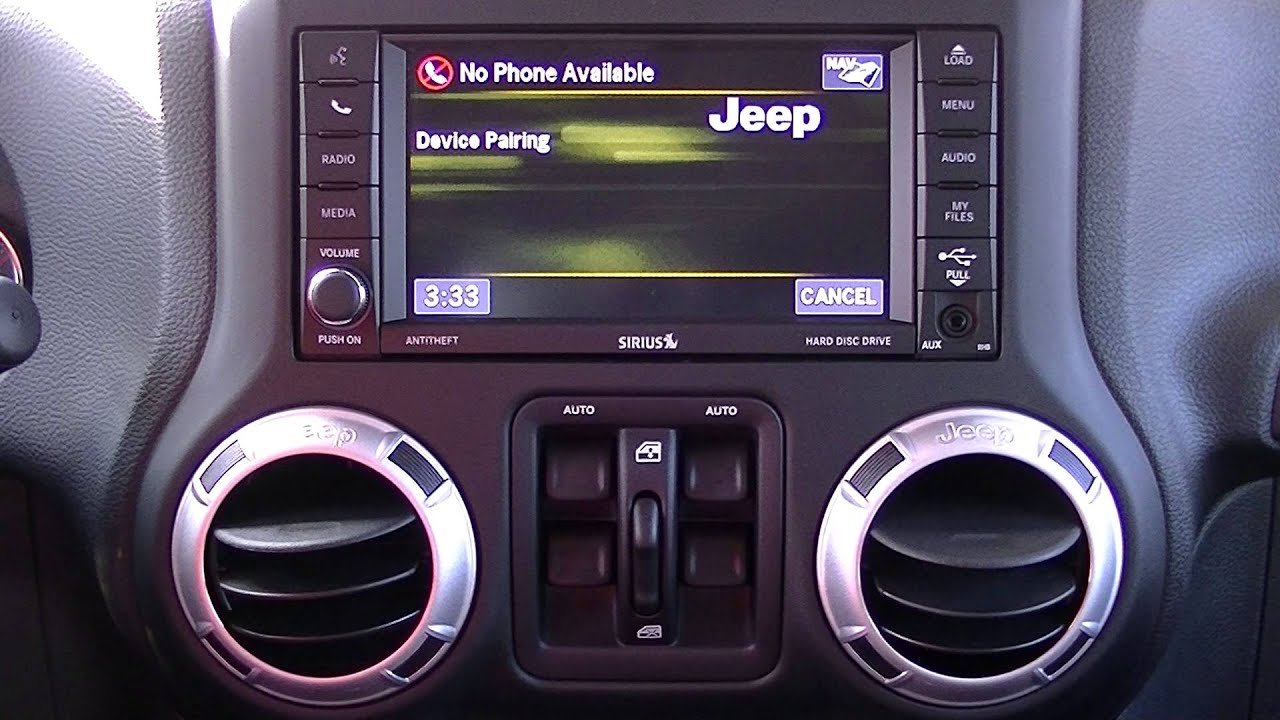
Pairing your phone means sharing contacts, call history, and possibly text messages with your Jeep. If you sell or lend your vehicle, delete all paired devices from the system menu.
This prevents future users from seeing your private data.
External Reference
For more details on Uconnect features and updates, visit the official Jeep Uconnect page.
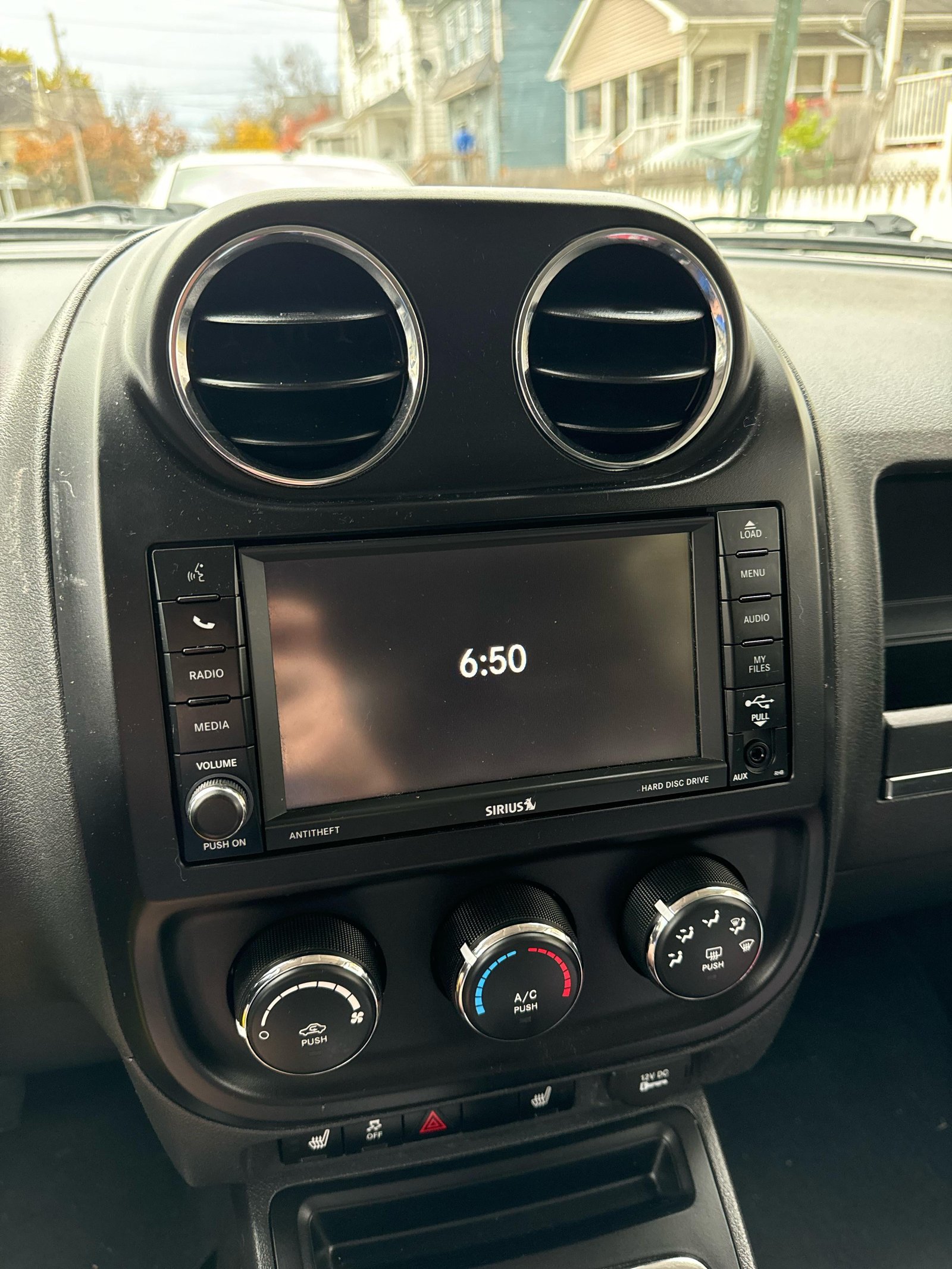
Frequently Asked Questions
How Many Phones Can I Pair With My Jeep Patriot?
Most Jeep Patriots support up to 7 devices. However, only one phone can be actively connected for calls and media at a time.
Does Bluetooth Work While Driving?
Yes, you can use hands-free calling and music while driving. For safety, use voice commands instead of touching your phone.
What Should I Do If My Phone Won’t Connect?
First, delete the pairing on both your phone and Jeep. Restart both, then try pairing again.
If the problem continues, check for software updates on your phone.
Can I Play Spotify Or Apple Music Through Bluetooth?
Yes, you can stream Spotify, Apple Music, and other apps using Bluetooth. Make sure your Jeep Patriot supports audio streaming (2014 and newer models are best).
Is Bluetooth Audio Quality As Good As A Wired Connection?
Bluetooth audio is good, but not perfect. Wired connections like auxiliary cables usually provide slightly better sound quality, especially for music lovers.
Connecting Bluetooth to your Jeep Patriot doesn’t have to be a struggle. With these steps, you’ll enjoy a safer and more enjoyable ride plus you’ll know exactly what to do if things don’t work the first time.


















