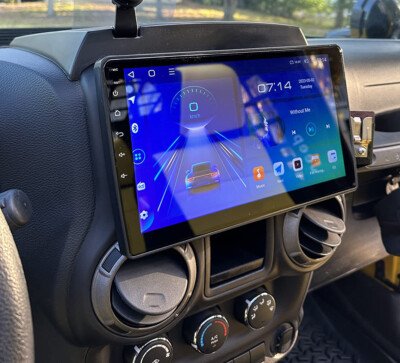
Connecting your phone or other Bluetooth devices to a 2017 Jeep Wrangler can make driving more enjoyable and safer. You can listen to music, make hands-free calls, and use navigation apps without touching your phone. However, if you’ve never paired a device with your Wrangler before, the process can feel confusing. This guide will show you step-by-step how to connect Bluetooth, explain what to do if you run into problems, and share tips to get the best results.
What You Need Before You Start
To connect Bluetooth to your 2017 Jeep Wrangler, make sure you have:
- A 2017 Jeep Wrangler with a Uconnect infotainment system
- A smartphone or other Bluetooth-enabled device
- Your device’s Bluetooth turned on and discoverable
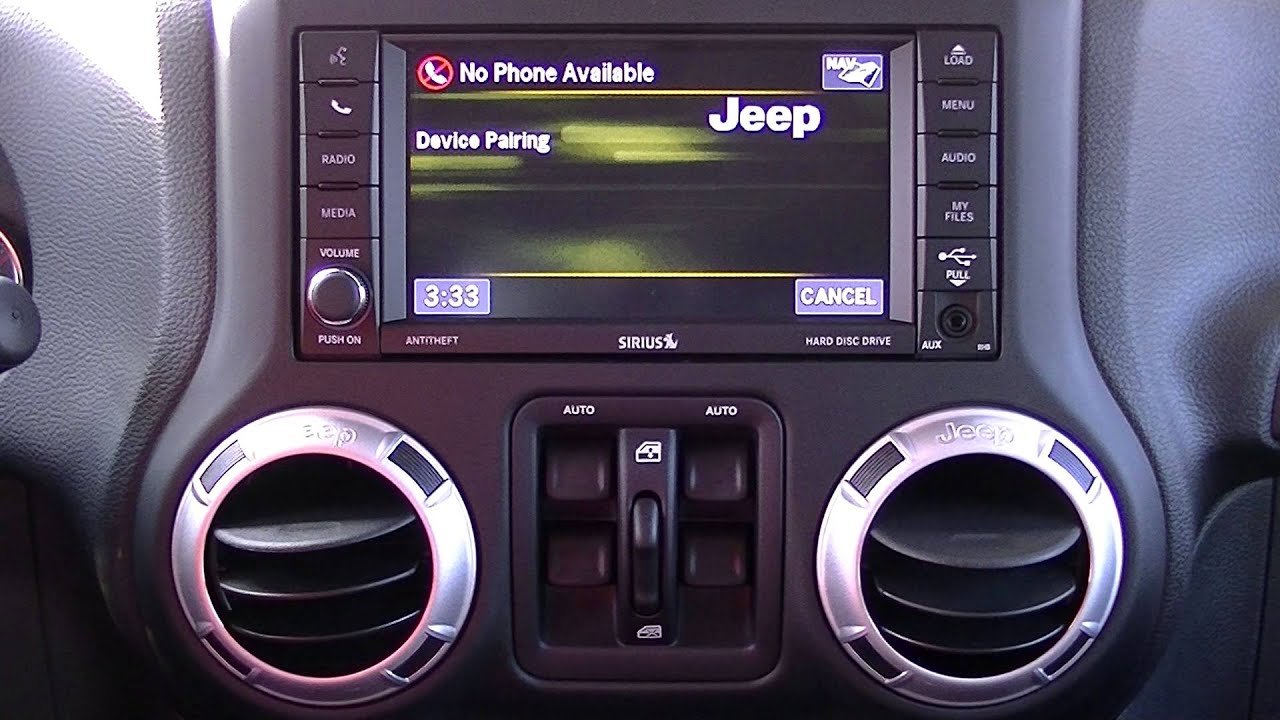
Not all 2017 Jeep Wranglers have the same Uconnect system. Most have Uconnect 130, 430, or 430N.
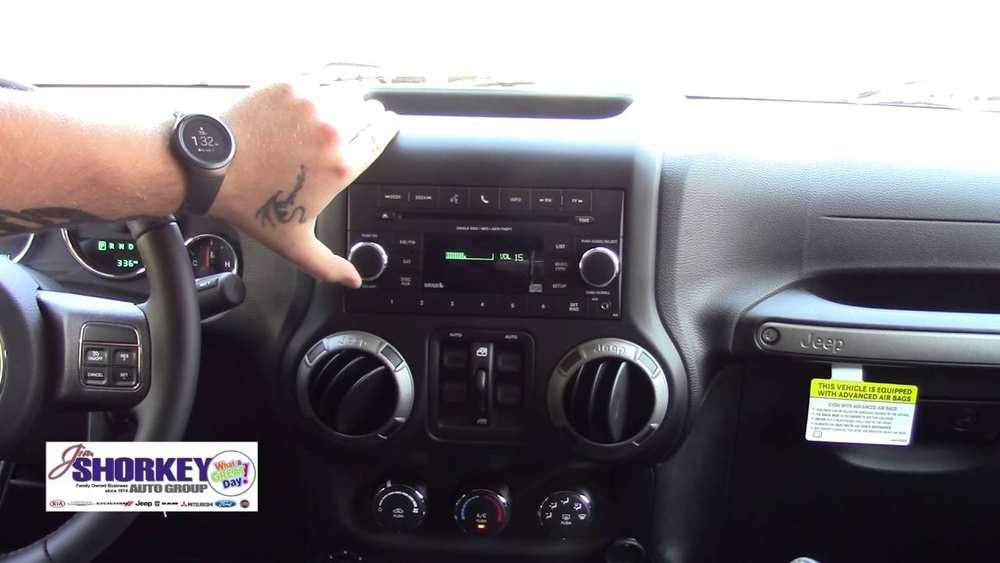
The pairing process is similar, but screens may look a bit different.
Step-by-step: Pairing Your Device
1. Prepare Your Jeep
Start your Jeep and keep it in Park. Make sure your radio is turned on. The system will not allow pairing while driving for safety reasons.
2. Open Bluetooth Settings On Your Phone
On your smartphone:
- Go to Settings
- Tap Bluetooth
- Turn Bluetooth ON
- Stay on this screen so you can see available devices
3. Access Uconnect Phone Settings
On your Jeep’s dashboard:
- Press the Phone button on the radio or infotainment system
- If no phones are paired, the system will prompt you to pair a device
- If you already have paired devices, choose Add Device or Pair a New Device
4. Pair Your Device
- The Uconnect screen will show a name like “Uconnect” and a PIN number (usually four digits)
- On your phone, look for “Uconnect” in the list of available devices
- Tap it to connect
- Enter the PIN shown on your Jeep’s screen if your phone asks
- Wait for the system to say “Pairing Successful” or a similar message
5. Allow Access (if Prompted)
Your phone may ask for permission to access contacts, messages, or audio. Allow these permissions if you want hands-free calling and text features.

Common Problems And Fixes
Even with the right steps, sometimes pairing fails. Here are common issues and solutions:
- Device not found: Make sure Bluetooth is on and your device is visible. Restart both your phone and Jeep.
- Wrong PIN: Double-check the PIN on your Jeep’s screen matches what you enter.
- Phone won’t connect automatically: Try deleting the device from Uconnect and your phone, then pair again.
- Audio issues: Check your phone’s volume and media output settings.
A less obvious tip: Some phones need to be “trusted” or set as “priority” in the Uconnect settings for automatic connection.
What You Can Do With Bluetooth
Once connected, you can:
- Make and receive calls using voice commands or the steering wheel buttons
- Stream music from apps like Spotify or Apple Music
- Send and receive texts (on some phones and Uconnect versions)
- Hear navigation directions through your Jeep’s speakers
Not every feature works with every phone or Uconnect version. For example, some Android phones may not support text messaging through Uconnect.
Comparison: Uconnect Versions In 2017 Jeep Wrangler
Understanding which Uconnect version you have helps set expectations for Bluetooth features.
| Uconnect Version | Bluetooth Audio | Hands-Free Calling | Text Messaging |
|---|---|---|---|
| 130 | No | Yes | No |
| 430 | Yes | Yes | Limited |
| 430N | Yes | Yes | Yes |
As seen above, only the 430 and 430N offer Bluetooth streaming. The 130 is limited to hands-free calling.
Tips For A Smooth Connection
- Update your phone: New phone software can fix bugs that block pairing.
- Keep paired devices under five: Too many paired phones can confuse Uconnect.
- Name your device clearly: A simple name like “John’s iPhone” helps you recognize it.
- Delete old devices: Remove phones you no longer use from Uconnect to avoid mix-ups.
If you plan to share your Jeep with others, set your main phone as the “priority device. ” This way, your phone always connects first.
Bluetooth Connection: Speed And Range
Bluetooth in the 2017 Jeep Wrangler has a range of about 30 feet under normal conditions. Connection speed is almost instant, but thick objects or electronic interference may slow it down.
| Condition | Typical Range | Connection Speed |
|---|---|---|
| Inside Jeep | 30 ft | 1-2 seconds |
| Obstructed (doors closed, phone outside) | 10-15 ft | 3-4 seconds |
For best results, keep your device inside the vehicle and avoid placing it in the trunk or behind metal objects.
Security And Privacy
Pairing your phone means your Jeep can access contacts and call logs. If you sell your Wrangler or lend it out, delete your device from Uconnect to protect your privacy.
A hidden insight: If you use rental Jeeps, always check the paired devices list before connecting your phone. This prevents your contacts from being visible to strangers.
When To Reset Or Update Uconnect
If you cannot connect any device after following all steps, try resetting Uconnect:
- Turn off your Jeep.
- Open and close the driver’s door.
- Wait a full minute.
- Restart and try pairing again.
If problems continue, check for Uconnect software updates. The latest version can solve bugs and improve compatibility. Visit the official Uconnect support page for details.
Frequently Asked Questions
How Many Devices Can I Pair With My 2017 Jeep Wrangler?
You can pair up to seven devices with the Uconnect system, but only one can connect at a time for calls and audio.
Why Isn’t My Bluetooth Audio Working?
Some Uconnect versions (like 130) only support hands-free calling, not music streaming. Make sure your system allows audio over Bluetooth.
Can I Use Voice Commands With Bluetooth?
Yes, you can use voice commands for calling and, on some versions, for texting. Press the Voice button on your steering wheel to start.
My Jeep Can’t Find My Phone. What Should I Do?
Restart both your phone and the Jeep system. Make sure your phone is set to discoverable and delete old paired devices if needed.
Does Bluetooth Affect My Phone’s Battery?
Using Bluetooth for calls or music uses a small amount of battery. However, most modern phones handle this well, and the impact is minor.
Connecting Bluetooth to your 2017 Jeep Wrangler is simple once you know the steps. It makes driving safer and more enjoyable.
If you have trouble, review your Uconnect version and follow the troubleshooting tips above. With the right setup, your Wrangler will keep you connected on every adventure.