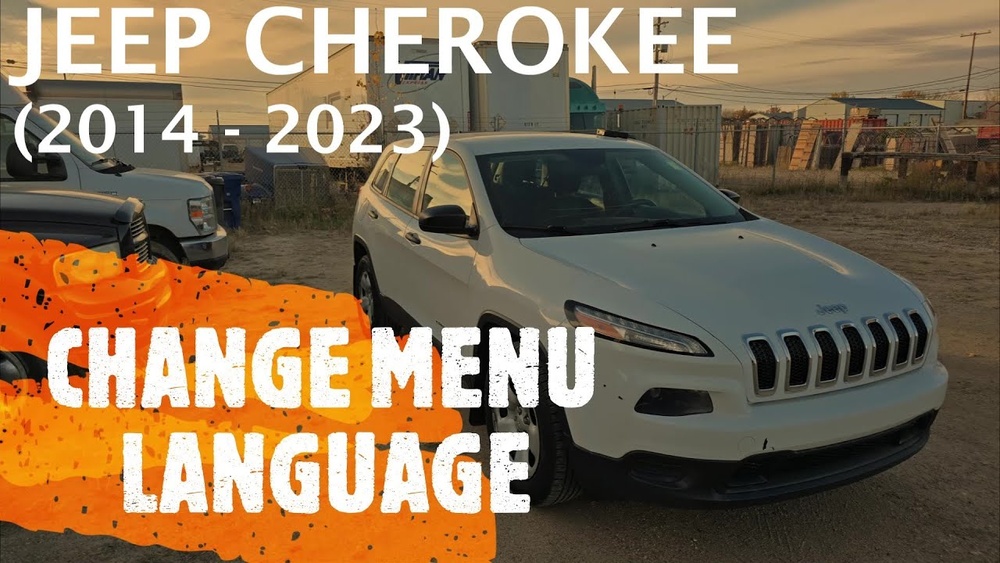
Changing the language in your Jeep Cherokee can make your driving experience more comfortable and personal. Whether you prefer English, Spanish, French, or another language, adjusting the settings is simple once you know where to look.
This guide covers step-by-step instructions, important details, and a few expert tips many drivers miss. By the end, you’ll know exactly how to set your Jeep Cherokee’s display and voice to your preferred language—without confusion or mistakes.
Understanding Language Settings In Jeep Cherokee
The Jeep Cherokee uses a digital display, usually called the Uconnect system, to control many features. Language settings affect everything from navigation prompts to dashboard menus and voice commands. If your Cherokee has a touchscreen, the process is easier. Older models with button controls may require extra steps.
Language options typically include:
- English (US/UK)
- Spanish
- French
- Portuguese
Some models offer more languages, depending on the region and year. Always check your owner’s manual for a list of available languages.
Step-by-step: Changing The Language
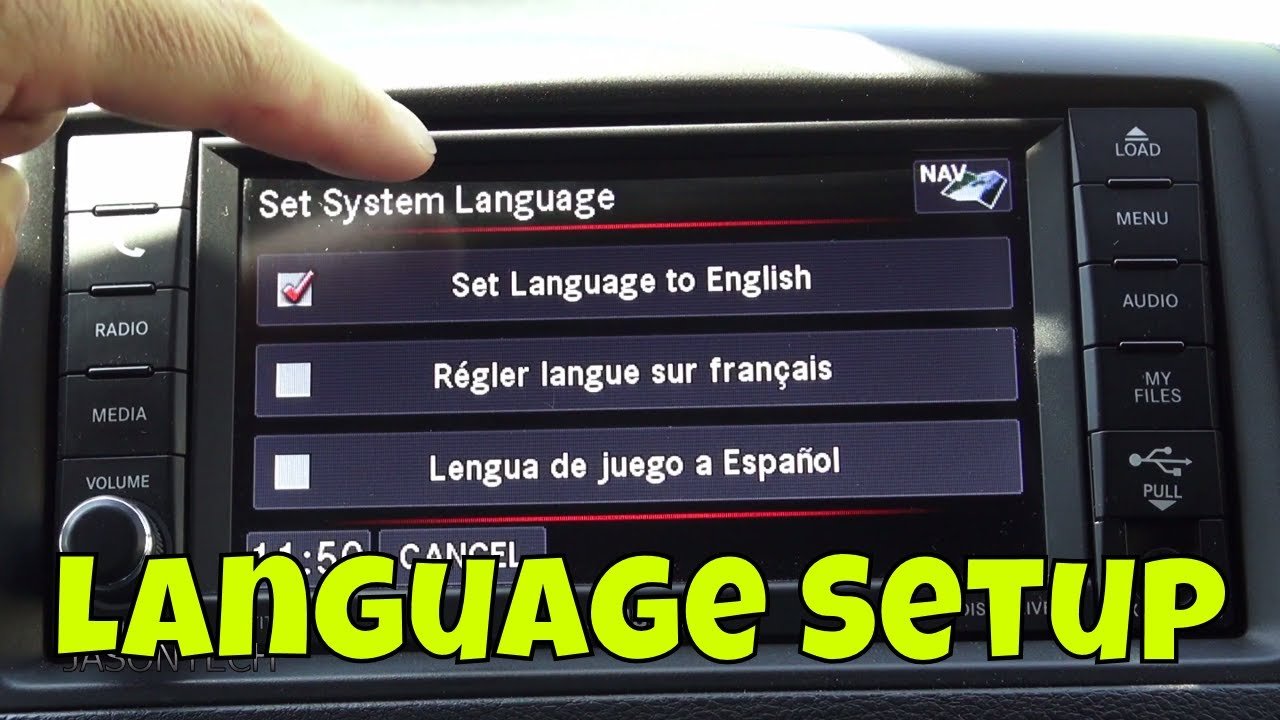
Follow these steps to change the language on most Jeep Cherokee models:
- Start Your Vehicle: Make sure the car is in park and the ignition is on.
- Access the Main Menu: On your touchscreen, tap the ‘Settings’ icon. For non-touchscreen models, use the MENU button or scroll wheel.
- Find ‘Language’ Option: Scroll or swipe through settings until you see ‘Language’.
- Select Your Language: Tap or select your preferred language from the list.
- Confirm Selection: You may need to confirm by pressing ‘OK’ or ‘Apply’.
- Restart If Needed: Some models require you to turn off and restart the vehicle for changes to take effect.
Here’s a quick comparison of how easy it is to change language depending on your system:
| Model Year | System Type | Language Change Steps |
|---|---|---|
| 2019+ | Touchscreen (Uconnect 4/5) | Very Easy (5 steps) |
| 2015-2018 | Touchscreen (Uconnect 3) | Easy (6 steps) |
| 2011-2014 | Button Control | Moderate (8 steps) |
Common Problems And Solutions
Changing language is usually smooth, but there are a few issues many users face:
- Missing Language Option: If your preferred language isn’t listed, it may not be supported by your model.
- System Freeze: Sometimes, the Uconnect system can freeze. Restart the vehicle or perform a ‘soft reset’ by holding the power button for 10 seconds.
- Partial Change: If only some menus change, update your system software. Visit your Jeep dealer for updates.
Many beginners don’t realize that map navigation and voice commands may require separate language settings. For example, you might set the display to Spanish, but voice prompts stay in English. Adjust these separately in the ‘Voice’ or ‘Navigation’ settings menu.
Advanced Tips For Customization
Beyond basic language changes, you can customize your Jeep Cherokee further:
- Voice Command Language: Go to ‘Voice’ settings and select your desired language for spoken commands.
- Regional Settings: Changing language may also adjust measurement units (miles/km, Fahrenheit/Celsius).
- Display Messages: Some alerts or warnings might remain in the default language if your model’s software is outdated.
Here’s a quick overview of what changes when you adjust language settings:
| Feature | Affected by Language Change? | Notes |
|---|---|---|
| Menu Labels | Yes | All menus update |
| Voice Prompts | Sometimes | May require separate setting |
| Navigation Maps | Yes | Street names update |
| Warning Messages | Partial | Some may stay default |

Mistakes To Avoid
Many users make simple mistakes when changing language settings:
- Skipping Confirmation: Always confirm your choice to avoid reverting to the original language.
- Ignoring Software Updates: Old system software may not support new languages or features.
- Forgetting Voice Settings: Voice commands need separate language selection.
- Not Restarting: Some changes require a system restart; don’t skip this step.
A less obvious tip: If your Jeep Cherokee was imported or bought used, the language menu may be locked. In this case, you’ll need dealer assistance to unlock or update the settings.
Practical Examples
Let’s look at two real-life situations:
- Example 1: Maria buys a used 2017 Jeep Cherokee in Miami. The system is in English, but she prefers Spanish. She follows the steps above, but only the menu changes—voice prompts remain in English. She goes to ‘Voice’ settings and switches them to Spanish for full customization.
- Example 2: John’s 2020 Cherokee has a touchscreen Uconnect 5. He changes the language to French, but warning messages stay in English. He updates his system software, and the messages switch to French.
These examples show that changing language is easy, but full customization may require extra steps.
When To Visit The Dealer
If your settings menu is locked or missing languages, visit a Jeep dealership. Dealers can:
- Unlock regional restrictions
- Update system software
- Install extra language packs (for some models)
Dealer visits are rare for language changes, but necessary if your vehicle was imported or has outdated software. For more details on Uconnect systems, see Jeep’s official Uconnect page.
Frequently Asked Questions
How Many Languages Can I Choose On A Jeep Cherokee?
Most models offer English, Spanish, French, and Portuguese. Newer models may include more, but check your manual or settings menu.
Yes, street names and navigation instructions update to the selected language. Some models may require a map update for full compatibility.
Can I Change The Language For Voice Commands Only?
Yes, use the ‘Voice’ settings menu to select a different language for voice prompts. This is separate from the main display language.
Why Is My Language Option Missing?
Your Jeep’s software may not support certain languages. Update your Uconnect system or visit a dealer to unlock more options.
Do I Need To Restart My Jeep After Changing The Language?
Some models require a restart for changes to apply. Always follow the on-screen instructions and restart if prompted.
Changing the language in your Jeep Cherokee helps make every drive more comfortable. With the right steps and a bit of attention to detail, you can customize your system in minutes.
If you run into problems, remember that software updates and dealer support can solve most issues.
Enjoy your drive, now in your preferred language.