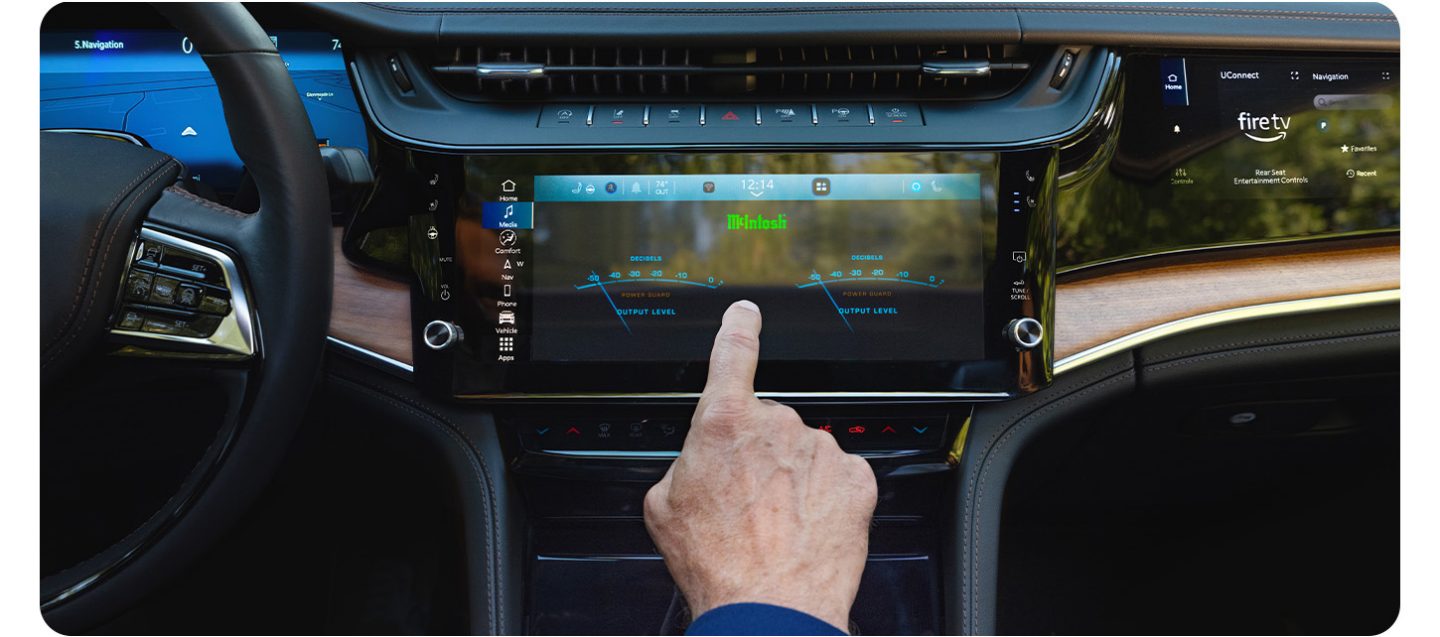
Owning a Jeep Grand Cherokee brings both adventure and comfort. One key feature is the digital display, which gives you important information like speed, navigation, and vehicle settings.
If you’re new to this system, changing the display can seem confusing.
With the right steps, you can customize the screen so it shows exactly what you want. This guide walks you through every detail, whether you drive a newer model with a digital dash or an older one with simpler controls.
Understanding The Jeep Grand Cherokee Display
The Jeep Grand Cherokee offers several types of displays depending on the model year:
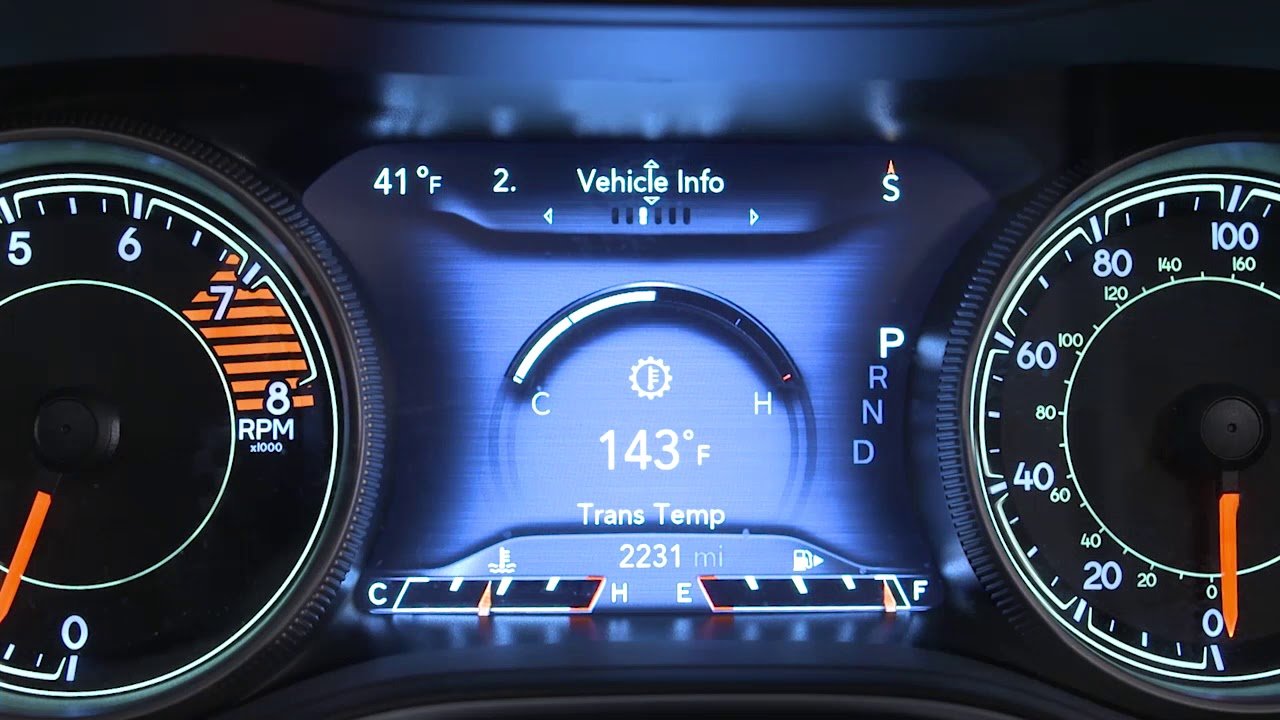
- Instrument cluster screen: Located behind the steering wheel, shows speed, fuel, and more.
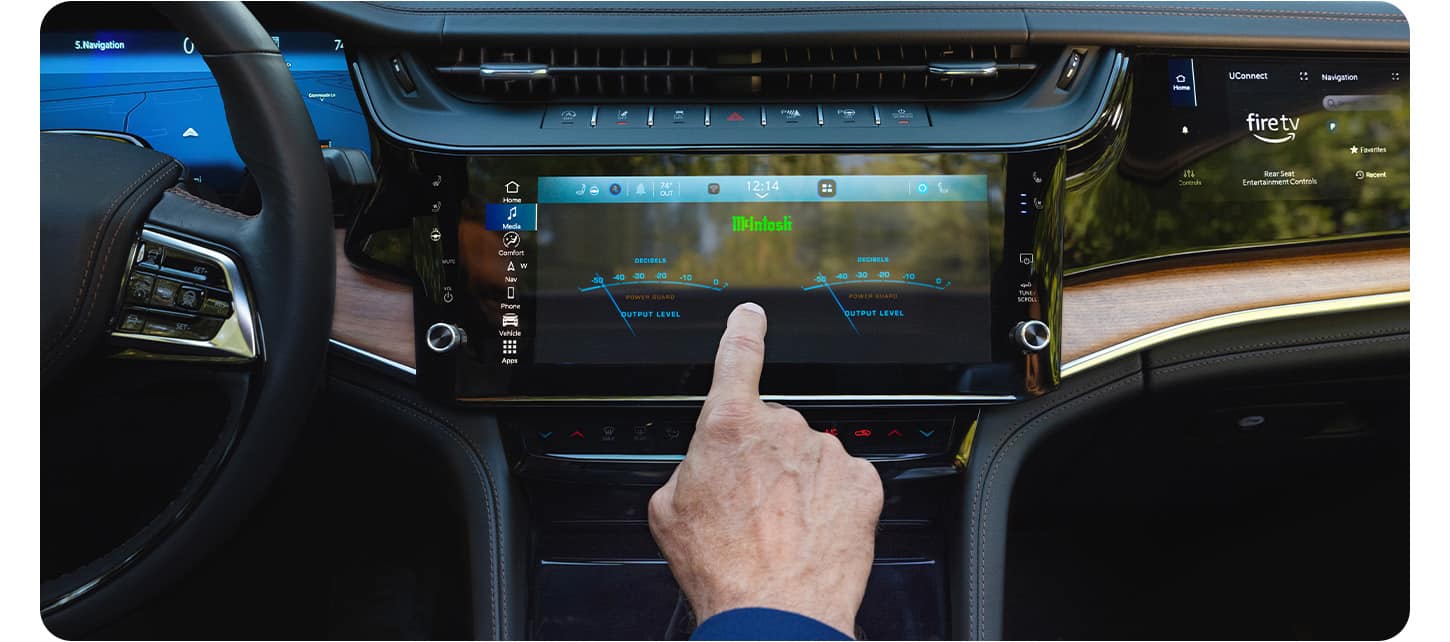
- Uconnect touchscreen: Central display for radio, navigation, and vehicle settings.
Newer models (2014 and up) have advanced digital dashboards and touchscreens. Older models may have basic LCD screens.
The process to change what’s shown differs, so knowing your model is important.
Here’s a comparison of display types across popular model years:
| Model Year | Instrument Cluster | Uconnect Screen |
|---|---|---|
| 2011-2013 | LCD (basic) | Uconnect 5.0/8.4 |
| 2014-2018 | Digital TFT | Uconnect 8.4 (touch) |
| 2019-2024 | Advanced Digital | Uconnect 8.4/10.1 (high-res touch) |
Knowing which display you have helps you follow the right steps.
Steps To Change The Display
Changing the display is easy if you follow a few clear steps. Most models use steering wheel controls or touchscreens.
Using Steering Wheel Controls (instrument Cluster)
- Locate the arrow buttons: Look on the left side of your steering wheel. You’ll find up, down, left, and right arrows.
- Turn on the ignition: The screen will light up.
- Navigate menus: Press the left/right arrows to switch between major categories like Trip Info, Vehicle Info, and Settings.
- Select display options: Use up/down arrows to scroll through options within a category.
- Choose what to show: Press the OK or center button to select. You can choose to display things like speedometer, fuel economy, tire pressure, or navigation directions.
- Exit or return: Press the back arrow if you want to return to the previous menu.
Many owners miss that holding the OK button sometimes resets trip data or changes the units. This saves time when switching between metric and US measurements.
Using The Uconnect Touchscreen
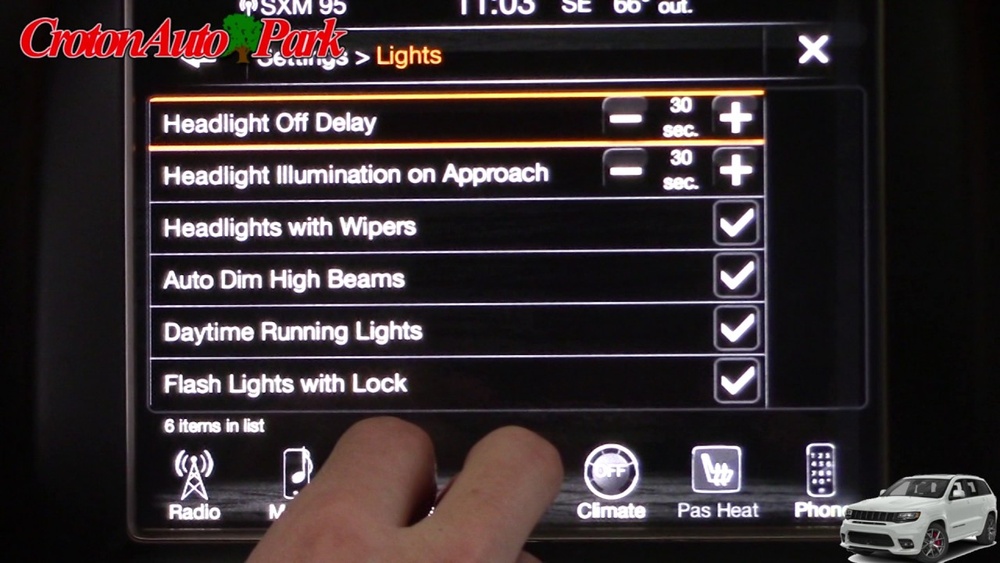
- Press the screen home button: Brings up main menu options.
- Select ‘Settings’: Tap this to access vehicle settings.
- Choose ‘Display’ or ‘Personalization’: This section lets you change brightness, theme, and what’s shown.
- Adjust preferences: For example, you can change between day/night mode, units (MPH/KPH), or choose which widgets appear (navigation, media).
- Save changes: Confirm your selections before exiting.
Some Uconnect systems allow you to rearrange icons for quick access. This feature is useful but often overlooked by beginners.
Common Display Customizations
You can customize your Grand Cherokee’s display in several ways:
- Change units: Switch between miles and kilometers, gallons and liters.
- Add/remove widgets: Show or hide trip, navigation, or media info.
- Set brightness: Adjust for day or night driving.
- Reset trip data: Clear fuel economy stats for a new journey.
Here’s a quick comparison of typical display customization options:
| Feature | Instrument Cluster | Uconnect Screen |
|---|---|---|
| Units (MPH/KPH) | ✔ | ✔ |
| Brightness | ✔ | ✔ |
| Widget arrangement | ✗ | ✔ |
| Trip reset | ✔ | ✗ |
Practical Tips For Easy Display Changes
- Read your owner’s manual: Each model has slight differences. Manuals explain button functions and hidden features.
- Try changes while parked: Never adjust displays while driving, for safety.
- Explore advanced settings: Some models let you change language, warning alerts, and even customize navigation shortcuts.
- Update software: If your Uconnect system is laggy or missing features, check for updates. Dealers often provide these free.
- Avoid common mistakes: Many drivers forget to save settings or accidentally reset trip data. Double-check before exiting menus.
Troubleshooting Display Issues
Sometimes the display won’t change as expected. Here are solutions for common problems:
- Frozen screen: Restart the car or hold the power button for 10 seconds.
- Buttons not responding: Check for debris or sticky buttons. Clean gently.
- Display not updating: Look for software updates or visit a dealer.
- Wrong information shown: Make sure you’re in the right menu. Sometimes settings are hidden under submenus.
If the display remains blank or has error messages, professional help may be needed. Don’t attempt repairs if you’re unsure incorrect handling can damage electronics.
Frequently Asked Questions
How Do I Change The Speedometer From Analog To Digital?
Most Grand Cherokees (2014 and newer) have an option in the instrument cluster menu. Use the steering wheel arrows to find ‘Speedometer’ and select digital or analog display.
Can I Customize The Widgets On My Uconnect Screen?
Yes, for models with Uconnect 8.4 or higher. Tap the ‘Personalization’ menu, then drag and drop icons to rearrange. Some widgets, like weather or navigation, can be added or removed.
What Should I Do If My Display Is Not Responding?
First, restart the vehicle. If the display remains frozen, hold the power button for 10 seconds.
If this doesn’t work, check for software updates or visit your dealer.
Is It Possible To Change The Language On The Display?
Absolutely. Go to ‘Settings’ on either the instrument cluster or Uconnect screen, then select ‘Language’. Choose your preferred language and confirm.
Where Can I Find More Detailed Instructions For My Model?
For official information, visit the Jeep Owner’s Manuals page. They offer downloadable manuals for each model year and trim.
Changing the display on your Jeep Grand Cherokee lets you make the car truly yours. With these clear steps and practical advice, you’ll have the information you need—just the way you want it. Take time to explore the settings, and enjoy a more comfortable, custom driving experience.