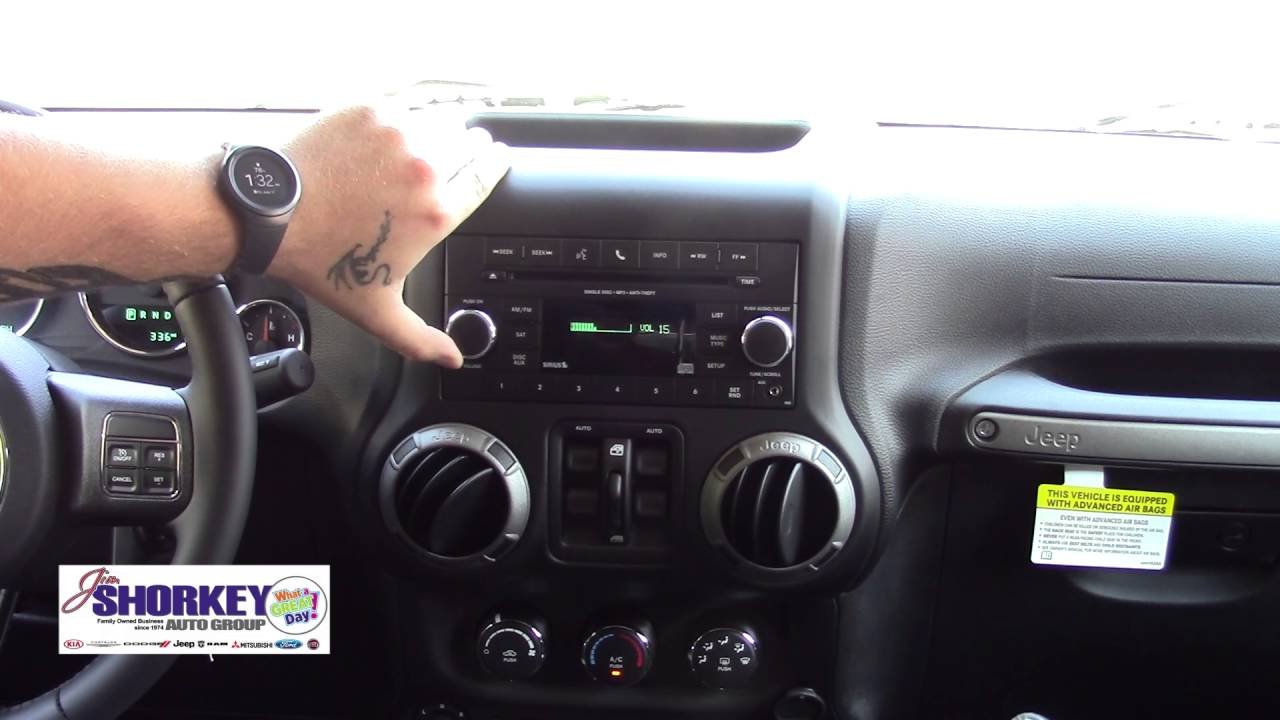
Pairing your smartphone with your Jeep using Bluetooth can transform your driving experience. You can make hands-free calls, listen to music, and use voice commands without taking your hands off the wheel.
However, many Jeep owners are unsure how to set up Bluetooth, especially if they have never done it before.
This guide walks you through every step, provides useful tips, and highlights common mistakes to avoid.
Understanding Bluetooth In Your Jeep
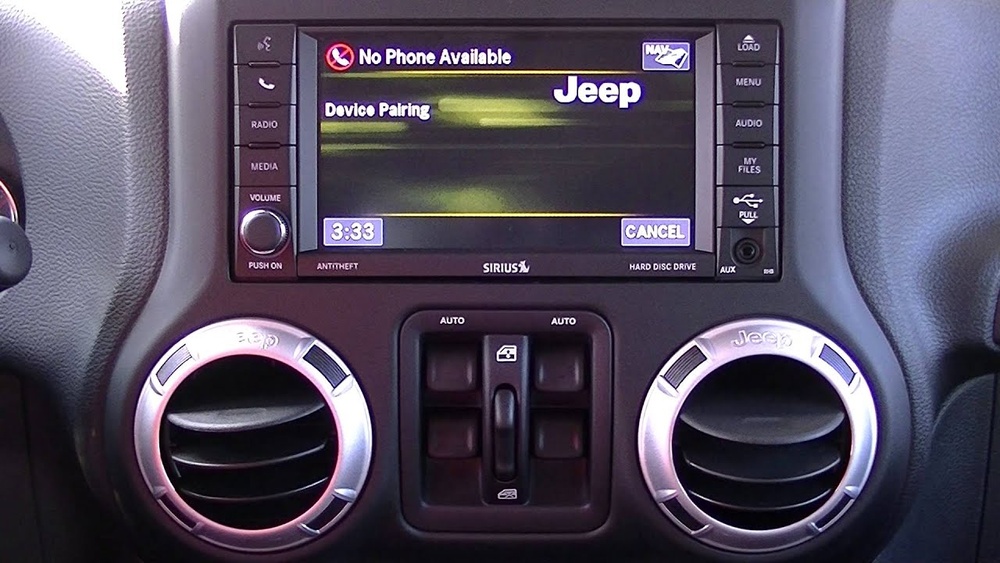
Most modern Jeeps come equipped with Uconnect, Jeep’s infotainment system. Uconnect controls Bluetooth, navigation, radio, and more. Models from 2014 onward usually have this feature, but the exact steps may vary by year and trim.
If you are unsure whether your Jeep has Bluetooth, check your owner’s manual or look for the Uconnect button on your dashboard.
Preparing For Pairing
Before you start, there are a few things you should check:
- Is your phone’s Bluetooth on? Go to your phone’s settings and make sure Bluetooth is enabled.
- Is your Jeep in park? For safety, many features are disabled if the car is moving.
- Are there other paired devices? If your Jeep has reached the maximum device limit, you may need to delete an old device before adding a new one.
Pro Tip: Turn off other nearby Bluetooth devices. This helps your Jeep find your phone quickly.
Step-by-step: Pairing Your Phone With Jeep Bluetooth
Follow these steps to connect your phone to your Jeep:
- Start your Jeep and keep it in park.
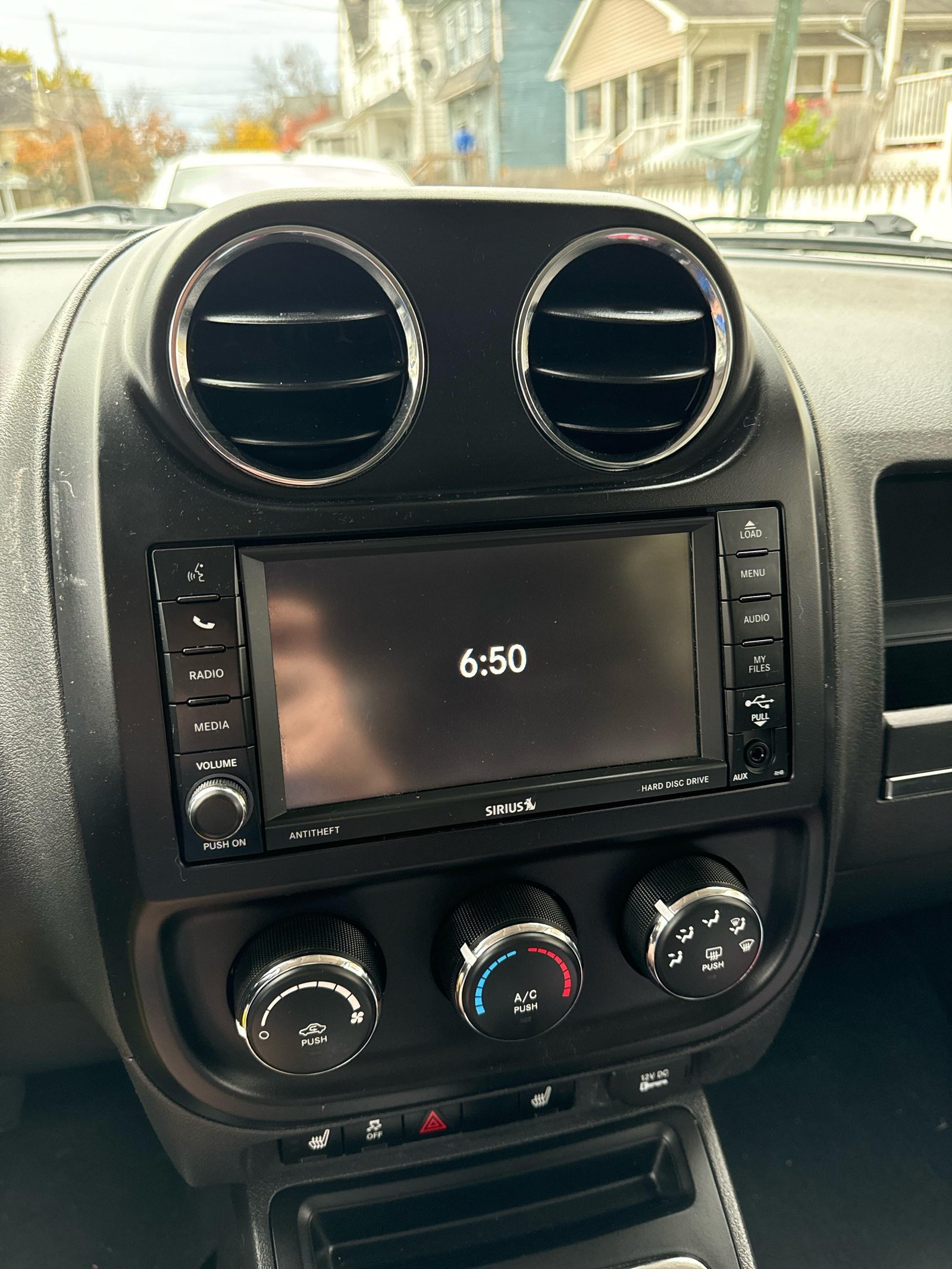
- On your Uconnect system, tap the ‘Phone’ or ‘Media’ button.
- Select ‘Add Device’ or ‘Pair a Device’ on the touchscreen.
- Open Bluetooth settings on your smartphone. Make sure your phone is visible to other devices.
- Select your Jeep’s name (for example, ‘Uconnect’ or ‘Jeep’) from the list of available Bluetooth devices on your phone.
- A PIN code will appear on both your Jeep’s screen and your phone. Confirm that the codes match, then tap ‘Pair’ or ‘Yes’ on both.
- Wait for the connection to complete. You may be asked to allow access to your contacts and messages—choose ‘Allow’ for full functionality.
Once connected, your phone will often connect automatically every time you start your Jeep.
Common Issues And Troubleshooting
Bluetooth pairing is usually simple, but sometimes you may run into problems. Here are common issues and how to fix them:
| Problem | Possible Cause | Solution |
|---|---|---|
| Jeep not showing on phone | Phone Bluetooth is off or not discoverable | Enable Bluetooth and set phone to visible |
| Pairing fails | Device limit reached | Delete an old device from Uconnect |
| No audio or calls | Permissions not granted | Allow access to contacts and audio on phone |
Non-Obvious Insight: Some phones require you to keep the Bluetooth settings screen open during pairing. If the connection keeps failing, try staying on the Bluetooth menu.
Bluetooth Features You Can Use
Once your phone is paired, you can use several features:
- Hands-free calling: Make and receive calls using steering wheel controls or voice commands.
- Music streaming: Play songs from your phone through your Jeep’s speakers.
- Text messaging: Some Jeeps read texts aloud or let you reply using preset replies.
- Voice assistants: Use Siri or Google Assistant for navigation, reminders, and more.
| Feature | Available on All Jeeps? | Setup Needed? |
|---|---|---|
| Hands-free calls | Yes | No |
| Music streaming | Most models | Sometimes |
| Text messaging | Newer models | Yes |
| Voice assistants | Newer models | Yes |
Important Note: Some older Jeep models only support calls but not music streaming. Check your manual to see what your system can do.
Tips For A Better Bluetooth Experience
- Update your Uconnect system: Manufacturers release updates to fix bugs and add features. Visit your dealer or Mopar’s official site to check for updates.
- Reboot your phone: If your phone won’t connect, restart it. This solves many minor issues.
- Pair only one device at a time: Pairing multiple devices at once can confuse the system. Finish pairing one before starting another.
- Set your Jeep as a trusted device: On some Android phones, you can set your Jeep as a trusted device to keep your phone unlocked when connected.
- Delete old connections: If you sell your Jeep or get a new phone, remove unused devices from the Uconnect system. This keeps your info safe and avoids confusion.
Non-Obvious Insight: Bluetooth can drain your phone’s battery. If you notice faster drain, try disabling Bluetooth when you don’t need it.
How Jeep Bluetooth Compares To Other Cars
Here’s a quick look at how Jeep’s Bluetooth system compares with other brands:
| Brand | Ease of Pairing | Feature Set | Reliability |
|---|---|---|---|
| Jeep (Uconnect) | Easy | Good | High |
| Ford (SYNC) | Easy | Excellent | High |
| Toyota (Entune) | Medium | Basic | Medium |
| Honda (HondaLink) | Medium | Good | High |
Jeep’s Uconnect is known for its user-friendly interface and solid reliability. However, some systems like Ford SYNC offer more advanced features, like app integration and better voice recognition.
Frequently Asked Questions
How Many Phones Can I Pair With My Jeep?
Most Jeep Uconnect systems let you pair up to seven devices, but only one can be active at a time. If you try to pair an eighth device, you must remove one.
Does My Jeep Need To Be Running To Pair Bluetooth?
Your Jeep should be in the ON or RUN position, but for safety, keep it in park. Some models allow pairing with just the ignition on, but not all features will be available.
Why Doesn’t My Music Play Even Though My Phone Is Paired?
Check if your Jeep’s system supports audio streaming. Some older models only support calls. Also, make sure you selected Bluetooth as the audio source on your Jeep’s display.
Can I Use Apple Carplay Or Android Auto With Bluetooth?
No, both Apple CarPlay and Android Auto usually require a USB connection, not Bluetooth. Bluetooth is for calls and audio, while CarPlay/Android Auto mirror your phone’s apps on your Jeep’s screen.
How Do I Remove A Device From My Jeep’s Bluetooth List?
On your Uconnect screen, go to Settings or Phone, find the list of paired devices, select the device you want to remove, and choose ‘Delete’ or ‘Remove’.
Pairing your phone with your Jeep’s Bluetooth is a simple way to make driving safer and more enjoyable. With these steps and tips, you can avoid common problems and get the most from your Jeep’s technology.
If you want advanced features, check if your Jeep supports them or consider updating your Uconnect system.
For most drivers, the standard Bluetooth functions are more than enough to stay connected on the road.