Pairing your smartphone or device with your Jeep Wrangler through Bluetooth is simple, but many owners struggle with the process. Bluetooth lets you make hands-free calls, stream music, and access navigation features safely while driving.
This article explains every step, shares practical tips, and answers common questions. Whether your Wrangler is a recent model or a few years old, you’ll learn exactly how to connect and use Bluetooth effectively.
Preparing Your Jeep Wrangler
Before starting the Bluetooth pairing process, check a few basics:
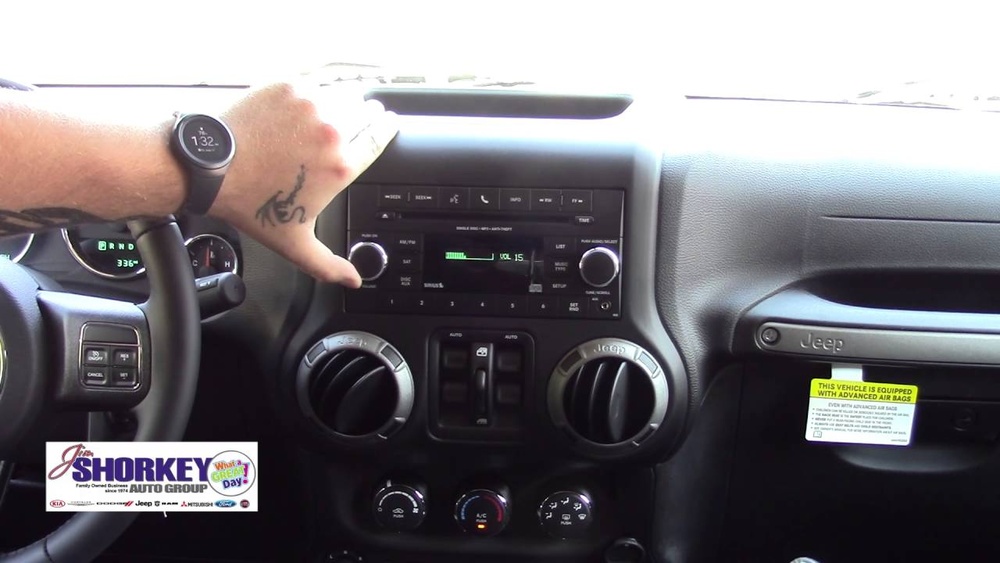
- Your Wrangler’s ignition should be on or in accessory mode.
- Make sure Bluetooth is enabled on your device.
- Remove previous paired devices from the Jeep’s system if you have trouble connecting.
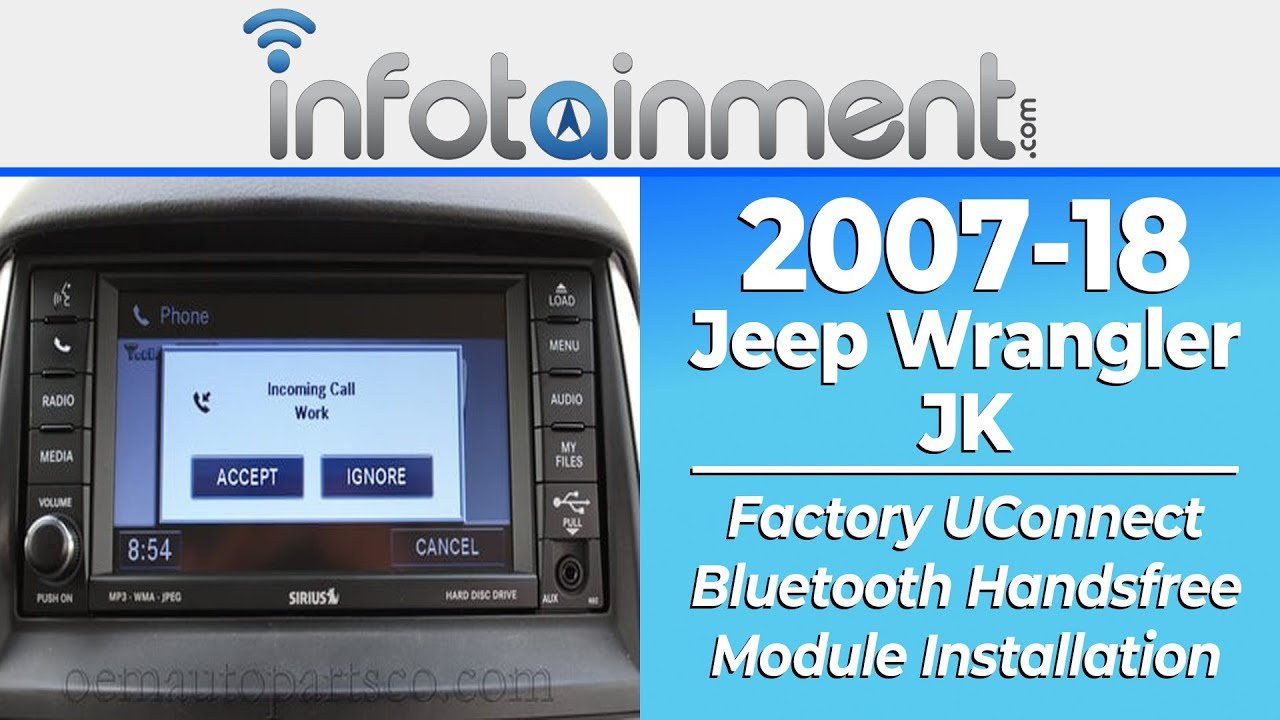
Most modern Wranglers (2018 and newer) come with the Uconnect infotainment system. Older models may have different interfaces, but the general steps are similar.
Step-by-step Bluetooth Pairing Process
Follow these steps to connect your device to your Jeep Wrangler:
- Activate Bluetooth on your phone. Go to settings and turn Bluetooth on.
- On your Jeep’s touchscreen, press the Phone or Media button.
- Select Add Device or Pair New Device.
- Your Jeep will start searching for nearby Bluetooth devices.
- On your phone, search for available devices. Look for “Uconnect” or “Jeep Wrangler” in the list.
- Select your Jeep from the list. A pairing code will appear on both screens.
- Confirm the code matches. Tap Pair or Connect on both your device and the Jeep’s screen.
- Allow access to contacts and messages if prompted.
Here’s a comparison of the pairing steps for different Wrangler models:
| Model Year | Infotainment System | Pairing Method |
|---|---|---|
| 2015-2017 | Basic Uconnect | Manual menu navigation |
| 2018-2021 | Uconnect 4/4C | Touchscreen prompts |
| 2022+ | Uconnect 5 | Voice and touchscreen |
Using Bluetooth Features
Once paired, you can do much more than make calls. Here are the main Bluetooth features in the Jeep Wrangler:
- Hands-free calling: Use steering wheel buttons or voice commands.
- Audio streaming: Play music, podcasts, or audiobooks from your phone.
- Access navigation: Send directions from your device to the Jeep’s system.
- Text messaging: Some models read texts aloud or let you reply with preset responses.
Streaming music is one of the most popular uses. According to a 2023 survey by AAA, 75% of drivers stream audio content in their vehicles, and most prefer Bluetooth for convenience.
Troubleshooting Common Bluetooth Issues
Bluetooth problems are common, but most are easy to fix. Here are solutions for typical issues:
- Device not found: Restart Bluetooth on your phone. Delete old devices from Jeep’s system.
- Connection drops: Move devices closer together. Update your phone’s software and Jeep’s Uconnect system.
- Audio not playing: Check media volume on both phone and Jeep. Switch audio source to Bluetooth on Jeep’s screen.
- Pairing fails: Reset your phone’s network settings. Restart the Jeep’s infotainment system.
For persistent problems, check for system updates. Many Jeep dealerships offer free Uconnect updates for newer models.
| Issue | Quick Fix | Time Required |
|---|---|---|
| Device not found | Restart Bluetooth, remove old devices | 2-3 minutes |
| Connection drops | Update software, move closer | 5 minutes |
| Audio won’t play | Check source and volume | 1 minute |
Practical Tips For Reliable Bluetooth Performance
Many owners miss these tips for smoother Bluetooth use:
- Update your Uconnect system regularly. New software solves many connection issues.
- Pair your phone while parked. This keeps you safe and avoids distractions.
- Limit paired devices. Too many can confuse the system and slow down connections.
- Use voice commands for hands-free control. This feature is often overlooked but improves safety.
Another smart tip: If you switch phones, delete the old pairing from the Jeep system. This avoids conflicts and speeds up new connections.
Upgrading Your Bluetooth Experience
If your Wrangler is older or lacks advanced features, consider these upgrades:
- Bluetooth adapters: Plug into the AUX or USB port for wireless audio streaming.
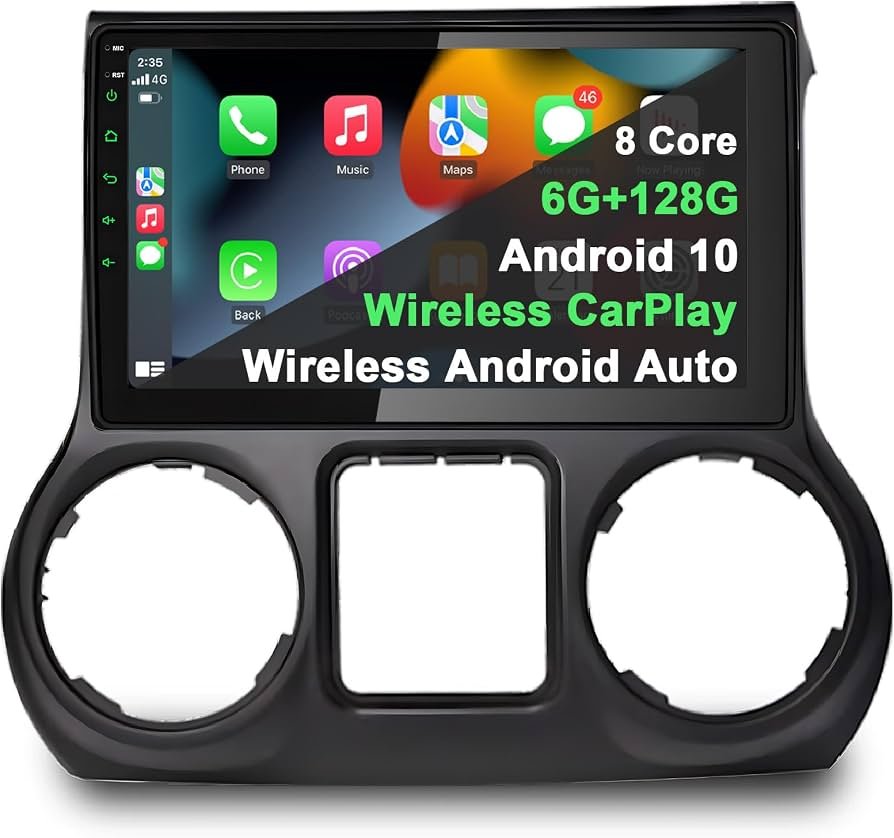
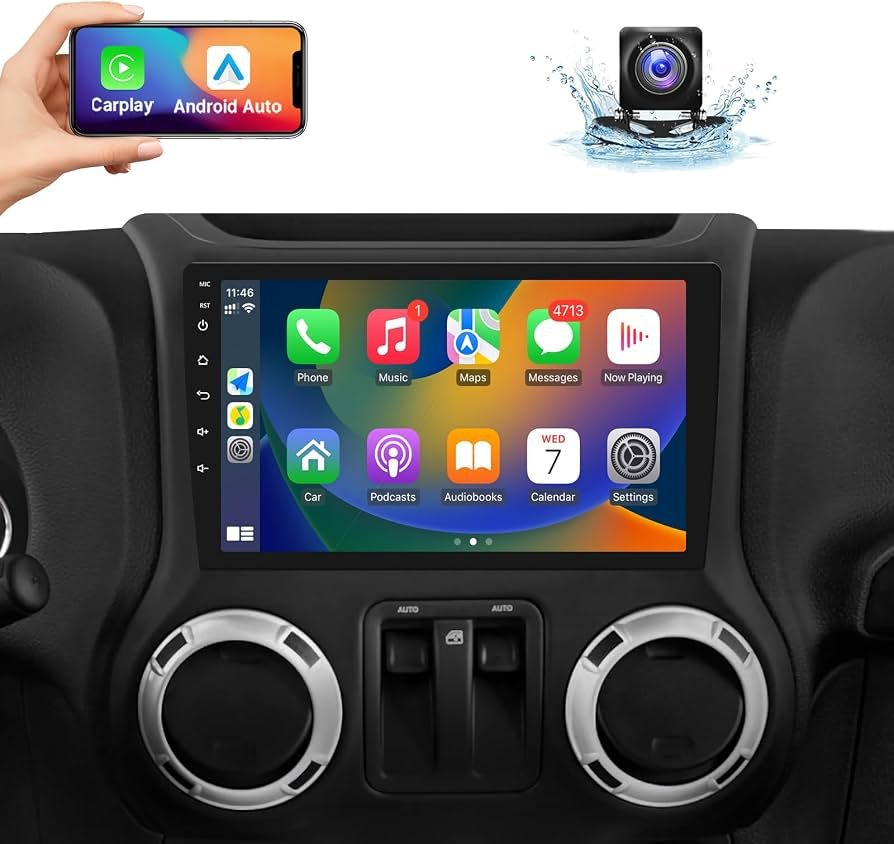
- Aftermarket head units: Replace the factory radio with a modern system for better connectivity.
- Professional installation: Many car audio shops can upgrade your Wrangler’s system for improved sound and Bluetooth reliability.
These upgrades can make a big difference, especially if you want clearer calls or better music quality.
| Upgrade Option | Cost Range | Benefits |
|---|---|---|
| Bluetooth adapter | $20-$40 | Easy, affordable streaming |
| Aftermarket head unit | $200-$600 | More features, better sound |
| Professional installation | $100-$300 | Reliable setup, expert support |
Frequently Asked Questions
How Many Devices Can I Pair With My Jeep Wrangler’s Bluetooth?
Most Uconnect systems allow up to eight paired devices, but only one can connect at a time for calls or audio. If you have trouble, remove unused devices from the pairing list.
Is Bluetooth Available In All Jeep Wrangler Models?
Bluetooth is standard on most Wranglers from 2015 onward. Some older or basic trims may lack Bluetooth.
If your vehicle doesn’t have it, consider adding an aftermarket adapter or radio.
Why Does My Wrangler’s Bluetooth Disconnect During Calls?
Bluetooth can drop if your phone’s battery is low, software is outdated, or there’s interference. Keep both devices charged and updated, and avoid pairing multiple phones at the same time.
Can I Stream Music From Any App Using Jeep Wrangler Bluetooth?
You can stream audio from most apps, including Spotify, Apple Music, and podcasts. Switch your Jeep’s audio source to Bluetooth, and make sure your phone is connected.
Where Can I Find Official Updates For My Jeep’s Uconnect System?
Visit the official Jeep site or your dealer for updates. For more details, check Jeep Uconnect.
Connecting your device to your Jeep Wrangler via Bluetooth unlocks safer, more enjoyable driving. With the right steps and a few smart tips, you’ll avoid common problems and make the most of every feature. If you want more advanced options, consider upgrading your system or visiting a professional installer. Bluetooth technology keeps improving, making your Wrangler experience better every year.


















