Connecting your phone to your Jeep Wrangler is a simple way to improve your driving experience. You can play music, make hands-free calls, and use navigation apps safely. Whether you own a newer model with advanced tech or an older Jeep, adding your phone is possible with a few steps and the right tools. Many drivers overlook important details, like compatibility and setup, which can cause frustration. This guide covers everything you need to know, including extra tips that most beginners miss.
Understanding Your Jeep Wrangler’s Connectivity Options
Before you start, it’s important to know what type of connectivity your Jeep offers. Wrangler models from 2018 and newer usually have Uconnect infotainment systems. Older models may have simpler radios or no Bluetooth at all.
Here’s a quick overview of Jeep Wrangler connectivity features:
| Model Year | Bluetooth | USB/Aux Input | Uconnect System |
|---|---|---|---|
| 2018-2024 | Yes | Yes | Uconnect 4/5 |
| 2011-2017 | Yes (some trims) | Yes | Basic Uconnect |
| 2007-2010 | No | Yes | No |
For older Wranglers, you may need extra hardware, like a Bluetooth adapter or aftermarket stereo.
Step-by-step Guide: Adding Your Phone
1. Using Bluetooth (for Most Models)
Bluetooth is the easiest way to connect your phone. Here’s how:
- Enable Bluetooth on your phone.
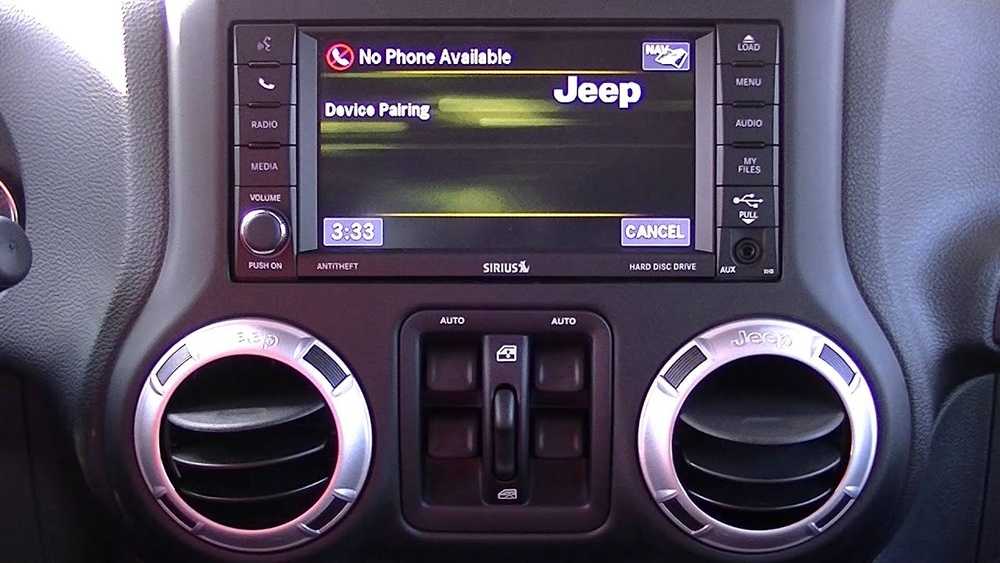
- On your Jeep’s Uconnect screen, go to “Settings” or “Phone.”
- Select “Pair New Device.”
- Your Jeep will show a PIN code. Enter this code on your phone.
- Wait for confirmation. Your phone should now be connected.
If you want to connect multiple phones, Uconnect lets you pair several devices, but only one can be active for calls at a time.
2. Using Usb Cable
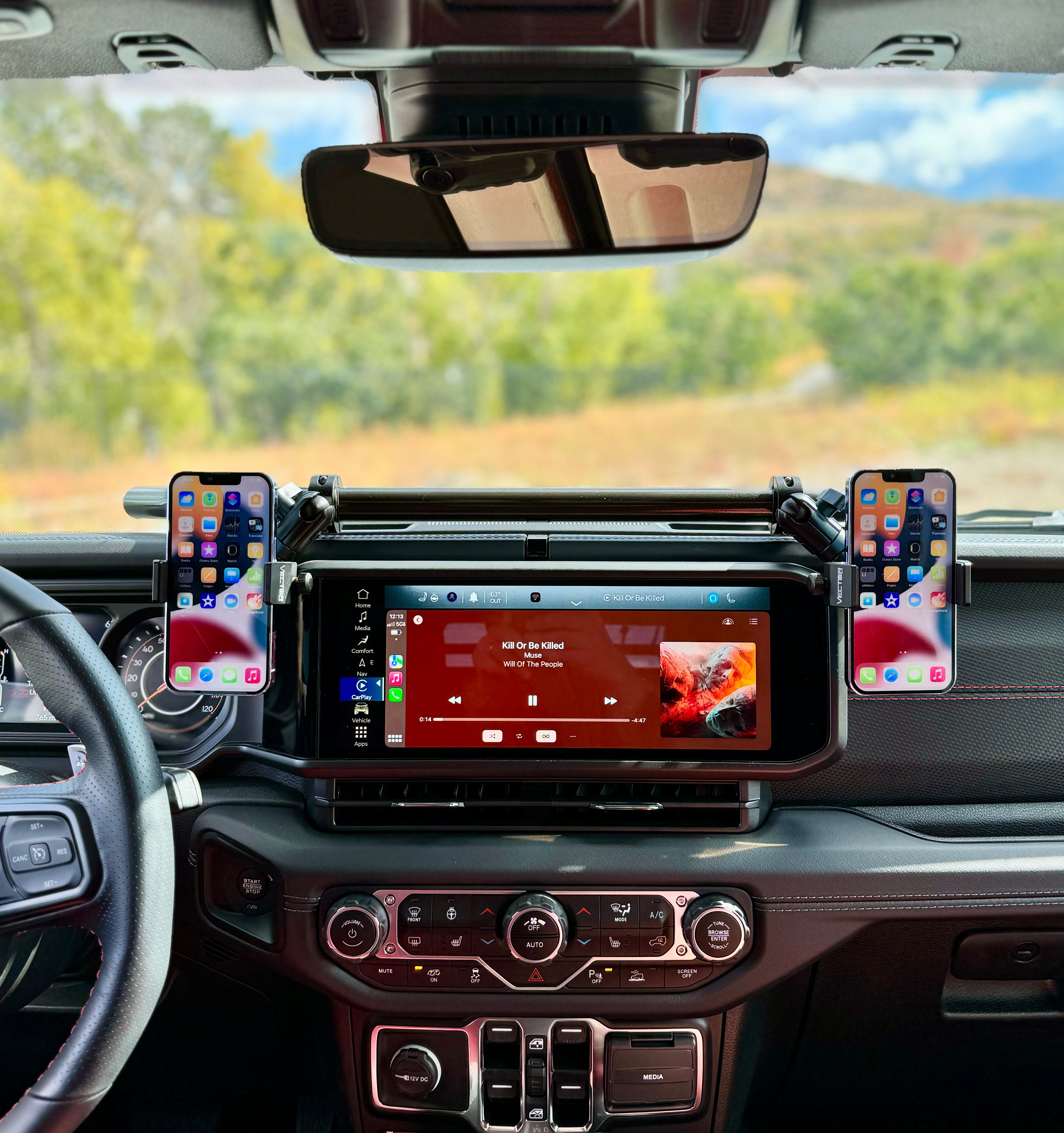
USB offers a stable connection and charges your phone. It’s also required for Apple CarPlay or Android Auto.
- Plug your phone into the USB port (usually below the dashboard).
- Select “Media” or “Phone” on Uconnect.
- If your Jeep supports CarPlay/Android Auto, follow onscreen instructions.
Many drivers forget that the cable must be MFi-certified for Apple devices. Cheap cables often cause connection problems.
3. Using Auxiliary Input
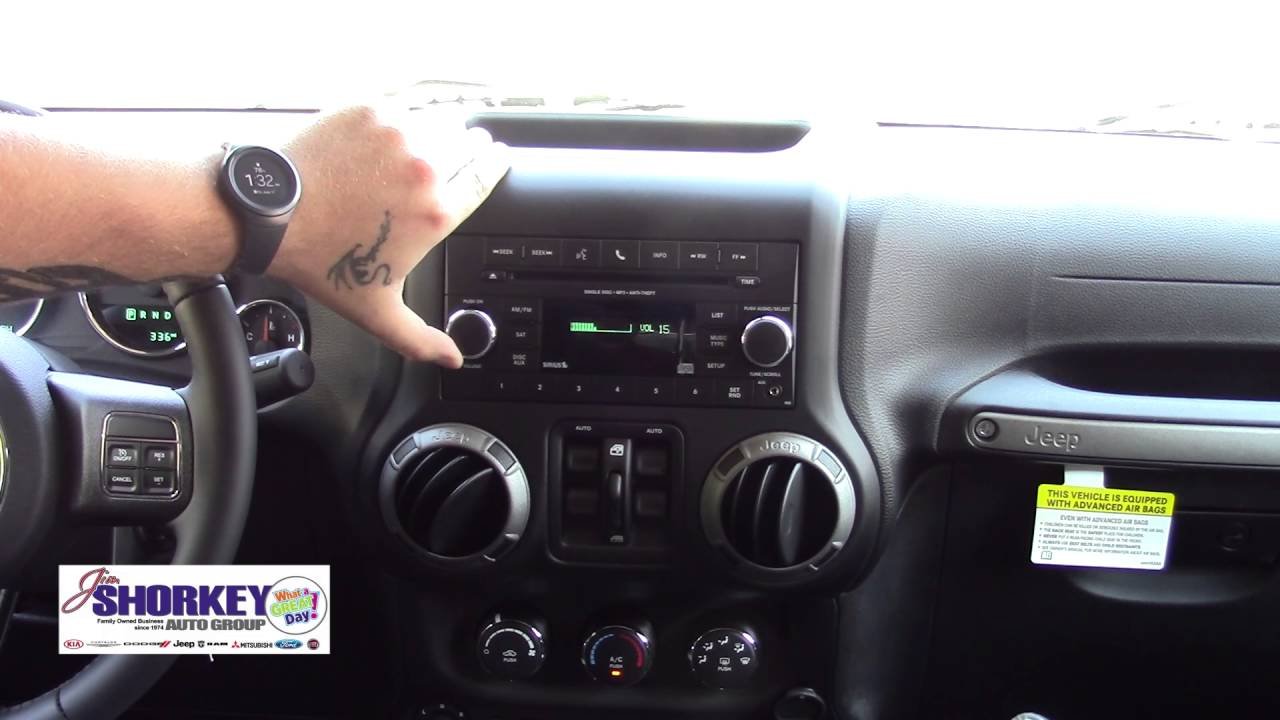
Some older Jeeps only have an auxiliary input. Here’s what to do:
- Use a 3.5mm audio cable to connect your phone’s headphone jack to the Jeep’s aux port.
- Select “Aux” on your Jeep’s radio.
- Play music or audio from your phone.
Note: This method does not allow hands-free calls or app control.
4. Installing Aftermarket Solutions
If your Jeep doesn’t have Bluetooth or USB, consider aftermarket options:
- Bluetooth adapters plug into the aux port.
- New head units offer modern features like CarPlay, Bluetooth, and touchscreen controls.
Popular brands include Pioneer, Alpine, and Kenwood.
Here is a comparison of common aftermarket solutions:
| Device Type | Features | Estimated Cost |
|---|---|---|
| Bluetooth Adapter | Music, Hands-free calls | $20-$50 |
| Aftermarket Stereo | CarPlay, Android Auto, Touchscreen | $250-$600 |
Practical Tips Most Beginners Miss
- Update Uconnect software: Outdated software often causes Bluetooth pairing issues. Check for updates on Jeep’s official website.
- Clear old devices: If you’ve paired other phones before, remove them from the Uconnect memory. Too many saved devices confuse the system.
- Check phone compatibility: Not all smartphones work perfectly with Uconnect. Visit Jeep Uconnect for a compatibility list.
Troubleshooting Common Issues
Sometimes, your phone won’t connect as expected. Here are quick solutions:
- Bluetooth won’t pair: Restart both your phone and the Uconnect system. Delete the connection and try pairing again.
- USB not recognized: Try a different cable or port. Avoid third-party cables.
- Audio issues: Make sure your phone volume is up and the Jeep stereo is set to the correct source.
Most problems are fixed by updating software and using quality cables.
Safety And Legal Considerations
Hands-free connectivity is more than convenience it’s about safety. Many US states have laws against using a phone while driving.
Using Bluetooth or CarPlay helps you stay legal and avoid fines.
According to the National Highway Traffic Safety Administration, distracted driving caused over 3,000 fatalities in 2022. Always use hands-free features and never text while driving.
Maximizing Your Phone Integration
Once connected, explore these features:
- Voice commands: Use Siri or Google Assistant for navigation, calls, and texts.
- Navigation apps: Maps, Waze, and Google Maps work on CarPlay/Android Auto.
- Streaming music: Enjoy Spotify, Pandora, and more without touching your phone.
Many Jeep owners miss out on advanced features like voice texting and app integration. Spend time exploring your Jeep’s infotainment menus for hidden options.
Frequently Asked Questions
How Do I Know If My Jeep Supports Bluetooth?
Check your Jeep’s infotainment screen. If you see Uconnect or “Phone” options, Bluetooth is likely supported. Your owner’s manual will confirm.
Can I Add Carplay To An Older Jeep Wrangler?
Yes, but you’ll need an aftermarket stereo. Brands like Alpine and Kenwood offer CarPlay-compatible head units for Jeeps from 2007 onward.
Why Won’t My Phone Connect To Uconnect?
Common reasons include outdated software, too many paired devices, or incompatible phones. Update your Uconnect, clear old pairings, and check the compatibility list.
Is It Safe To Use My Phone While Driving?
Use hands-free features only. Never hold or text on your phone while driving. Using Uconnect, Bluetooth, or CarPlay is the safest legal option.
Do I Need A Special Cable For Carplay?
For Apple CarPlay, use an MFi-certified USB cable. Cheap or non-certified cables often fail to connect or cause glitches.
Connecting your phone to your Jeep Wrangler makes every drive easier and safer. Take time to set up your system, follow these steps, and enjoy all the features your Jeep offers.
If you’re upgrading, invest in quality gear and check compatibility.
With the right setup, your Wrangler becomes a smarter, more enjoyable ride.


















