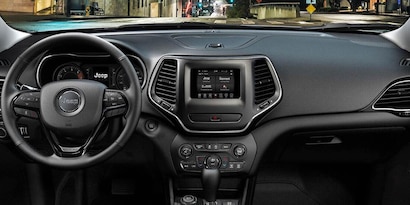
Pairing your phone with your Jeep’s Bluetooth opens up a world of convenience. You can make calls, stream music, and use voice commands all hands-free.
But many drivers struggle to connect their devices, especially if they’re new to Jeep’s infotainment system.
This guide will show you step-by-step how to add your phone to Jeep Bluetooth, explain common mistakes, and share tips that most beginners overlook.
Understanding Jeep Bluetooth Systems
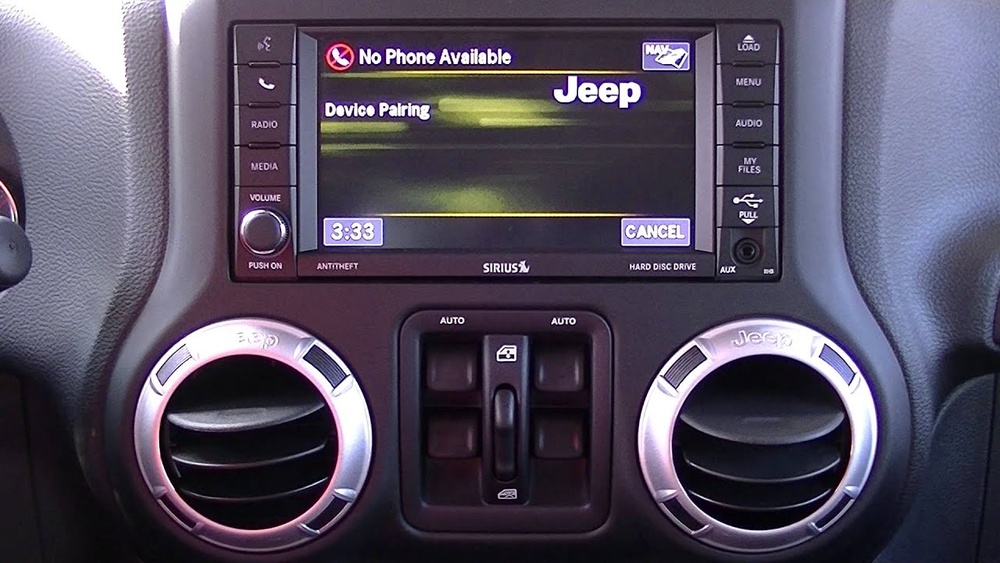
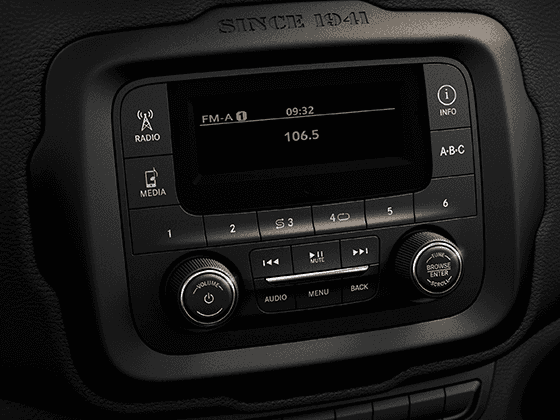
Jeep models use different infotainment systems, like Uconnect or older basic radios. Most systems from 2014 onward offer Bluetooth, but the pairing steps can vary. Before you start, check if your Jeep supports Bluetooth and which version you have.
Here’s a quick comparison of the most common Jeep systems:
| System Name | Model Years | Bluetooth Features |
|---|---|---|
| Uconnect 5.0 | 2014-2018 | Calling, Audio Streaming |
| Uconnect 8.4 | 2018-Current | Calling, Streaming, Voice Control |
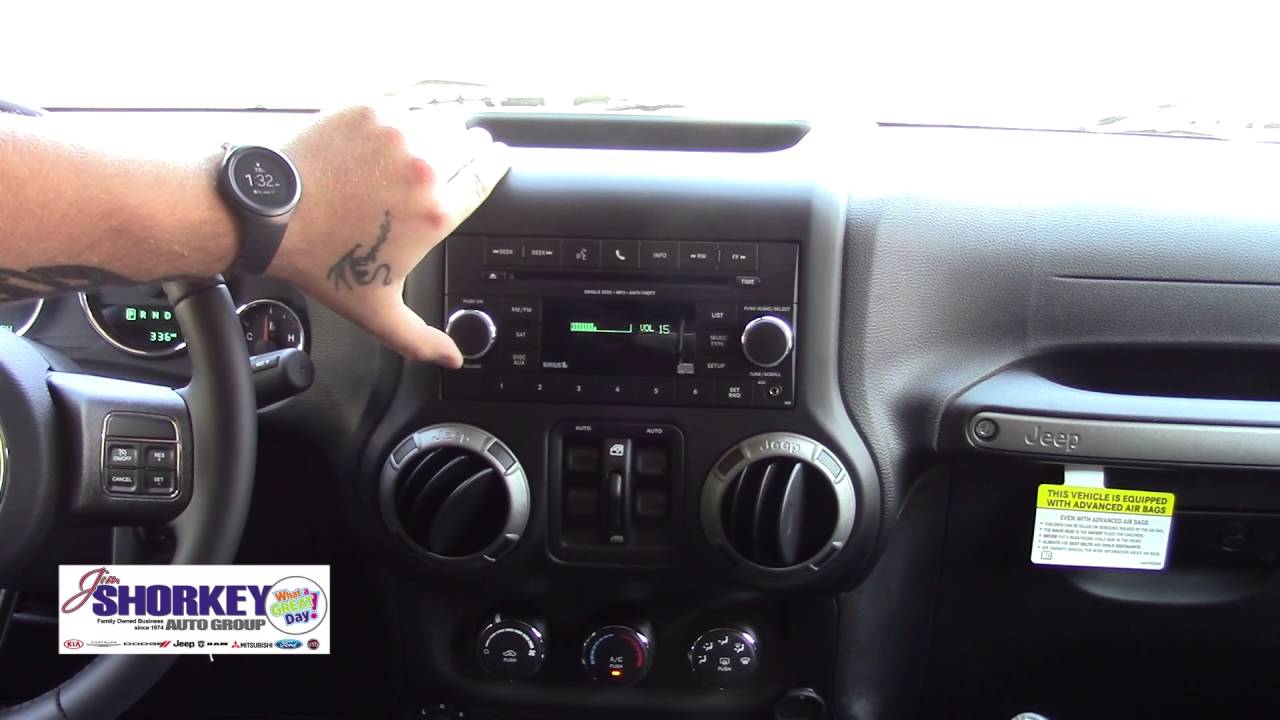
| Basic Radio | Pre-2014 | Limited Calling |
Always consult your Jeep’s manual for the exact system name and features. Some older Jeeps may require a Bluetooth adapter.
Step-by-step: Pairing Your Phone
- Start Your Jeep: Turn on the ignition. Make sure the infotainment screen is on.
- Open Bluetooth Settings on Phone: Go to your phone’s Settings, then Bluetooth. Make sure Bluetooth is turned on.
- Access Jeep’s Bluetooth Menu: On the Jeep screen, tap the Phone or Media button. Select Add Device or Pair New Device.
- Search for Devices: Your phone will scan for available Bluetooth devices. Select your Jeep’s name (often “Uconnect” or the vehicle’s model).
- Confirm Pairing: A code appears on both your phone and Jeep screen. Confirm that the codes match, then tap Pair or Connect.
- Allow Permissions: Your phone may ask for contacts and media access. Grant permission for full functionality.
- Test the Connection: Try making a call or playing music from your phone to check if everything works.
Example: Pairing On Uconnect 8.4
Let’s say you drive a 2019 Jeep Cherokee with Uconnect 8.4:
- Tap Phone on the touchscreen.
- Select Add Device.
- Your phone shows “Uconnect” under Bluetooth devices.
- Tap it, confirm the passkey, and allow access.
- You’re done! Calls and audio now stream through your Jeep.
Common Problems And Fixes
Bluetooth pairing isn’t always smooth. Here are frequent issues and solutions:
| Problem | Likely Cause | Solution |
|---|---|---|
| Jeep not showing up | Bluetooth off or system glitch | Restart phone & Jeep, check Bluetooth is on |
| Pairing fails | Wrong passkey or old device stored | Delete old devices from Jeep & phone |
| Calls work, music doesn’t | Media permission not granted | Allow media access in phone settings |
| Frequent disconnects | Interference or outdated software | Update phone & Jeep software |
Non-obvious tip: If pairing fails, try turning your phone’s Bluetooth off and on again. Also, clear all paired devices from the Jeep’s memory—sometimes the system gets overloaded.
Advanced Tips Most People Miss
Most guides stop after pairing, but there are extra steps to make your Jeep Bluetooth experience smoother.
- Update Your Jeep’s Software: Many newer Jeeps get software updates that improve Bluetooth reliability. Check for updates at your dealer or on the Jeep website.
- Reset the System: If you see glitches, reset the infotainment system (often holding the power button for 10 seconds).
- Pair Multiple Phones: Jeeps let you pair several devices, but only one can be active at a time. To switch, use the Phone menu and select the device you want.
- Use Voice Commands: After pairing, you can call contacts using Jeep’s voice system. Say “Call John Smith” and the system will dial from your phone’s contacts.
Comparison: Jeep Vs. Other Brands
How does Jeep’s Bluetooth compare to competitors? Here’s a quick look:
| Brand | Bluetooth Ease | Max Devices |
|---|---|---|
| Jeep | Simple pairing, voice commands | 7 |
| Toyota | Easy, limited voice | 5 |
| Ford | Quick, advanced options | 10 |
Jeep’s system is reliable but sometimes slower than Ford’s Sync. Still, most users find it easy after the first setup.
Practical Safety And Privacy Advice
Once your phone is paired, consider these important points:
- Don’t Pair While Driving: Always set up Bluetooth while parked. Safety first.
- Remove Old Devices: If you sell your Jeep, delete all paired phones to protect your privacy.
- Turn Off Bluetooth When Not Needed: Prevent unwanted connections and save battery.
Frequently Asked Questions
How Many Phones Can I Pair With Jeep Bluetooth?
Most Jeeps let you pair up to 7 devices. Only one can be active for calls at a time. To switch, use the Phone menu.
Why Isn’t My Phone Connecting?
Common causes include Bluetooth off, outdated software, or too many paired devices. Restart both devices and try again. If problems persist, check for software updates.
Is Jeep Bluetooth Secure?
Yes, Jeep Bluetooth uses encrypted connections. However, always delete old devices and avoid pairing in public places for extra safety.
Can I Stream Music From Any App?
You can play music from apps like Spotify, Apple Music, or YouTube after pairing. Make sure to allow media permissions during setup.
Where Can I Get More Help?
If pairing still fails, visit your dealer or check Jeep’s official support at Jeep Uconnect for troubleshooting guides.
Adding your phone to Jeep Bluetooth isn’t complicated, but knowing these steps and tips will make the process smooth. With your phone connected, you’ll enjoy safer hands-free driving and easy access to your favorite music or contacts. Just remember: update your software, remove old devices, and use voice commands to get the best experience.