If your Jeep is acting strangely, showing dashboard errors, or just not responding as it should, you may wonder, “How do I reset my Jeep? ” Many Jeep owners face this question, especially after repairs, battery changes, or when warning lights refuse to turn off.
Resetting your Jeep can solve small glitches, clear error codes, and sometimes prevent a costly visit to the mechanic. But not all resets are the same different Jeep models and issues need different approaches.
Let’s explore practical ways to reset your Jeep, what happens during a reset, and what you should watch out for. Whether you drive a Jeep Wrangler, Grand Cherokee, or another model, you’ll find simple, step-by-step advice here.

Why Would You Need To Reset Your Jeep?
Resets are not just for advanced users. Here are a few common reasons:
- Check Engine Light stays on after a minor issue is fixed.
- Touchscreen or Uconnect system is frozen or buggy.
- After changing your car battery.
- Transmission or electronic glitches.
- Restoring factory settings before selling.
Not all problems need a reset, but knowing how can save time and money. It’s important to know that some issues, like mechanical faults, will not disappear with a reset.
Different Types Of Jeep Resets
Depending on your Jeep model and the issue, you may need to reset:
- Engine Control Module (ECM) / Powertrain Control Module (PCM)
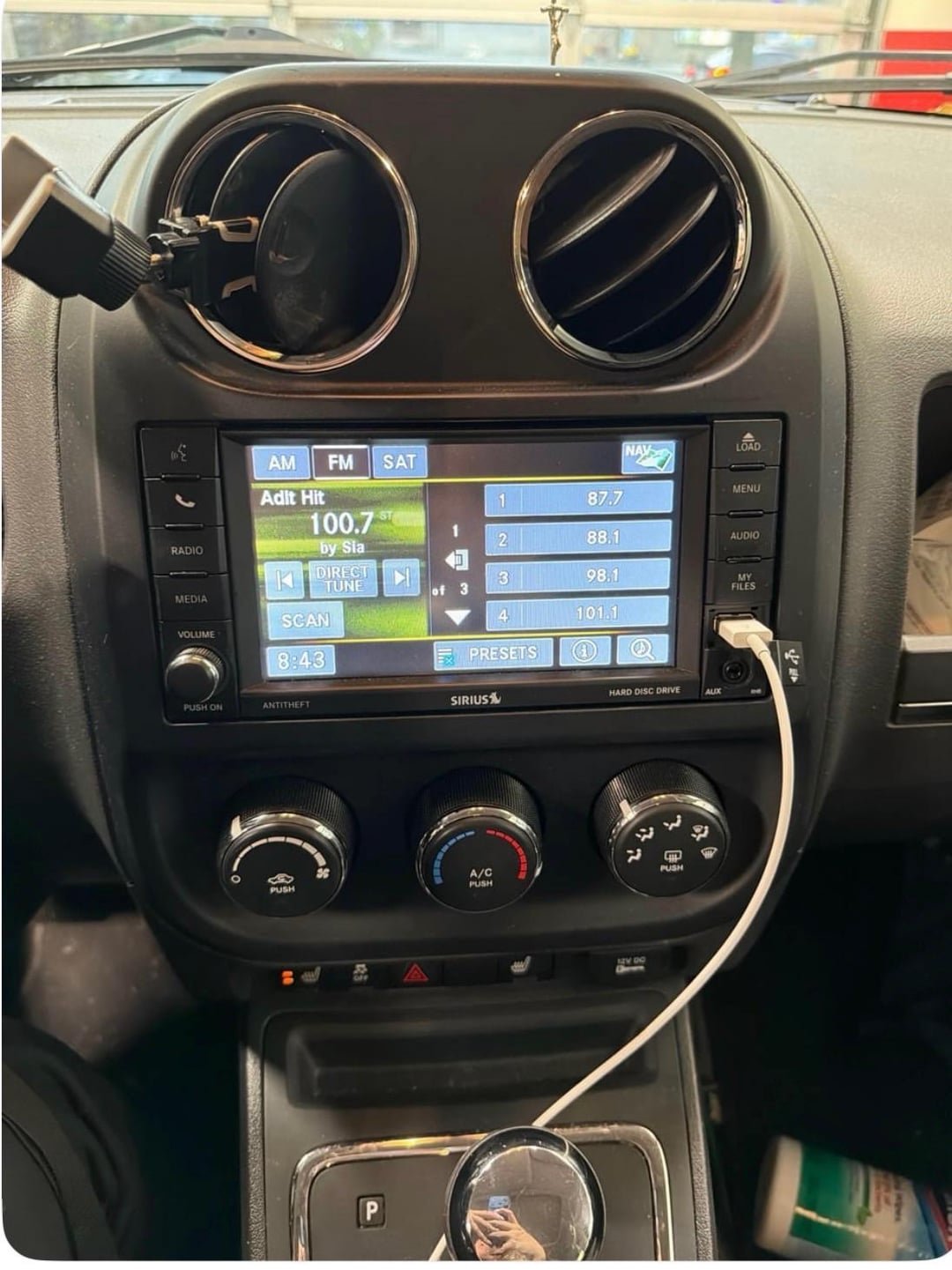
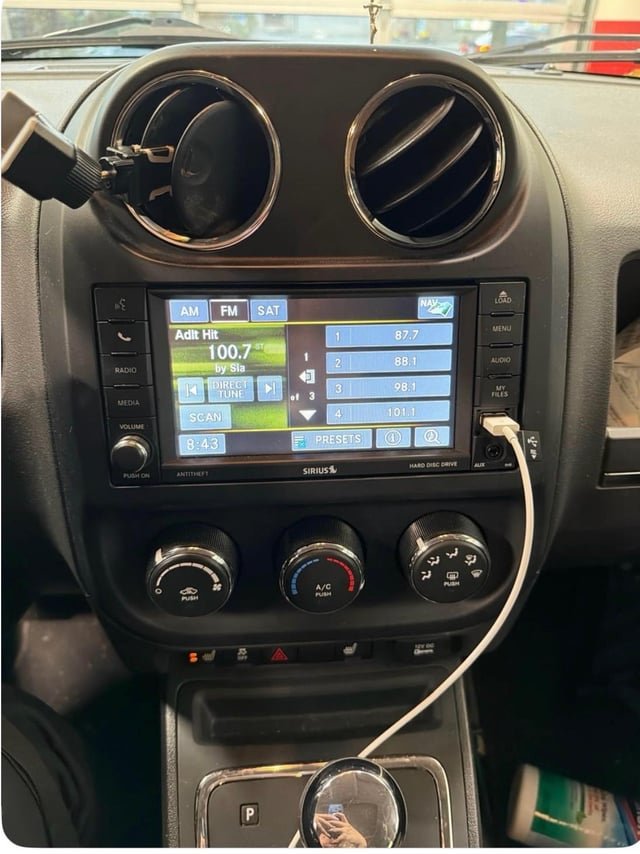
- Uconnect Infotainment System
- Oil Change Indicator
- TPMS (Tire Pressure Monitoring System)
- Key Fob / Security System
Each reset has its own method. Let’s look at the most common ones.
How To Reset The Ecm/pcm (engine Computer)
The ECM/PCM controls many electronic functions in your Jeep. A reset can clear error codes after a problem is fixed.
Manual Battery Disconnect Method
- Turn off your Jeep and remove the key.
- Open the hood and find the battery.
- Use a wrench to remove the negative battery cable first, then the positive.
- Wait at least 15 minutes.
- Reconnect the positive cable, then the negative.
- Start the Jeep and let it idle for a few minutes.
This method “hard resets” the computer. Note: Some settings (radio presets, clock) may be lost.
Obd2 Scanner Method
For a more targeted reset, use an OBD2 scanner.
- Plug the scanner into the OBD2 port (usually under the dashboard).
- Turn the ignition to the “On” position.
- Select “Erase Codes” or “Clear DTC” on the scanner.
- Follow the prompts.
This keeps your radio and clock settings. Scanners are available at auto stores or online.
| Method | Pros | Cons |
|---|---|---|
| Battery Disconnect | Simple, no tools needed | Resets all settings |
| OBD2 Scanner | Targeted reset, keeps settings | Requires scanner |
Resetting The Uconnect System
The Uconnect system is the touchscreen interface used in most new Jeeps. It can freeze or lag, especially after updates.
Soft Reset (no Data Loss)
- Hold the volume and tune knobs together for 10-20 seconds.
- The screen will turn off and then restart.
Factory Reset (all Data Erased)
- Go to “Settings” > “System Information” > “Reset.”
- Choose “Reset to Factory Default.”
- Confirm and wait for the system to reboot.
A factory reset will erase all paired devices and settings.

Resetting Other Jeep Features
Oil Change Indicator
After changing your oil, reset the light:
- Turn key to “On” but don’t start the engine.
- Press the gas pedal slowly three times within 10 seconds.
- Turn key off. Indicator should reset.
Tire Pressure Monitoring System (tpms)
If the light stays on after adjusting tire pressure:
- Drive above 15 mph for at least 10 minutes.
- If it remains on, check for a faulty sensor.
Key Fob And Security System
Sometimes, the Jeep won’t recognize your key fob. To reset:
- Insert key and turn to “On” (do not start).
- Hold the “Unlock” button for 10 seconds.
- While holding “Unlock,” press “Panic” for 1 second, then release both.
When A Reset Won’t Fix The Problem
A reset is not a magic solution for all Jeep issues. For example, a flashing check engine light means a serious problem—get professional help.
Some warning lights will come back if the root cause isn’t fixed. If the issue returns, it’s best to use an OBD2 scanner to read error codes, or visit a mechanic.
Important Tips And Mistakes To Avoid
- Always disconnect the negative battery cable first to avoid sparks.
- Wait at least 15 minutes after disconnecting the battery.
- Never reset if your Jeep is under warranty and showing major issues—this can erase diagnostic data.
- Write down your radio presets and clock settings before a battery reset.
- Some models (especially after 2018) need more advanced tools for resets.
Here’s a quick look at common Jeep models and the easiest reset method:
| Model | Best Reset Method |
|---|---|
| Wrangler JK (2007-2018) | Battery disconnect |
| Grand Cherokee (2011+) | OBD2 scanner |
| Cherokee KL (2014+) | Uconnect soft reset |
| Compass/Renegade (2015+) | Uconnect soft reset |
How Long Does A Jeep Reset Take?
- Battery disconnect: 20-30 minutes including wait time.
- OBD2 scanner: 5-10 minutes.
- Uconnect soft reset: 1-2 minutes.
Non-obvious Insights
- After a full battery disconnect, your transmission and idle settings may need to “relearn.” The Jeep may drive differently for the first 20 miles.
- Some aftermarket radios and security systems can interfere with standard reset procedures. If you have custom electronics, check the manual or consult a specialist.
Where To Learn More
For deeper technical details, the official Jeep website offers model-specific owner’s manuals and guides.
Frequently Asked Questions
How Do I Know If My Jeep Reset Worked?
Your warning lights should go off. If they return, the problem may still exist.
For Uconnect, a successful reset shows the Jeep logo and a rebooted system.
Will Resetting My Jeep Erase My Radio Presets?
A battery disconnect will erase radio stations, clock, and sometimes seat memory. An OBD2 scanner reset does not affect these settings.
Can I Reset My Jeep Without Any Tools?
Yes. The manual battery disconnect works without extra tools except a basic wrench. Uconnect soft reset only needs your fingers.
Is It Safe To Reset My Jeep Often?
Occasional resets are safe. Frequent resets may hide bigger issues.
If a warning light comes back, get a diagnostic scan.
Do I Need To Visit A Dealership For A Reset?
Most resets can be done at home. For complex electronics or new models, the dealership can help, especially if you have a warranty.
Resetting your Jeep isn’t difficult if you follow the right steps. It can clear glitches, save money, and give you peace of mind. But always remember: a reset is a tool, not a cure-all. If your Jeep keeps warning you, listen—and don’t hesitate to get expert help.


















