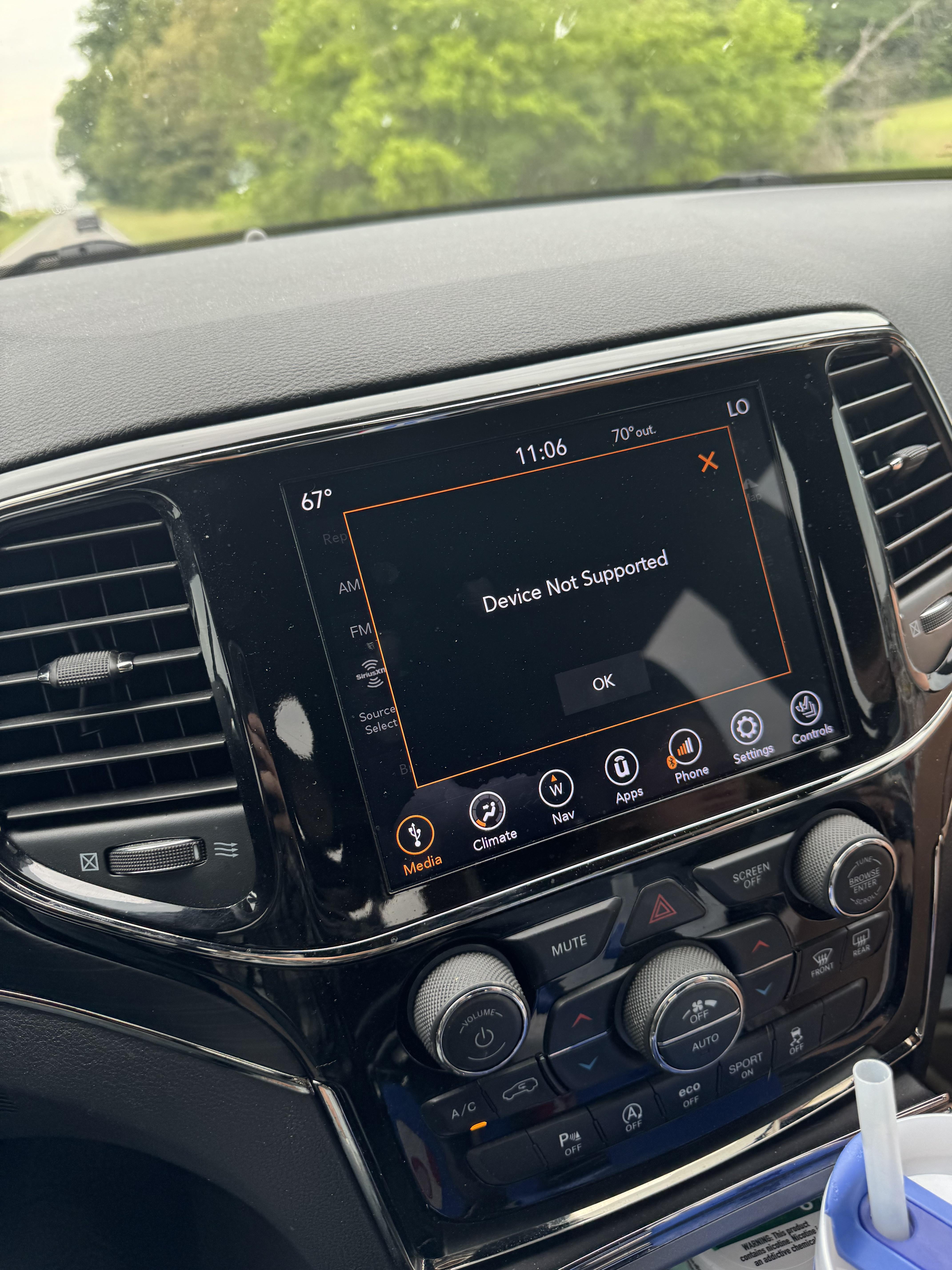
If you drive a Jeep and use Apple CarPlay, you expect it to connect smoothly every time. But sometimes, CarPlay stops working, leaving you frustrated and unsure what to do next.
Whether your Jeep Grand Cherokee, Jeep Wrangler, or another model, CarPlay issues can happen for many reasons. Understanding the most common causes and solutions can save you time and stress.
Common Reasons Carplay Stops Working In Jeep
Several factors can cause CarPlay problems. Let’s explore the main reasons and how to recognize them.
1. Usb Cable Issues
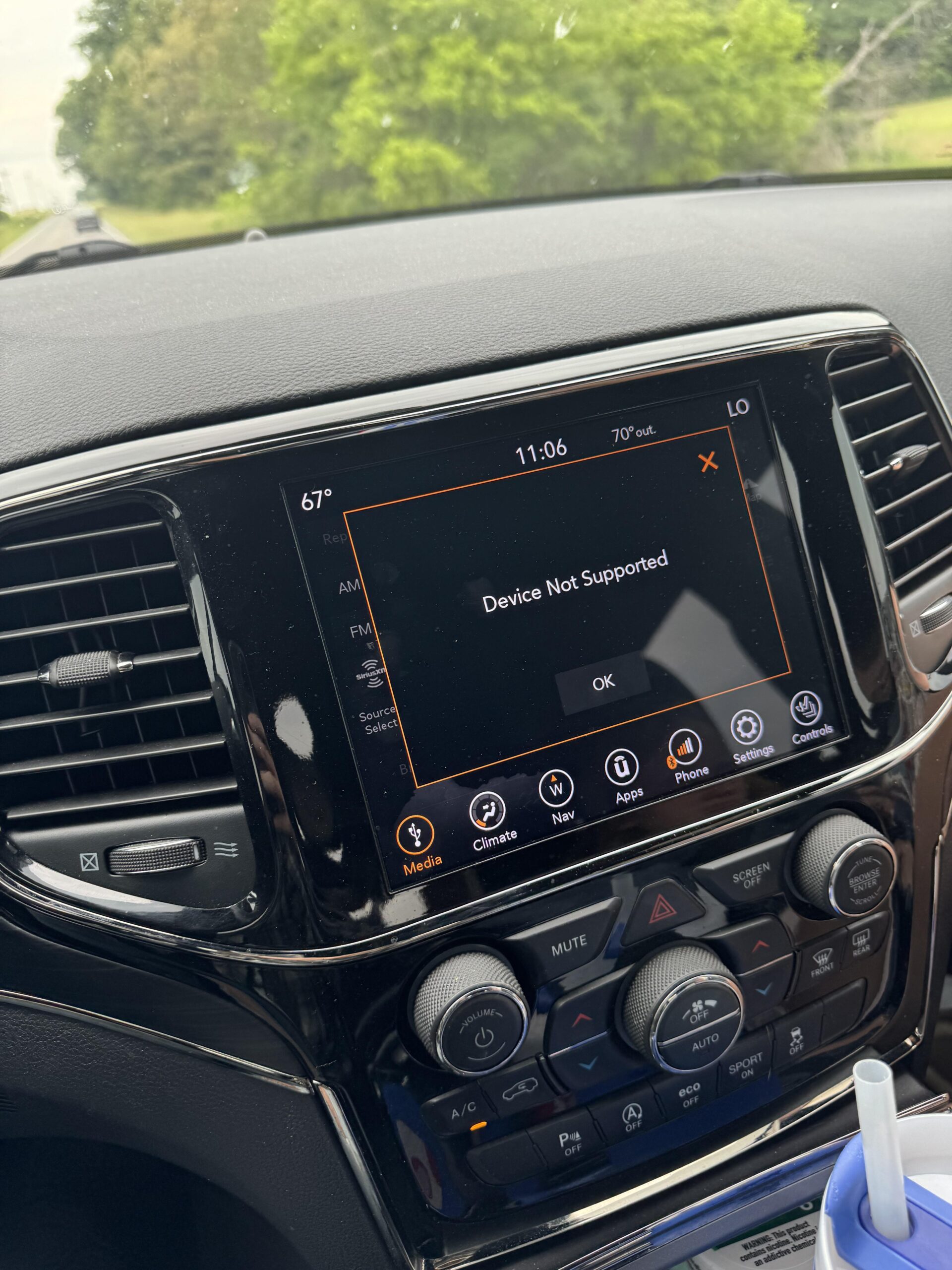
The USB cable is crucial for CarPlay. If your cable is damaged or not compatible, CarPlay may not connect.
- Old or frayed cables lose signal.
- Cheap, non-certified cables can cause errors.
- Using a cable longer than 6 feet may reduce performance.
Try using the original Apple cable or a certified replacement.
2. Software Compatibility
CarPlay requires both your iPhone and Jeep’s Uconnect system to have updated software.
- IOS updates sometimes cause temporary problems.
- Uconnect software must match CarPlay compatibility.
Here’s a quick comparison of iOS vs Uconnect software issues:
| Issue Type | Impact on CarPlay | Fix |
|---|---|---|
| Outdated iOS | May not connect | Update iPhone software |
| Outdated Uconnect | App crashes | Update Uconnect firmware |
| Incompatible versions | No display | Check compatibility chart |
3. Settings And Permissions
If CarPlay is not enabled on your phone or Jeep, it won’t work. Check these settings:
- On iPhone, go to Settings > General > CarPlay.
- Make sure your Jeep appears under “My Cars”.
- Enable Siri and Bluetooth.
Some Jeep models require you to enable CarPlay in the Uconnect menu.
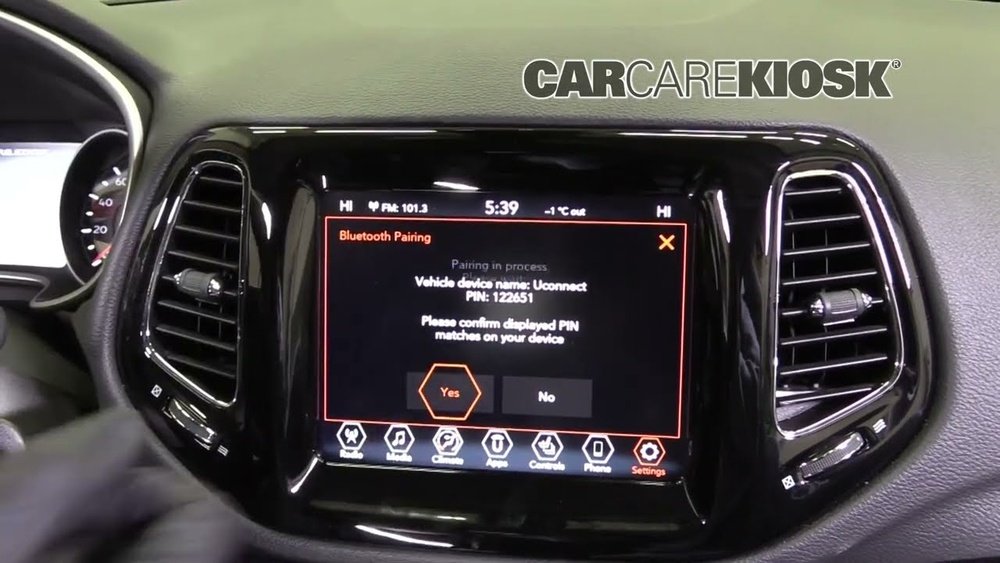
4. Bluetooth Interference
CarPlay usually works through USB, but Bluetooth can cause conflicts. For example:
- If your phone is connected by Bluetooth, CarPlay may disconnect.
- Multiple paired devices (like another phone) can interfere.
Try unpairing unused devices and turning off Bluetooth when using CarPlay.
5. Faulty Usb Port
If your Jeep’s USB port is damaged, CarPlay may fail to connect.
- Ports can get dirty or worn out.
- Sometimes, only specific ports in your Jeep support CarPlay.
Check your owner’s manual to find the correct port.
How To Fix Carplay Not Working In Jeep
Now, let’s look at practical steps to solve these issues.
Step 1: Restart Both Devices
Restart your iPhone and turn off your Jeep. Wait 30 seconds before turning them back on. This simple step often solves connection problems.
Step 2: Try A Different Cable And Port
Switch to a new, certified cable. Plug it into another USB port.
Sometimes, just changing the port fixes the problem.
Step 3: Update Software
- Update your iPhone to the latest iOS.
- Visit your Jeep dealer or use Uconnect’s website to check for firmware updates.
Many users ignore Uconnect updates, but it’s a common cause of CarPlay issues.
Step 4: Check Carplay Settings
On your iPhone:
- Go to Settings > General > CarPlay.
- Remove your Jeep and reconnect it.
- Make sure Allow CarPlay While Locked is enabled.
On your Jeep:
- Open Uconnect menu.
- Look for CarPlay options and make sure it’s enabled.
Step 5: Remove Bluetooth Pairings
Unpair all devices except your iPhone. Turn Bluetooth off if you only use CarPlay with USB.
Step 6: Clean The Usb Port
Use compressed air or a soft brush to clean the port. Dust and debris can block the connection.
Step 7: Try Another Iphone
Test CarPlay with a friend’s iPhone. If it works, your phone may have a problem.
If it doesn’t, your Jeep may need service.
Jeep Model Differences: Carplay Compatibility
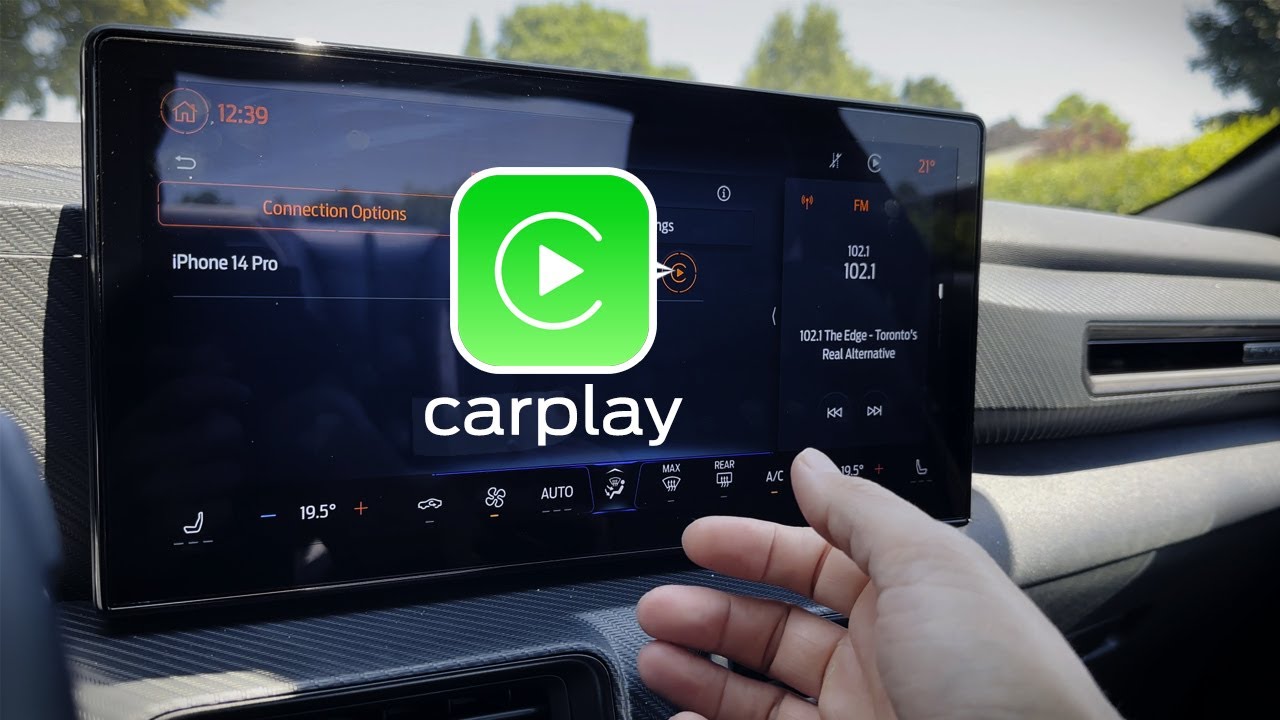
Not all Jeeps support CarPlay the same way. Here’s a quick comparison:
| Jeep Model | CarPlay Support Year | Uconnect Version |
|---|---|---|
| Grand Cherokee | 2018+ | Uconnect 4/5 |
| Wrangler | 2018+ | Uconnect 4/5 |
| Compass | 2017+ | Uconnect 4/5 |
| Cherokee | 2019+ | Uconnect 4/5 |
| Renegade | 2018+ | Uconnect 4/5 |
Older Jeeps may not support CarPlay, or may require a system upgrade.
Non-obvious Tips For Reliable Carplay
Many Jeep owners miss these simple but effective tips:
- Avoid wireless charging while using CarPlay. Wireless chargers can cause interference, especially in newer Jeeps.
- Disable VPN apps on your iPhone. VPNs sometimes block CarPlay communication.
- Use airplane mode briefly, then turn it off. This resets all wireless connections and can fix stubborn issues.
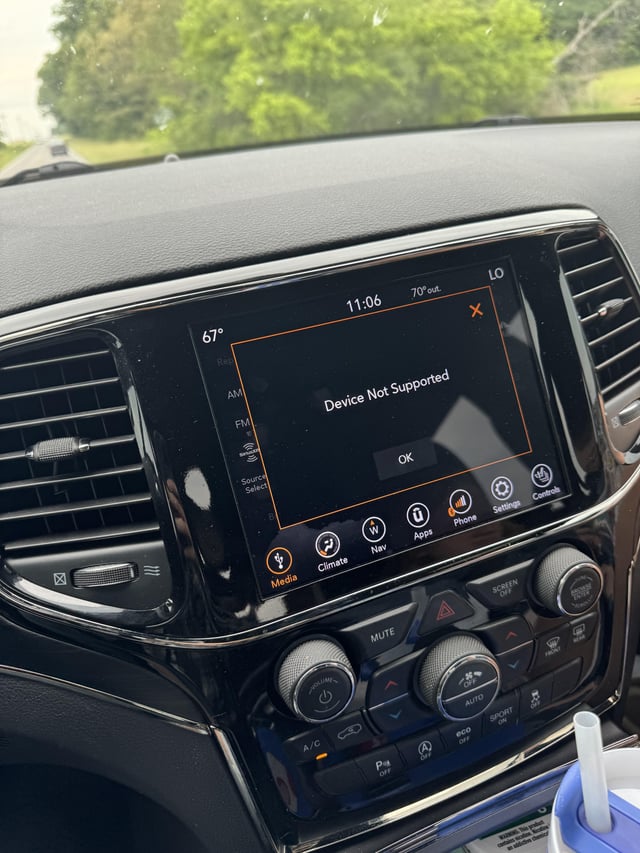
When To Seek Professional Help
If you’ve tried everything and CarPlay still doesn’t work:
- Visit your Jeep dealer for a diagnostic check.
- Ask about Uconnect module replacement if hardware is faulty.
Sometimes, the issue is inside the dashboard and needs expert repair.
Frequently Asked Questions
Why Does Carplay Work Sometimes, But Not Always In My Jeep?
Intermittent issues often come from loose cables, dirty USB ports, or software glitches. Try cleaning the port and updating both devices.
Can I Use Wireless Carplay In My Jeep?
Some newer Jeeps offer wireless CarPlay, but most models require USB. Check your Uconnect version or manual for wireless support.
Does Carplay Drain My Iphone Battery Faster?
When connected by USB, CarPlay usually charges your phone. However, if the port is weak or faulty, your battery may drain. Always use a strong, certified cable.
Is There A Way To Reset Carplay In Jeep?
Yes. On your iPhone, remove your Jeep from CarPlay settings and reconnect. On Uconnect, look for a reset option in the system menu.
What Should I Do If None Of The Fixes Work?
If all else fails, consult your Jeep dealer or a trusted auto technician. Sometimes, a hardware issue needs professional attention. For more details, visit the official Jeep Uconnect support page: Jeep Uconnect Support.
Getting CarPlay working in your Jeep makes driving safer and more enjoyable. With these steps and insights, you can solve most problems quickly and avoid common mistakes. Stay updated, check your cables, and enjoy the road ahead.