Getting started with your Jeep Compass can be exciting, especially with its modern features and large infotainment screen.
But sometimes, owners find the screen does not turn on as expected, or they are unsure how to activate it.
Whether you are new to the Jeep Compass or just need a refresher, understanding how to power up and troubleshoot your screen is essential for a smooth driving experience.
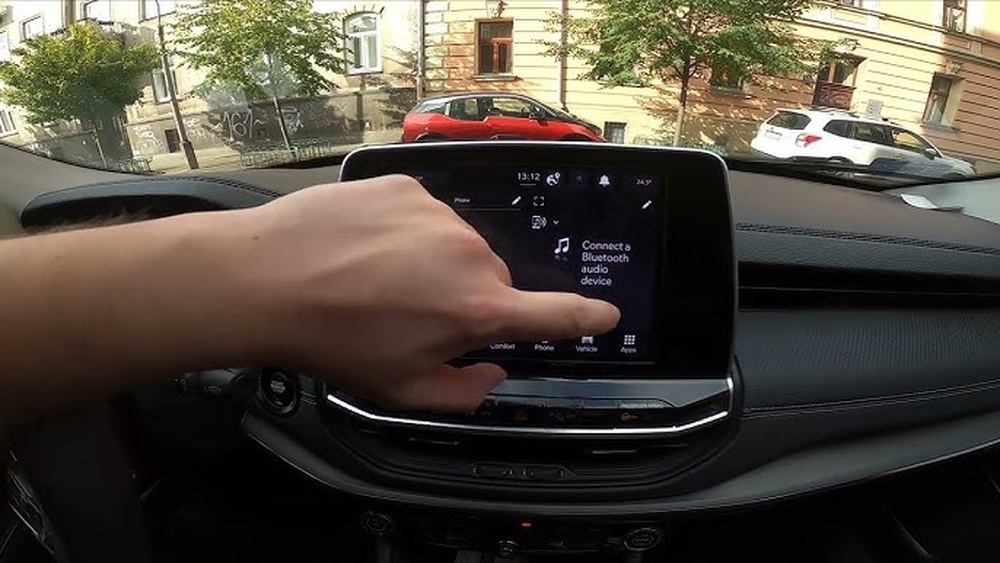
Understanding The Jeep Compass Screen
The touchscreen display in the Jeep Compass is more than just an entertainment system. It controls navigation, Bluetooth, vehicle settings, and even climate features in some trims.
Models from 2017 onward typically use the Uconnect system, which comes in different sizes (7-inch, 8.4-inch, or 10.1-inch). Knowing your screen type helps with troubleshooting and using features.
Common Screen Types In Jeep Compass
| Model Year | Screen Size | System Version |
|---|---|---|
| 2017-2020 | 7-inch / 8.4-inch | Uconnect 4 |
| 2021+ | 8.4-inch / 10.1-inch | Uconnect 5 |
Not every feature is available on all trims. Base models may have a smaller display with fewer functions.
Turning On The Screen: Step-by-step
Most Jeep Compass screens turn on automatically, but some situations need manual action. Here’s how to make sure your screen lights up:
- Insert the key fob or keep it inside the car (for push-button start models).
- Press the brake pedal and push the Start/Stop button, or turn the key (for traditional ignition).
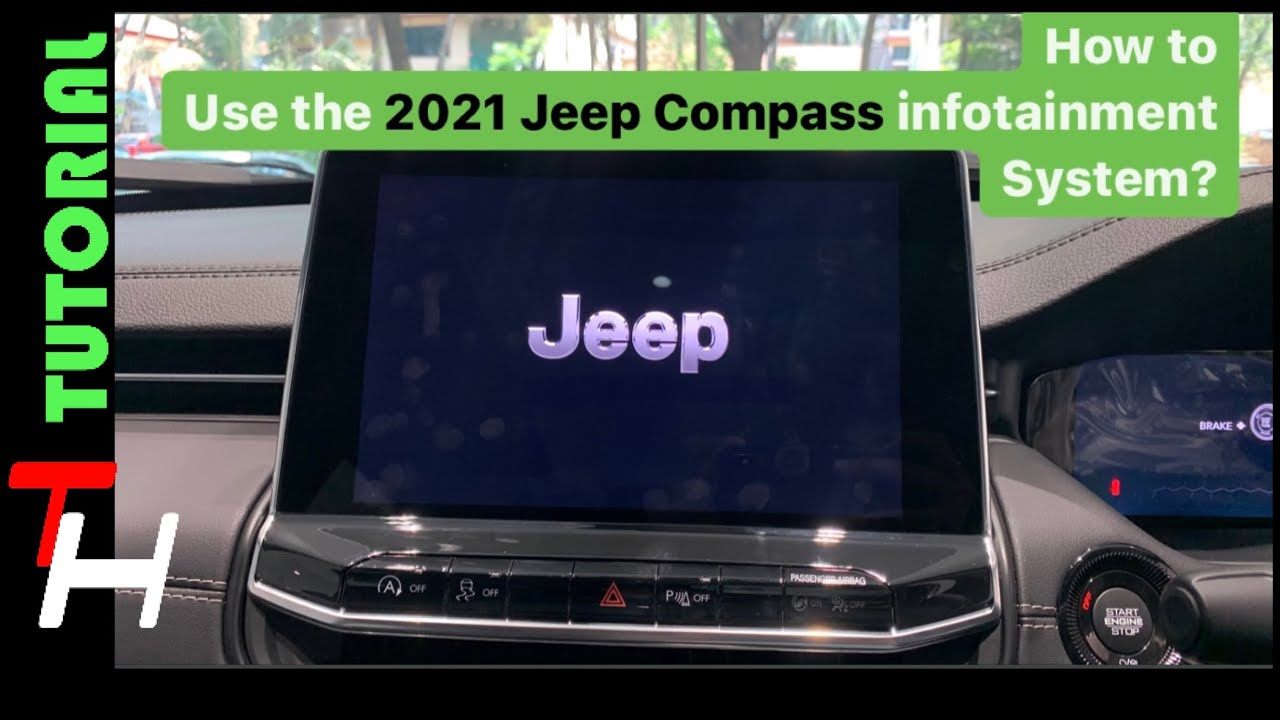
- The screen should power on within a few seconds, displaying the Jeep or Uconnect logo.
- If the screen stays black, tap the power button (often located below the screen or combined with the volume knob).
- Adjust the brightness knob if the display is too dim, especially during the day.
| Button | Location | Function |
|---|---|---|
| Power/Volume | Lower-left of screen | Turns display on/off, adjusts sound |
| Home/Menu | Below screen (center) | Accesses main menu |
| Brightness | Dashboard left side | Increases/decreases display light |
If you have a push-button start, the infotainment system only works in ACC (accessory) or ON mode.

Troubleshooting: When The Screen Won’t Turn On
Sometimes, the screen may not power up as expected. Here are the most common reasons and solutions:
- Ignition not in correct position: The screen won’t work if the car is fully off.
- Low battery: If the car battery is weak, the system may not start.
- Blown fuse: Screens rely on a dedicated fuse in the fuse box.
- Software glitches: Like any computer, the Uconnect system can freeze.
Quick Troubleshooting Steps
- Ensure the vehicle is in ACC or ON mode.
- Try holding the power button for 10-15 seconds.
- Check if other electronics (radio, lights) are working.
- Locate the fuse box and check the infotainment fuse (refer to your owner’s manual for the exact fuse).
- For software issues, perform a soft reset (hold both the volume and tune knobs for about 10 seconds).
If these steps do not work, it may be a sign of a deeper electrical or hardware problem. In that case, professional help is recommended.
Practical Tips For Smooth Operation
While turning on the screen is usually simple, a few practical habits can prevent common issues:
- Avoid rapid pressing of buttons when starting; let the system boot up.
- Do not use wet hands on the touchscreen, as it may not respond.
- Keep the screen clean with a microfiber cloth.
- Update software regularly to avoid bugs and improve speed.
Many drivers miss the importance of keeping their vehicle battery healthy. A weak battery can cause the infotainment system to turn off or restart, especially in cold weather.
Features You Can Access Once The Screen Is On
The Jeep Compass touchscreen gives you access to many smart features:
- Navigation: Built-in maps and directions (in higher trims)
- Apple CarPlay/Android Auto: Use your phone’s apps on the car screen
- Bluetooth: Hands-free calls and music
- Vehicle settings: Adjust lights, locks, and more
Some advanced features, like heated seats or climate control, are also managed through the screen on newer models.
Comparing Jeep Compass To Other Vehicles
How does turning on the screen in the Jeep Compass compare to other vehicles? Here’s a brief look:
| Vehicle | Screen Activation Method | Common Issues |
|---|---|---|
| Jeep Compass | Automatic with ignition; manual power button | Software freeze, fuse, battery |
| Honda CR-V | Automatic with ignition | Dim screen, touch unresponsive |
| Hyundai Tucson | Automatic; brightness controlled by dash knob | Slow startup, glare |
The Jeep Compass system is similar to most modern SUVs but offers more reset options through dashboard buttons.
Non-obvious Insights For Jeep Compass Owners
- Screen Delays After Battery Change: If you recently replaced or disconnected your battery, the screen may take a minute longer to start the first time. This is normal as the system reboots.
- Parking Brake Setting: In some regions, certain screen features (like video playback) will not work unless the parking brake is engaged. Check your manual for regional safety settings.
Many owners overlook the importance of regular software updates. These can fix bugs that cause the display to freeze or not turn on.
Frequently Asked Questions
Why Is My Jeep Compass Screen Black Even When The Car Is On?
A black screen could mean a blown fuse, a software crash, or a weak battery. Try a soft reset by holding the power and tune knobs. If it stays black, have the system checked by a dealer.
How Do I Reset The Jeep Compass Screen?
Hold the power and tune knobs together for around 10 seconds. The screen should reboot and display the Jeep logo. This works for most Uconnect systems.
Can I Turn On The Screen Without Starting The Engine?
Yes, press the Start/Stop button once (without pressing the brake) to enter ACC mode. The screen should power up for radio and settings.
What Should I Do If The Screen Is Very Dim Or Has Glare?
Adjust the brightness knob on the dashboard, or change the screen mode in settings. Cleaning the screen can also help reduce glare.
Where Can I Find More Help For Jeep Compass Infotainment Issues?
Visit the official Jeep Uconnect support page for guides and updates. For hardware problems, contact your local Jeep service center.
Understanding your Jeep Compass screen makes every drive smoother and safer. With these steps and tips, you can enjoy all your vehicle’s tech features confidently, and know what to do if things don’t go as planned.


















