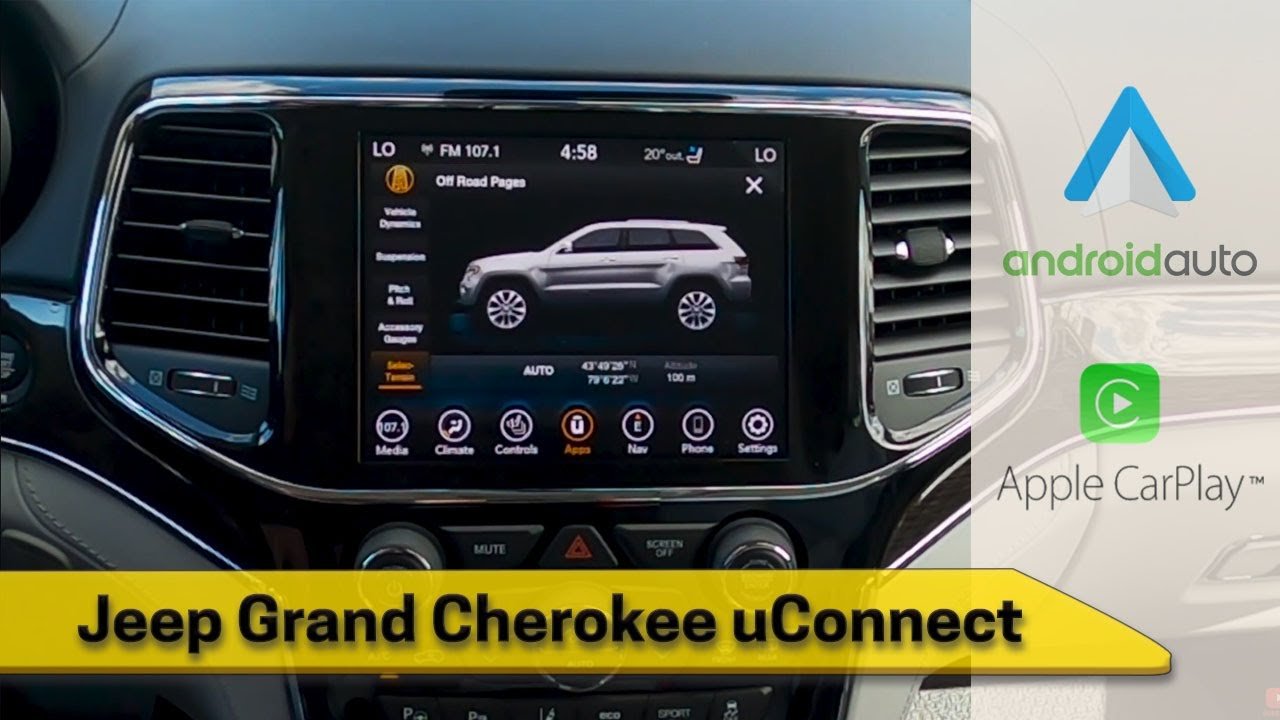
If you drive a Jeep made in the last decade, you’ve probably heard of Uconnect—the touchscreen system that controls music, phone calls, navigation, and more. Many Jeep owners, especially first-time users, find themselves asking: Where is the Uconnect button in a Jeep?
The answer isn’t always obvious, especially since Jeep uses different Uconnect systems and button layouts depending on the model and year. Knowing exactly where to find and how to use this button can save you time and make your driving experience smoother.
Understanding The Uconnect System
Uconnect is Jeep’s infotainment system. It manages everything from radio to climate control, Bluetooth, navigation, and some vehicle settings. Most Jeeps built after 2012 include some version of Uconnect.
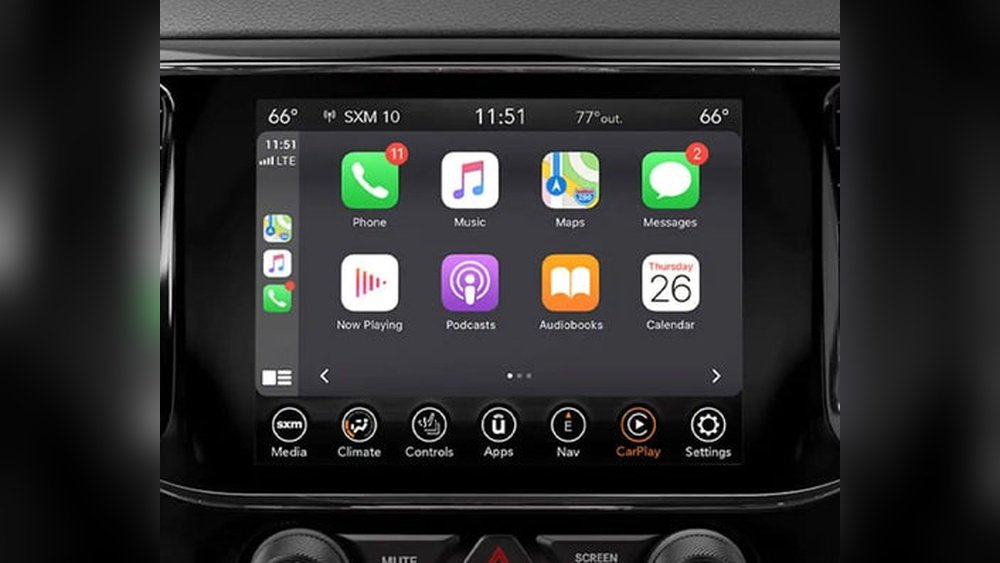
There are two main ways to access Uconnect features:
- Touchscreen interface in the center console
- Physical Uconnect button on the steering wheel or dashboard
Not all Jeep models have a dedicated button labeled “Uconnect. ” Some instead use icons or multi-function buttons. This often confuses new users.
The location of the Uconnect button depends on your Jeep’s year, model, and Uconnect version. Here’s a breakdown:
1. Steering Wheel Controls
In most newer Jeeps (2016 and after), the Uconnect button is part of the steering wheel controls. It’s usually on the left side, grouped with buttons for phone and voice commands.
- Voice Command Button: Looks like a talking face or a microphone.
- Phone Button: Usually shows a phone symbol.
Pressing the voice command button activates Uconnect’s voice recognition, letting you control functions without using the touchscreen.
2. Center Console Touchscreen
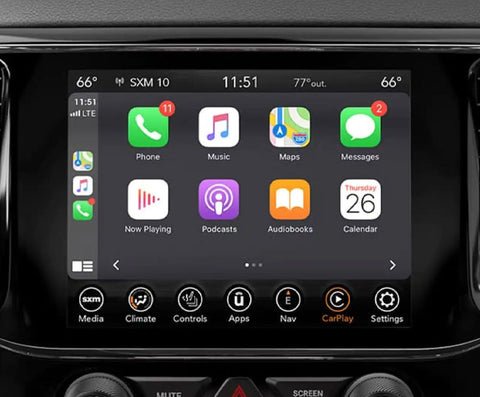
Many Uconnect functions don’t require a physical button. The main system is the touchscreen in the center of your dashboard.
- Tap the Uconnect Apps or Phone icon to access features.
- Older models might have a “Menu” or “Apps” button instead.
Some Jeep models (especially before 2015) have physical dashboard buttons. These are usually next to the radio controls.
- Look for a button labeled “Uconnect,” “Phone,” or an icon showing a phone or voice.
Key insight: The word “Uconnect” rarely appears on the button itself. Jeep prefers icons, which can confuse users expecting a clearly labeled button.
Below is a comparison of popular Jeep models and where you’ll usually find the Uconnect button.
| Jeep Model | Uconnect Button Location | Year Range |
|---|---|---|
| Wrangler | Steering wheel (voice/phone) | 2015–present |
| Grand Cherokee | Steering wheel & touchscreen | 2014–present |
| Cherokee | Touchscreen | 2014–present |
| Renegade | Steering wheel (voice/phone) | 2015–present |
| Compass | Steering wheel & touchscreen | 2017–present |
If you have an older Jeep (2010 2014), check the dashboard around the radio. The button may be physical and labeled differently, such as “Phone. ”
Once you locate the correct button or icon, here’s how to use it:
Press and release. You’ll hear a beep or see a prompt on the screen.
Speak commands like “Call John Smith” or “Play 80s music. ”
Press to answer or end calls, pair your phone, or open the phone menu on the touchscreen.
3. Touchscreen Uconnect Apps:
Tap to open the main Uconnect app menu, where you can access navigation, media, and settings.
Press to pair your phone or activate Bluetooth. The screen will walk you through setup.
Practical tip: Hold the button for two seconds if a quick press doesn’t work. Some functions need a longer press to activate.
Knowing where to find the Uconnect button helps you keep your eyes on the road. Many accidents happen because drivers are distracted by searching for controls.
Jeep designed the system to be as hands-free as possible.
Extra tip: You can customize steering wheel shortcuts in some Jeep models to access your favorite Uconnect features faster.
Differences Between Uconnect Systems
Jeep uses several Uconnect versions, which can change how you access functions.
| Uconnect Version | Main Features | Button Type |
|---|---|---|
| Uconnect 3 | Basic radio, Bluetooth | Physical & touchscreen |
| Uconnect 4 | Apple CarPlay, Android Auto | Touchscreen & steering wheel |
| Uconnect 5 | Advanced navigation, faster processor | Touchscreen & voice |
If you’re unsure which version you have, check your Jeep’s owner manual or look at the home screen logo when you start the car.
Common Mistakes And How To Avoid Them
Many first-time Jeep owners make these mistakes:
- Looking for a button labeled “Uconnect” when it’s actually an icon.
- Pressing the wrong button, such as “Menu” or “Settings,” which won’t activate voice control.
- Trying to use voice commands without pairing a phone—Bluetooth setup is required for calls and music.
- Assuming all models have the same layout—designs change every few years.
If you’re stuck, check your owner’s manual or search for your Jeep’s year and model plus “Uconnect button location. ”
Real-world Example
David bought a 2021 Jeep Wrangler and struggled to pair his phone. He kept looking for a “Uconnect” button but only found a talking face icon on the steering wheel. After pressing it, the voice system guided him through Bluetooth setup. The lesson: sometimes the button you need is hiding as an icon, not a word.
When To Seek Help
If you can’t find the Uconnect button or the system isn’t working:
- Visit your local Jeep dealer for a quick demo.
- Check the official Jeep Uconnect page for videos and guides.
Dealerships often give free walkthroughs for new owners, which can save you hours of guesswork.
Frequently Asked Questions
The Uconnect button is on the left side of the steering wheel. Look for the voice command icon (a face or microphone). There is no separate button labeled “Uconnect.”
Yes, most Uconnect features are available through the touchscreen in the center console. Tap the Apps or Phone icon to use navigation, music, or hands-free calling.
How Do I Know If My Jeep Has Uconnect?
If your Jeep has a touchscreen display with Bluetooth, navigation, or smartphone integration, it likely has Uconnect. Check for the Uconnect logo at startup or look in your owner’s manual.
Check if your vehicle is in “Valet” or “Accessory” mode. Restart the system or your Jeep.
If it still doesn’t work, contact a Jeep dealer for a software update or system check.
Is Uconnect The Same In All Jeep Models?
No, there are different versions. Some have more features, faster processors, or larger screens.
Button placement and functions can change between models and years.
Finding the Uconnect button in a Jeep isn’t always simple, but once you know what to look for, using the system becomes much easier. Understanding your Jeep’s controls not only improves convenience but also keeps you safer on the road. Whether you’re pairing your phone or using voice commands, a few minutes spent learning the system can make your drive more enjoyable.