Programming your Jeep’s garage door opener can make your daily routine smoother and safer. Many Jeep models feature the HomeLink system, which allows you to control garage doors, gates, and even home lights from your vehicle.
If you’ve never set this up before, it might seem confusing, but the process is actually straightforward once you know the steps. This guide will walk you through the process, share useful tips, and help you avoid common mistakes.
Understanding Your Jeep’s Garage Door Opener
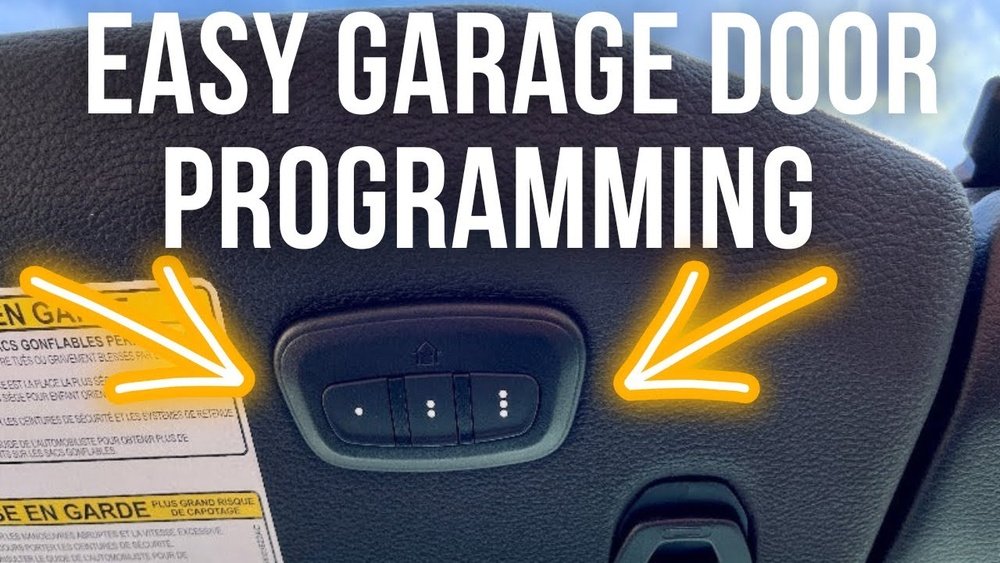
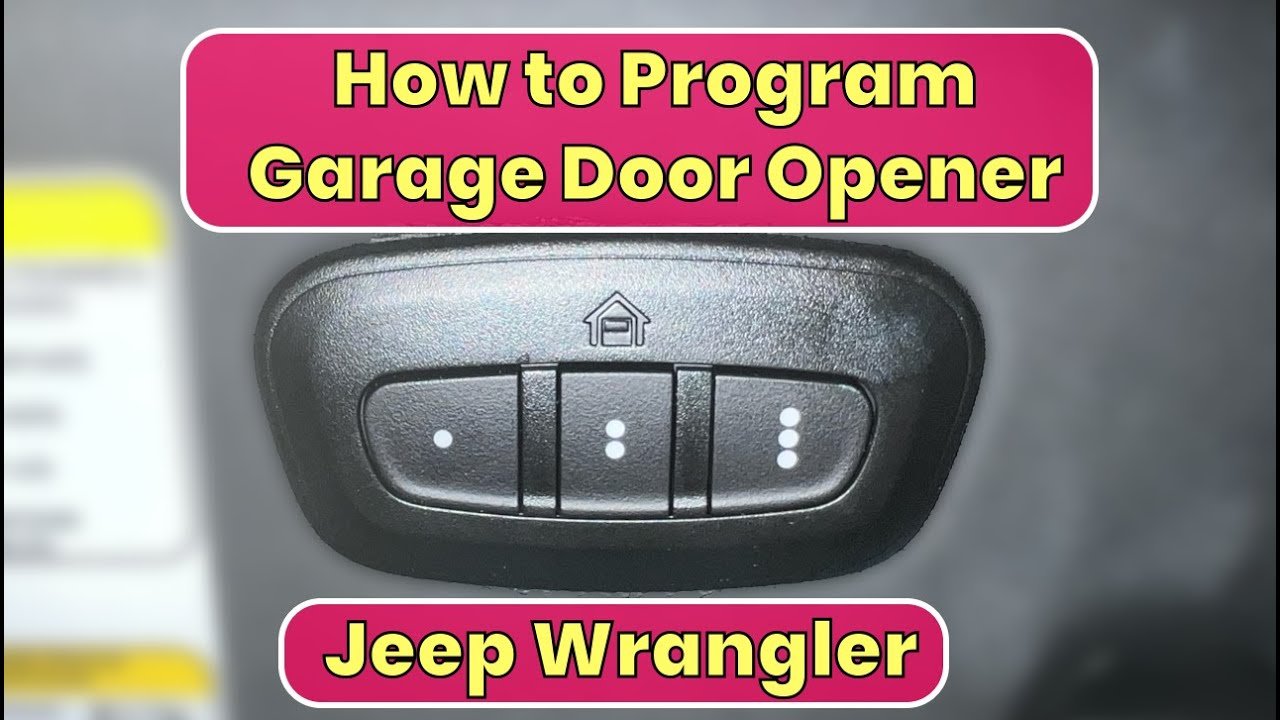
Jeep vehicles often use the HomeLink system, which is built into the overhead console or visor. It can store up to three remote signals, letting you control multiple devices. Before starting, check your Jeep owner’s manual to confirm your vehicle has HomeLink.
Here is a quick comparison of Jeep models and their HomeLink compatibility:
| Jeep Model | HomeLink Availability | Location in Vehicle |
|---|---|---|
| Grand Cherokee | Standard (most trims) | Overhead console |
| Wrangler | Optional (select trims) | Sun visor |
| Compass | Optional | Overhead console |
Steps To Program Your Jeep Garage Door Opener
Follow these steps to program your Jeep’s HomeLink system with your garage door opener:
1. Prepare Your Remote
Make sure your garage door opener remote has fresh batteries. Weak batteries can cause failed programming.
2. Turn On Your Jeep
Insert the key and switch to accessory mode or turn on the engine. HomeLink needs power to program.
3. Clear Previous Codes (if Needed)
If your Jeep has been programmed before, clear old codes by pressing and holding the two outer HomeLink buttons until the indicator light flashes rapidly (about 10 seconds).
Decide which of the three HomeLink buttons you want to use. Hold the chosen button until the indicator light starts flashing slowly.
5. Position The Remote
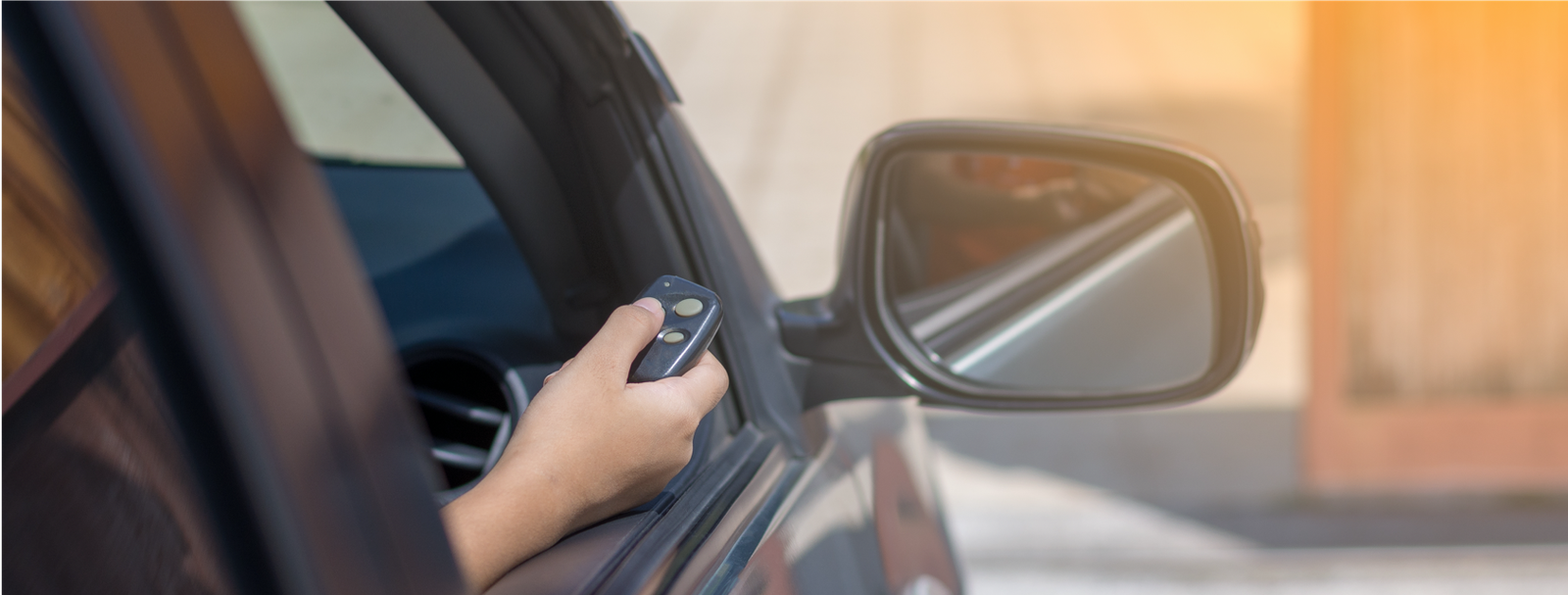
Hold your garage remote 1 3 inches from the HomeLink button. Press and hold the remote button and the HomeLink button together.
Keep holding until the HomeLink light changes from slow to rapid flashing.
6. Train With Garage Opener (if Required)
Many modern garage openers use rolling code technology for added security. If your opener uses this, you need an extra step:
- Find the “Learn” or “Smart” button on your garage opener motor unit (usually on the ceiling).
- Press the Learn button, then within 30 seconds, return to your Jeep and press the programmed HomeLink button for 2 seconds, repeat up to three times.
- Test the System
Press the HomeLink button in your Jeep. The garage door should open or close. If not, repeat the steps.
Here’s a quick overview comparing fixed code vs rolling code garage openers:
| Opener Type | Programming Steps | Security Level |
|---|---|---|
| Fixed Code | Remote + HomeLink | Basic |
| Rolling Code | Remote + HomeLink + Learn Button | High |

Practical Tips For Success
- Check compatibility: Some older garage openers may not work with HomeLink. Visit the HomeLink website for compatibility information.
- Use new batteries: Weak batteries in your remote can cause programming to fail.
- Program with engine off: For some models, programming works better with the engine off but the ignition on.
- Watch the indicator light: The HomeLink light is your guide. Slow flashing means ready; fast flashing means programmed.
A practical insight: Many users forget to press the Learn button on the garage opener motor. This step is critical for rolling code systems, which are common in newer homes.
Common Mistakes And How To Avoid Them
For rolling code openers, missing this step means your Jeep won’t control the garage door.
Press and hold both the remote and HomeLink buttons simultaneously. Let go only when the indicator light flashes rapidly.
3. Outdated Remote
If your remote is too old, HomeLink may not recognize its signal. Consider upgrading your remote if you have trouble.
4. Programming Too Far From Garage Opener
For the Learn button step, stay close to your garage opener motor to ensure a strong signal.
A less obvious tip: If programming doesn’t work after three tries, reset HomeLink and try again with a different HomeLink button. Sometimes one button works better due to signal interference.
Extra Features You Can Program
HomeLink isn’t just for garage doors. You can also program it for:
- Gate openers
- Home lighting systems
- Security systems
If you want to add extra devices, repeat the programming steps for each button. Keep a list of which button controls which device.
Troubleshooting When Programming Fails
If your Jeep’s HomeLink isn’t working, try these steps:
- Reset HomeLink: Clear all codes and restart the process.
- Check your opener type: Some brands require special steps. Check your garage opener manual.
- Look for interference: Metal objects or weak batteries can block signals.
- Consult Jeep and HomeLink support: Both offer online guides and videos. For deeper troubleshooting, see the official HomeLink site.
Frequently Asked Questions
Can I Program Homelink Without My Remote?
No. You need the original remote to transfer the signal to your Jeep’s HomeLink system. Without it, programming is not possible.
How Many Devices Can I Program To Homelink?
HomeLink allows up to three devices. You can control garage doors, gates, and home lighting, each with a separate button.
Does Homelink Work With All Garage Door Openers?
HomeLink works with most brands, but some very old or very new openers may not be compatible. Check the HomeLink compatibility list before starting.
What Should I Do If My Garage Door Opener Uses A Rolling Code?
Follow the extra “Learn button” step after programming with your remote. This syncs HomeLink with the opener’s rolling code system.
No. You must clear all codes at once by holding the two outer HomeLink buttons. Then reprogram the buttons you need.
Programming your Jeep’s garage door opener is quick once you know the steps. Take your time, follow each step closely, and pay attention to the indicator lights.
With these tips, you’ll enjoy seamless access to your garage and other home devices right from your Jeep.