Connecting your iPhone to the Uconnect system in a Jeep Wrangler unlocks a new level of convenience. You can make calls, stream music, access maps, and even use Siri—all hands-free. But many Jeep owners struggle with the setup, especially if they are new to car technology. With the right steps, your iPhone and Uconnect can work together smoothly. Let’s explore how to connect, possible issues, and smart tricks to get the most from your Jeep Wrangler’s infotainment system.
What Is Uconnect In Jeep Wrangler?
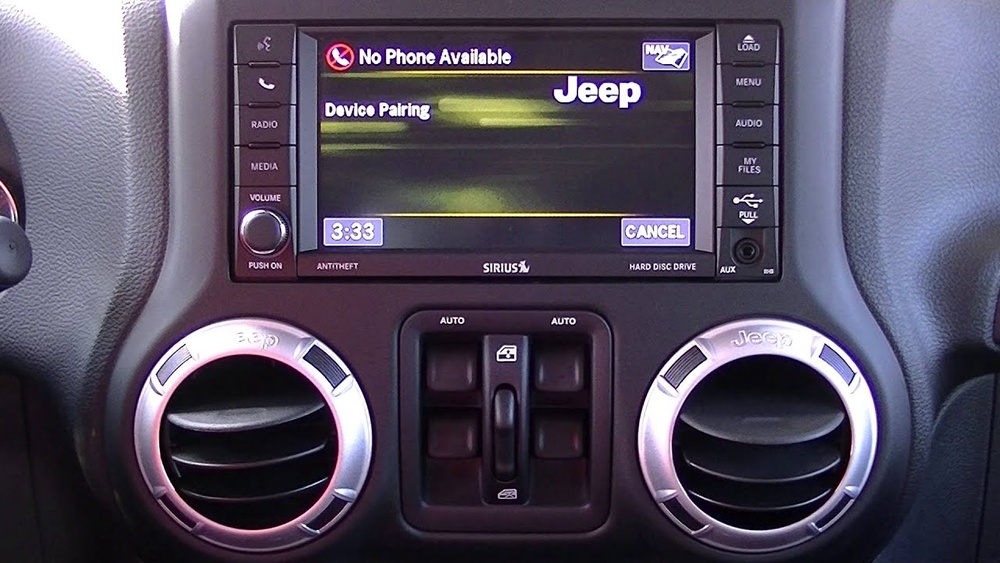
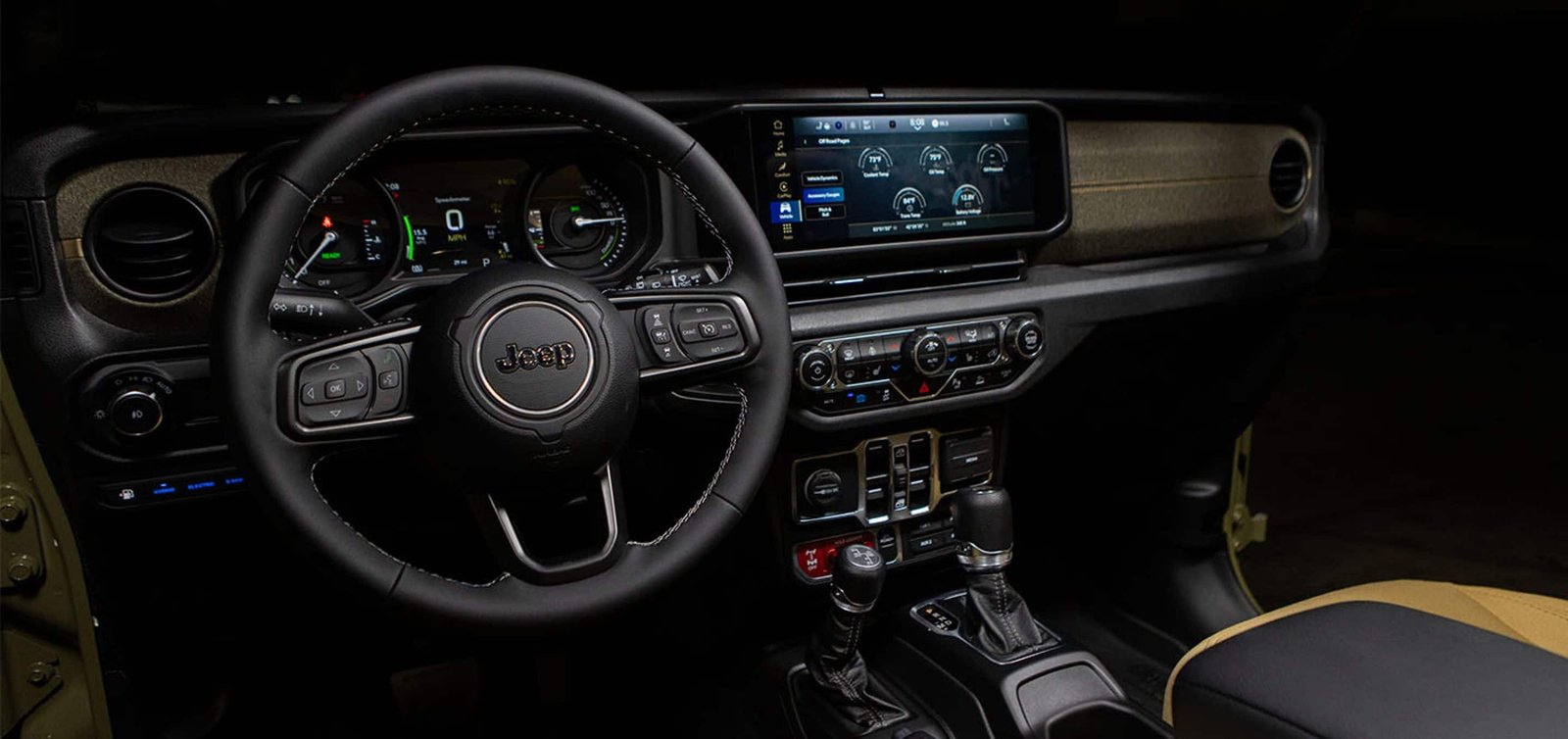
The Uconnect system is the heart of your Jeep’s dashboard. It controls navigation, entertainment, climate, and phone connectivity. Uconnect comes in various versions, from basic touchscreens to advanced navigation units. The latest Wranglers (2018 and newer) usually have Uconnect 4 or Uconnect 5, which offer Apple CarPlay support. Older models may have Bluetooth only.
Here’s a quick comparison of common Uconnect features in Jeep Wrangler models:
| Model Year | Uconnect Version | Apple CarPlay | Bluetooth |
|---|---|---|---|
| 2015-2017 | Uconnect 3 | No | Yes |
| 2018-2020 | Uconnect 4 | Yes | Yes |
| 2021+ | Uconnect 5 | Yes | Yes |
Knowing your Uconnect version helps you choose the right connection method.
Connecting Iphone Via Bluetooth
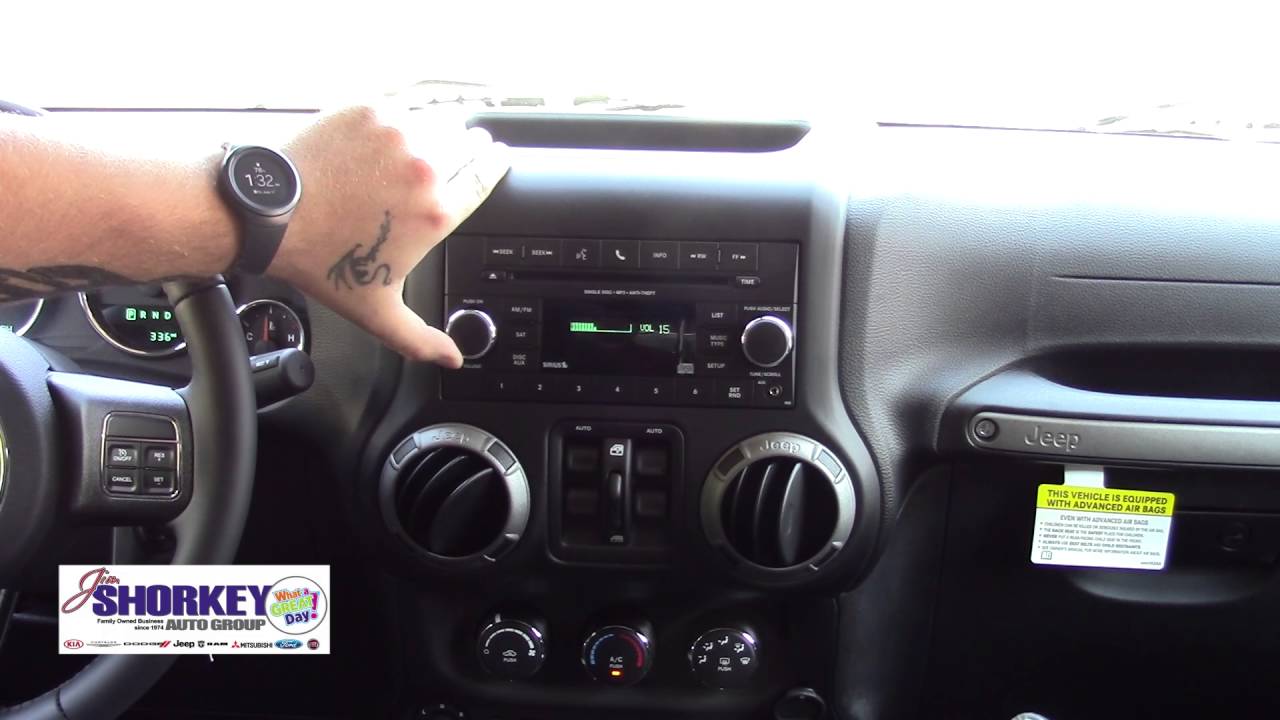
Most Jeep Wranglers support Bluetooth pairing. This is the simplest way to connect if your vehicle doesn’t have Apple CarPlay.
- Enable Bluetooth on your iPhone: Go to Settings > Bluetooth. Make sure it’s turned on.
- Start Uconnect pairing: On your Jeep’s touchscreen, tap ‘Phone’ then ‘Pair a Device’.
- Select your Jeep on iPhone: Your iPhone will show ‘Uconnect’ under available devices.
- Enter the PIN: The Jeep screen displays a code. Confirm it matches the code on your iPhone.
- Allow contacts & messages: If prompted, permit access so you can make calls and read texts.
- Complete pairing: You’ll see a confirmation on both devices.
Bluetooth works for calls, texts, and basic audio streaming. It does not support full apps like Apple Maps or Spotify.
Common Bluetooth Problems And Solutions
Many beginners miss these troubleshooting tips:
- Remove old pairings: If your iPhone won’t connect, delete old Uconnect entries in Settings > Bluetooth.
- Restart devices: Sometimes, rebooting your phone and Uconnect fixes stubborn connection issues.
- Update software: Make sure both your iPhone and Uconnect have the latest updates.
Connecting Iphone Via Apple Carplay
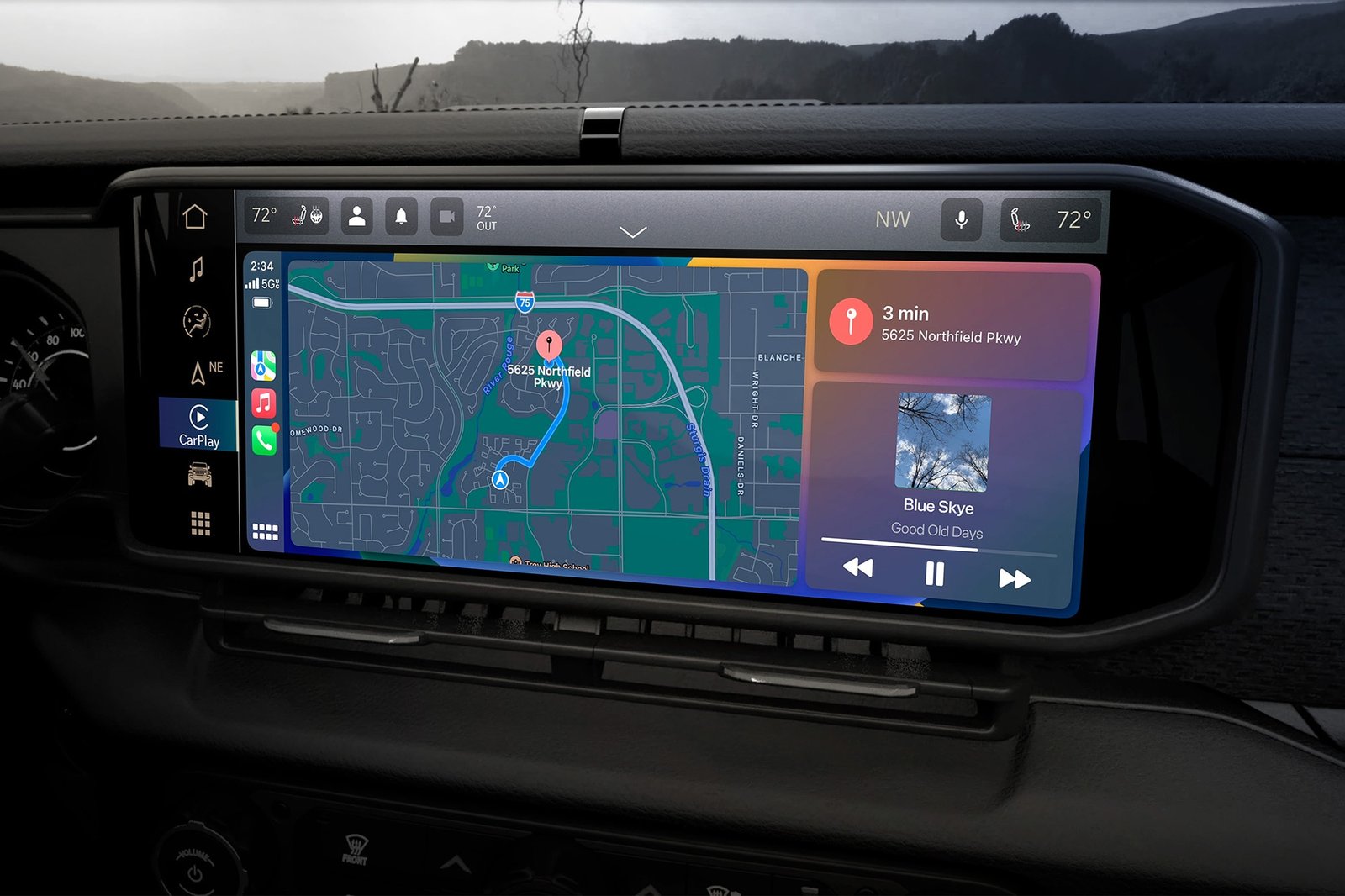
If your Jeep Wrangler has Apple CarPlay, you can access apps directly on the Uconnect screen. This method is safer and more powerful than Bluetooth.
Wired Apple Carplay Setup
- Use a certified USB cable: Plug your iPhone into the USB port (usually under the dash).
- Accept prompts: Your Uconnect screen will ask if you want to use Apple CarPlay. Tap ‘Yes’.
- Unlock your iPhone: Sometimes, you need to unlock your device for the first connection.
- Allow CarPlay access: On your iPhone, tap ‘Allow’ when prompted.
Your Uconnect display will now show iPhone apps like Maps, Music, and Messages.
Wireless Apple Carplay Setup
Newer Wranglers support wireless CarPlay. This means you connect without a cable.
- Enable Bluetooth and Wi-Fi: On your iPhone, turn both on.
- Start pairing: On Uconnect, go to ‘Phone’ > ‘Add Device’.
- Select your Jeep on iPhone: Choose Uconnect in Bluetooth list.
- Follow prompts: After pairing, Uconnect will ask to connect to CarPlay wirelessly.
Wireless CarPlay lets you leave your phone in your pocket or bag.
Here’s a quick table comparing wired and wireless CarPlay:
| Connection | Setup Time | Reliability | Charging |
|---|---|---|---|
| Wired | 1-2 minutes | Very stable | Yes |
| Wireless | 2-3 minutes | May drop occasionally | No |
Making The Most Of Uconnect And Iphone
Once you’re connected, try these tips:
- Use Siri voice commands: Hold the steering wheel button to ask Siri for directions, music, or texts.
- Customize CarPlay apps: On your iPhone, go to Settings > General > CarPlay to reorder app icons.
- Automatic Do Not Disturb: Enable this feature to silence notifications while driving.
Many drivers don’t realize you can set up multiple phones. If you share your Jeep, both you and your partner can connect your iPhones and switch between them.
Troubleshooting Tips
Sometimes, things don’t work as expected. Here’s how to fix common issues:
- CarPlay not appearing: Try a different USB cable, restart your iPhone, or update Uconnect software.
- Bluetooth audio lag: Remove and re-pair your iPhone. Check for interference from other devices.
- Contacts not syncing: Make sure your iPhone allows Uconnect to access contacts in Bluetooth settings.
Most problems are solved by updating software, restarting devices, and checking cable quality.
Data And Statistics
According to Jeep’s official data, over 70% of Wrangler owners use their phones for navigation and music. Apple CarPlay is now standard in most US Jeep Wranglers since 2018. Studies show that hands-free systems reduce driver distraction by up to 40% compared to manual phone use.
For more details on Uconnect features and compatibility, you can visit the official Jeep website: Jeep Uconnect.
Frequently Asked Questions
How Do I Know If My Jeep Wrangler Supports Apple Carplay?
Check your model year. Wranglers from 2018 and newer usually have CarPlay. On your Uconnect screen, look for the CarPlay icon or try plugging in your iPhone with a USB cable.
Can I Connect Multiple Iphones To Uconnect?
Yes, you can pair several phones. Uconnect lets you switch between devices for calls and audio, but only one phone can use CarPlay at a time.
Why Does My Iphone Disconnect From Uconnect?
Possible reasons include outdated software, poor Bluetooth signal, or faulty USB cables. Try updating, moving closer to the dash, or replacing the cable.
Is Wireless Carplay Available In All Jeep Wranglers?
No. Only recent models (usually 2021+) have wireless CarPlay. Older Wranglers need a cable for CarPlay.
If your Jeep has Apple CarPlay, you can use Google Maps, Apple Maps, and Waze right on the Uconnect screen. Bluetooth only supports basic voice navigation.
Connecting your iPhone to Uconnect in your Jeep Wrangler is easy once you know the steps. Whether you use Bluetooth or CarPlay, you’ll enjoy safer, smarter driving with access to your favorite apps.
Take a few minutes to set it up and explore the features your Jeep’s tech is designed for convenience and safety.