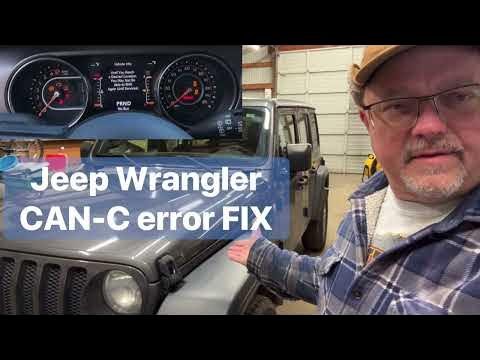
The Jeep Wrangler JL is one of the most popular off-road vehicles on the market. Many owners like to customize their Jeeps with extra lights, new radios, or performance upgrades.
To do this safely, it helps to understand the CAN bus connector—a critical part of the Wrangler JL’s electrical system. If you want to modify your Jeep or simply learn how its electronics communicate, this guide will break down what you need to know.
What Is The Can Bus Connector?
The Controller Area Network (CAN) bus is a wiring system that lets the electronic control units (ECUs) inside your Jeep talk to each other. Instead of each device using its own wires, everything connects through a shared “bus” system. The CAN bus connector is the physical plug that gives access to this network.
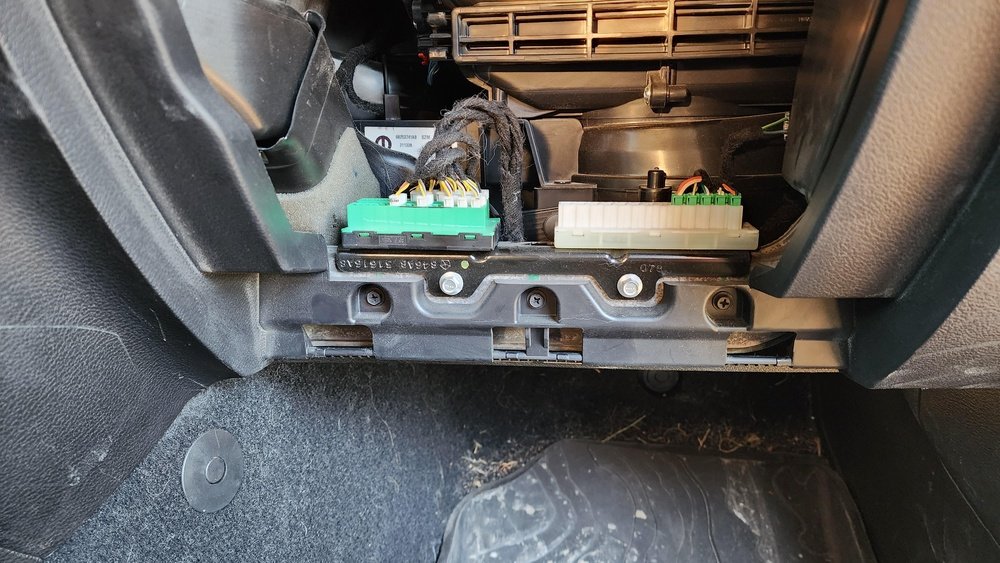
This setup reduces wiring and makes it possible for the engine, transmission, brakes, and even door locks to exchange information quickly. When you use a scan tool or add aftermarket parts, you’re often connecting to this CAN bus.
Location Of The Can Bus Connector In The Jeep Wrangler Jl
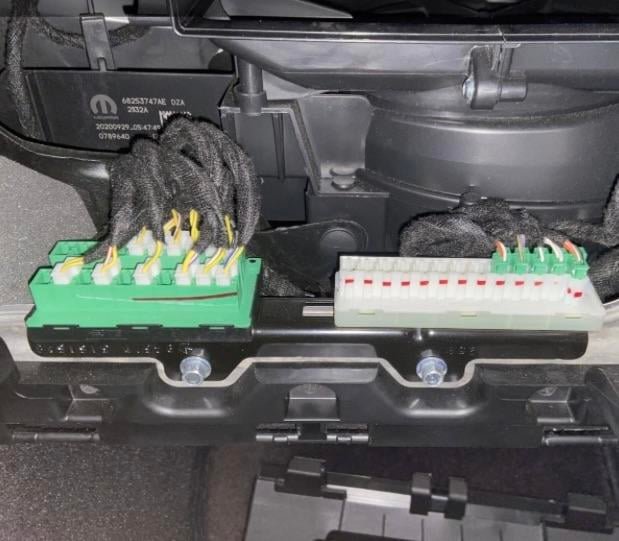
On the Jeep Wrangler JL (model years 2018 and newer), the main CAN bus connector is the OBD-II port. You’ll find this port:
- Under the dashboard on the driver’s side
- Just above the brake pedal area
This port is easy to reach for diagnostics or for plugging in a device. Some advanced accessories may also use other connectors tied into the CAN bus, but the OBD-II port is the standard access point.
Why Is The Can Bus Important For Jeep Owners?
The CAN bus is not just a convenience for mechanics—it’s essential for anyone adding or changing electronic parts. Here’s why:
- Diagnostics: Mechanics use the CAN bus to read trouble codes and monitor vehicle health.
- Aftermarket Upgrades: Many modern upgrades, like remote start systems, tuners, or digital gauges, need to “speak” to the Jeep’s computers.
- Troubleshooting: If a new part makes the dashboard light up with warnings, it’s often a CAN bus issue.
- Safety: Incorrect connections can cause malfunctions in safety systems like airbags or brakes.
A common mistake is plugging in a device without checking if it’s compatible with the JL’s CAN bus. Some older tools may not work or could even damage the system.
Types Of Can Bus Connectors And Pins
The OBD-II port is the most used CAN bus connector in the Wrangler JL. Understanding its pinout helps when choosing accessories or troubleshooting problems.
Here’s a simple overview:
| Pin Number | Function | Notes |
|---|---|---|
| 6 | CAN High | Primary data line |
| 14 | CAN Low | Grounded data line |
| 4, 5 | Ground | Chassis and signal ground |
| 16 | Battery Power | 12V supply |
Most scan tools and CAN-based accessories will use pins 6 and 14 to communicate.
Common Uses For The Can Bus Connector
Jeep owners use the CAN bus connector for several things:
- Reading and clearing error codes
- Programming new keys or fobs
- Upgrading radios or infotainment systems
- Adding auxiliary switches
- Installing performance tuners
Some advanced systems, like tire pressure monitors or trailer brake controllers, also rely on the CAN bus for data.
Choosing The Right Can Bus Device For Your Jeep Jl
Not every tool or accessory is safe or compatible with the JL’s network. Here’s what to consider:
- Compatibility: Make sure the device clearly lists support for the 2018+ Wrangler JL.
- Software Updates: Some devices need regular updates to work with new Jeep software versions.
- Warranty: Cheap tools can damage the CAN bus, risking your Jeep’s warranty.
- Purpose: Decide if you want a simple code reader or a full-featured programmer.
For example, a basic OBD-II code reader is fine for checking engine lights, but a programmer that changes transmission settings needs JL-specific support.
Comparing Can Bus Tools For The Wrangler Jl
Here’s a quick comparison of popular device types:
| Device Type | Function | Best For |
|---|---|---|
| Basic Code Reader | Reads/clears codes | DIY troubleshooting |
| Advanced Scan Tool | Live data, special tests | Mechanics, enthusiasts |
| Tuner/Programmer | Changes engine settings | Performance upgrades |
| Wireless Adapter | App-based monitoring | Daily drivers |
Choose the tool that matches your needs and skill level.
Risks And Mistakes To Avoid
The CAN bus is sensitive. Here are mistakes to avoid:
- Using incompatible devices: This can trigger warning lights or even disable vehicle features.
- Forgetting to disconnect the battery: Some installs require cutting power to avoid electrical surges.
- Not updating software: Old tools may not work with the latest Jeep updates.
- Overloading the system: Adding too many accessories can draw too much current.
A non-obvious insight: Sometimes, the CAN bus gets overloaded by too many data requests at once, causing “bus errors.” This can look like random dash errors or even a no-start problem. If you see this, disconnect any new devices and see if the problem goes away.
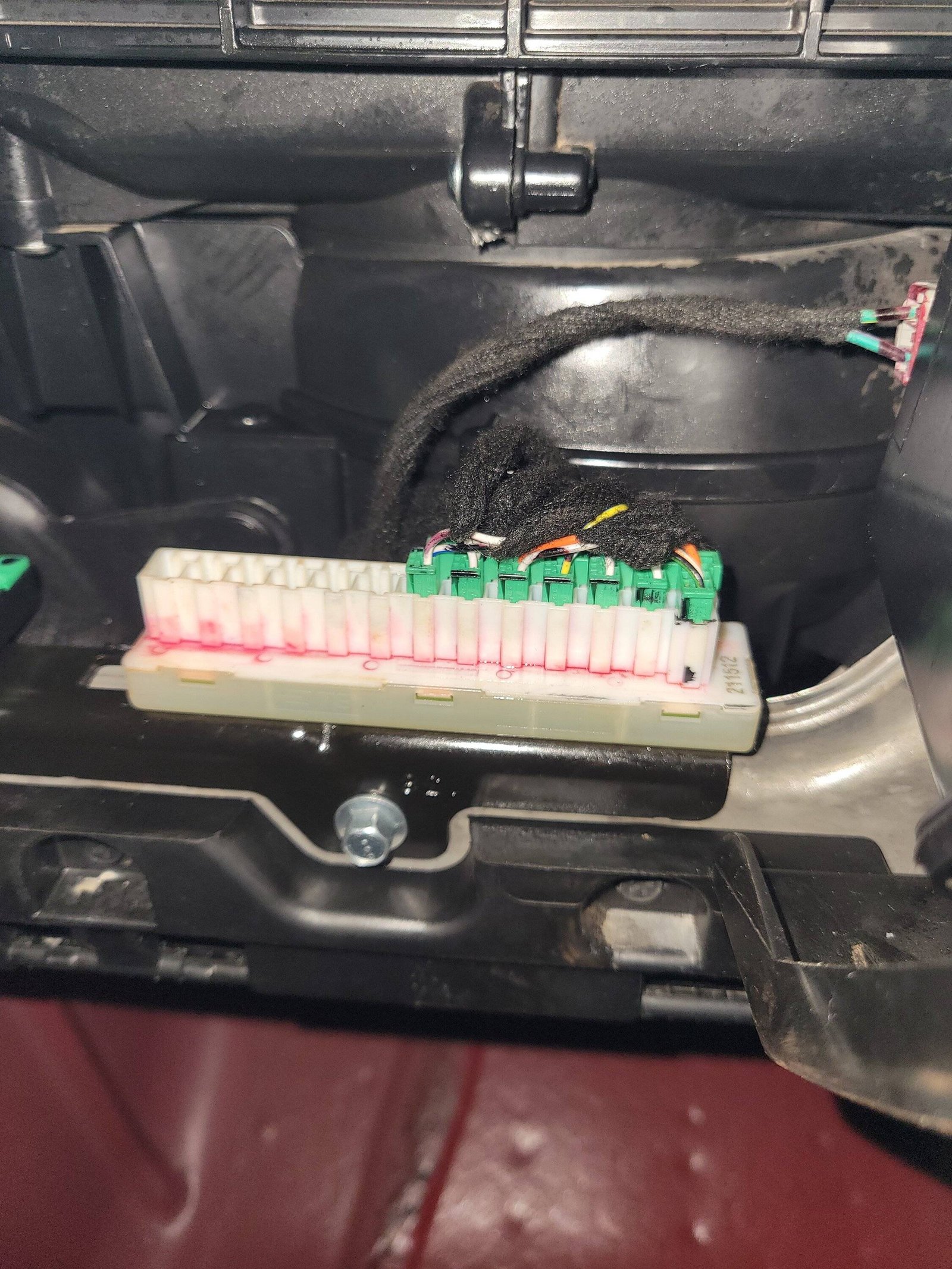
Real-world Example: Adding Auxiliary Switches
Many Wrangler JL owners want extra switches for lights or air compressors. Mopar offers a factory auxiliary switch kit that ties into the CAN bus. Here’s how it works:
- The kit includes a new switch panel and wiring harness.
- It connects directly to the Jeep’s CAN bus network.
- You must program the Jeep to recognize the new switches, usually with a dealer tool or advanced scan tool.
This is safer than tapping into random wires, and the system knows when accessories are on or off.
Simple Troubleshooting Tips
If you plug in a device and the Jeep acts strangely:
- Unplug the device and restart the vehicle.
- Check for blown fuses near the OBD-II port.
- Update your device’s software before trying again.
- Scan for error codes using a known-good tool.
If the problem continues, consult a Jeep mechanic or your local dealer.