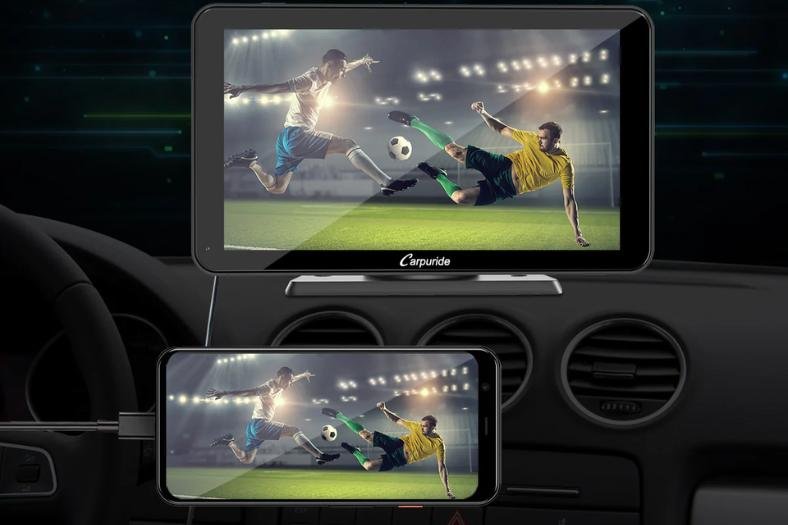
Watching movies on your Jeep screen can turn long drives into fun experiences, especially for families or road trip fans. But many Jeep owners feel confused about how to play videos on their car’s Uconnect system or aftermarket screens.
The process may sound tricky, but with the right steps and a little setup, you can enjoy your favorite films right from your vehicle’s dashboard.
Let’s break down everything you need to know, from built-in features to smart workarounds, and help you avoid common mistakes.
Understanding Your Jeep Screen Options
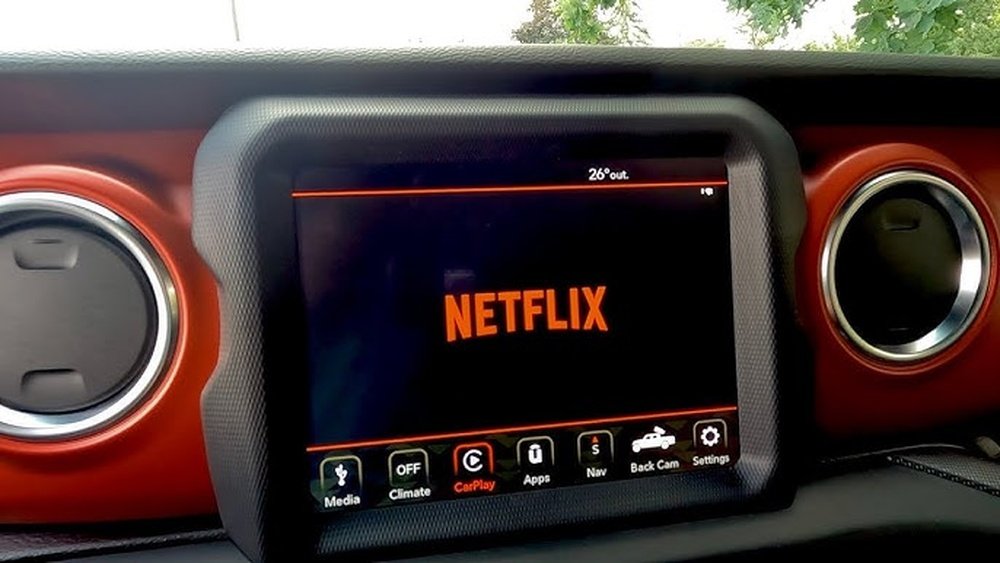
Jeep vehicles come with different types of screens. Most modern Jeeps use the Uconnect system, which is Jeep’s official infotainment center. Some older models or base trims may have simpler screens or none at all. Knowing what your Jeep has is the first step.
Here’s a quick look at common Jeep screen types:
| Screen Type | Typical Models | Video Support |
|---|---|---|
| Uconnect 4/4C/5 | Wrangler, Grand Cherokee (2017+) | Limited (mostly for parking camera; some allow video in motion with mods) |
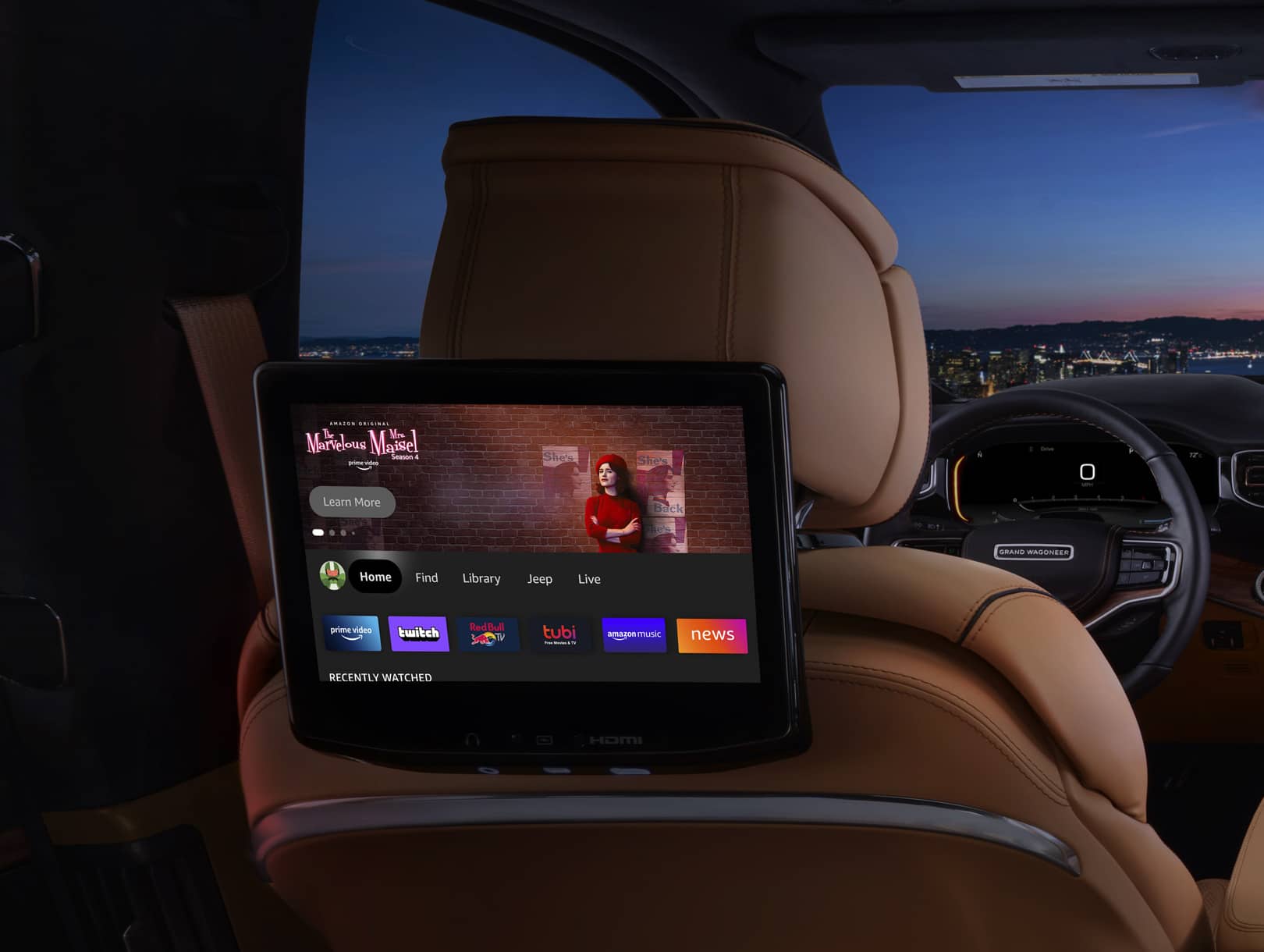
| Rear Seat Entertainment | Grand Cherokee L, Wagoneer | Yes (DVD, USB, HDMI, streaming) |
| Aftermarket Head Unit | Older/modified Jeeps | Varies (often more flexible for movies) |
Not all Jeep screens can play movies out of the box. Most front screens block video while driving for safety.
Rear screens, if you have them, are more flexible.
Ways To Watch Movies On Your Jeep Screen
Depending on your Jeep and its screen, you have a few main options.
1. Built-in Dvd Or Blu-ray Player
Some Jeep models with rear seat entertainment include DVD or Blu-ray systems. Simply insert your disc, select the correct input, and use the Jeep’s controls.
Pros:
- Easy to use
- No extra setup
Cons:
- Only works if your Jeep includes this feature
- Limited to discs
2. Usb Drive Or Sd Card
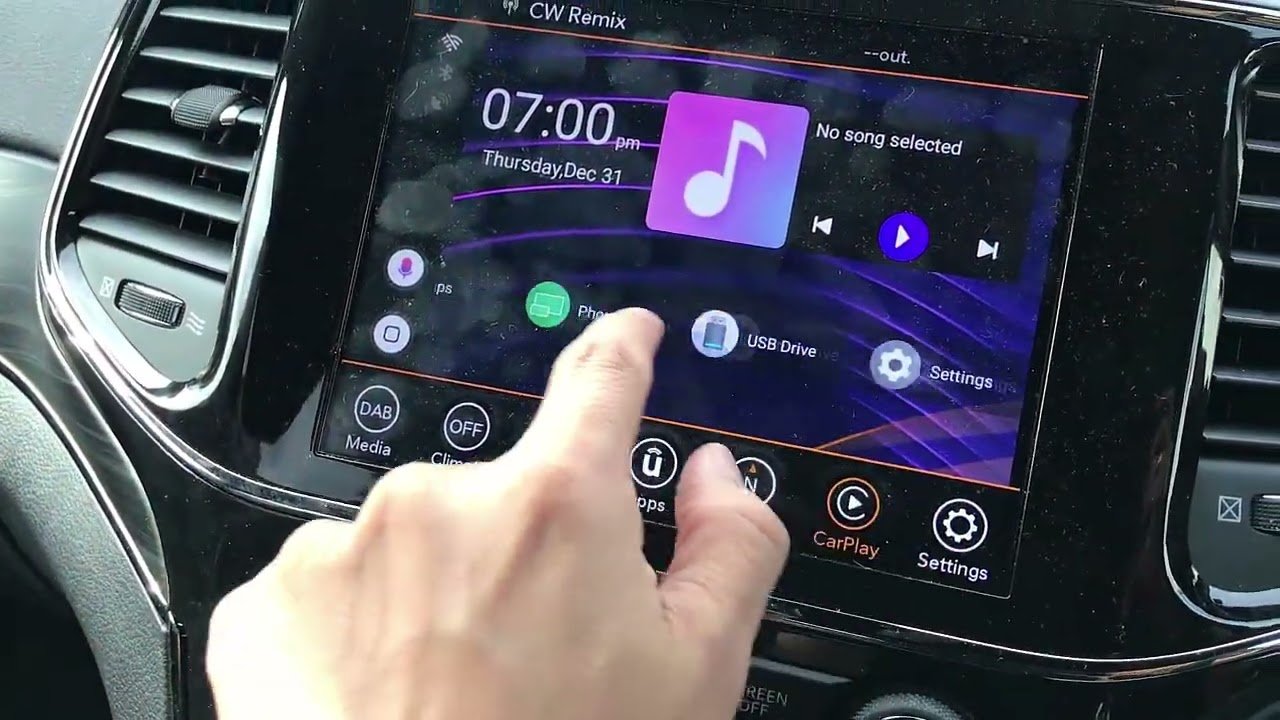
Many Uconnect and aftermarket systems have USB or SD slots. You can load movie files onto a drive and play them directly.
Steps:
- Copy movies to a USB stick (preferably in MP4 format, as Uconnect supports this best).
- Insert the USB into your Jeep’s port.
- Use the Media menu on Uconnect to select and play your movie.
Tips:
- Use a drive under 32GB, formatted as FAT32, for best compatibility.
- File names should be simple, with no special characters.
3. Hdmi Input
Some rear seat entertainment systems and newer models have HDMI ports. You can connect a streaming device (like a Roku, Fire Stick, or even a laptop) using this port.
How to do it:
- Plug your HDMI device into the Jeep’s HDMI port.
- Switch the Jeep screen to the HDMI source.
- Control playback from your streaming device.
Example: Kids can watch Netflix from a streaming stick plugged into the rear screen during a road trip.
4. Smartphone Mirroring (apple Carplay/android Auto)
Uconnect supports Apple CarPlay and Android Auto for maps, music, and some apps. But movie playback is limited for safety reasons. Most video apps are blocked on the main screen while driving.
However, some Jeep owners use third-party devices or modifications to enable full phone mirroring. This lets you display your phone’s screen (including videos) on the Jeep display.
Warning: Always check local laws. Watching movies on the front screen while driving is illegal in most places and can be dangerous.
5. Aftermarket Head Units
If you have replaced your Jeep’s factory system with an aftermarket head unit, you may have more options. Many aftermarket screens support direct video playback from USB, SD, or even wireless streaming.
| Feature | Factory Uconnect | Aftermarket Head Unit |
|---|---|---|
| DVD Playback | Rare | Common |
| Video in Motion | No (unless modified) | Usually Yes |
| Smartphone Mirroring | Limited | Often Full |
Installing an aftermarket screen is more work but offers the most flexibility.
Important Tips And Warnings
- Never watch movies on the front screen while driving. It’s unsafe and illegal in many states.
- For the best quality, use MP4 files with H.264 video and AAC audio.
- If your Jeep blocks video while in motion, some companies sell “video unlock” modules. These let you play movies anytime, but use with caution.
- Always update your Uconnect software to the latest version for the best compatibility.
Common Problems And Solutions
Problem: USB stick not recognized
Solution: Reformat to FAT32, use a smaller drive, or check the file format.
Problem: No sound when playing movies
Solution: Make sure your video uses compatible audio (AAC or MP3). Some formats like DTS or AC3 may not work.
Problem: Video won’t play on the main screen
Solution: This is normal for most Jeeps while driving. Try using rear screens or park the car.
Problem: Screen freezes or lags
Solution: Use lower resolution videos (720p instead of 1080p), and avoid files larger than 2GB.
Legal And Safety Reminders
Jeep locks out video playback on the front screen while moving to prevent accidents. In the US, laws are strict about watching videos in view of the driver.
Rear seat entertainment systems are a safe way for passengers to enjoy movies.
If you modify your system, understand the risks. Distraction-related crashes are serious. Always prioritize safety.
Real-world Examples
- A 2022 Jeep Grand Cherokee with rear screens can stream Netflix using a Fire Stick and HDMI input.
- A 2018 Jeep Wrangler owner plays cartoons from a USB drive for kids on long trips.
- An older Jeep with an aftermarket Pioneer head unit lets the owner watch movie files from an SD card when parked.
Cost Comparison
Adding video playback features can range from free (using a USB you already own) to several hundred dollars (for full rear entertainment or mods).
| Option | Estimated Cost | Skill Needed |
|---|---|---|
| USB Drive | $10–$30 | Low |
| Streaming Device + HDMI | $40–$100 | Medium |
| Aftermarket Head Unit | $200–$800 | High |
| Video Unlock Module | $100–$300 | Medium |
Frequently Asked Questions
Can I Watch Netflix On My Jeep Screen?
You can stream Netflix on Jeep rear seat screens using a streaming stick and HDMI. On front Uconnect screens, Netflix isn’t supported due to safety restrictions.
What Video Formats Does Uconnect Support?
Uconnect works best with MP4 files (H.264 video, AAC audio). Other formats like AVI or MKV may not play correctly.
Is It Legal To Watch Movies On My Jeep Screen While Driving?
No. US law bans video playback in view of the driver while moving. Rear screens for passengers are allowed.
How Do I Mirror My Phone To The Jeep Screen?
Some Uconnect versions allow limited mirroring through Apple CarPlay/Android Auto, but video apps are usually blocked. Advanced users add third-party devices for full mirroring, but this may void warranties.
Where Can I Learn More About Jeep Uconnect Features?
You can find official information at the Jeep Uconnect site.
Enjoying movies in your Jeep can make journeys more relaxing for passengers. Just remember to follow safety rules, use the right video formats, and pick the method that fits your Jeep model best.
With a bit of setup, your next road trip can feel like a mini theater on wheels.