Updating your Jeep Wrangler’s software is more important than many drivers realize. Modern Wranglers rely on digital systems for everything from engine performance to navigation, safety, and entertainment. If your vehicle’s software is out of date, you could miss out on new features, bug fixes, and even critical security patches. Whether you drive a classic JK or a new JL model, keeping your software current is a smart move for reliability and safety.
Understanding Jeep Wrangler Software Updates
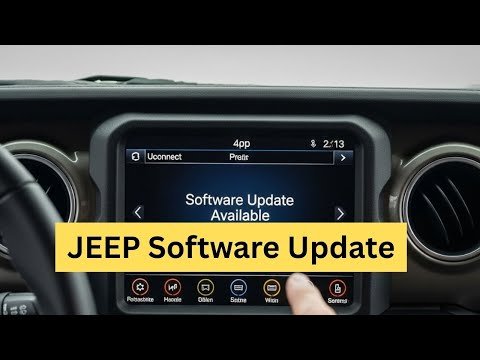
Jeep Wranglers have several software modules. The most common updates affect the Uconnect system, which controls your touchscreen, navigation, and audio. Other updates may target the Powertrain Control Module (PCM) or safety systems like airbags and anti-lock brakes.
Software updates can do more than just fix bugs. For example, a 2022 Wrangler JL received a Uconnect update that improved Bluetooth connectivity and reduced system crashes by 30%. Updates may also add new maps, improve fuel efficiency, or enhance off-road features.
| Module | Typical Updates | Impact |
|---|---|---|
| Uconnect | Navigation, Audio, Bluetooth | Improved usability, new features |
| PCM | Engine, Transmission | Better performance, fuel efficiency |
| Safety | Airbags, ABS | Enhanced safety, bug fixes |
How To Check If Your Wrangler Needs An Update
Before updating, first check if your Jeep needs a new version. Most Uconnect systems show the current software version in the Settings menu. Compare this to the latest version on Jeep’s official site.
You can also look for signs like:
- Slow touchscreen response
- Bluetooth issues
- Navigation errors
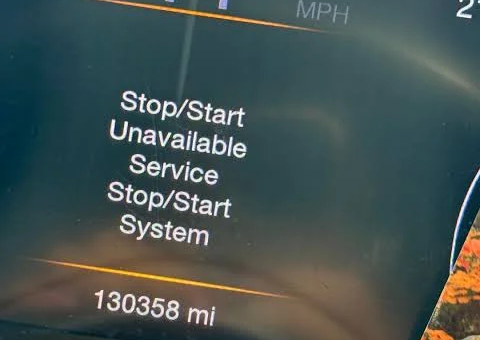
- Warning lights for modules (PCM, ABS)
If you notice any of these, an update might fix the issue.

Methods To Update Jeep Wrangler Software
1. Over-the-air (ota) Updates
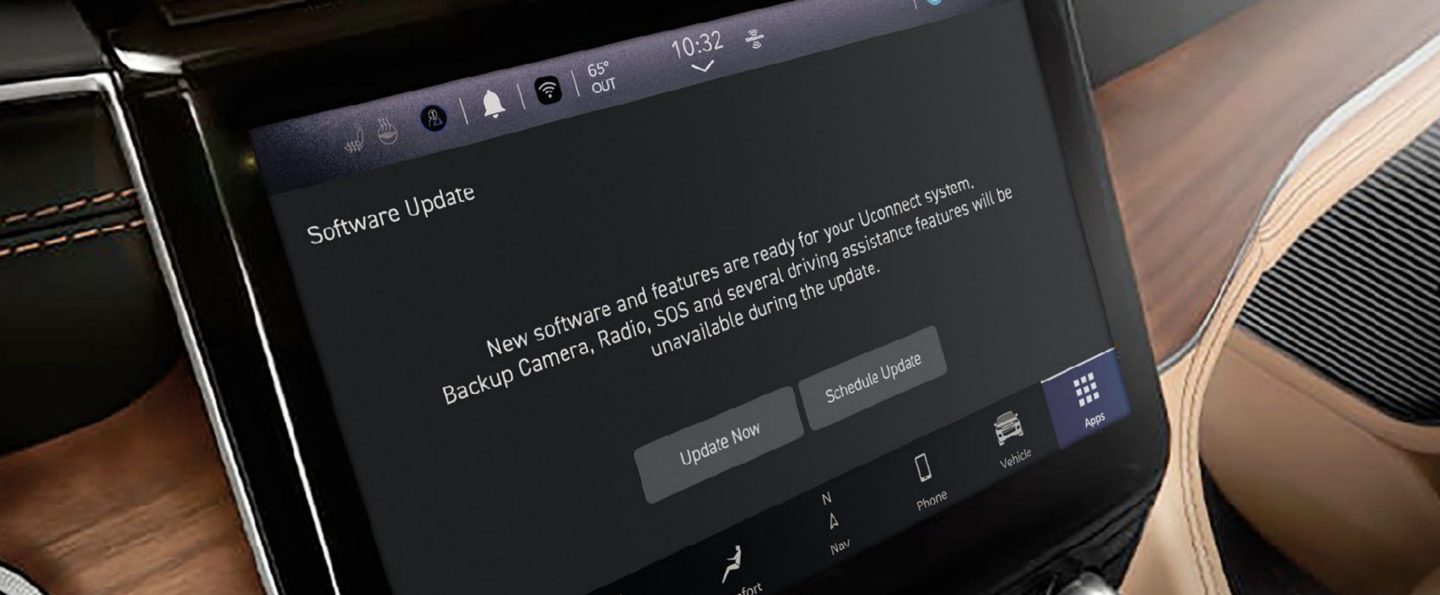
Many newer Wranglers (2018+) allow OTA updates. Your Jeep connects to Wi-Fi and downloads updates automatically. Here’s how:
- Go to the Settings menu on your Uconnect screen.
- Select Wi-Fi and connect to a stable network.
- Look for a Software Update option.
- If available, follow on-screen instructions.
OTA updates are simple but require a strong Wi-Fi signal. You may need to keep the engine running during the process.
2. Usb Stick Updates
Older models or certain modules need USB updates. Jeep’s website lets you download update files.
- Visit Jeep’s official software update page.
- Enter your VIN to check eligibility.
- Download the update file onto a USB stick.
- Insert the USB into your Jeep’s port.
- Follow prompts on the screen.
USB updates can take 10 30 minutes. Always use a clean, empty USB stick to avoid errors.
3. Dealer Updates
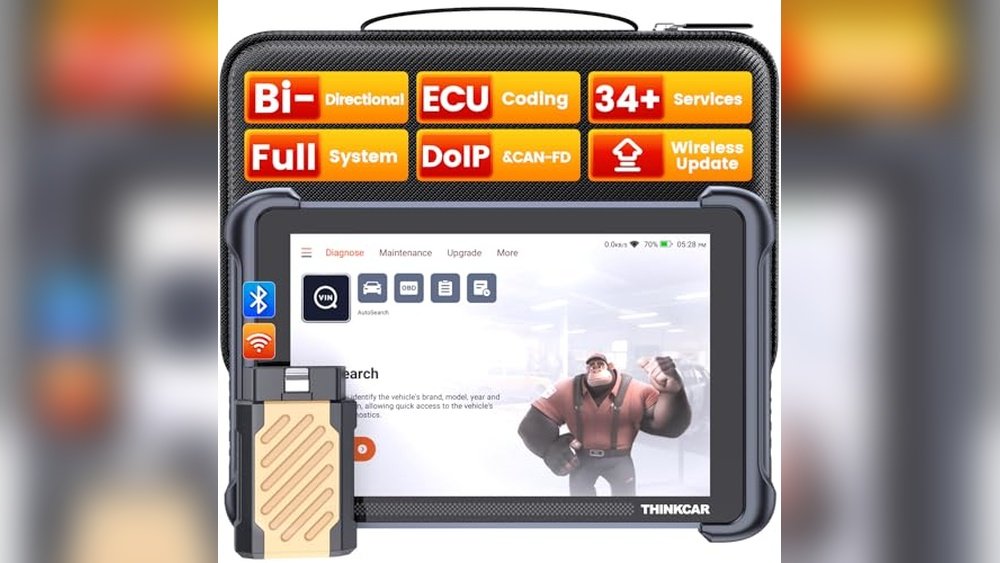
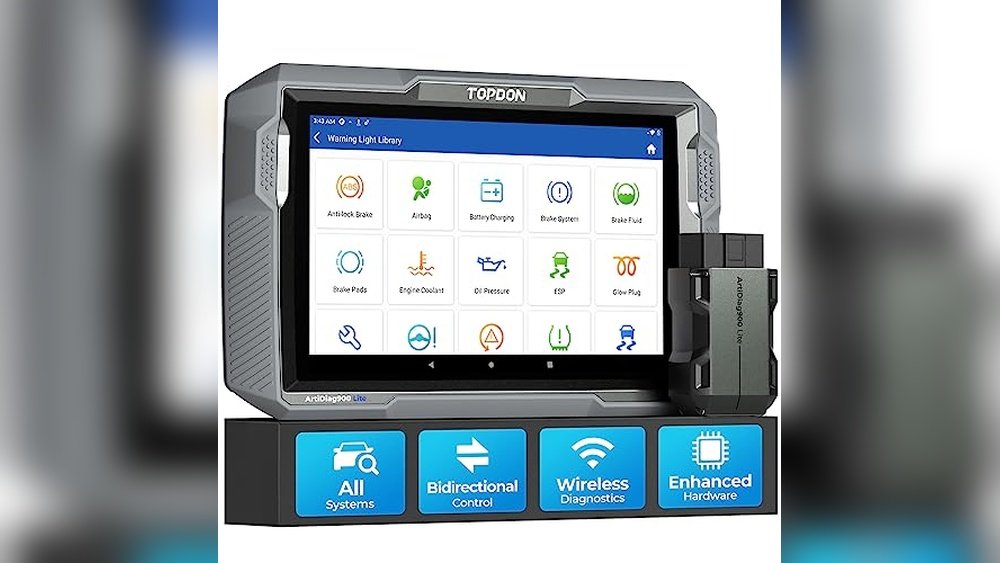
Some updates, especially for PCM or safety systems, require dealer tools. Dealers use special diagnostic equipment to flash software.
- Schedule an appointment with your Jeep dealer.
- Bring your VIN and explain your concerns.
- Dealers typically charge a fee for labor.
Dealer updates ensure everything is done correctly and may include recalls or upgrades not available to the public.
| Update Method | DIY? | Time Required | Cost |
|---|---|---|---|
| OTA | Yes | 15–45 min | Free |
| USB | Yes | 10–30 min | Free |
| Dealer | No | 30–90 min | $50–$150 |
Tips For Smooth Software Updates
- Back up settings: Save your contacts, radio presets, and navigation favorites.
- Use a fully charged battery: Avoid updating with a weak battery, as interruptions can cause corruption.
- Keep the engine running: For some updates, especially OTA, the engine should stay on.
- Use a clean USB stick: Format it before downloading update files.
- Check recall notices: Sometimes, updates are part of a recall; dealer visits may be free.
A common mistake is skipping instructions or interrupting the process. If your update fails, restart the process or contact your dealer.
Benefits Of Keeping Your Wrangler Updated
Updated software can improve:
- Safety: Updated airbag and brake modules respond faster.
- Performance: PCM updates may boost MPG by up to 5%.
- Connectivity: Fewer Bluetooth dropouts, better navigation accuracy.
- Resale value: Buyers prefer vehicles with up-to-date systems.
Wrangler owners often overlook the impact of software on off-road features. For example, a software patch can enhance traction control or hill descent performance. These improvements are not always visible but matter in tough terrain.
Common Questions About Jeep Wrangler Software Updates
Frequently Asked Questions
Can I Update My Wrangler’s Software Myself?
Yes, most Uconnect and some engine modules can be updated by owners using OTA or USB methods. For safety systems or advanced modules, dealer assistance is needed.
What Happens If I Interrupt The Update?
Interrupting the update (turning off the engine, removing USB) can cause system errors. Some modules may become unresponsive. If this happens, visit your dealer for a reset.
How Often Should I Check For Updates?
Check at least twice a year, or whenever you notice performance issues. Major updates are released annually, but minor patches may appear more often.
Will Updating Erase My Settings?
Most updates keep your basic settings like radio presets and navigation favorites. However, it’s smart to back up important data before starting.
Where Can I Find The Latest Update Files?
Visit Jeep’s official site or your local dealer. The official resource is Jeep Owners Software Update for update files and instructions.
Keeping your Jeep Wrangler’s software current is not just about technology it’s about safety, performance, and reliability. Updates are easier than ever, and with a little care, you’ll enjoy a smoother, safer drive every time.
Don’t let outdated software limit your adventures.
Take control and make sure your Wrangler is ready for anything the road or trail throws your way.