Updating your Jeep’s software can feel confusing, but it’s a smart way to keep your vehicle secure, running smoothly, and packed with the latest features.
Many drivers don’t realize how often manufacturers like Jeep release software updates not just for entertainment systems, but also for safety and performance.
Skipping these updates may lead to glitches, outdated maps, or even missed recalls. Thankfully, the process is easier than you might think, and you can often do it yourself without visiting a dealership.
Why Jeep Software Updates Matter
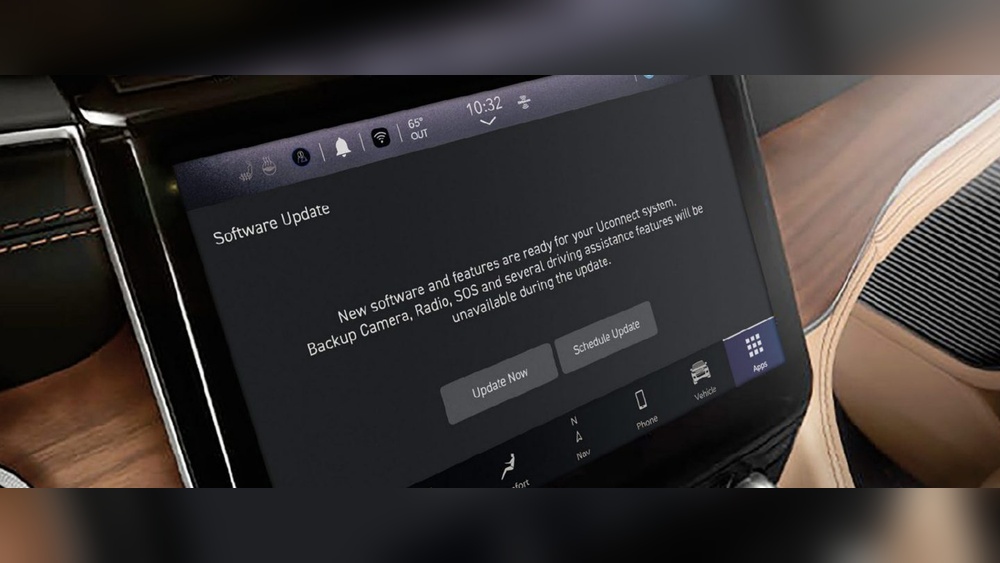
Modern Jeeps rely on computer systems for almost everything: engine control, navigation, entertainment, climate, and even advanced safety. Software updates help fix bugs, improve performance, and sometimes add new features. For example, a 2021 Jeep Grand Cherokee received a navigation system update in late 2022 that fixed slow routing issues and added new map details.
Not updating can cause problems like:
- Bluetooth disconnects
- Poor fuel efficiency
- Navigation errors
- Security vulnerabilities
Manufacturers often release updates after finding issues in the field. You get better performance and peace of mind by keeping up to date.
How To Check For Jeep Software Updates
Before updating, you need to know if new software is available for your Jeep model. The easiest ways are:
- Uconnect System Check: Most Jeeps from 2014 onwards use the Uconnect infotainment system. Go to your system’s “Settings” or “System Information” menu. Look for a “Check for Updates” option.
- Official Jeep Website: Visit the Jeep Owner’s site and enter your Vehicle Identification Number (VIN). This tells you if updates are available for your model.
- Dealership Inquiry: Ask your local Jeep dealer. They can check the latest software version for your vehicle.
Here’s a quick comparison of the main ways to check for updates:
| Method | Ease | Requires Visit | Most Accurate |
|---|---|---|---|
| Uconnect System | Easy | No | Yes |
| Jeep Website | Medium | No | Yes |
| Dealership | Harder | Yes | Yes |
Ways To Update Jeep Software
There are three main ways to update your Jeep’s software: over-the-air (OTA), USB drive, or dealership service.
Over-the-air (ota) Updates
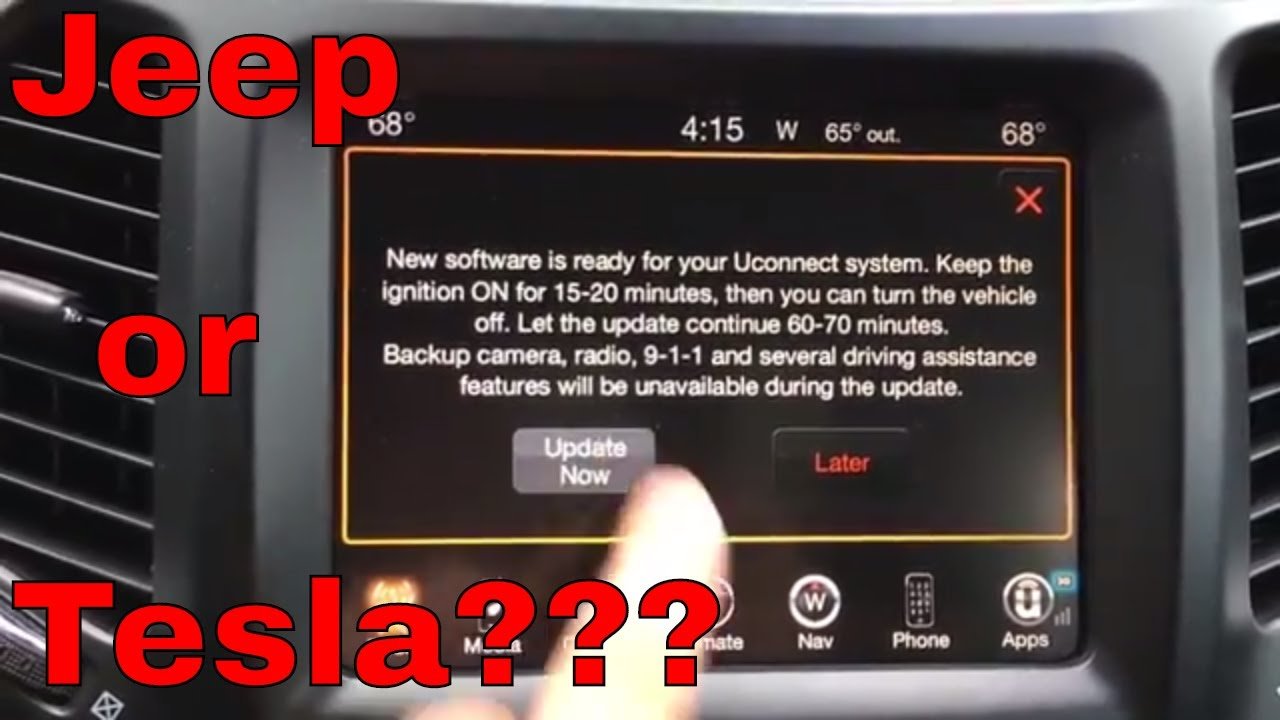
Many new Jeep models (2019+) support OTA updates. Your car downloads and installs software updates using its built-in cellular connection or Wi-Fi.
Steps:
- Park your Jeep in a safe, open area.
- Connect to Wi-Fi if needed (found in Uconnect’s “Wi-Fi Settings”).
- A notification will appear if an update is available—follow the on-screen prompts.
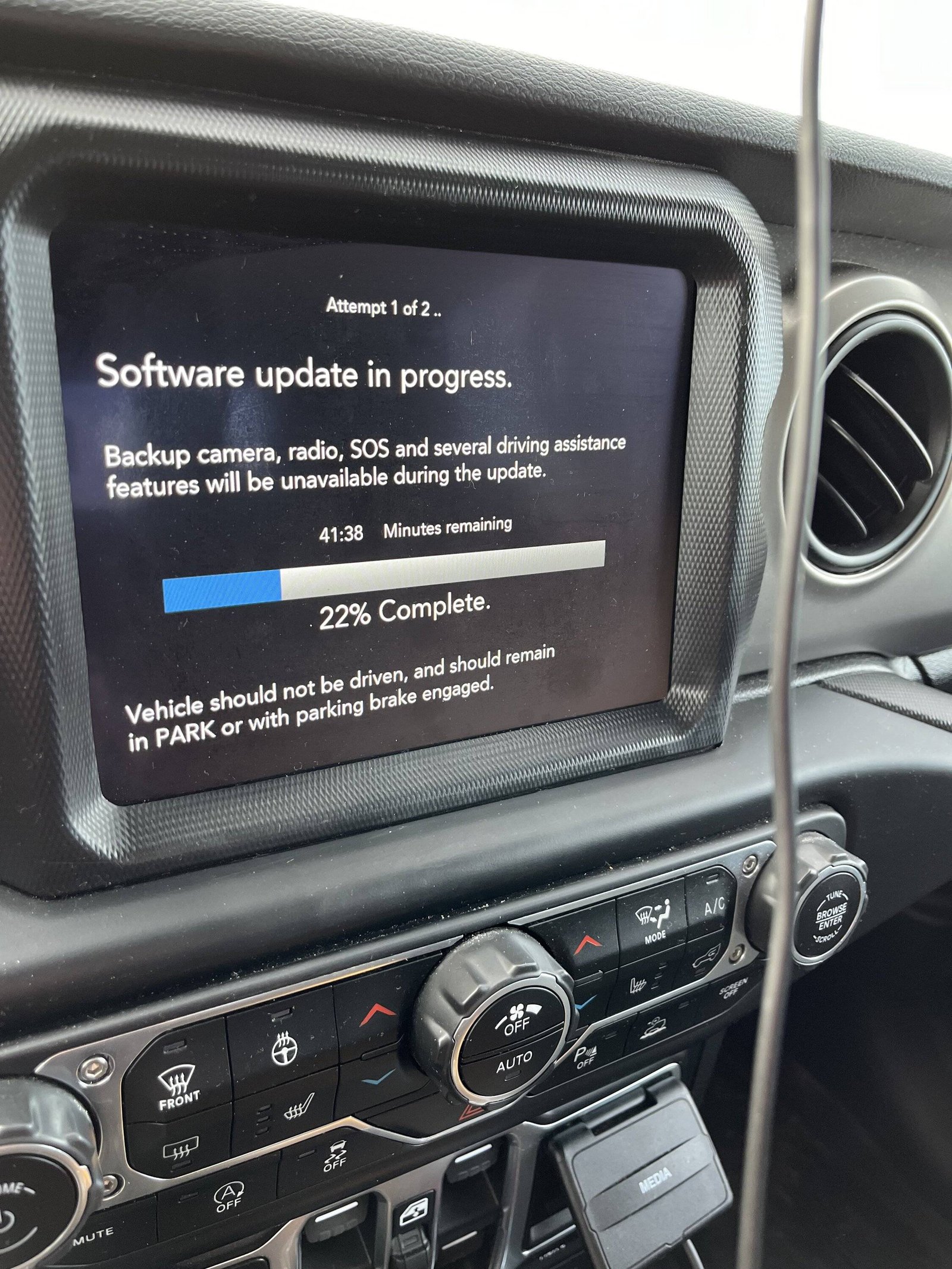
- The system will download and install the update. Do not turn off the vehicle until it’s done.
Tip: OTA updates usually take 20-30 minutes. Keep your engine running or stay in “accessory” mode to avoid battery drain.
Usb Drive Update
Older systems (2014–2018) often require a USB stick to install updates.
Steps:
- Download the update file from the Jeep Owner’s site.
- Copy the file onto a blank USB drive (at least 4GB, formatted to FAT32).
- Insert the USB into your Jeep’s USB port.
- The Uconnect system will detect the file and ask you to confirm the update.
- Follow the prompts—do not remove the USB until finished.
Common mistake: Using the wrong USB format or a drive with other files can cause the update to fail.
Dealership Update
Some updates, especially those for engine control modules or advanced safety features, must be done at the dealership. The dealer uses special tools to flash new software.
| Update Type | Can DIY? | Dealer Required? |
|---|---|---|
| Infotainment | Yes | No |
| Navigation Maps | Yes | No |
| Engine/Transmission | No | Yes |
| Safety Systems | No | Yes |
Step-by-step: Updating Jeep Uconnect Software
Let’s walk through a typical USB update, since it covers most Jeep models from the last decade.
- Go to the official Jeep Uconnect update site.
- Enter your VIN to see the latest update for your model.
- Download the update file and save it to your computer.
- Format a USB stick to FAT32. Copy only the update file onto the USB.
- Start your Jeep and turn on the Uconnect system.
- Insert the USB into the front USB port.
- A prompt will appear. Confirm you want to start the update.
- Wait until the update completes—this usually takes about 15–30 minutes.
- The system will reboot automatically. Remove the USB when prompted.
Non-obvious insight: Always keep your engine running or use a battery charger if you’re worried about battery life. If the power cuts out, you could “brick” the infotainment system.

Practical Tips For Smooth Updates
- Back up your settings: Updating may reset custom radio presets or Bluetooth pairings.
- Check compatibility: Not all Uconnect updates work with every Jeep model or region.
- Stable power: Never turn off your car or unplug the USB mid-update.
- Read release notes: These explain what’s new or fixed in the update.
Many Jeep owners overlook the importance of using a clean USB drive. Using one with music or other files can confuse the system. Always use a dedicated USB for updates.
What To Do If The Update Fails
Sometimes, updates don’t go as planned. If you see a “software update failed” message:
- Remove the USB and restart the vehicle
- Try a different USB stick, formatted correctly
- Re-download the update file in case it was corrupted
If it still fails, contact your Jeep dealer. Do not attempt a second update without checking, as repeated failures can damage the system.
Frequently Asked Questions
How Often Should I Update My Jeep Software?
You should check for updates every 6 12 months, or whenever you notice system bugs. Major updates are released once or twice a year, but minor patches may come more often.
Can I Update My Jeep’s Software Without Going To The Dealer?
Yes, most infotainment and navigation updates can be done at home. However, engine and safety system updates usually require dealer tools.
Is It Safe To Update Jeep Software Myself?
For infotainment and navigation, it’s safe if you follow instructions closely. Do not interrupt the process or use the wrong files. For critical systems, always go to a dealer.
Will Updating Delete My Personal Data?
Most updates keep your data safe, but it’s possible to lose radio presets or Bluetooth pairings. Always back up your settings before updating.
Where Can I Get Official Jeep Software Updates?
The best source is the official Mopar Jeep Owners site. Avoid third-party sites, as unofficial files can harm your system.
Updating your Jeep’s software is a key part of modern car ownership. With the right steps and precautions, you can enjoy new features and smooth driving for years to come.