If your 2016 Jeep’s Uconnect system isn’t working right, you’re not alone. Many drivers face issues like the touchscreen freezing, Bluetooth not connecting, or navigation glitches.
Luckily, you don’t always need a mechanic to fix these problems. Resetting your Uconnect system can solve many common issues quickly.
This guide explains exactly how to reset Uconnect in a 2016 Jeep, what to do if things go wrong, and tips to help your infotainment system run smoothly.
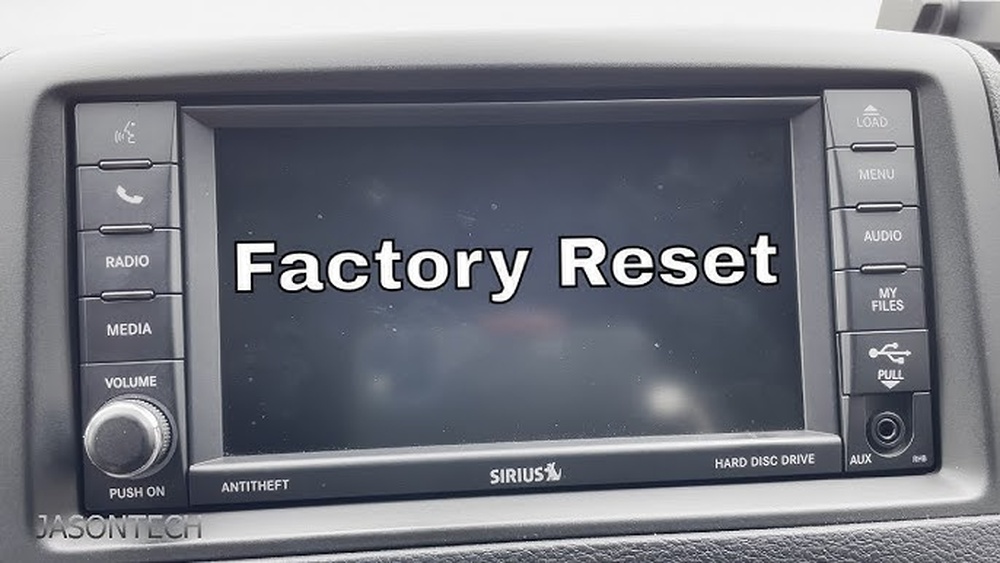
Why Reset Your Uconnect System?
The Uconnect system controls everything from music to navigation in your Jeep. Over time, software bugs, failed updates, or new device connections can cause it to act up. Resetting clears temporary glitches and restores the system’s functions. It’s similar to restarting a smartphone to fix minor problems.
Here are common reasons to reset:
- Frozen touchscreen that doesn’t respond
- Bluetooth problems like failed connections or dropped calls
- Navigation issues such as incorrect routes or slow loading
- Audio malfunction, where sound is missing or distorted
Understanding these reasons helps you know when a reset is the best solution.
Types Of Uconnect Resets
Not every reset is the same. The 2016 Jeep Uconnect system supports two main reset types:
| Reset Type | What It Does | When to Use |
|---|---|---|
| Soft Reset | Reboots the system without erasing data | Minor glitches, touchscreen freezing |
| Hard Reset (Factory Reset) | Restores system to default settings, erases saved data | Major problems, persistent bugs, selling the vehicle |
A soft reset is safe and keeps your settings. A hard reset is more thorough but will delete your paired devices and preferences.
How To Perform A Soft Reset
A soft reset is usually enough to fix most minor issues. For the 2016 Jeep, follow these steps:
- Turn on your vehicle and make sure the Uconnect screen is on.
- Press and hold the volume and tuner knobs (the two round knobs) at the same time.
- Keep holding both knobs for about 10 seconds. The screen will go black and restart.
- Release the knobs when the Jeep logo appears.
This process reboots the system without deleting your saved data. You’ll notice the system reloads and should respond normally again.
Tip: If your Jeep has a different Uconnect version, the knob positions may vary. Always check your owner’s manual for the exact button layout.
How To Perform A Hard (factory) Reset
A factory reset is useful if a soft reset doesn’t fix the issue. It erases personal data, saved addresses, and paired phones. Here’s how to do it:
- Tap the “Apps” button on the Uconnect screen.
- Select “Settings” from the menu.
- Scroll to “System Information” or “Reset.”
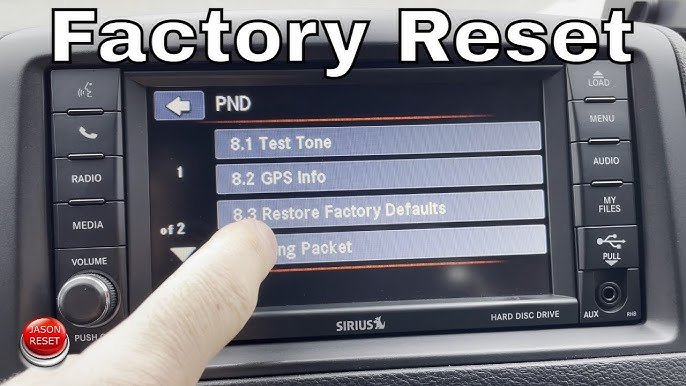
- Choose “Restore Factory Defaults” or “Reset to Factory Settings.”
- Confirm the action when prompted.
The system will restart and return to its original state. You’ll need to set up your preferences again.
Important: Before a factory reset, write down your favorite radio stations and download your contacts if needed.
What If The Screen Is Unresponsive?
Sometimes, the touchscreen won’t react at all. In these cases, you can try disconnecting the car battery:
- Turn off the ignition.
- Open the hood and locate the battery.
- Disconnect the negative terminal (black cable) using a wrench.
- Wait 5–10 minutes.
- Reconnect the battery and close the hood.
This forces the Uconnect system to power down completely. After reconnecting, start the car and check if the screen works.
Caution: Disconnecting the battery may reset other electronic settings, like your clock.
Common Problems After Resetting
After a reset, some users experience new issues or have to reconfigure settings. Here’s what to expect:
| Problem | Possible Solution |
|---|---|
| Bluetoooth won’t pair | Delete old device profiles and re-pair from scratch |
| Navigation maps missing | Update maps via USB or dealer |
| Personal settings lost | Re-enter your preferences manually |
| System stuck on Jeep logo | Try battery disconnect or contact dealer |
If problems continue after multiple resets, there may be a hardware issue. In that case, consult your Jeep dealer or an authorized service center.
Tips For A Trouble-free Uconnect System
Here are some practical steps to keep your Uconnect running smoothly:
- Update your software regularly. New updates fix bugs and improve performance.
- Avoid connecting too many devices at once. Extra Bluetooth devices can cause confusion.
- Don’t install unofficial apps or accessories. These may conflict with Uconnect functions.
- Give the system time to boot after starting your vehicle, especially in cold weather.
- Use only recommended USB drives when updating maps or software.
An important detail: not all USB drives work for updates. Choose a name-brand, FAT32-formatted drive no larger than 32GB.
Non-obvious Insights Most Owners Miss
- Resetting doesn’t fix hardware faults. If your Uconnect screen is cracked or has dead pixels, a reset won’t help. Only software bugs are solved this way.
- Some features need dealer activation. Remote start or navigation updates sometimes require dealer tools, especially after a hard reset.
Many drivers spend hours troubleshooting without realizing these limits.
When To Seek Professional Help
If you’ve tried both resets and battery disconnect but still have issues, it’s time for expert help. Signs you need a professional:
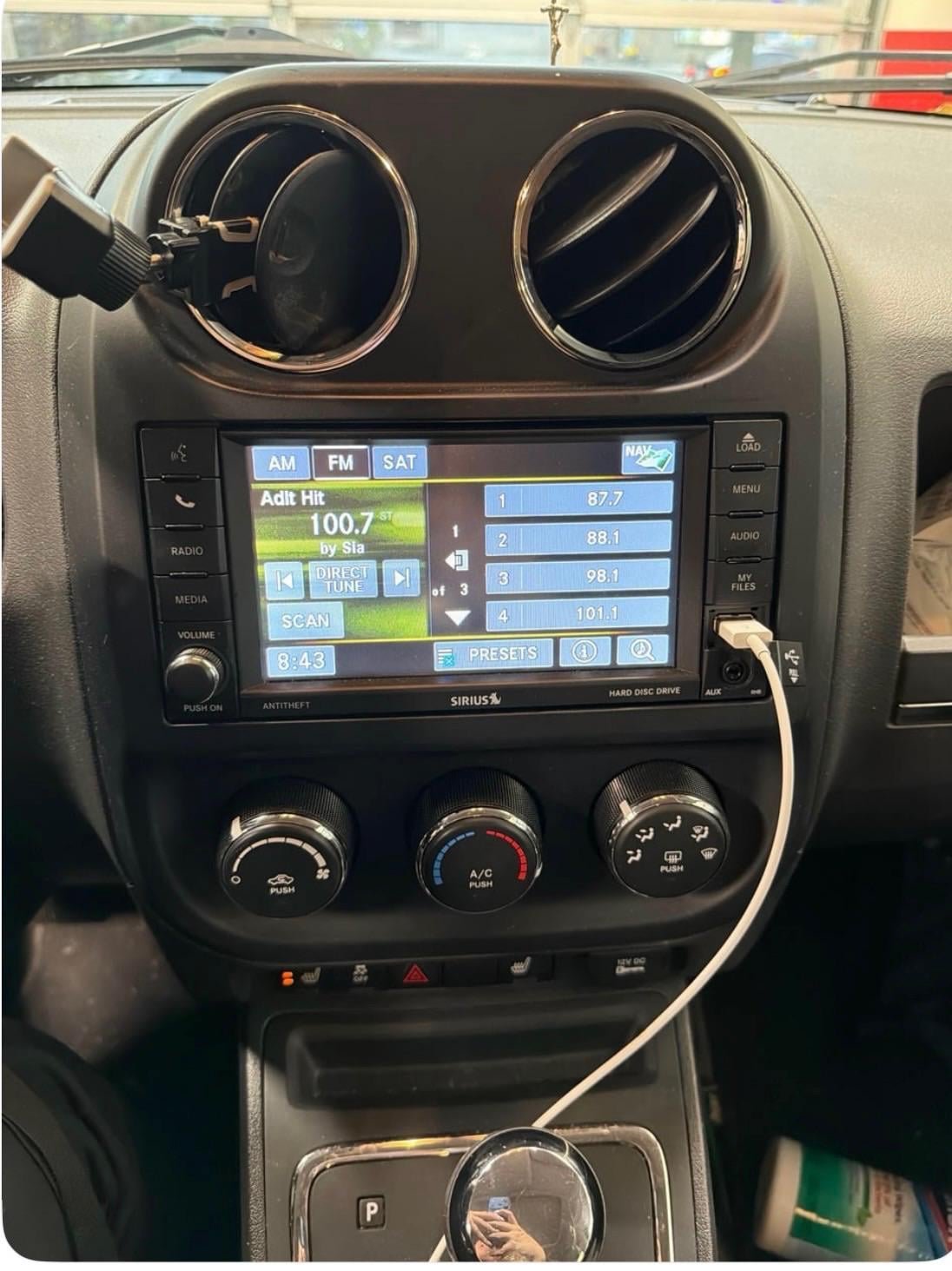
- The screen stays black or only shows the Jeep logo.
- Audio cuts out completely, even after resets.
- The system keeps rebooting on its own.
These can signal a hardware failure or corrupt software. Visit your Jeep dealer, who can run diagnostics and perform advanced repairs.
You can learn more about Jeep infotainment systems at the official Jeep Uconnect page.
Frequently Asked Questions
How Often Should I Reset My Uconnect System?
You don’t need to reset Uconnect regularly. Only reset when you notice bugs, freezes, or after a major update.
A factory reset removes personal data and settings but usually keeps built-in maps. If maps disappear, you can restore them with an update or at a dealer.
My Bluetooth Still Won’t Connect After Resetting. What Should I Do?
Delete all devices from both your phone and Uconnect, then pair again. Some phones need a “forget device” step before reconnecting.
Can I Update Uconnect Myself?
Yes, you can update Uconnect with a USB drive and the latest software from the Jeep website. Follow instructions carefully to avoid problems.
Is There A Risk Of Damaging Uconnect By Resetting It?
Soft and hard resets are safe when done as described. Avoid forcing the screen or using sharp objects, as that can cause permanent damage.
A working Uconnect system makes your Jeep driving experience safer and more enjoyable. By understanding the right reset steps, you can solve most issues quickly and avoid unnecessary trips to the dealer.