Programming a key fob for your Jeep Grand Cherokee can save time and money. Many owners worry this task is complicated, but with the right steps, you can do it yourself. Modern key fobs are more than just remote controls—they’re security devices, starting your Jeep and unlocking doors wirelessly. This guide will show you how to program your Grand Cherokee key fob, explain what you’ll need, and highlight common mistakes. Whether you’re replacing a lost fob or adding a spare, you’ll find clear instructions to get your Jeep running smoothly again.
Understanding Jeep Grand Cherokee Key Fobs
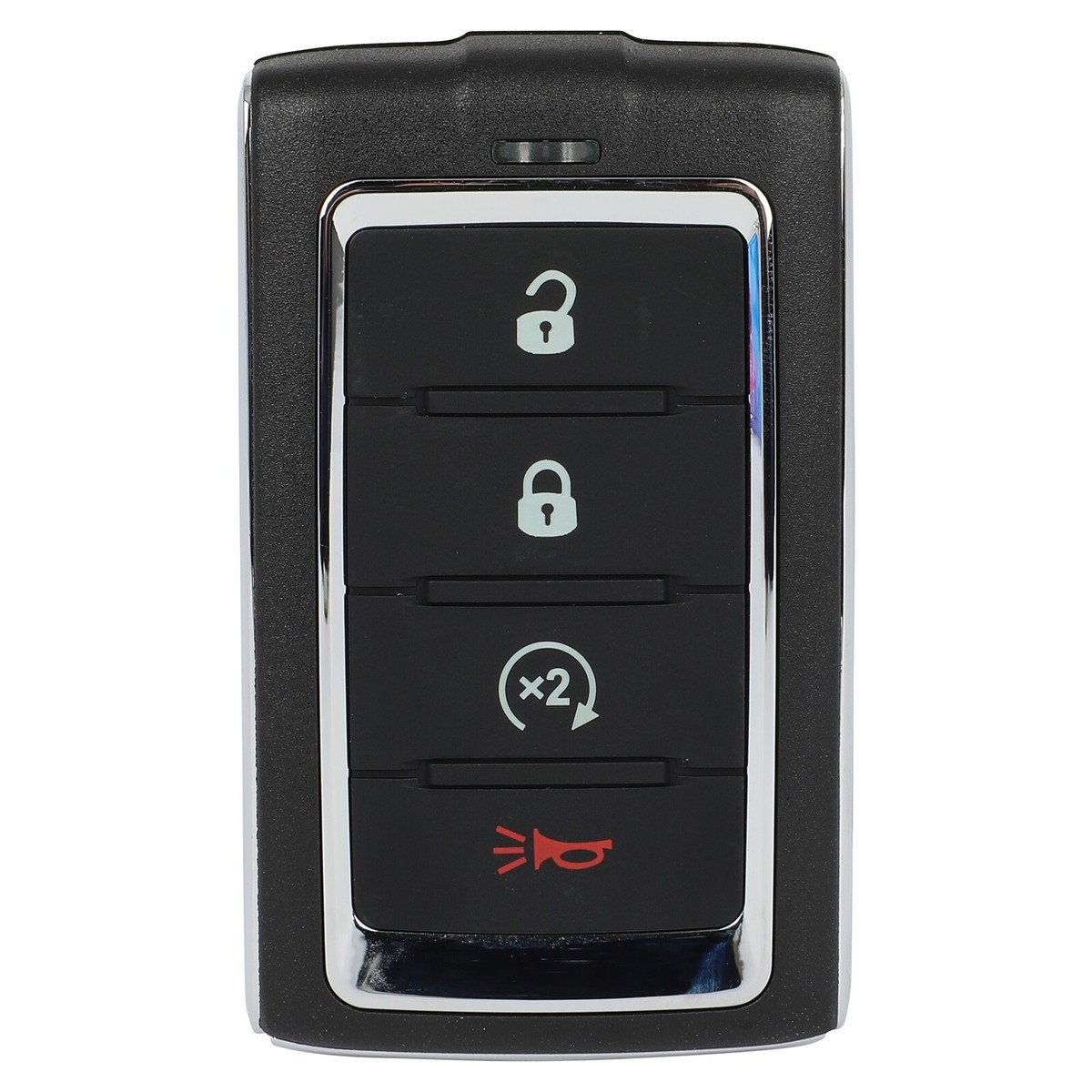
The key fob is a small device that communicates with your Jeep. Most Grand Cherokees from 2011 onwards use smart fobs with push-button start. Older models use traditional fobs with physical keys. Knowing your model year is essential because programming steps vary.
Here’s a quick comparison of key fob types:
| Model Year | Key Fob Type | Programming Method |
|---|---|---|
| 2011–2024 | Smart Fob (Push Start) | Requires dealer or special tool |
| 2005–2010 | Remote Keyless Entry | Can be self-programmed |
| 1999–2004 | Traditional Key/Fob | Usually dealer-only |
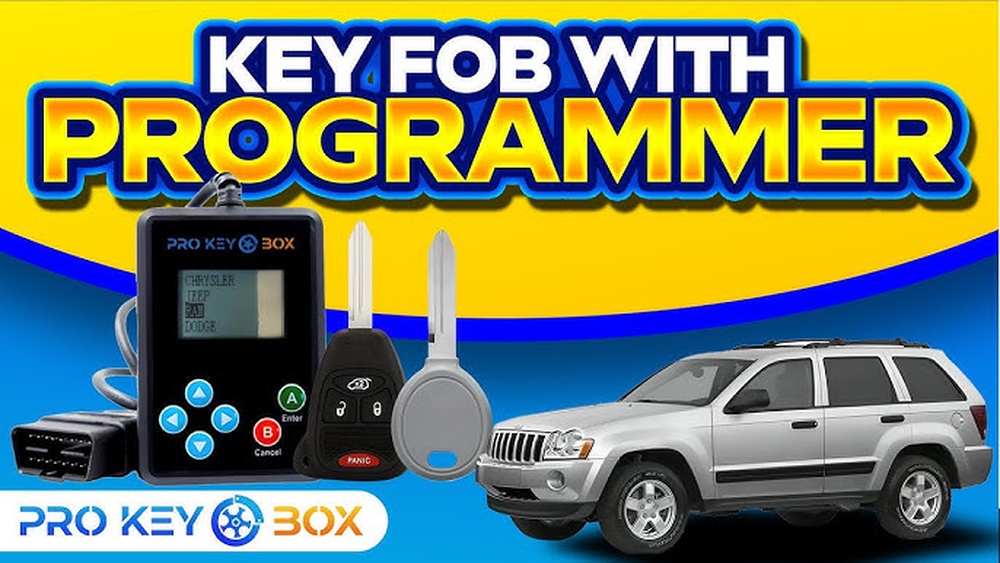
Most recent Grand Cherokees need a special programmer or dealer assistance. However, if you own a 2005 2010 model, you can program the fob yourself with two working keys.
What You Need Before Programming
- Correct key fob: Must match your Jeep’s year and model.
- Two working keys: Required for self-programming in some models.
- Owner’s manual: Helpful for checking steps and troubleshooting.
- Patience and attention: Rushing can cause mistakes.
If you lack two working keys, you’ll likely need to visit a dealer or locksmith. Many third-party sellers claim universal compatibility, but always check your VIN before buying.

Step-by-step Programming Guide
This section covers 2005–2010 Jeep Grand Cherokee models, as newer models require dealer tools.
Step 1: Insert First Working Key
Place your first working key in the ignition. Turn it to the “ON” position, but don’t start the engine. Wait five seconds, then remove the key.
Step 2: Insert Second Working Key
Immediately insert your second working key and turn it to “ON. ” Wait ten seconds, then remove the key. If done correctly, your Jeep’s security light will blink.
Step 3: Insert New Key Fob
Insert the new, unprogrammed key fob within 60 seconds. Turn it to “ON. ” The security light should stay on for three seconds, then turn off. This signals successful programming.
Step 4: Test The New Key
Remove the key and try starting your Jeep. Test both locking and unlocking functions. If the fob doesn’t work, repeat the steps carefully.
Step 5: Repeat For Additional Fobs
You can program up to eight fobs using this method. Always test each fob before finishing.
Here’s a quick summary:
| Step | Action | Time Required |
|---|---|---|
| 1 | Insert first key, turn ON, remove | 5 seconds |
| 2 | Insert second key, turn ON, remove | 10 seconds |
| 3 | Insert new fob, turn ON | 3 seconds |
| 4 | Test new fob | 1 minute |
Common Mistakes And How To Avoid Them
- Using the wrong key fob: Not all fobs are compatible. Always match your Jeep’s year and VIN.
- Rushing steps: Timing matters. If you move too fast or too slow, programming fails.
- Dead battery in fob: Always check batteries before starting.
- Not having two working keys: For self-programming, two working keys are mandatory.
Many beginners forget to check the fob battery or skip waiting times. These are subtle issues that cause frustration but are easy to fix.
Dealer Vs. Diy Programming
Not every Grand Cherokee owner can program their fob at home. Newer models (2011+) require special tools only available to dealerships or certified locksmiths. This adds cost but ensures proper setup and security.
Here’s a cost comparison:
| Method | Estimated Cost | Time Needed |
|---|---|---|
| DIY (2005–2010) | $0–$50 | 5–10 minutes |
| Dealer (2011+) | $120–$250 | 1–2 hours |
| Locksmith | $80–$200 | 30–90 minutes |
If you’re unsure, check your owner’s manual or visit the official Jeep website. For more details, see this Jeep Owners Resource.
Extra Tips For Success
- Buy original fobs: Cheap fobs may not work or last long.
- Double-check compatibility: Use your VIN to confirm with sellers.
- Have batteries ready: New fobs often ship without batteries.
- Store extra keys safely: Losing both original keys means dealer-only programming.
Many users overlook VIN compatibility and battery checks these are small but critical steps that can save hours.

Frequently Asked Questions
Can I Program A Jeep Grand Cherokee Key Fob Without Two Working Keys?
No, for 2005 2010 models, you need two working keys for self-programming. If you don’t have them, a dealer or locksmith is required.
How Many Key Fobs Can I Program For My Jeep?
You can program up to eight key fobs for most Grand Cherokees. Always test each fob after programming.
What If My New Fob Doesn’t Work After Programming?
Check the battery and repeat the steps. If it still fails, the fob may be incompatible, or your model needs dealer programming.
Is Programming A Key Fob The Same For All Jeep Models?
No, the steps change based on the year and model. Newer Grand Cherokees (2011+) usually need special equipment.
Are Aftermarket Key Fobs Reliable?
Some are, but many cheap options fail or stop working soon. Always buy from a trusted source and confirm compatibility.
Programming your Jeep Grand Cherokee key fob doesn’t have to be stressful. With the right instructions and a little patience, you can add or replace a key fob without visiting the dealership. Always check your model’s requirements, follow the steps carefully, and make sure your fob is compatible. This not only saves money but also gives you confidence in managing your vehicle’s security.