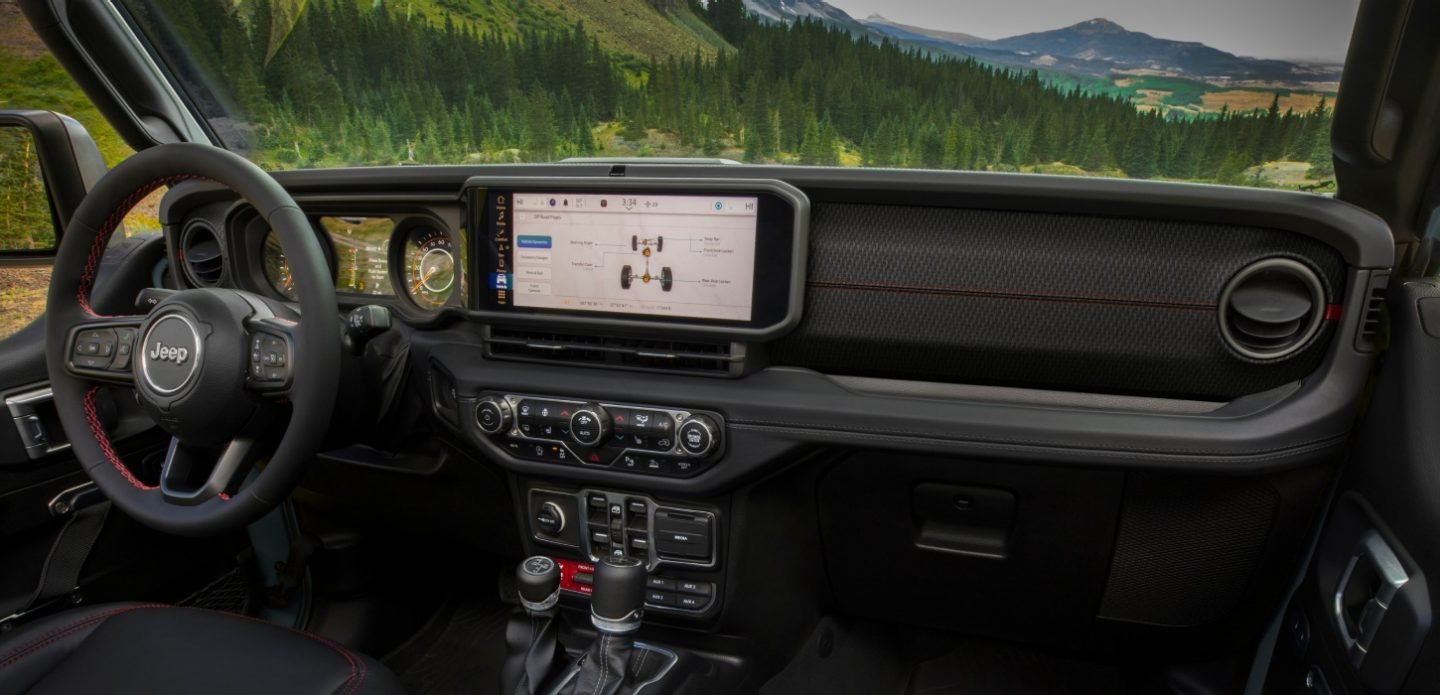
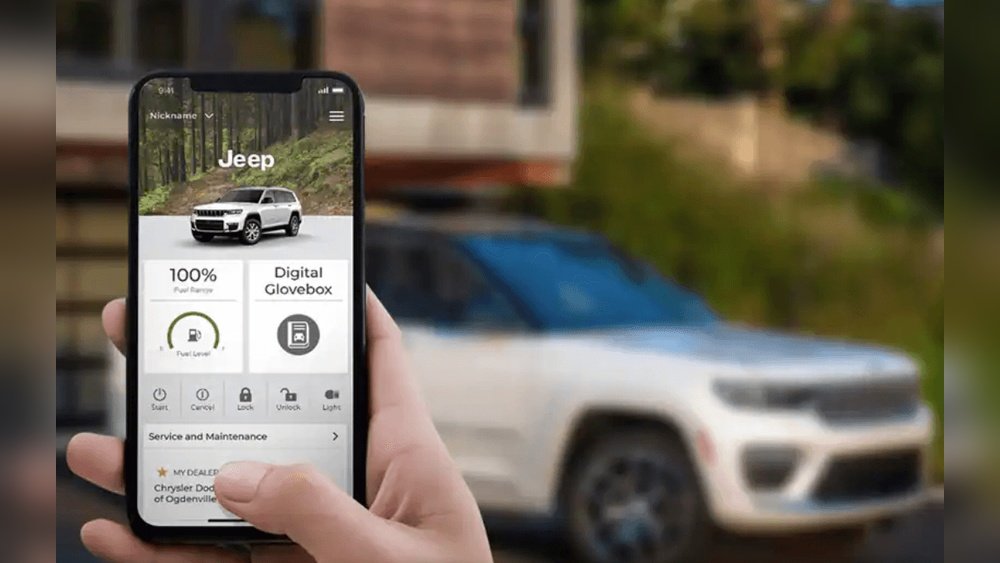
If you drive a Jeep and use the Uconnect system, you know it’s a big part of your daily routine. It controls your music, navigation, phone, and more.
But Jeep offers different Uconnect versions, and finding out which one you have is important. You may need this information for software updates, troubleshooting, or when buying accessories.
This guide helps you quickly identify your Uconnect version, explains its features, and compares different systems so you can make the most of your Jeep’s technology.
Why Knowing Your Uconnect System Matters
Jeep’s Uconnect isn’t just a radio. It’s a smart, connected system that affects how you interact with your vehicle. Each version has its own capabilities—some offer Apple CarPlay, others provide navigation or advanced safety features. If you want to update your software, fix a problem, or add new tools, knowing the exact Uconnect system is crucial. It also helps you understand what your Jeep can do and how to get the best experience.
Main Uconnect Versions In Jeep
Jeep models use different Uconnect systems depending on the year and trim. The most common versions are Uconnect 3, Uconnect 4, Uconnect 5, and older Uconnect 8.4. Here’s a simple overview:
| System | Screen Size | Key Features | Year Range |
|---|---|---|---|
| Uconnect 3 | 5″ | Basic radio, Bluetooth | 2013-2018 |
| Uconnect 4 | 7″-8.4″ | Apple CarPlay, Android Auto | 2017-2021 |
| Uconnect 5 | 8.4″-10.1″ | Wireless CarPlay, Alexa, HD touchscreen | 2021-present |
| Uconnect 8.4 | 8.4″ | Navigation, advanced radio | 2013-2020 |
Each system’s screen size and main features give clues about which version you have. For example, a 5-inch screen usually means Uconnect 3, while a larger 10.1-inch screen points to Uconnect 5.

How To Identify Your Uconnect System
You don’t need to guess which Uconnect is in your Jeep. There are easy ways to find out:
1. Check The Display Size
Measure your screen diagonally. Uconnect 3 is 5 inches, Uconnect 4 and 8.
4 are bigger, and Uconnect 5 can be up to 10. 1 inches.
2. Look For Features
Does your system support Apple CarPlay or Android Auto? Only Uconnect 4 and 5 have these. If you see wireless CarPlay or Alexa, it’s likely Uconnect 5.
3. Check The Startup Logo
When you start your Jeep, look at the logo on the screen. It sometimes shows the system version.
4. Go Into System Settings
Tap “Settings” or “System Information” on your screen. You’ll see details like software version, system name, and more.
5. Owner’s Manual
Your Jeep’s manual has a section about Uconnect. It lists which system comes with your model and trim.
6. Vin Lookup
Use your Jeep’s VIN at Jeep’s official VIN tool to see the original equipment, including Uconnect.
Example: Identifying Uconnect In A 2020 Jeep Wrangler
A 2020 Wrangler may have Uconnect 4 or Uconnect 8. 4, depending on trim.
If your screen is 8. 4 inches and you see navigation with CarPlay, it’s Uconnect 4C NAV.
Comparing Uconnect Features
Let’s see how Uconnect systems differ in real life. Here’s a comparison:
| Feature | Uconnect 3 | Uconnect 4 | Uconnect 5 |
|---|---|---|---|
| Bluetooth | Yes | Yes | Yes |
| Apple CarPlay/Android Auto | No | Yes | Wireless |
| Navigation | No | Optional | Advanced, real-time |
| Alexa Integration | No | No | Yes |
| Touchscreen | Basic | HD, responsive | HD, customizable |
| OTA Updates | No | No | Yes |
Uconnect 5 is the most advanced. It offers wireless CarPlay, Alexa integration, and over-the-air updates. But even Uconnect 3 gives you basic Bluetooth and radio.
Common Mistakes When Checking Your Uconnect System
Many Jeep owners make simple errors:
- Assuming screen size equals features: A big screen doesn’t always mean the latest Uconnect.
- Ignoring trim differences: Some trims offer upgraded systems as options.
- Skipping the manual: The manual has direct information, but it’s often ignored.
One insight many miss: Sometimes, two Jeeps of the same year have different Uconnect versions. Always check your specific vehicle, not just the year.
Practical Tips For Using Your Uconnect System
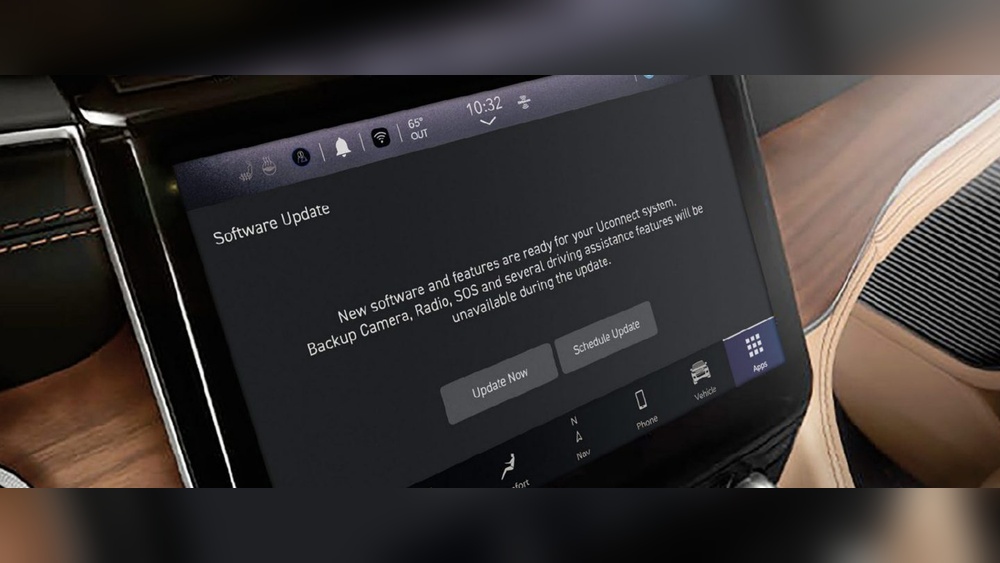
- Update your software: New features and bug fixes come with updates. Check for updates in “Settings.”
- Explore shortcuts: Use steering wheel buttons for quick access.
- Set up profiles: Uconnect 5 lets you customize profiles for different drivers.
- Use voice commands: Save time and keep your hands on the wheel.
- Connect your phone: If your system has wireless CarPlay or Android Auto, use it for safer navigation and music.
Upgrading Or Troubleshooting Uconnect
If your Jeep has an older Uconnect, you may want to upgrade. Some upgrades are possible, but it can be expensive and may need dealer support.
For troubleshooting, check the official Jeep forums or visit your dealership. Common issues are slow response, Bluetooth problems, or lost navigation.
Resetting the system (holding the power button for 10 seconds) often helps.
Frequently Asked Questions
How Do I Know If My Jeep Has Uconnect 5?
Check your screen size (8. 4” or 10.
1”), look for wireless CarPlay, Alexa, and customizable profiles. Uconnect 5 is found in newer Jeeps from 2021 onward.
Can I Upgrade My Uconnect System?
Upgrades are possible but depend on your Jeep’s wiring and hardware. Dealers can advise if your model supports an upgrade.
What’s The Difference Between Uconnect 4 And Uconnect 5?
Uconnect 5 offers wireless connectivity, Alexa integration, HD touchscreen, and over-the-air updates. Uconnect 4 has wired CarPlay/Android Auto and fewer customization options.
Where Can I Find My Uconnect Version In Settings?
Go to “Settings” > “System Information” on your Uconnect screen. You’ll see the system name and software version.
Is Uconnect Free To Use?
Basic features are free. Some services like navigation or remote start may require a subscription, depending on your Jeep model and Uconnect version.
Finding your exact Uconnect system in your Jeep is easy once you know what to look for. Knowing your version helps you unlock features, stay updated, and avoid mistakes. With these tips, you can get the most from your Jeep’s technology and enjoy a smarter, safer drive.