Starting your Jeep from your phone is more than just a cool tech feature it brings real convenience and security. Imagine warming up your Jeep on a cold morning without stepping outside.
Or, if you forgot to lock your doors, you can fix it from anywhere.
This guide will show you how to start your Jeep remotely with your phone, what you need, common problems, and how it compares to other methods.
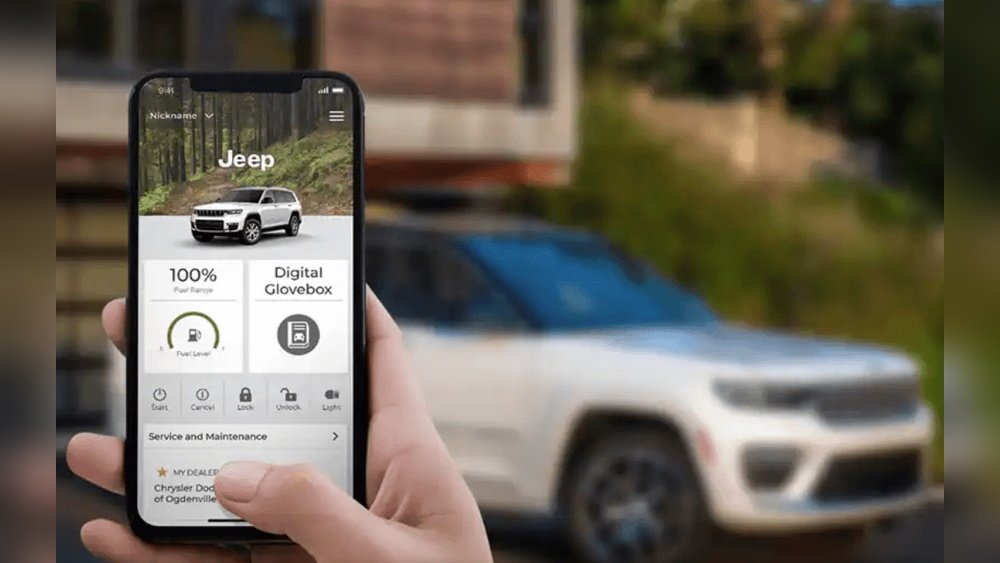
Whether you’re new to remote start or just want to upgrade, you’ll find all you need right here.
What Do You Need To Start Your Jeep From Your Phone?
To make your Jeep start from your phone, you need a few key things. Not all Jeeps have this feature built-in, so check your model first.
- Remote Start System: Most newer Jeeps (since 2018) offer remote start as standard or optional. If you have an older model, you may need to add a system.
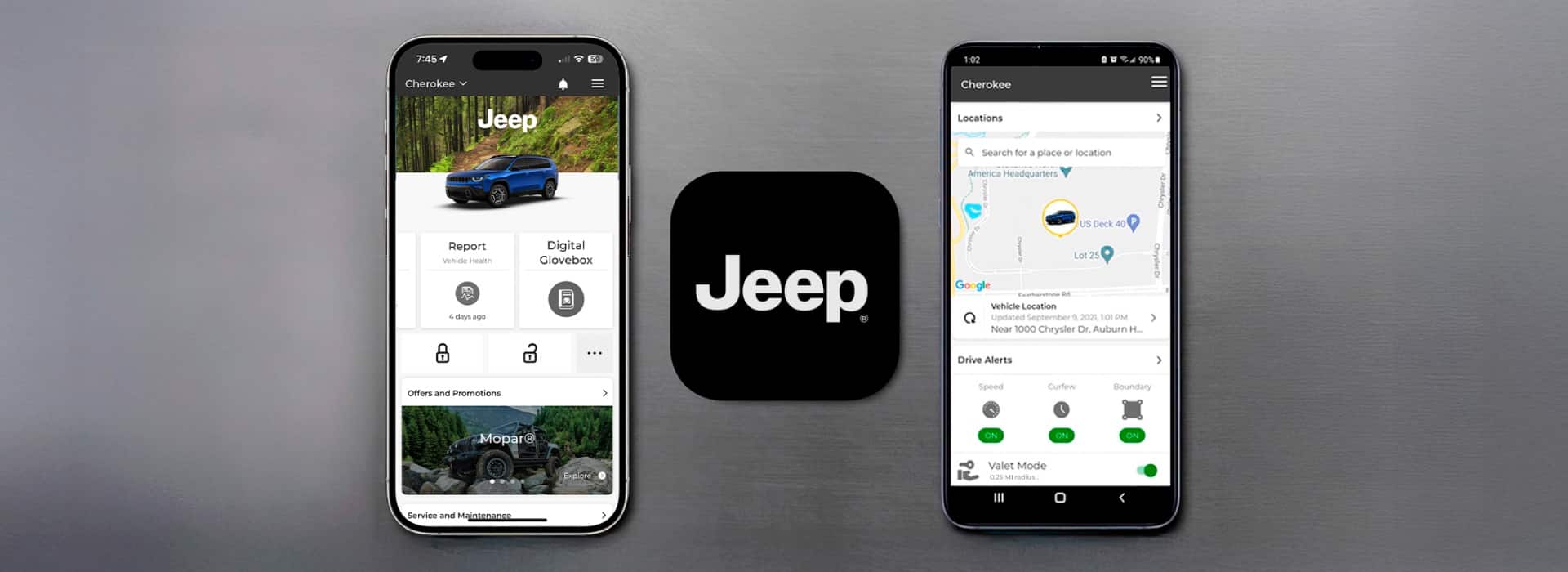
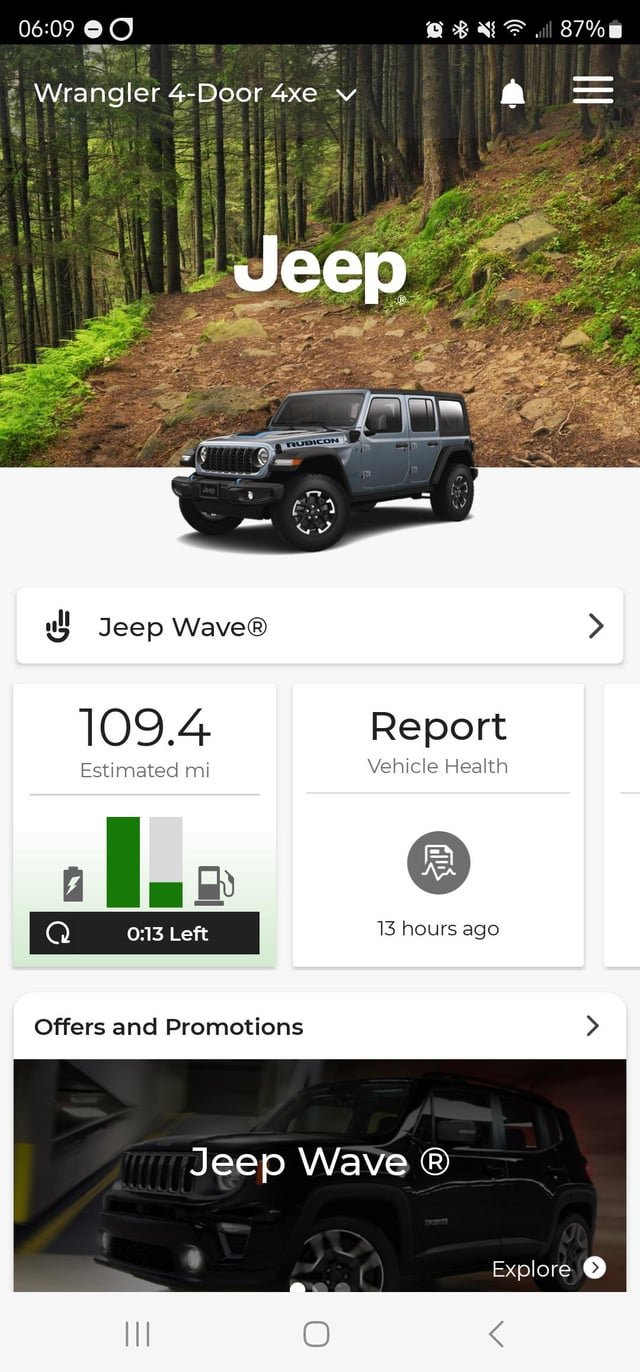
- Uconnect App: This is Jeep’s official app for remote functions. It works with compatible vehicles.
- Cellular Subscription: For full features, you need a Uconnect Access or Uconnect Services subscription, which costs about $20–$30 per month.
- Smartphone: Both iPhone and Android phones work.
If your Jeep doesn’t have remote start, you can install an aftermarket kit. Brands like Compustar or Viper offer kits, but installation costs extra.
Setting Up The Uconnect App
Getting started is simple if your Jeep is compatible. Here’s a step-by-step guide:
- Download Uconnect App: Find it in the App Store or Google Play.
- Register Your Vehicle: Enter your Jeep’s VIN and create your account.
- Subscribe to Uconnect Services: Choose a plan that includes remote start.
- Pair Your Phone: Follow the app instructions to link your phone and vehicle.
Once set up, you can use the app to start your Jeep, lock/unlock doors, and locate your car.
Common Setup Mistakes
- Entering the wrong VIN can block registration.
- Not completing the subscription step means features won’t work.
- Forgetting to allow app permissions stops remote start from working.
Using Your Phone To Start Your Jeep
With everything ready, here’s how to start your Jeep:
- Open the Uconnect app.
- Tap the Remote Start button.
- Wait for confirmation. Your Jeep will start, usually within 5–10 seconds.
The app shows you if your Jeep is running. You can also turn it off remotely.
Practical Tips
- Remote start only works if your Jeep is parked and locked.
- The engine will run for about 15 minutes before shutting off automatically.
- If you unlock the doors, the engine may turn off for safety.
How Does Phone Remote Start Compare To Other Methods?
Remote start from your phone is not the only option. Here’s how it stacks up against traditional methods.
| Method | Range | Features | Cost |
|---|---|---|---|
| Key Fob | Up to 300 feet | Basic start/stop | Included |
| Uconnect App | Unlimited (cell coverage) | Start, lock, locate | $20–$30/month |
| Aftermarket Kit | Varies | Depends on kit | $150–$500 + install |
The Uconnect app gives you more control, especially if you’re far from your Jeep. Key fobs work only nearby.
Security And Privacy Considerations
Using your phone to start your Jeep is safe, but there are risks. Here are some important points:
- Encryption: Uconnect uses strong encryption to protect your data.
- App Security: Always use a secure password and enable phone security.
- Data Privacy: Your location and driving data may be collected. Check Jeep’s privacy policy.
Security Comparison
| Method | Risk of Hacking | Best Practices |
|---|---|---|
| Phone App | Low if secured | Use strong passwords |
| Key Fob | Very low | Keep fob safe |
| Aftermarket | Medium | Choose reputable brands |
An often missed insight: If you lose your phone, someone could access your Jeep if you don’t have security enabled. Always keep your phone locked.
What If My Jeep Doesn’t Support Remote Start?
If your Jeep is older or doesn’t have built-in remote start, you still have options:
- Install Aftermarket Remote Start: Kits are available for most models. Professional installation is best for reliability.
- Third-Party Apps: Some kits offer their own apps, but check compatibility before buying.
- Manual Start: If nothing else works, you can only start your Jeep with the key.
Before buying a kit, research reviews and ask about phone compatibility. Many beginners miss that not all aftermarket kits work with every Jeep model.
Real-life Example: Starting A Jeep In Winter
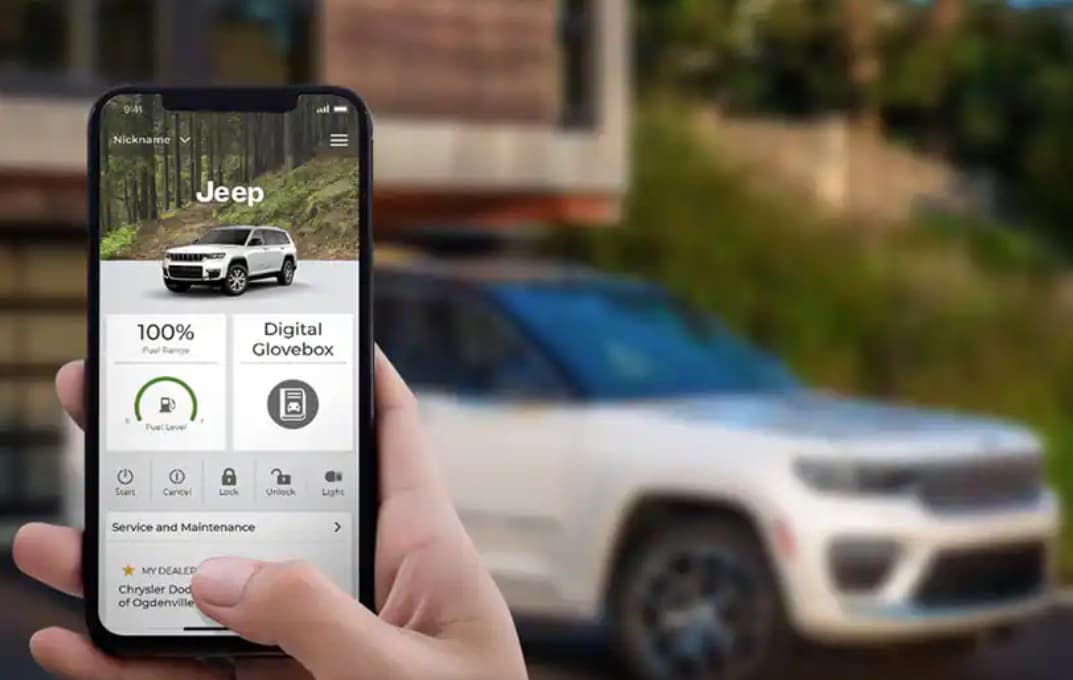
Let’s say you have a 2021 Jeep Grand Cherokee. It’s 10°F outside. You open Uconnect, tap “Remote Start,” and your engine fires up instantly. By the time you get in, the cabin is warm, and the windows are clear. This saves time and keeps you comfortable.
Another example: You parked at the airport. From inside the terminal, you use your phone to start your Jeep and unlock the doors. No need to worry about lost key fobs or being close.
Frequently Asked Questions
Can I Start My Jeep From My Phone Without A Subscription?
No. A Uconnect subscription is required for remote start. Free features are limited.
Is Remote Start Safe For My Engine?
Yes. Remote start is designed for safe operation and will not harm your engine if used properly.
What Happens If My Phone Battery Dies?
You can still use your key fob or manual key to start your Jeep. The app is just one method.
Will Remote Start Work If My Jeep Is Parked In A Garage?
Yes, as long as your Jeep has cellular signal. Thick walls may reduce coverage.
How Do I Know If My Jeep Supports Remote Start From My Phone?
Check your owner’s manual or Jeep’s official website. Models from 2018 onward usually support the feature.
Starting your Jeep from your phone makes life easier and safer. With the right setup, you can enjoy comfort, convenience, and peace of mind. Always secure your phone, use trusted apps, and check compatibility before buying anything new. For more details, visit the official Jeep Uconnect page.



















