Jeep vehicles have a long history of blending adventure with technology. Today, drivers expect more than just a sturdy SUV—they want smart features that help them travel confidently.
One of the key tools for any modern journey is the navigation system. But what navigation system does Jeep use, and how does it compare to others on the market?
Let’s explore how Jeep guides you from city streets to off-road trails with advanced navigation technology.
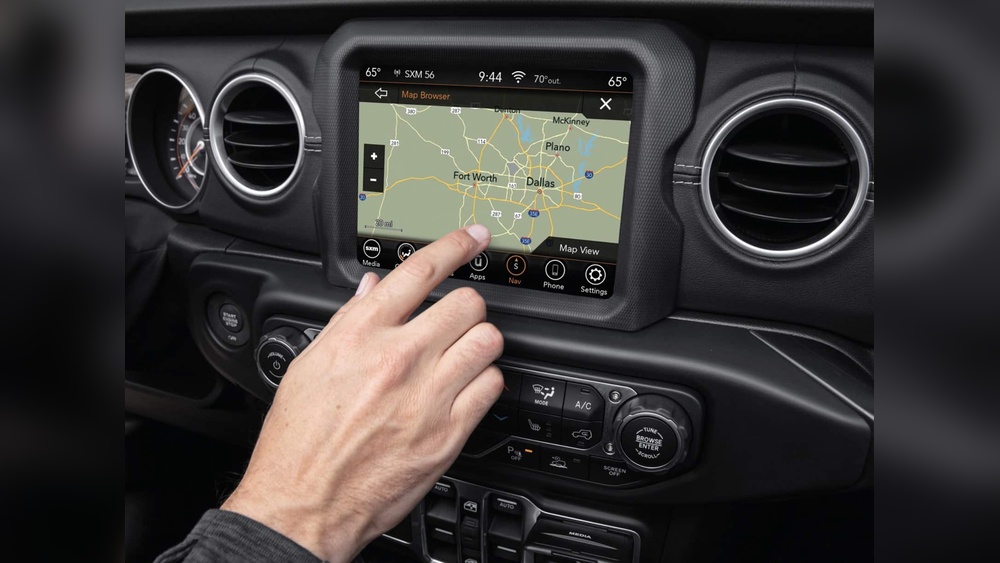
Most new Jeep vehicles come equipped with Uconnect, Jeep’s own infotainment and navigation system. Uconnect is more than just a map on a screen. It connects your smartphone, music, climate controls, and navigation into a single, easy-to-use interface.
There are different versions of Uconnect, like Uconnect 4, Uconnect 4C NAV, and the latest Uconnect 5. The exact version depends on the Jeep model and year. The navigation part is typically called “Uconnect NAV” or “Uconnect Navigation.”
Uconnect Navigation is designed for both daily commutes and tough terrain. Here are some important features:
- Touchscreen Display: Most Jeeps have a large, high-resolution touchscreen. Sizes range from 7 inches to 12 inches, depending on the model.
- Turn-by-Turn Directions: The system provides clear, spoken directions and visual cues.
- 3D Maps: Uconnect Navigation shows 3D maps with realistic buildings and terrain, making it easier to understand your route.
- Voice Command: You can ask the system to find addresses or points of interest without taking your hands off the wheel.
- Off-Road Navigation: Some models like the Jeep Wrangler offer extra off-road mapping, including trail routes and topography.
- Traffic and Weather Updates: Real-time data helps you avoid traffic jams and stay aware of weather changes.
- Points of Interest: Find gas stations, restaurants, and attractions easily.
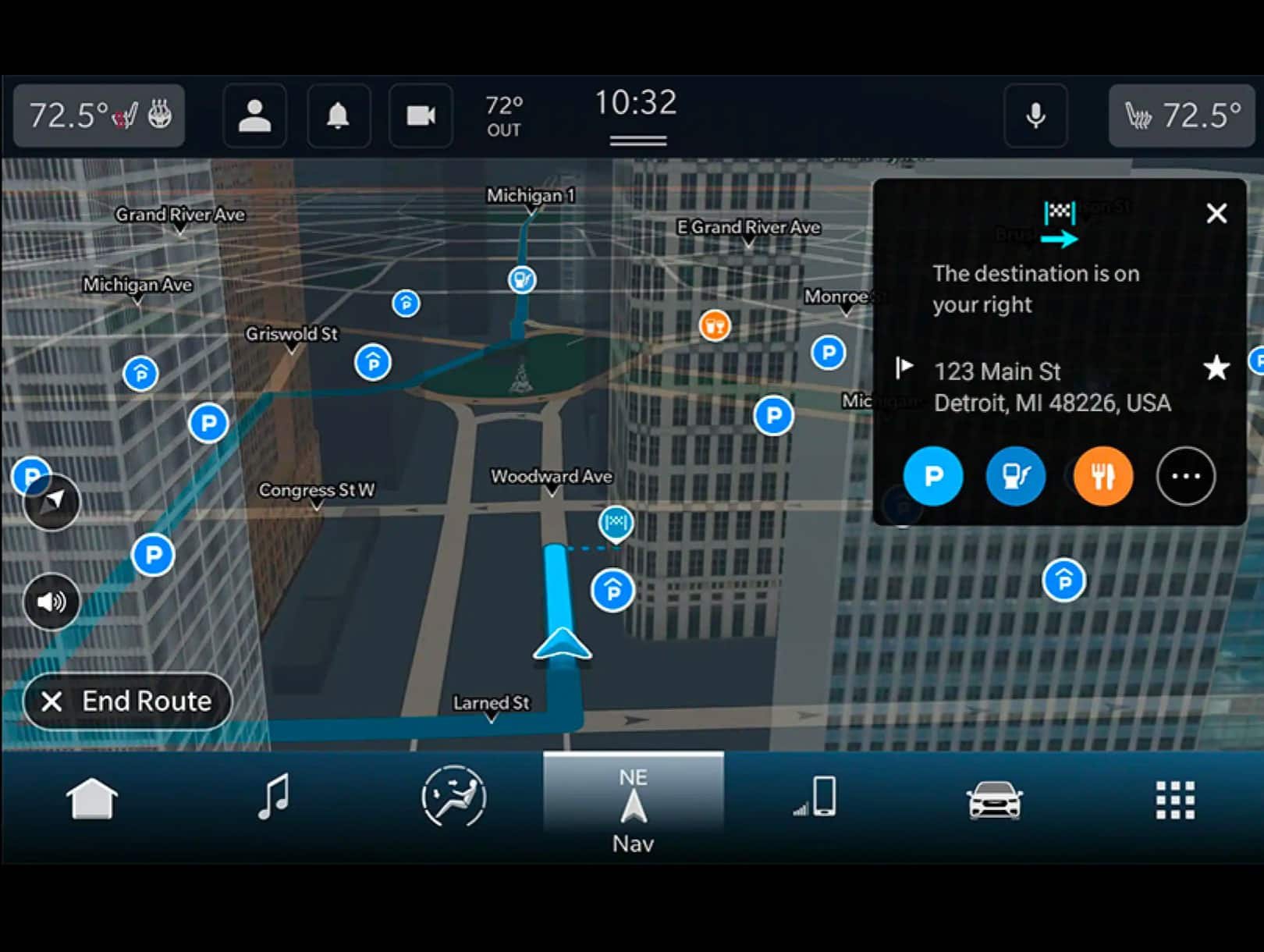
Uconnect System Versions And Compatibility
Jeep’s navigation experience can vary a lot based on the year and trim. Here’s a simple comparison:
| Uconnect Version | Screen Size | Navigation Type | Models Available |
|---|---|---|---|
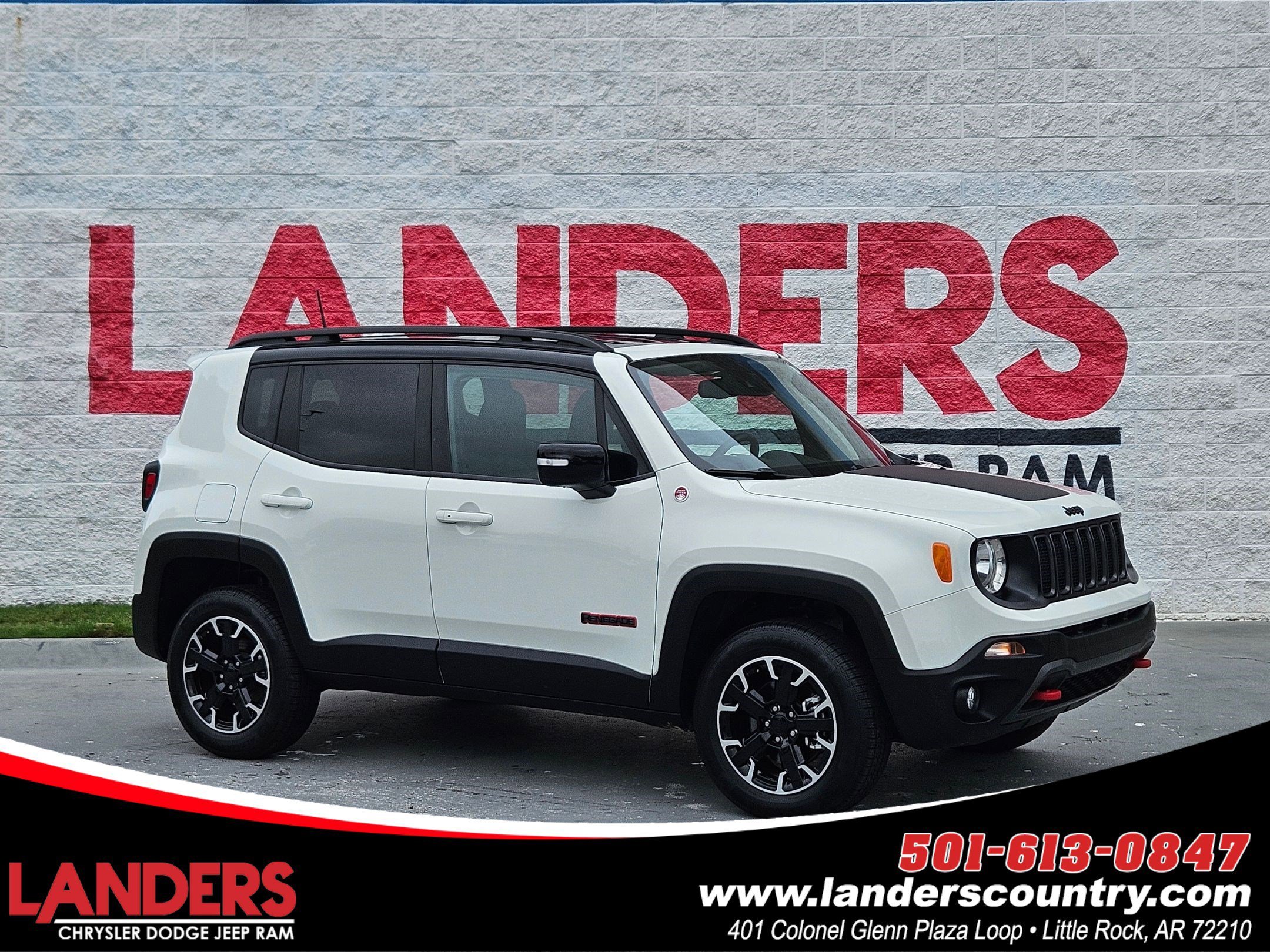
| Uconnect 4 | 7”-8.4” | Optional/Integrated | Renegade, Compass, Cherokee |
| Uconnect 4C NAV | 8.4” | Integrated | Wrangler, Grand Cherokee |
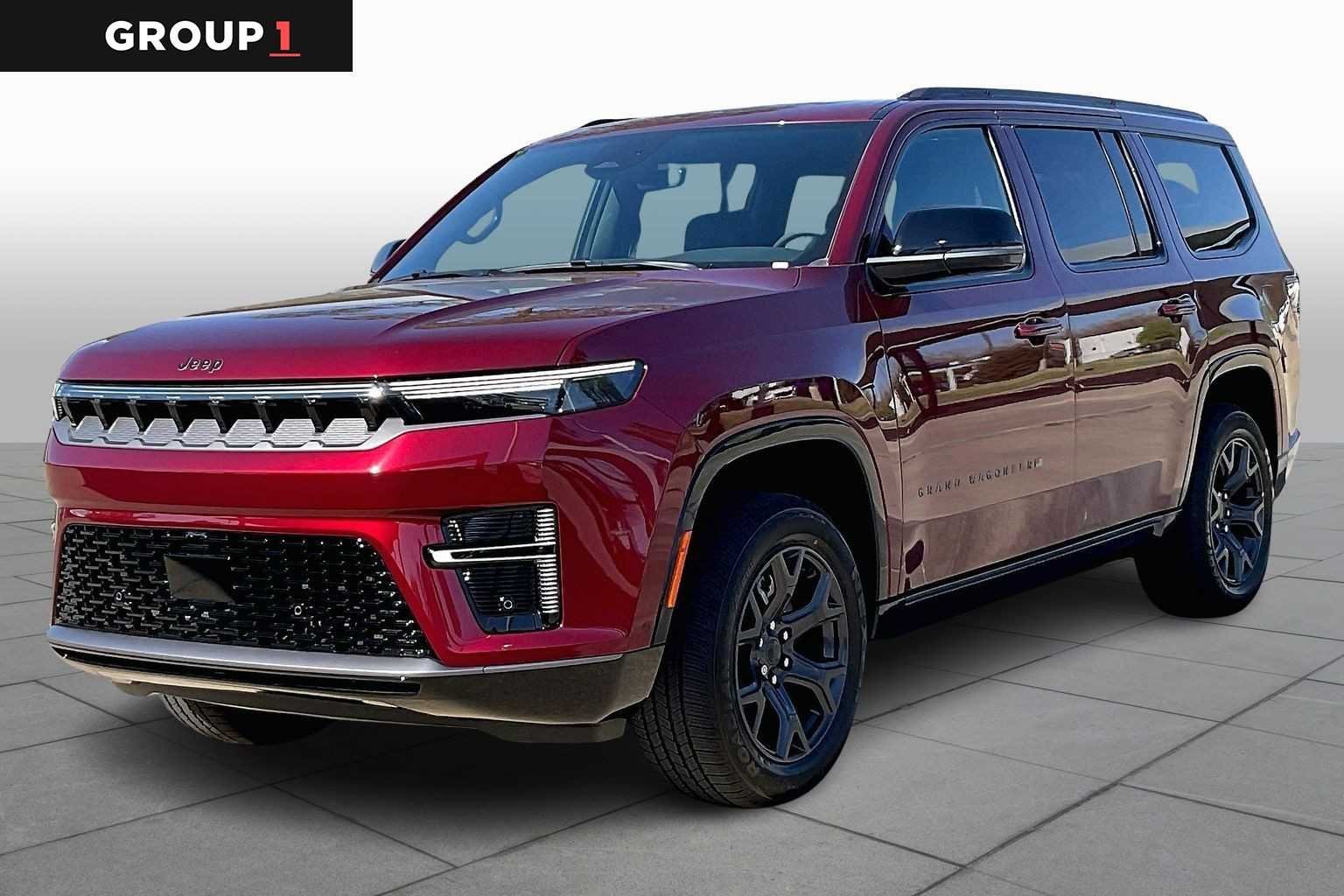
| Uconnect 5 | 8.4”-12” | Integrated, Enhanced | Grand Cherokee L, Wagoneer |
The latest Uconnect 5 system is faster, supports more devices, and has a sharper display.
Jeep vehicles also support Apple CarPlay and Android Auto. These features let you use navigation apps like Google Maps or Waze directly from your phone, mirrored on the Uconnect screen.
Here’s a quick look at how they compare:
| Feature | Uconnect Navigation | Apple CarPlay / Android Auto |
|---|---|---|
| Offline Maps | Yes (preloaded) | Limited (with downloads) |
| Traffic Updates | Yes (with subscription) | Yes (internet required) |
| Voice Commands | Yes | Yes |
| Off-Road Maps | Yes (select models) | No |
Uconnect Navigation is best for remote areas, as it doesn’t need cell service. Smartphone apps, however, are familiar and update frequently. Many drivers use both, switching as needed.
Map data changes over time. New roads, businesses, and traffic patterns make regular updates important.
For factory Uconnect Navigation, Jeep offers map updates every year or two.
You can update maps by:
- Buying a new map SD card or USB drive from Jeep or official suppliers.
- Installing the update by plugging the device into your Jeep and following on-screen prompts.
- Waiting about 30–60 minutes for the update to finish.
Uconnect 5 allows some updates over Wi-Fi, making it easier than before. However, these updates are not free after the first few years.
Many drivers skip updates, but this can lead to missing roads or outdated routes.
Unlike most SUVs, some Jeep models come with Trail Rated features and special navigation for off-roading. For example, the Wrangler and Gladiator can show:
- Detailed trail maps
- Elevation and pitch/roll data
- Waypoint marking for tracking your path
- Compass and GPS coordinates
These features help you stay safe when cell signal is weak and paper maps are hard to use. Jeep’s off-road navigation is one reason the brand stands out for adventure lovers.
Many Jeep owners find the navigation system easy to use, but there are some common issues:
- Slow startup: Older Uconnect versions can take time to boot.
- Map updates: Not all drivers know they must buy updates after a few years.
- Subscription fees: Traffic and weather services often require a paid plan.
- Learning curve: Some advanced features need practice to use well.
A practical tip: If your Jeep navigation freezes or acts strangely, try restarting the system or disconnecting your battery for a short time. Also, check your owner’s manual for step-by-step help.
How does Jeep’s navigation stack up against rivals like Ford’s SYNC or Toyota’s Entune? Here’s a brief comparison:
| Brand | Navigation System | Unique Feature | Off-Road Support |
|---|---|---|---|
| Jeep | Uconnect NAV | Off-road maps | Yes |
| Ford | SYNC 4 NAV | Cloud updates | Limited |
| Toyota | Entune | Hybrid smartphone maps | No |
| Chevrolet | Chevy MyLink | App store support | No |
Jeep’s edge is clear for those who want both city and trail navigation in one package.
Final Thoughts
Jeep uses the Uconnect Navigation system in its latest vehicles, offering a mix of touchscreen controls, voice commands, and off-road features. Whether you’re driving downtown or deep in the woods, Jeep’s navigation keeps you on track. While map updates and subscriptions can be a hassle, the flexibility to use both built-in maps and smartphone apps gives drivers the best of both worlds.
If you want more details on Uconnect and its features, the official Jeep site and Wikipedia’s Uconnect page provide in-depth guides.
Frequently Asked Questions
Uconnect Navigation is Jeep’s built-in GPS system. It gives turn-by-turn directions, 3D maps, and voice control.
It works without a cell signal and supports both city and off-road driving.
Can I Use Google Maps Or Waze In My Jeep?
Yes. Most new Jeeps support Apple CarPlay and Android Auto. These let you run Google Maps or Waze on your Uconnect screen, using your phone’s data.
Buy the latest update from Jeep, usually as an SD card or USB stick. Plug it into your car and follow the instructions. Some newer models allow updates over Wi-Fi.
The basic navigation is included, but real-time traffic and weather services often need a paid subscription after a trial period.
Not all models include navigation by default. It may be optional on base trims.
Check the features list or ask the dealer before you buy.