Replacing the battery in your Jeep key fob is a simple task, but many people worry about damaging their fob or losing its functionality. A weak key fob battery can cause your Jeep to not unlock or start remotely, leaving you stranded or frustrated.
The good news is, with the right steps, you can remove and change the battery quickly, even if you have no experience. This guide will walk you through the process, share useful tips, and help you avoid common mistakes.
If you’re unsure about which battery to use or how to open the fob without breaking it, keep reading for clear answers.
Understanding Your Jeep Key Fob
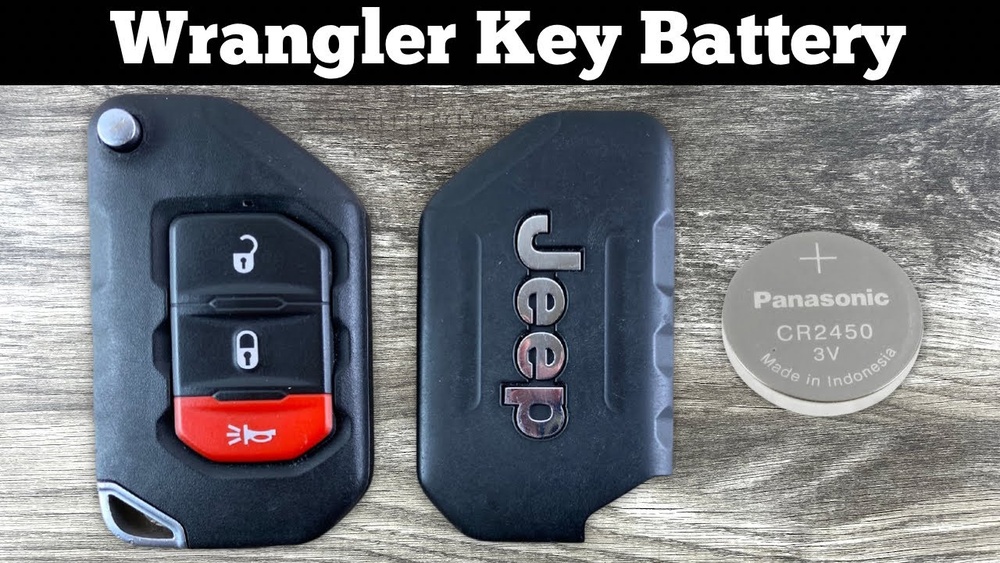
Jeep key fobs come in several designs, but most use similar battery types. The majority of Jeep models from 2010 onward use a CR2032 coin cell battery. Some older models may use CR2025 or CR2016. The battery’s size and voltage are important—using the wrong type can damage your fob or cause it to malfunction.
Here’s a comparison of the most common batteries found in Jeep key fobs:
| Battery Type | Voltage | Diameter (mm) | Thickness (mm) | Common Jeep Models |
|---|---|---|---|---|
| CR2032 | 3V | 20 | 3.2 | Grand Cherokee, Compass, Renegade |
| CR2025 | 3V | 20 | 2.5 | Older models |
| CR2016 | 3V | 20 | 1.6 | Rarely used |
Always check your owner’s manual or look for the battery code printed inside your fob before buying a replacement.
Tools And Preparation
Before you start, gather these items:
- Small flathead screwdriver (or a plastic pry tool)
- Replacement battery (CR2032 is most common)
- Clean cloth (to protect surfaces)
- Your Jeep key fob
Work on a clean, flat surface to prevent losing small parts. If possible, wear gloves to avoid fingerprints on the new battery.
Here’s a quick comparison of using different tools to open your fob:
| Tool | Effectiveness | Risk of Damage | Availability |
|---|---|---|---|
| Flathead screwdriver | High | Medium | Common |
| Plastic pry tool | Moderate | Low | Specialized |
| Fingernail | Low | Low | Always |
Using a plastic pry tool is safest, but a small screwdriver works for most people.
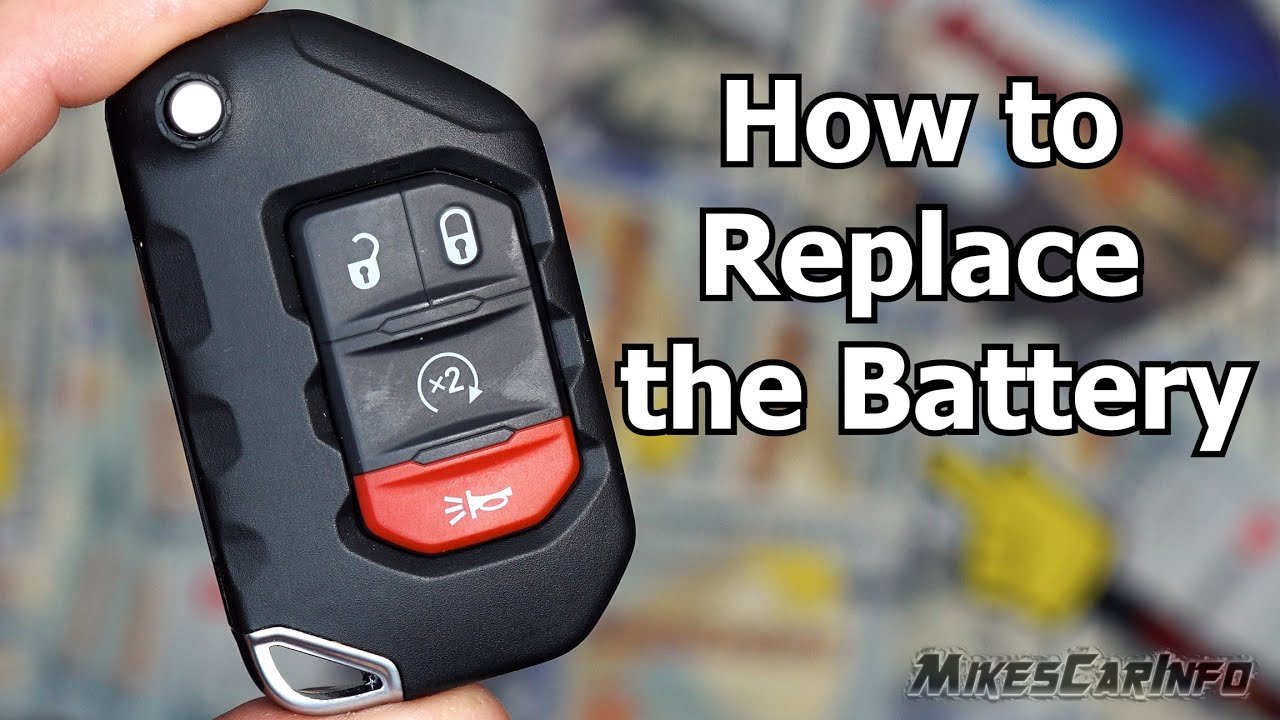
Step-by-step Guide To Removing The Battery
Follow these instructions for most Jeep key fobs:
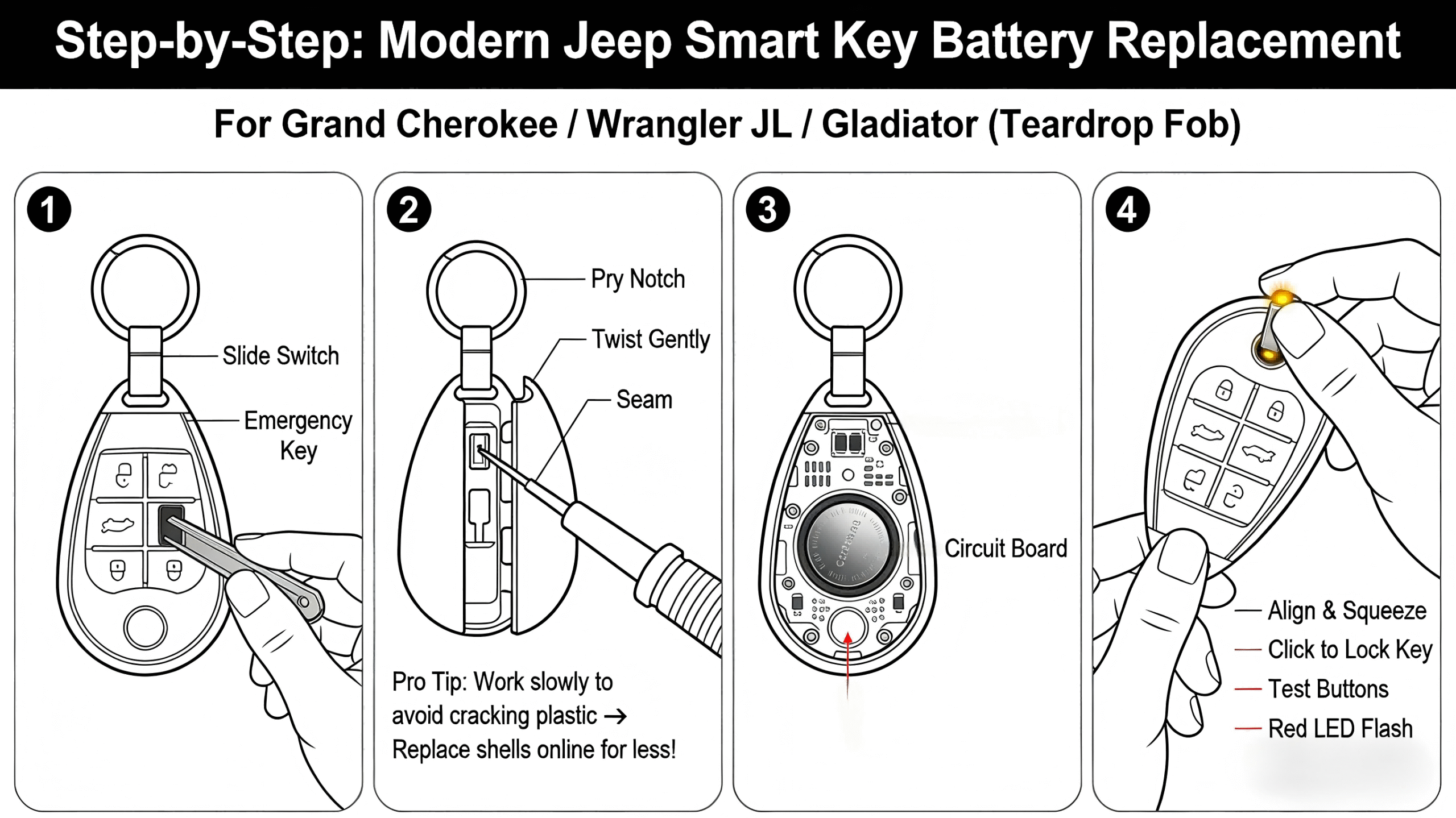
1. Remove The Physical Key:
Slide the release button on your fob and pull out the metal emergency key. This step is important, as the release button also helps unlock the case.
2. Open The Fob Case:
Locate the seam along the edge of your key fob. Insert your flathead screwdriver or pry tool gently into the seam.
Twist slowly to separate the two halves. Do not force it excess pressure can crack the plastic.
3. Locate The Battery Compartment:
Once open, you’ll see the round battery held in place by a metal or plastic clip. Note the battery’s orientation (which side faces up).
4. Remove The Battery:
Use your tool or fingernail to lift the battery out. Avoid touching the metal contacts or circuit board.
5. Clean Contacts If Needed:
If you see dust or corrosion, gently wipe the contacts with a dry cloth. This step helps ensure good electrical contact.
6. Insert The New Battery:
Place the new battery exactly as the old one was, matching the positive (+) side. Press it firmly into place.
7. Reassemble The Fob:
Align the halves and press them together until they snap shut. Reinsert the physical key.
Most Jeep key fobs will work immediately after battery replacement. If your fob doesn’t respond, double-check the battery orientation.
Practical Tips And Common Mistakes
Changing a battery is simple, but there are details many beginners miss:
- Don’t use metal tools on the circuit board.
This can cause short circuits or permanent damage.
- Always check the battery orientation before removing.
Some fobs have + and signs, but many do not.
- Avoid cheap, generic batteries.
Brand-name batteries last longer and are less likely to leak. According to Consumer Reports, quality batteries can last up to three years, while cheap ones may fail in six months.
- If your fob is not working after battery change, try resetting it. For many Jeep models, insert the key into the ignition and turn it to the ON position for 10 seconds. Remove and test the fob.
- Don’t throw away your old battery in the trash.
Button batteries are hazardous and should be recycled. Many stores have battery recycling bins.
Here’s a quick overview of battery life in Jeep key fobs:
| Battery Brand | Average Lifespan | Cost | Leak Risk |
|---|---|---|---|
| Duracell | 2-3 years | $4-6 | Low |
| Energizer | 2-3 years | $4-6 | Low |
| Generic | 6-12 months | $1-2 | High |
Choosing a trusted brand avoids unnecessary issues and saves money over time.

When To Seek Professional Help
If your key fob doesn’t respond after replacing the battery or you see signs of water damage, it’s best to visit your dealership or a locksmith. Some fobs have internal programming that can reset if the battery is removed for too long. In rare cases, you may need to reprogram your fob. If your Jeep is still under warranty, battery replacement at the dealer may be free.
For more information on key fob technology, visit the Remote Keyless System Wikipedia page.
Frequently Asked Questions
How Often Should I Change My Jeep Key Fob Battery?
Most batteries last 2–3 years, but heavy use can drain them faster. Change the battery if your fob starts working inconsistently.
What Signs Show My Jeep Key Fob Battery Is Weak?
Common signs include reduced range, needing to press buttons multiple times, or seeing a warning on your dashboard.
Can I Use Any Cr2032 Battery?
Yes, as long as it’s a quality brand. Avoid batteries with visible damage or from unknown sources.
Will Changing The Battery Erase My Fob’s Programming?
No, battery replacement does not erase programming. If your fob doesn’t work after changing the battery, check installation and consider resetting.
What Should I Do With My Old Battery?
Take old button batteries to a recycling center or battery disposal bin. Never throw them in household trash.
Replacing your Jeep key fob battery is quick and safe when done properly. Take your time, use the right tools, and choose quality parts.
With these steps, your fob will work reliably for years.