When you drive a Jeep Wrangler, you expect adventure and reliability. But sometimes, the smallest features can cause the biggest frustrations.
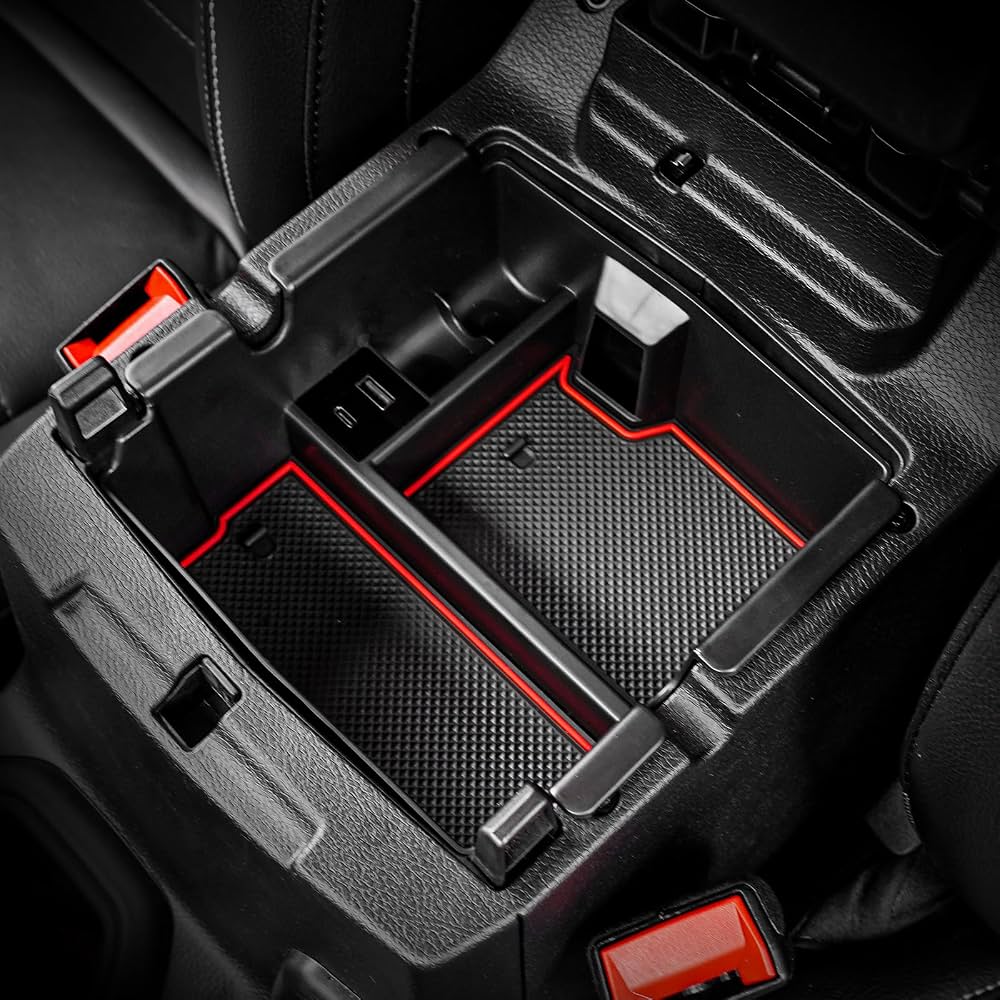
One common issue many owners face is USB port problems in the center console. Whether you use your USB port for charging, music, or connecting devices, a malfunction can disrupt your daily routine.
Understanding the causes and solutions can help you fix the issue quickly and avoid future headaches.
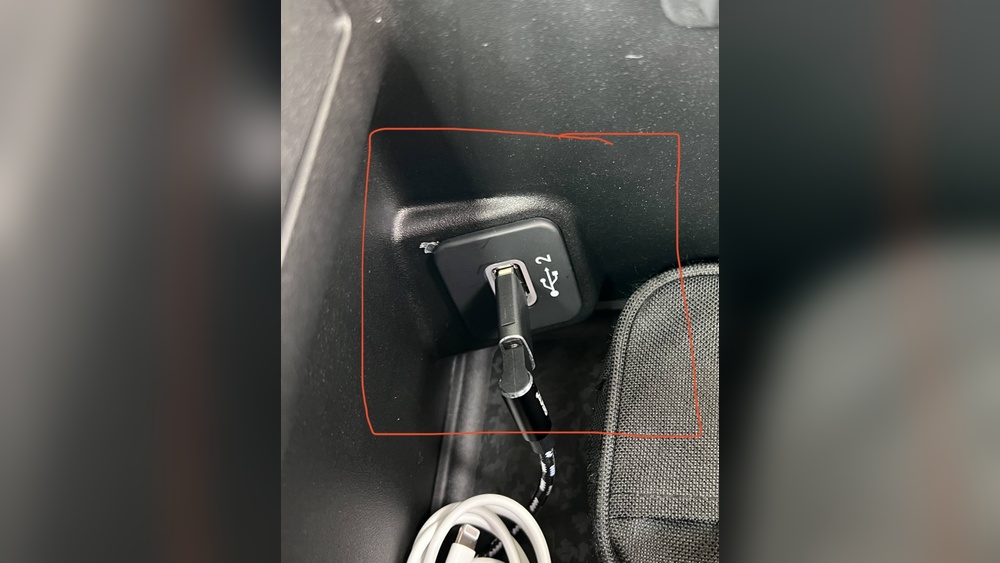
Common Symptoms Of Jeep Wrangler Usb Port Problems
Most Jeep Wrangler owners notice USB port issues in a few ways:
- Device not charging when plugged in
- Music or media not playing through the audio system
- USB port not detected on the dashboard screen
- Intermittent connection, where the port works sometimes but not always
These problems can appear in models from 2018 and newer, especially the JL series. Older models might have different wiring, but USB issues are still possible.
Main Causes Of Center Console Usb Port Failure
Understanding why the USB port fails helps you find the right fix. Here are the main causes:
- Loose connection: Sometimes, the wiring behind the port becomes loose due to vibration or rough driving.
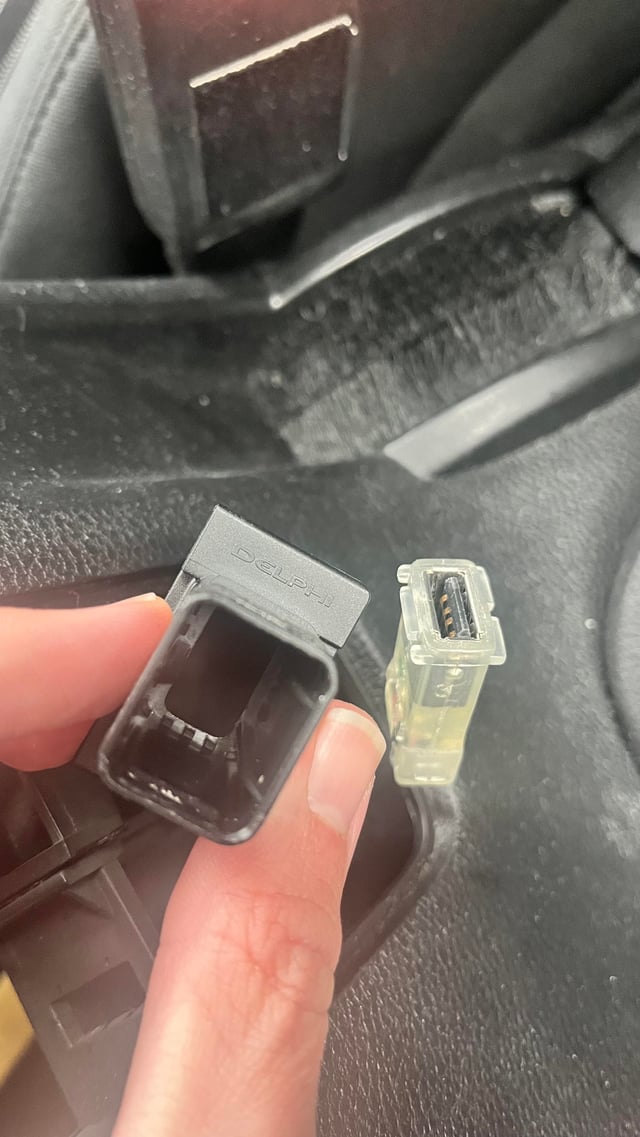
- Blown fuse: Each USB port usually has its own fuse. If the fuse blows, the port stops working.
- Faulty USB port: The physical port can wear out or break, especially if used often.
- Software glitches: Updates to the Jeep’s Uconnect system may affect USB functionality.
- Foreign objects or debris: Dirt, dust, or small items can block the port and cause connection issues.
It’s important to check these causes before replacing parts or visiting a mechanic.
Diagnosing Usb Port Problems
You can diagnose most USB port issues at home. Here’s a practical approach:
- Test with multiple devices: Plug in your phone, a USB drive, and other devices to see if any work.
- Check charging vs. data: Some ports only charge, while others support data. Identify which type is faulty.
- Inspect the port: Look for visible damage, dust, or bent pins.
- Restart the Uconnect system: Sometimes, a simple restart solves software glitches.
If none of these steps fix the issue, move on to checking fuses and wiring.
How To Fix Jeep Wrangler Usb Port Problems
Fixing a USB port doesn’t always require a mechanic. Try these steps:
- Replace the fuse: Locate the fuse box under the hood or behind the glove compartment. Check the diagram to find the USB port fuse. Replace it if blown.
- Clean the port: Use compressed air or a small brush to remove debris.
- Reset the Uconnect system: Hold the power button for 10 seconds or disconnect the battery for a few minutes.
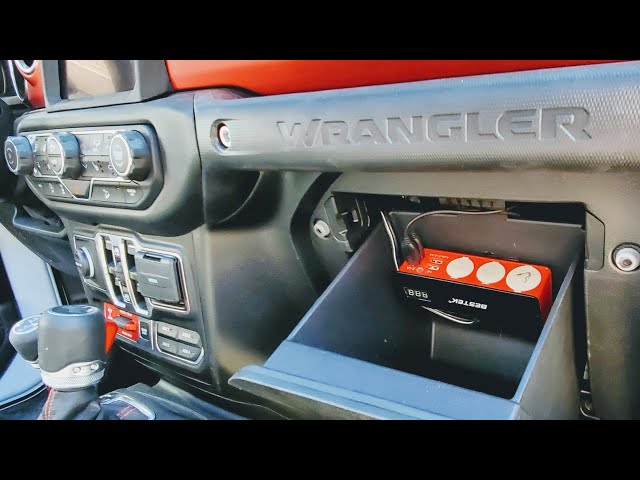
- Check wiring: If you’re comfortable, remove the center console and inspect the wiring for loose connections.
- Replace the port: If the port is physically damaged, you may need to order a new part from Jeep or an auto parts store.
If these fixes don’t work, consult a dealership or professional mechanic.
Comparing Jeep Wrangler Usb Port Issues With Other Models
Jeep Wrangler owners are not alone. Other vehicles also have USB port issues. Here’s a comparison:
| Vehicle Model | Common USB Issue | Ease of Fix |
|---|---|---|
| Jeep Wrangler JL | Loose wiring, blown fuse | Moderate |
| Ford F-150 | Software glitch | Easy |
| Toyota Tacoma | Port wear | Hard |
| Honda CR-V | Dirt in port | Easy |
Jeep Wrangler USB port issues are usually fixable without expensive repairs.
Average Cost Of Repair
Repair costs depend on the problem. Here’s a breakdown:
| Repair Type | Estimated Cost (USD) | DIY Possible? |
|---|---|---|
| Fuse replacement | $10-$20 | Yes |
| Port cleaning | $0-$15 | Yes |
| Port replacement | $50-$150 | Yes, with tools |
| Professional wiring fix | $100-$250 | No |
Most fixes are affordable, especially if you do them yourself.
Non-obvious Insights For Jeep Wrangler Owners
Many beginners miss two key points:
- USB ports may have separate fuses for each location (center console, dashboard, rear). Always check the correct fuse.
- Aftermarket USB upgrades can cause compatibility issues. If you installed a new USB hub, check if it matches Jeep’s wiring and software.
It’s also helpful to know that sometimes, the Uconnect system needs a software update to restore USB functionality. Visit Jeep’s official website for the latest updates.
Preventing Usb Port Problems
You can prevent issues by:
- Avoiding forceful plugging and unplugging of devices
- Using quality USB cables
- Keeping the port clean and dry
- Updating your Uconnect system regularly
If you drive off-road, vibrations are higher. Secure your devices and check connections after rough rides.